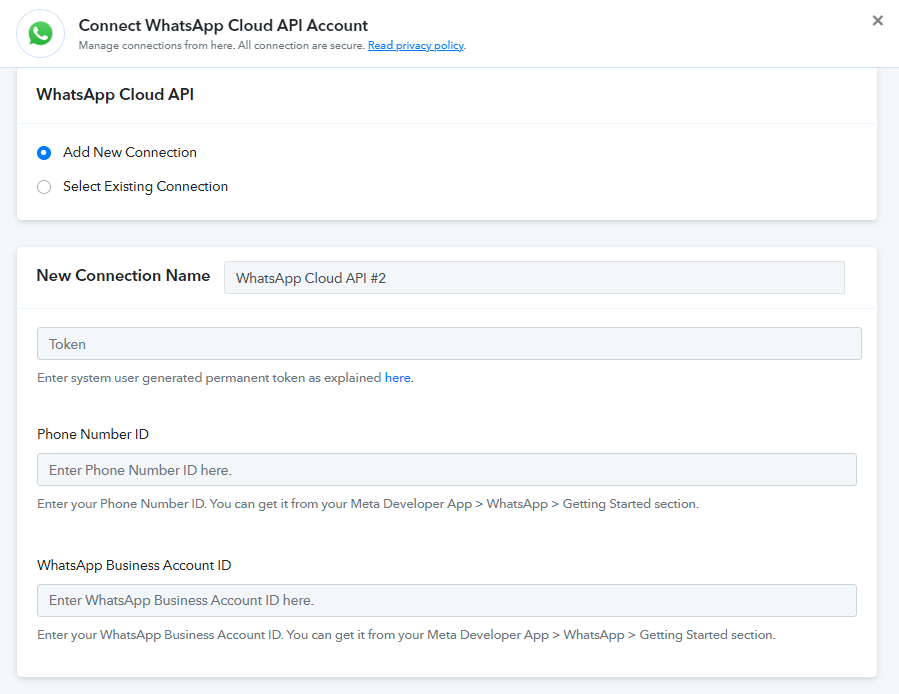
(#131000) Generic error
Status: Closed · Asked by krishnaenterprise1098 on · 0 views
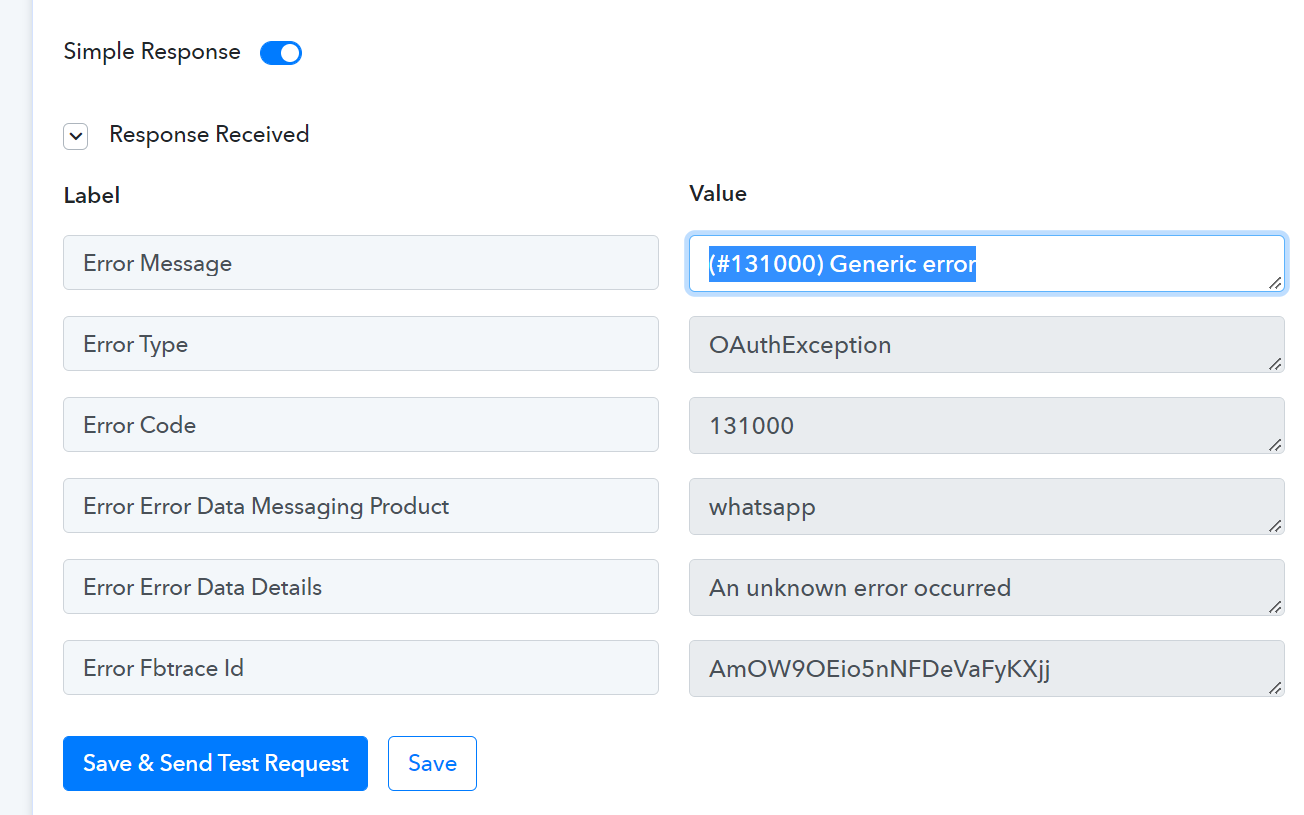
Hey @krishnaenterprise1098 !
On checking upon your workflow, we can see a new error in it-
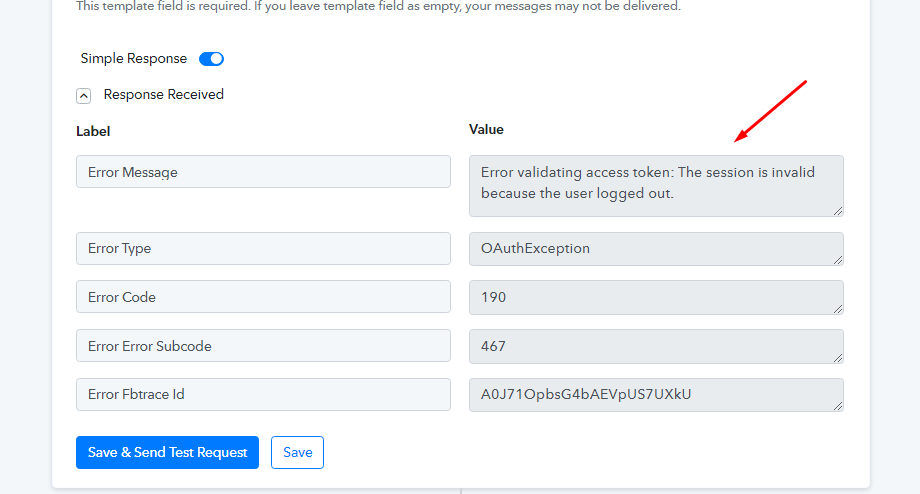
Kindly re-connect the step once again and re-map all the fields and then click on "Save & Send Test Request".
It will work for you.
Also, here is a video tutorial for reference on how to get connected with WhatsApp Cloud API step-
youtube.com/watch?v=Kljlvaiy9Sk
Hope, this works for you now.
Even if I have done according to the solution shown by you, I have not been able to complete a single workflow so far. I think so. That you have kept a part hidden. And I made a lot of workflows by watching many of your videos, but not every time in all of them, there has been a single success. If you get such an error, not a single video has been made of what to remedy it. So It seems to me that you just want to get traffic and not a complete solution.
Hey @krishnaenterprise1098
As we can see from your workflow, you are still using the Cloud API's old credentials. So, kindly recreate a new connection of your WhatsApp Cloud API account.