400 Error code re new rows in Google Sheets
Status: Closed · Asked by takingaction on · 0 views
Hi, I've gotten 8 of the same error stating the following:
[TABLE]
[TR]
[TD]Error Code[/TD]
[TD]400[/TD]
[/TR]
[TR]
[TD]Error Message[/TD]
[TD]Unable to parse range: New!A1[/TD]
[/TR]
[TR]
[TD]Error Status[/TD]
[TD]INVALID_ARGUMENT[/TD]
[/TR]
[/TABLE]
What can I do to resolve this? Basically I am sending new MailChimp subscribers to a Google Sheet. Thanks!
Hey @takingaction
It usually indicates that the spreadsheet/worksheet was renamed since it was selected in the workflow. And because of that, the error might have occurred.
Kindly re-authenticate the action step and try again.
Good day. I have the very same issue and cannot seem to get beyond it. It's a frustrating predicament since I have watched this video seemingly hundreds of times-- and in doing so, have combed through every detail to ensure that I am following the instructions with precision.
Would you please offer help in resolving?
Attachments
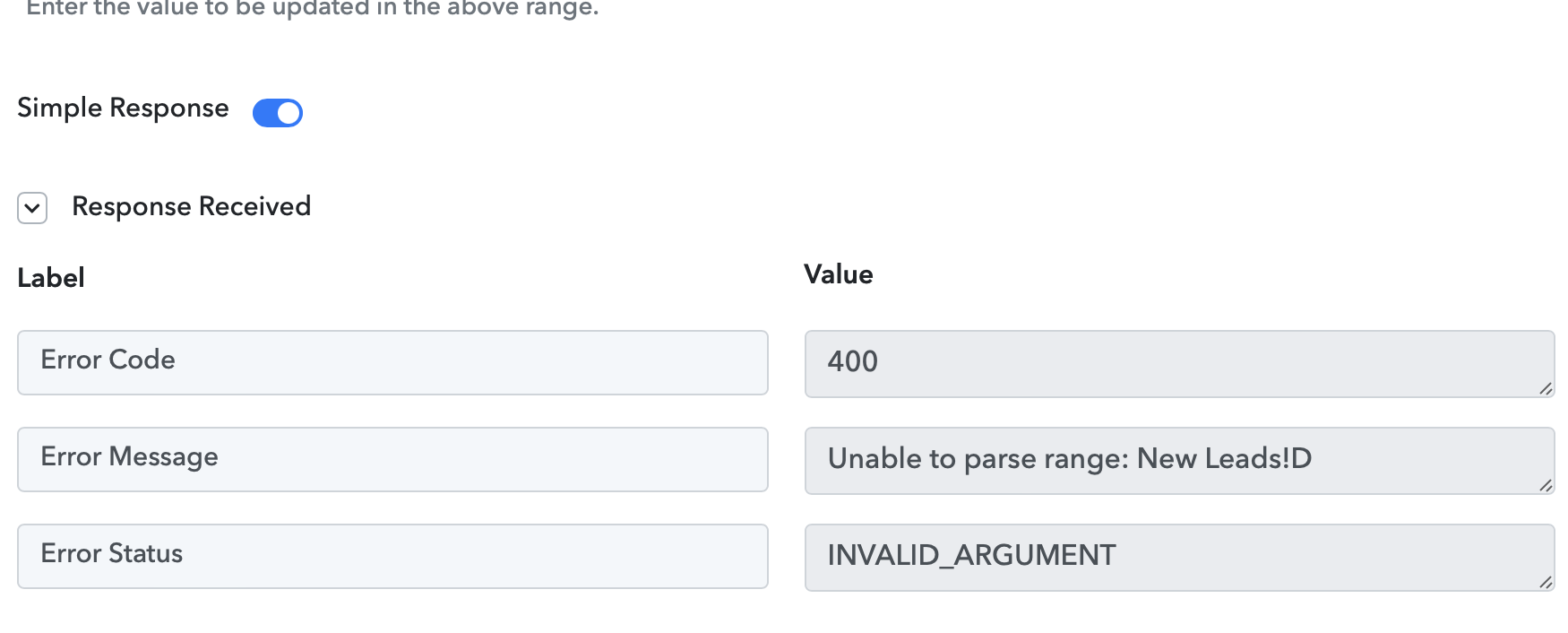
Hi, it was a renaming issue that caused this for me. Updating the workflow to select the newly named spreadsheet/sheet solved this issue. Hope that helps.
@takingaction , truly appreciate the suggestion--thank you. ? I had already tried that strategy unsuccessfully. Tried it once more with no luck, but I did just find this video which takes us down a different path of updating the row. That seems to function with no trouble at all.