503 Error
Status: Closed · Asked by UnickDigitals on · 0 views
{
"title": "Service Unavailable",
"detail": "Service Unavailable",
"type": "about:blank",
"status": 503
}
Hey @UnickDigitals
It appears that there is a temporary issue with the Twitter API, resulting in a 'Service Unavailable' error (status code 503). This error typically indicates that the Twitter service is currently experiencing high traffic or undergoing maintenance.
I recommend trying the action again after a little while, as this issue is likely to be resolved soon.
Is there something which can help me to complete the action after few time. So I will not need to do it manually
Certainly, you have the option to activate the "Auto Re-execution" feature within your workflow, which will automatically retry the action step for a second execution attempt.
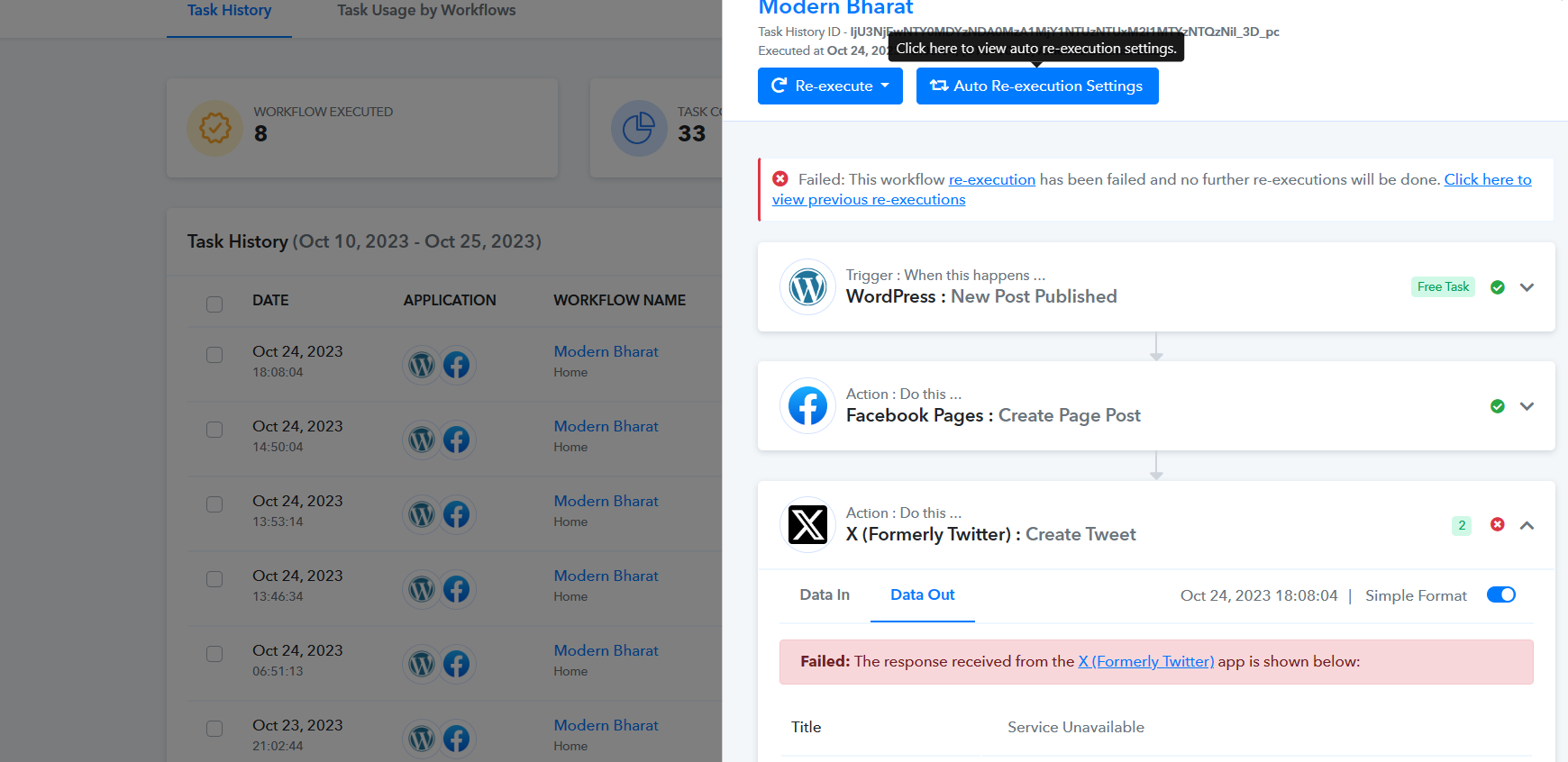
You can refer to the following thread as well to enable the feature in your workflow and it's working.
https://forum.pabbly.com/threads/how-to-enable-auto-re-execution-for-workflows.15088/
If the action is failed then it will consume 1 task or not ?
If the action is failed then it will consume 1 task or not ?
Yes after executing the failed task it will only take the same number of task(s) to re-run automatically.