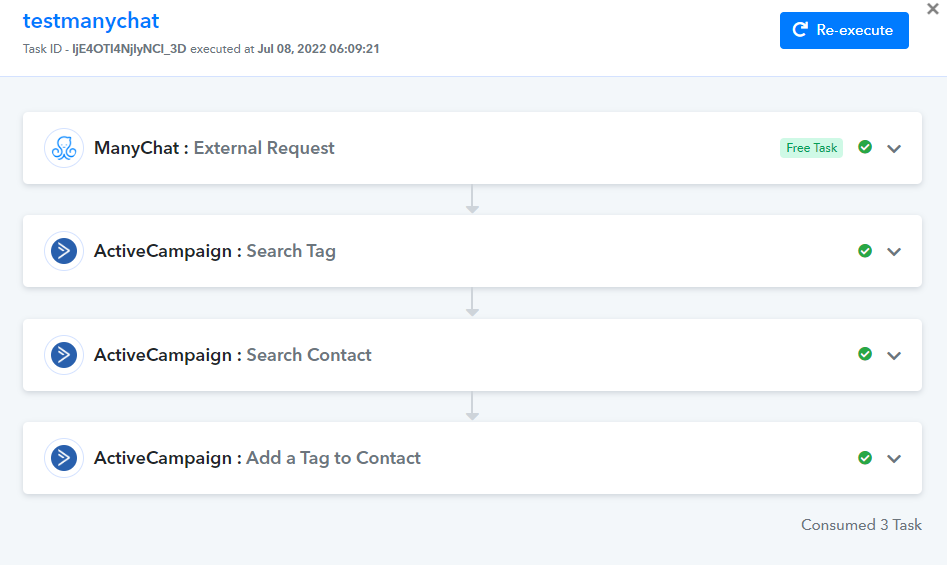
Active campaign tags
Status: Closed · Asked by AlCukovic on · 0 views
Hi, I set up a flow where the action is "add a tag to a contact" on Active campaign.
The problem is : on the field "Tag ID (Required)" I have a list of tag from my active campaign account which is not full. On the scrolling I can see only 100 tags, while I've 300 on AC. So I can't find the appropriate tag on the list. Is it a technical issue that pabbly can't retrieve all the tags ?
Hey @AlCukovic
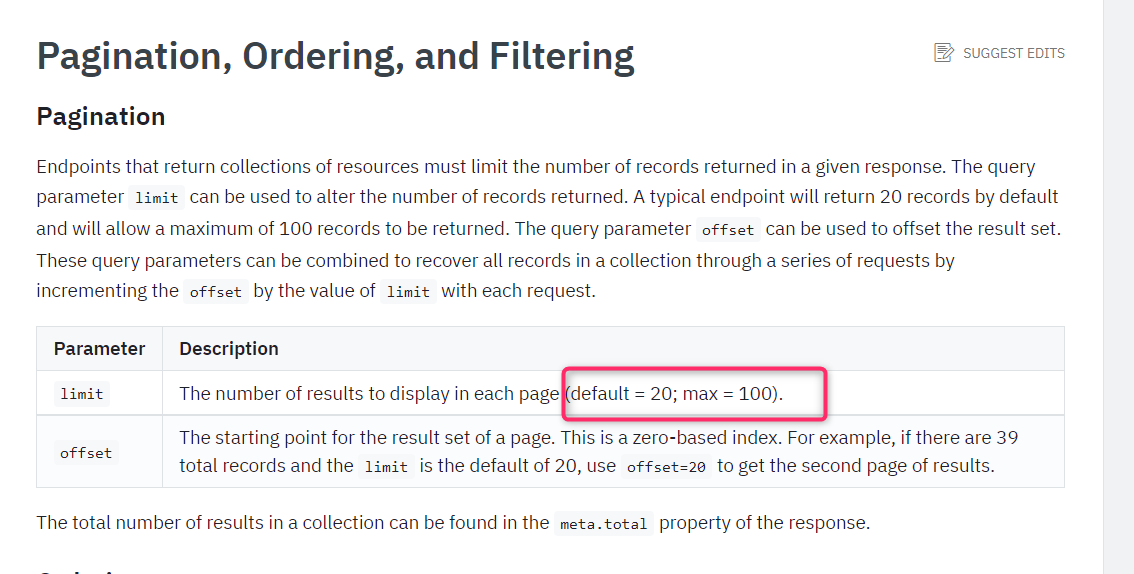
As per the Active campaign's API documentation users can only fetch 100 tags. For better understanding, you can refer to their documentation.
Although you can get all the tags with the help of the "Get Tags" action event individually.
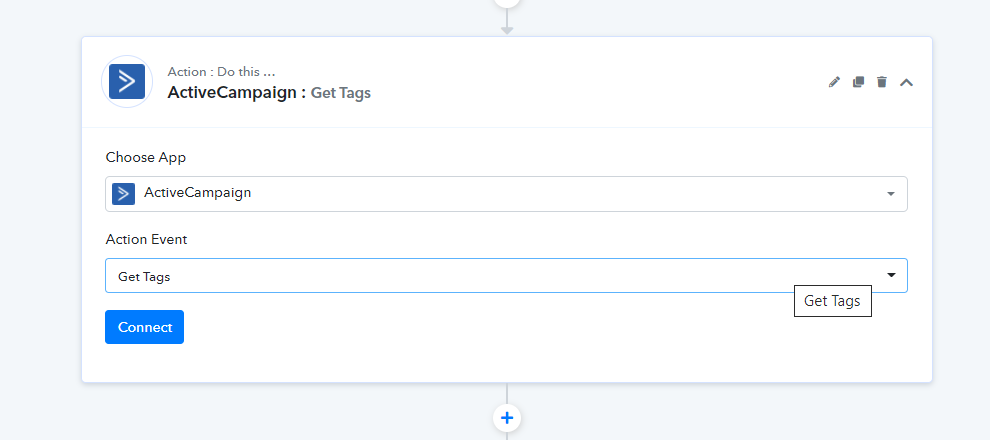
HI, thanks for the second solution. I see taht we can display all the tags with the "get tags" action. But I don't understand how to articulate this to get to add a specific tag to a contact
Hey @AlCukovic
If you can retrieve the Tag id from your Active Campaign account then you can override the Tag field and pass the Tag Id accordingly.
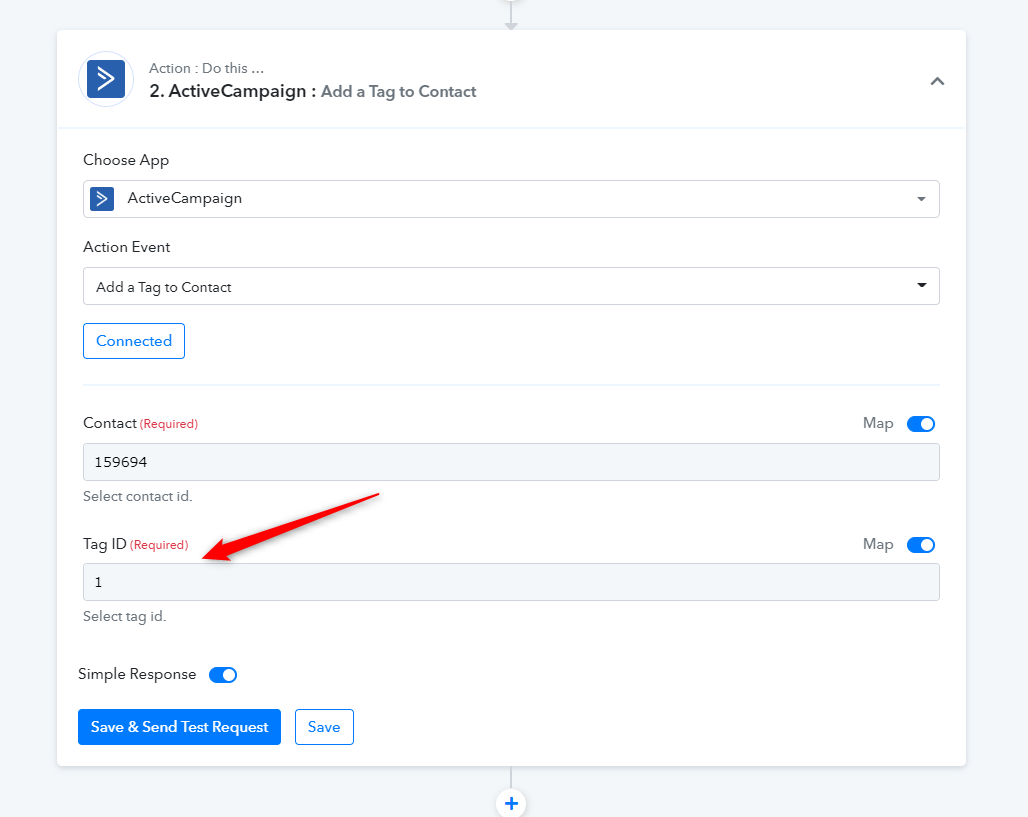
Hi, thanks for your answer. When I'm at this step "add tag to a contact", on the "contact" field I've a list of my activecampaign subscriber, but what I want is take the email address given by manychat in the first step.
Also, for the tag field, when I simply enter the tag id retrieve in the "get tag" action, it says "no results match", as it search only in the first list of 100 tags.
Thanks for your help
Hey @AlCukovic
Since you are having more than 100 tags then you can try the " ActiveCampaign: Search Tag" action step to retrieve the tag ID with the help of the name of the tag.
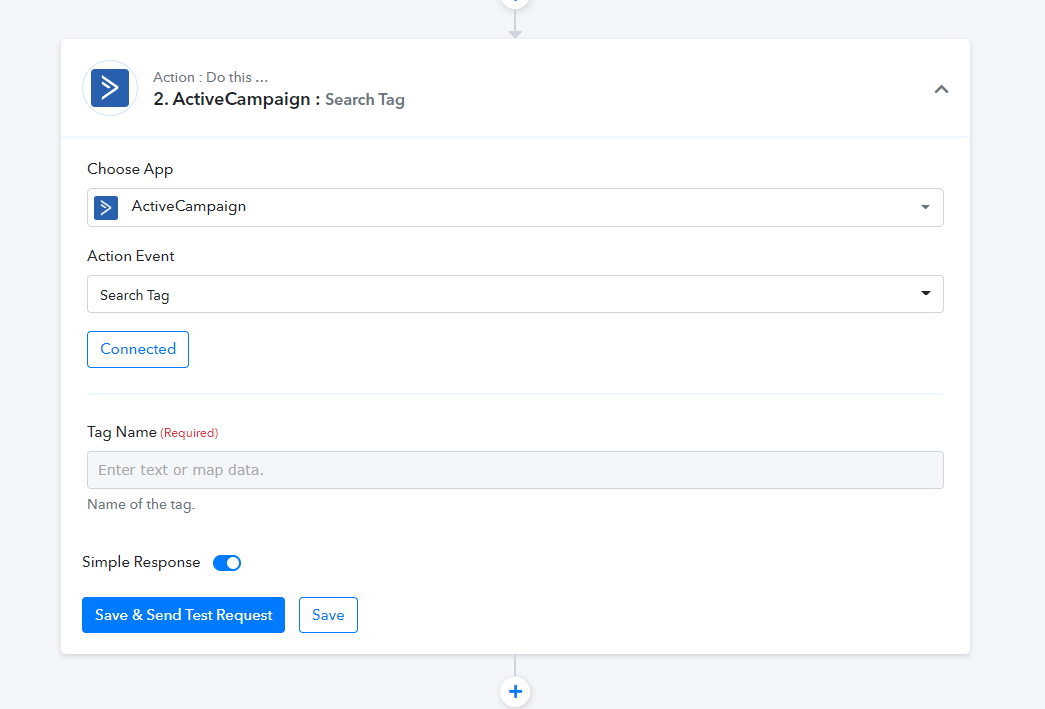
Yes, as I tell you this is what I do but when I try to "override the Tag field and pass the Tag Id accordingly" it doesn't work.
+ I dont undertsand how the "contact" field works as I don't have the possibility to choose the email address found on step 1 at the triggering
Hey @AlCukovic
Previously you were using the Get Tags action event but since AC doesn't provide more than 100 tags in a list, so we have asked you to try the "Search Tag" which will perhaps provide you the Tag Id by only giving the name of the existing tag.
Kindly pass the name of the Tag in the Search Tag action step and check if you are getting the details of the tag in the response or not.
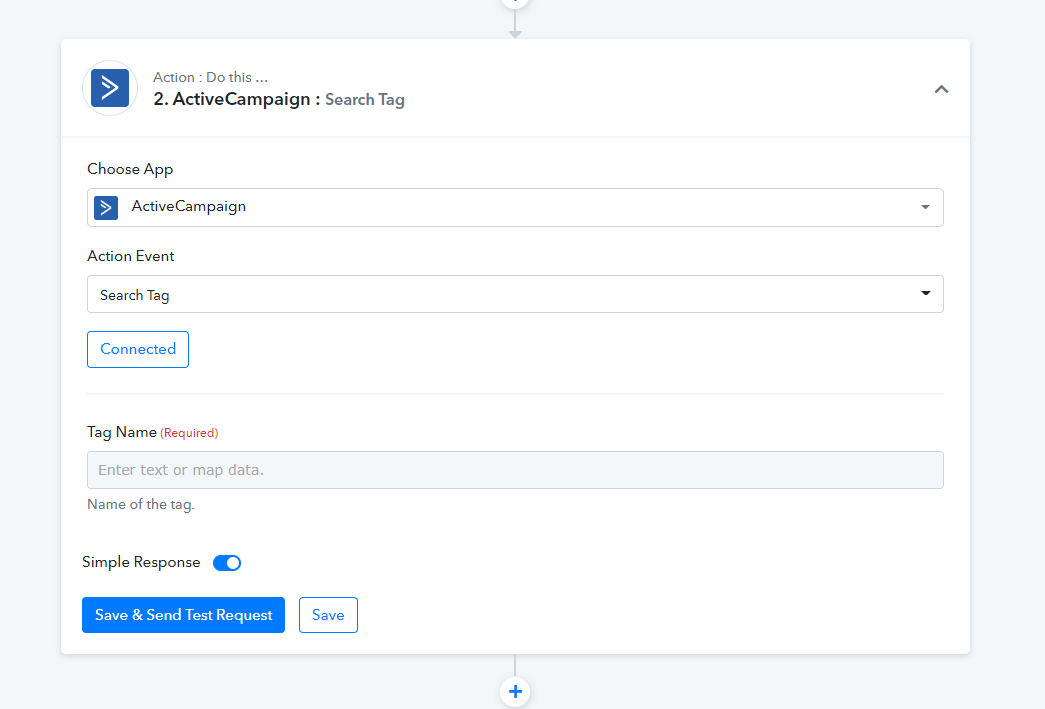
HI, thanks for your answer. I can find the tag like this. But then how to add it to the contact ?
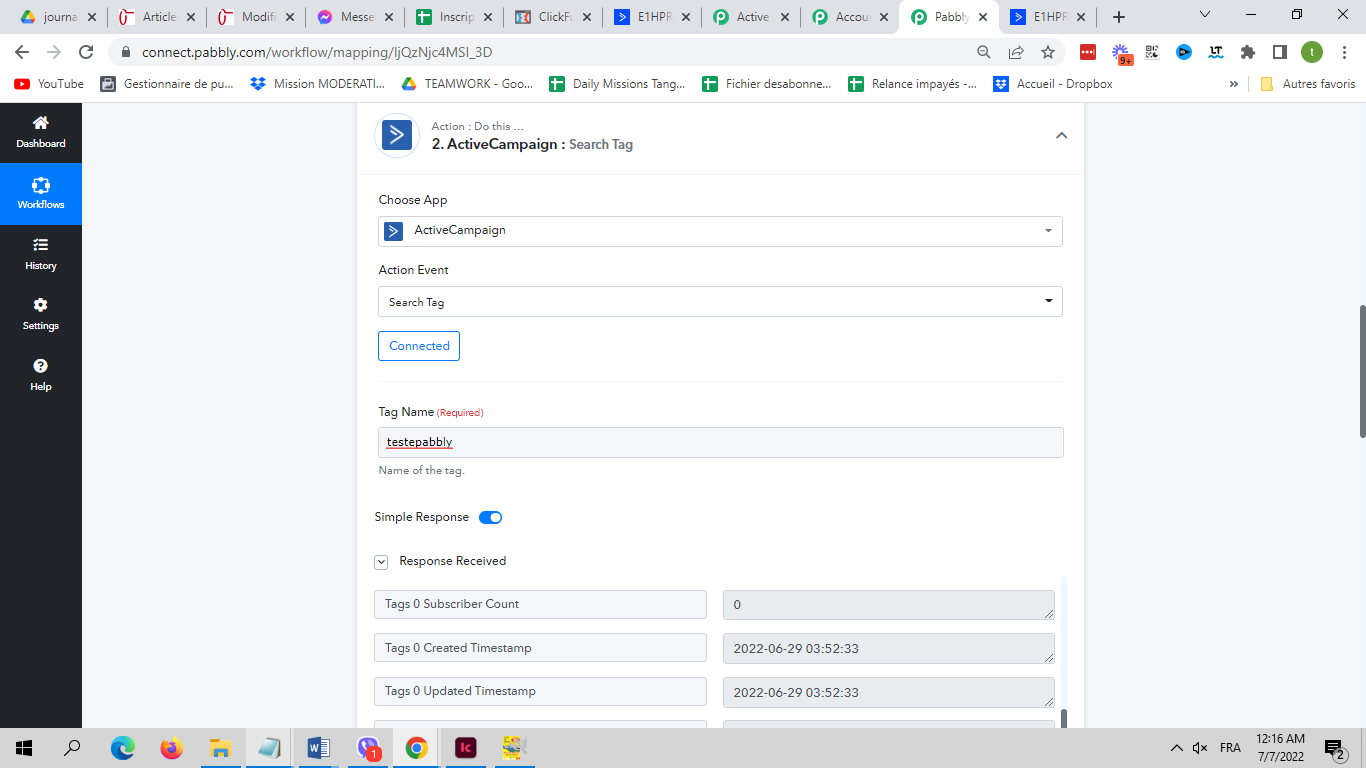
Hey @AlCukovic
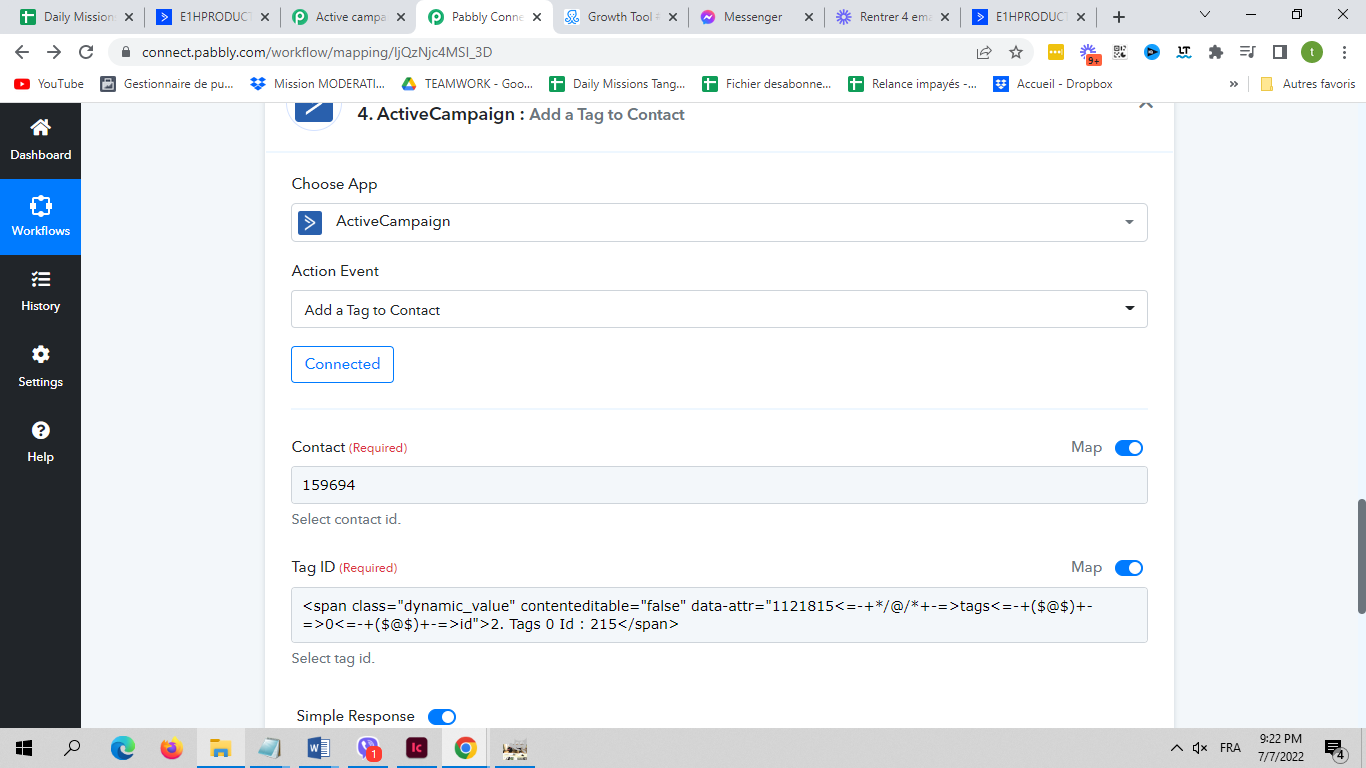
Now you can map the Tag Id and the Contact Id in the given action step. Please check out the following screenshot for your better understanding.
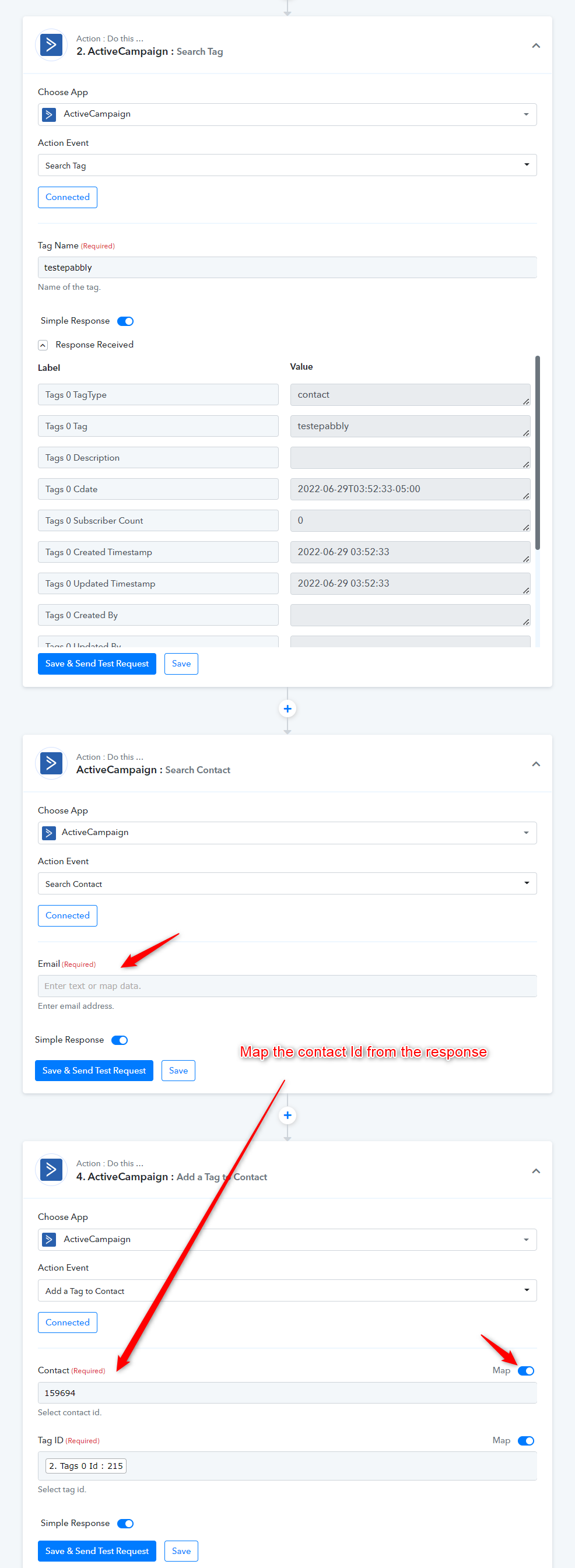
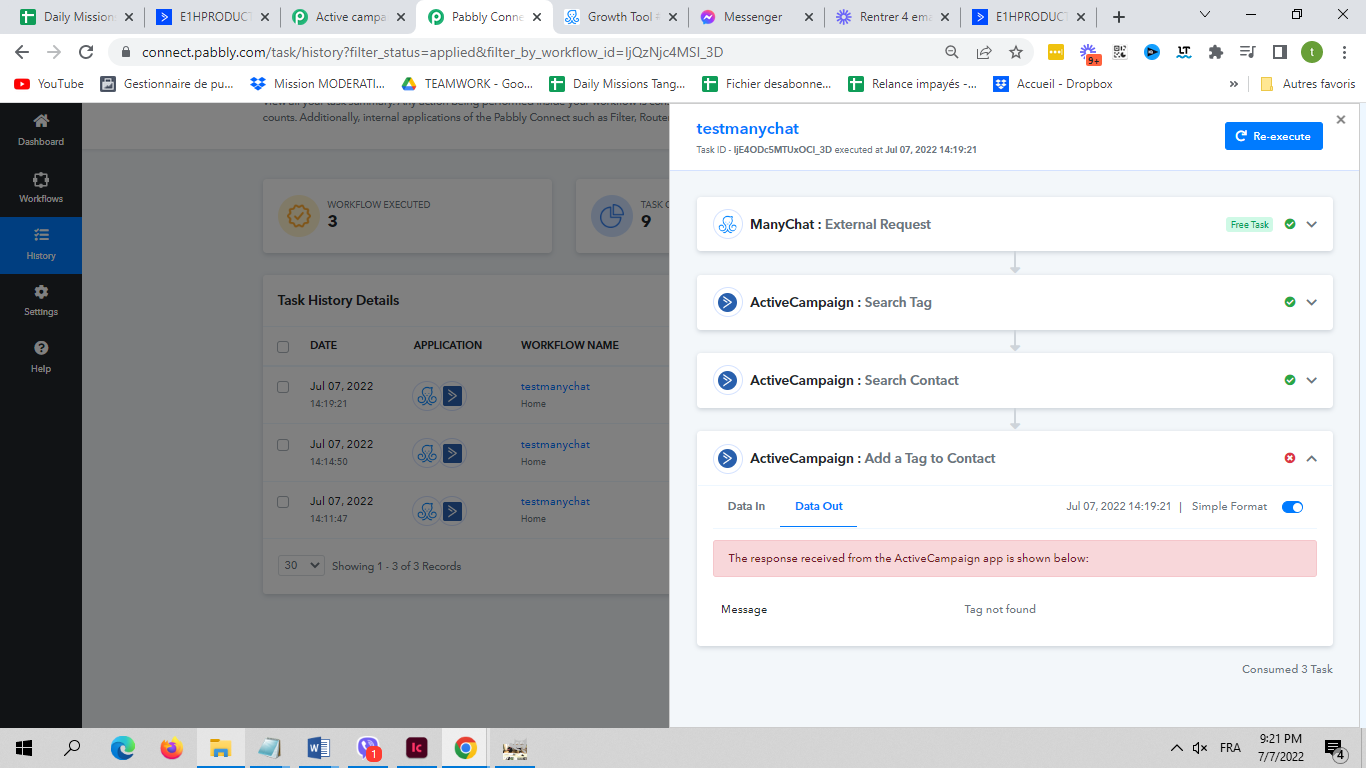
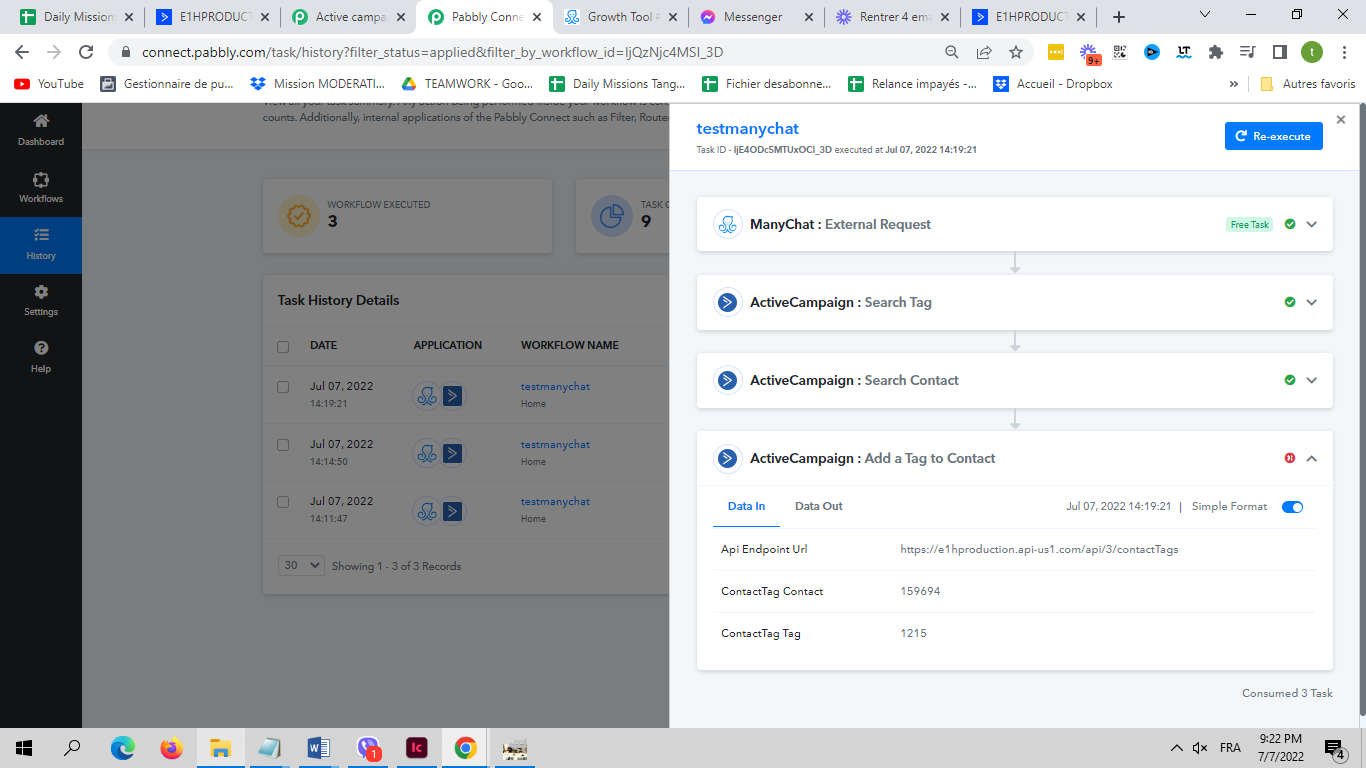
Hi, thanks for answer. It's almost good, but it's still failing. It says that the tag is not found, although I mapped it like you said, with the tag id I found at previous step (215)
Hey @AlCukovic
We looked into your account and it seems like the email field which you are passing in the "Search Contact" action step was incorrect.
Though we have corrected it and mapped the correct Tag Id and Contact ID whereas it is working accordingly now.
Kindly try again and let us know if that works for you.