Activecampaign Webhook URL
Status: Closed · Asked by jamesm1985 on · 0 views
Hi, I am trying to set up a workflow using activecampaign as the trigger. My account is connected with the correct api and url but when I set the trigger event it does not provide a webhook url.
Hey @jamesm1985
The Active Campaigns' triggers are post webhook types that will take the data from your active campaigns immediately after connecting, so it doesn't provide a webhook URL.
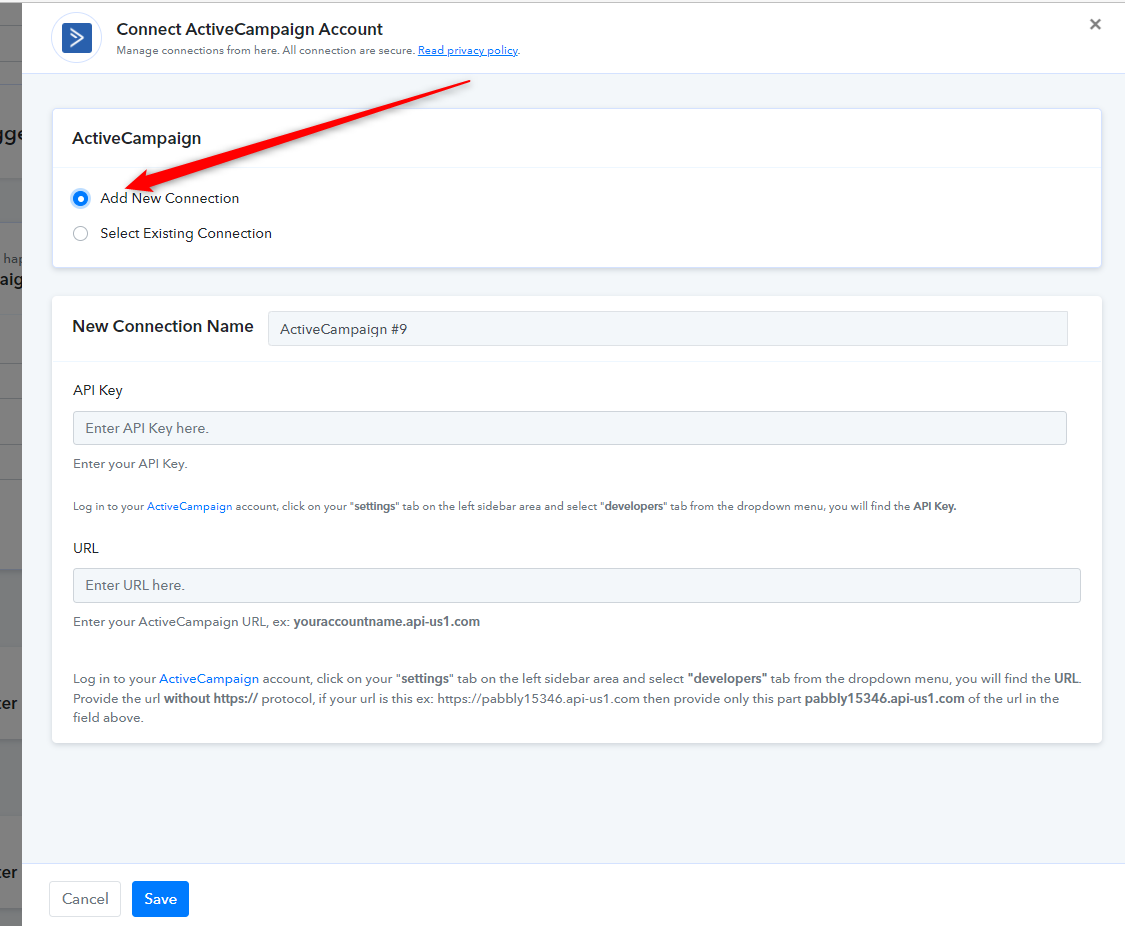
Though if you are getting trouble while connecting with the trigger, kindly add a new connection and try again.
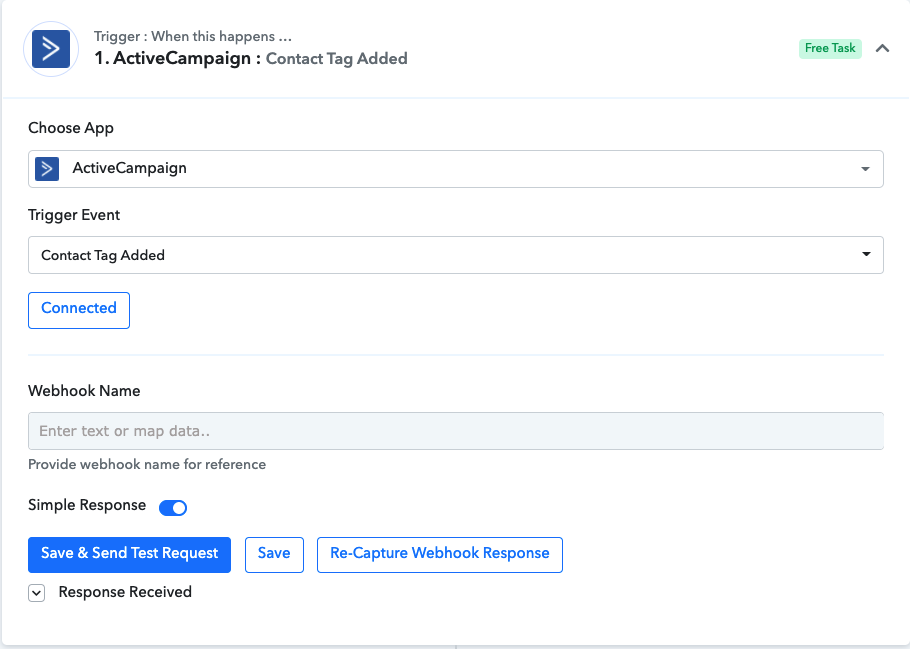
Thanks for the reply. I have tried reconnecting but it still requires a webhook. This is a screenshot of what it shows.
I've tried running a test without it but it comes back with an error saying webhook name was not provided? I therefore cannot put any data fields through to the next stage of the workflow.
Hey @jamesm1985
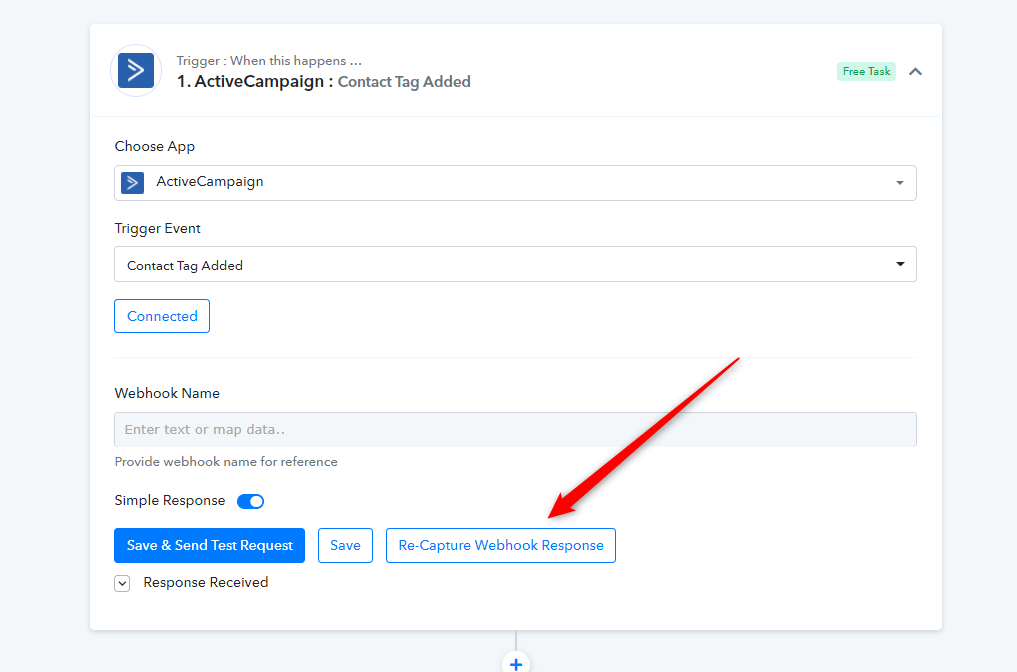
The Trigger event asks for the Webhook Name where you can fill any random name on it. After filling in the Webhook Name press on "Re-Capture Webhook Response" then try adding a tag to contact on your Active Campaign.
Thanks for your help, I've managed to get it to work.