Acuity Scheduling New Product Order Trigger not working
Status: Closed · Asked by Theresa Nguyen on · 0 views
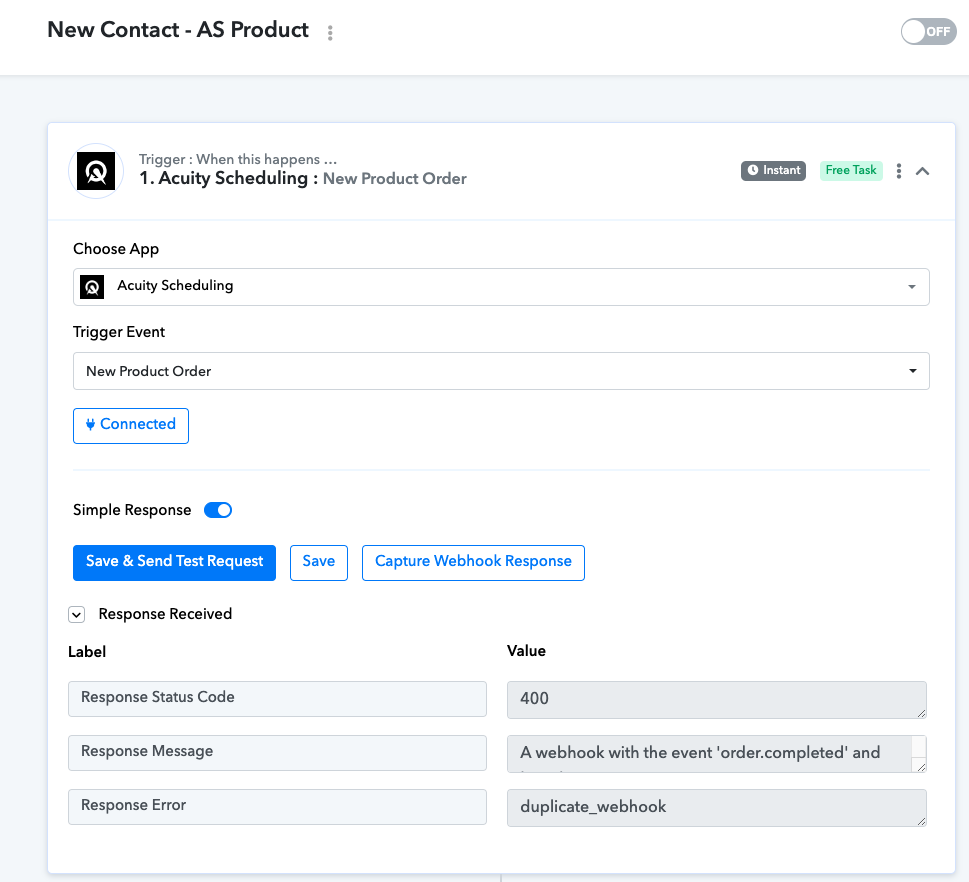
Hi - when I use the trigger New Product Order for Acuity Scheduling, it is giving me an error after I test. I have submitted about 10 new orders, none of which are being captured. It works fine when I use the trigger "New Appointment" so you have it working there but not with the New Product Order trigger. Please advise.
Thanks,
Theresa
Attachments
Hi @Theresahn,
The issue you are describing occurs when a user clicks on 'Save & Send Request' multiple times, which, in turn, creates multiple webhooks in the application. There are two solutions for this:
- You have to log in to your Acuity Scheduling account and delete the duplicate webhooks one-by-one.
- Alternatively, you can disable the workflow in which you are facing the issue and set up a new workflow from scratch (without cloning). Since, you haven't setup the next steps in your workflow yet, I suggest you choose this option.
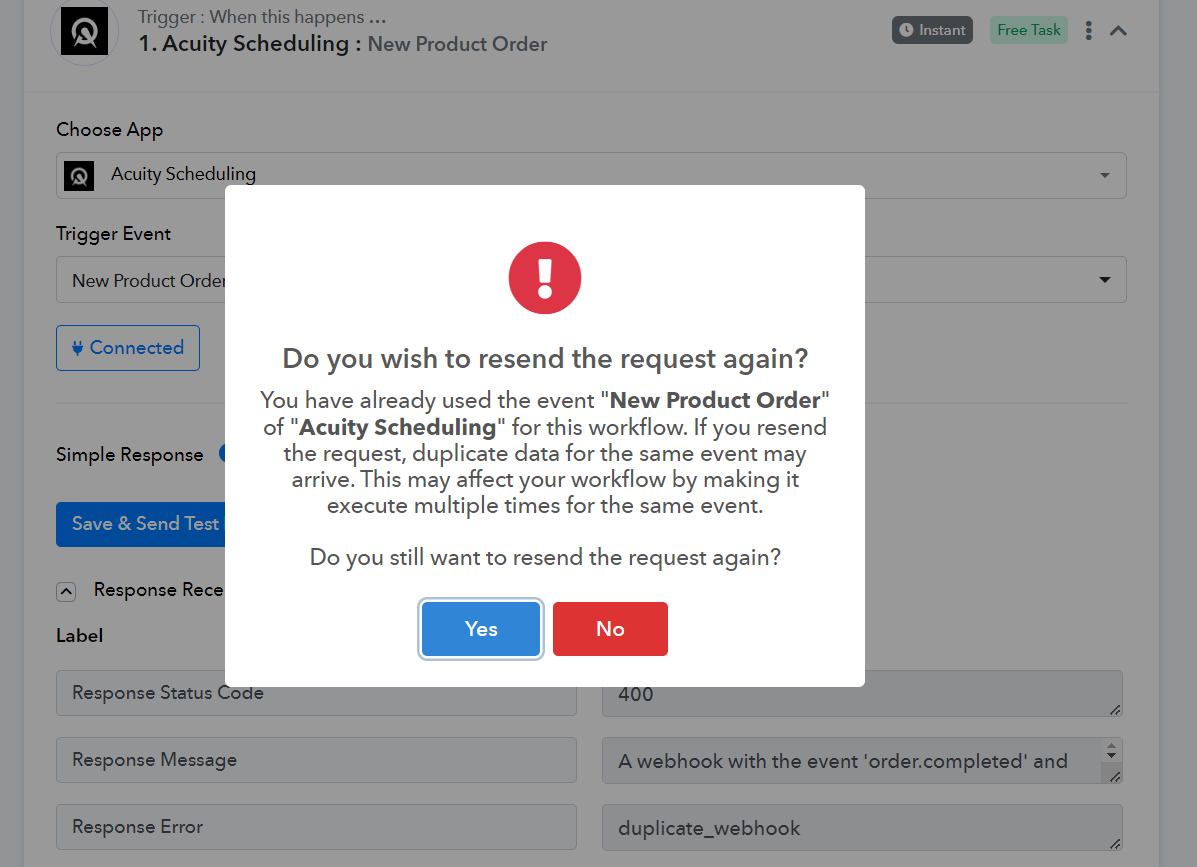
Although not the same trigger event (appointments being scheduled rather than orders being placed), you can watch the video attached below to understand the concept of capturing details.
Hi - I started over but when I submit for it to grab the fields, it only shows me the id and action. I need all the other data like email, first and last name, etc...why doesn't that show up?
You have to use the 'Acuity Scheduling: Get Order Details' action event to obtain complete details. I have already added that for you.
Thank you, that worked!