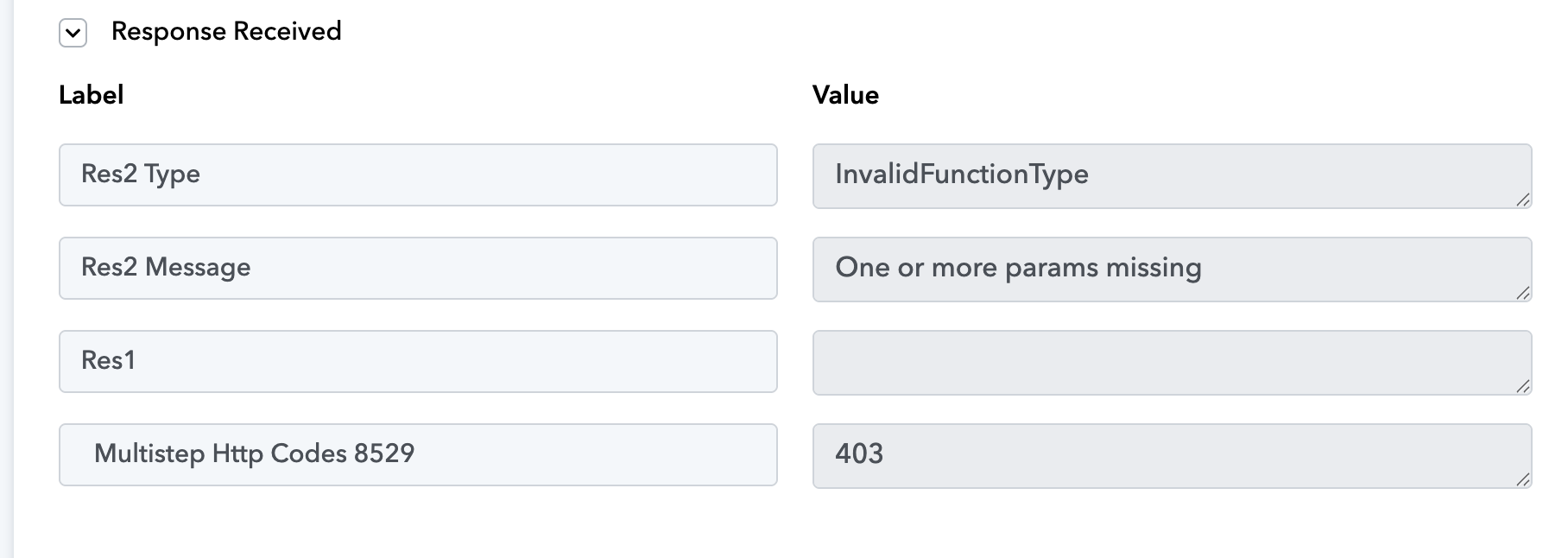
Again error message appears after the lead test
Status: Closed · Asked by Dorota Fleischacker on · 0 views
Hello Dorota,
Thanks for contacting us.
Could you please share the Workflow URL so that we can look into it and provide information accordingly?
Please be aware that to assist you effectively, we may need to access your Pabbly Connect account. If you're comfortable with this, please grant us permission by stating in your next email: "You have my permission to log into my Pabbly Connect account, and edit workflow {If required}. Here is the registered email address associated with it."
Thanks & Regards,
Adeel Akhtar
🌐 Pabbly.com
here is the Workflow URL:
You have my permission to log into my Pabbly Connect account, and edit workflow {If required}. Here is the registered email address associated with it.
Hello Dorota,
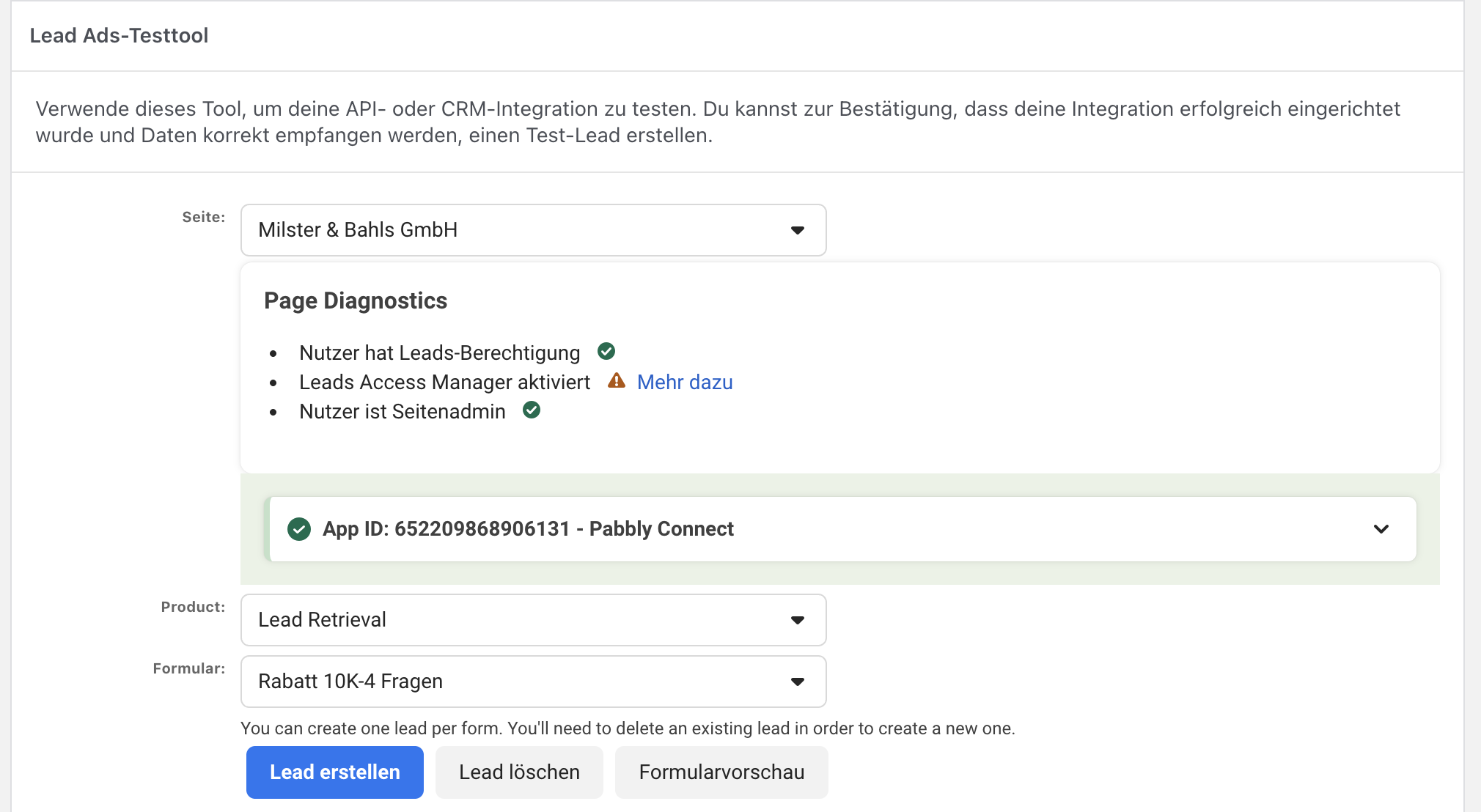
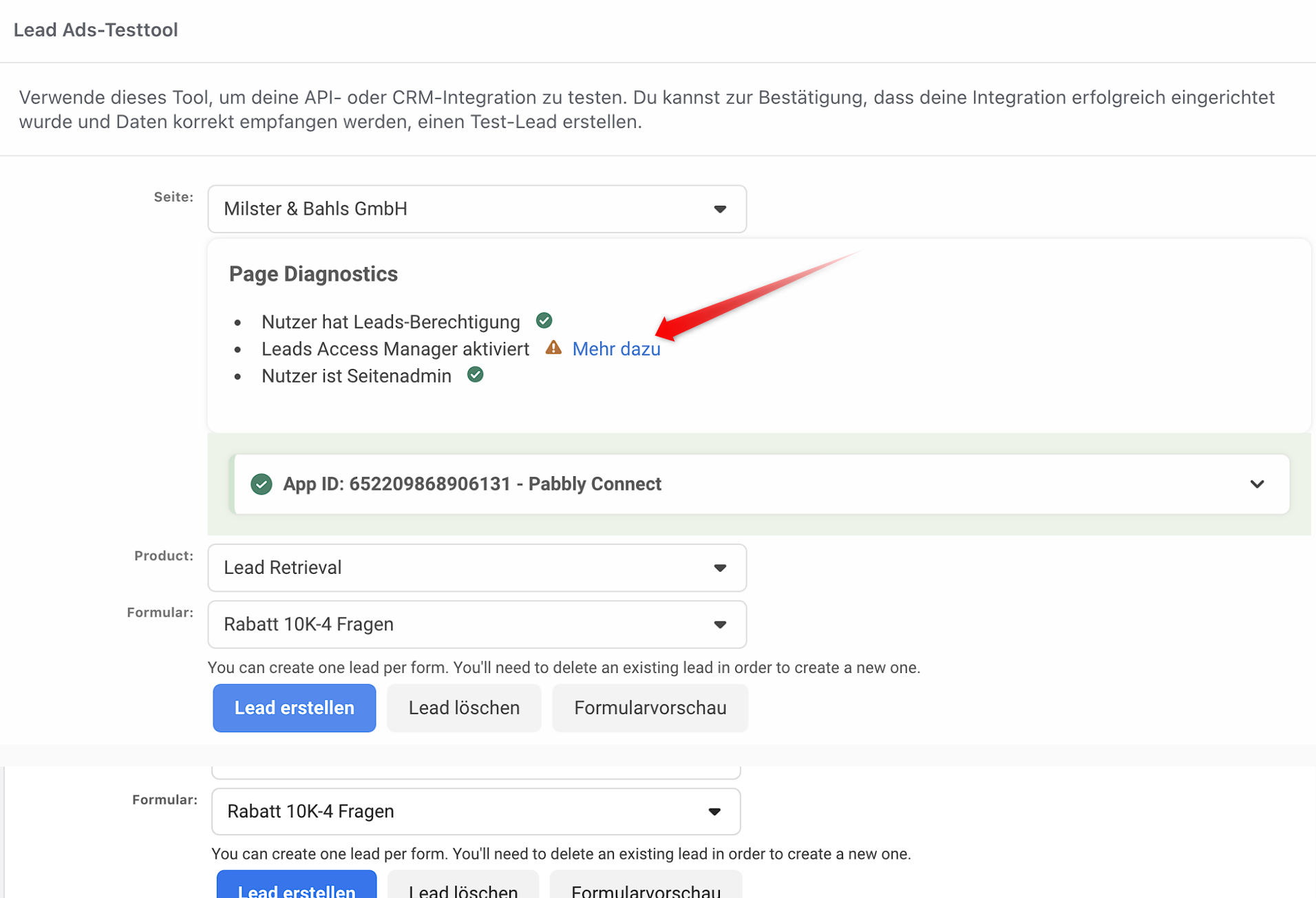
Kindly check the permissions to you as Lead Access Manager is showing error in your screenshot. Please get the required permissions from the Admin of the page.
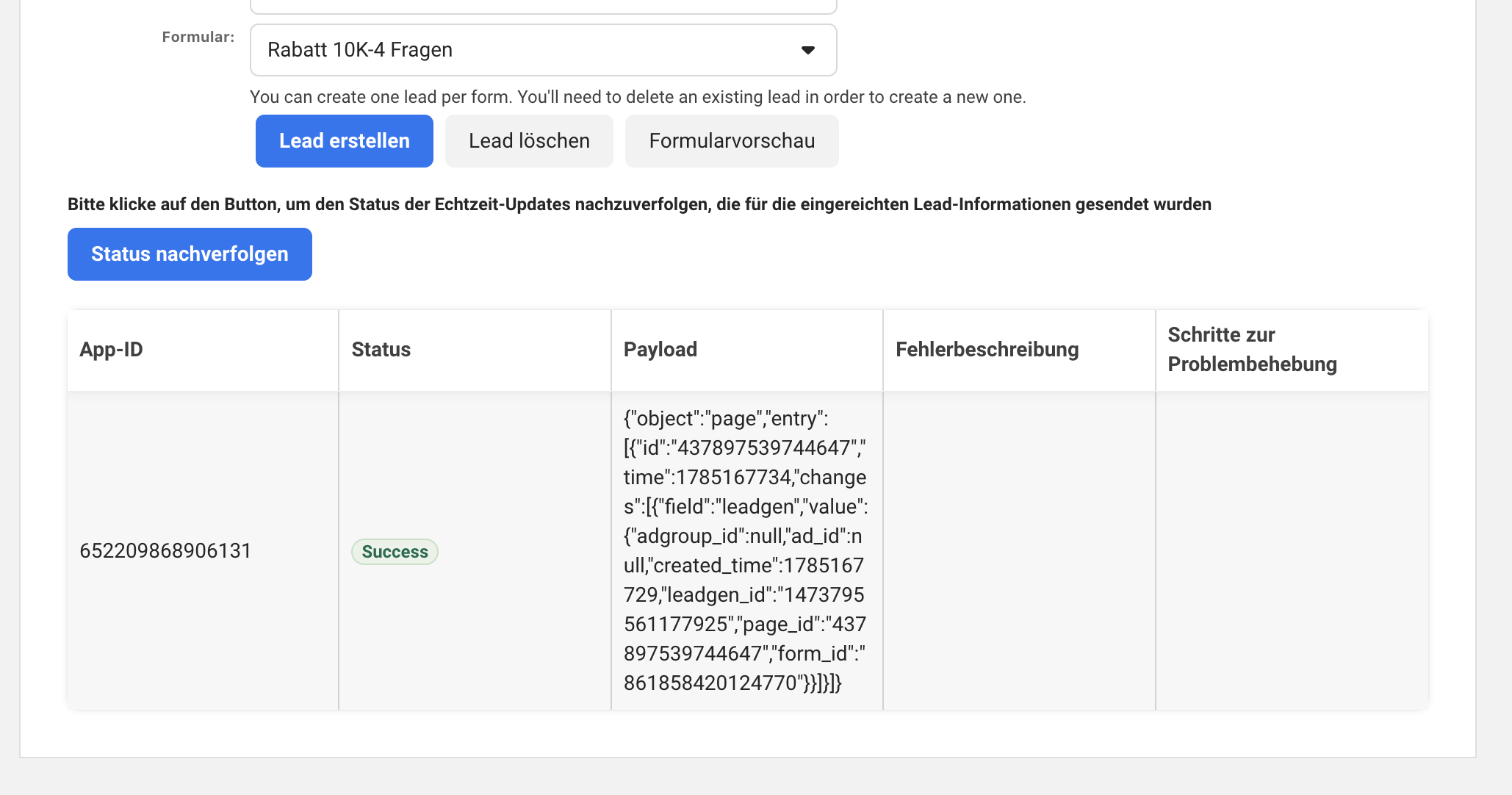
Once you get the permissions, delete the Lead Data, then create a new workflow, creating a new connection in the Incognito mode of the browser, and then fetch a new lead, submitting new lead data. Make sure that the form is published and live. Also record the whole process as a screen video so that if the issue persists, it will be helpful for us to understand the issue.
Thanks & Regards,
Adeel Akhtar
🌐 Pabbly.com
Datum: Dienstag, 28. Juli 2026 um 00:46
An: [email hidden] <[email hidden]>
Betreff: Re: Again error message appears after the lead test [TCK-197381]
Datum: Dienstag, 28. Juli 2026 um 00:46
An: [email hidden] <[email hidden]>
Betreff: Re: Again error message appears after the lead test [TCK-197381]
Hello Adeel,
in the meantime, we received an automated email from pabbly stating that the old connection (MB16) is no longer working because the trigger has lost its token. We tried everything with the new connection (MB25), including removing the old token.
However, the new connection (MB25) is the only one that matters to us now; that is the only one we want to fix.
Please help us.
https://connect.pabbly.com/workflow/mapping/IjU3NjcwNTY5MDYzZTA0Mzc1MjY0NTUzMzUxMzUi_pc
Thanks.
Best Regards
Hello Dorota,
This error usually happens because the Facebook Lead Ads form ID you’re querying either doesn’t exist anymore, your app doesn’t have the right permissions, or Meta has changed/deprecated the Graph API endpoint. The fix is to verify the form ID, re‑authorize your app with the correct permissions, and ensure you’re using the latest API version.
Please follow this video tutorial and remove the Pabbly Connect app from your Meta account - https://drive.google.com/file/d/106RDWSd5Cea8qvxzR4xbU5n2hM13Nrf9/view?usp=sharing
Once you remove it, create a new connection in a new workflow. Hopefully the issue will be resolved.
Thanks & Regards,
Adeel Akhtar
🌐 Pabbly.com
Hello Adeel,
That helped.
Thank you very much.
Best Regards
Hello Dorota,
You're welcome. Glad to hear that the solution worked for you. We are not closing this Thread.
Thanks & Regards,
Adeel Akhtar
🌐 Pabbly.com