AI Assistant Related Help
Status: Open · Asked by Abhilesh Jha on · 0 views
I have created and enabled AI Chat Assistant and I have few queries/issues regarding the same:
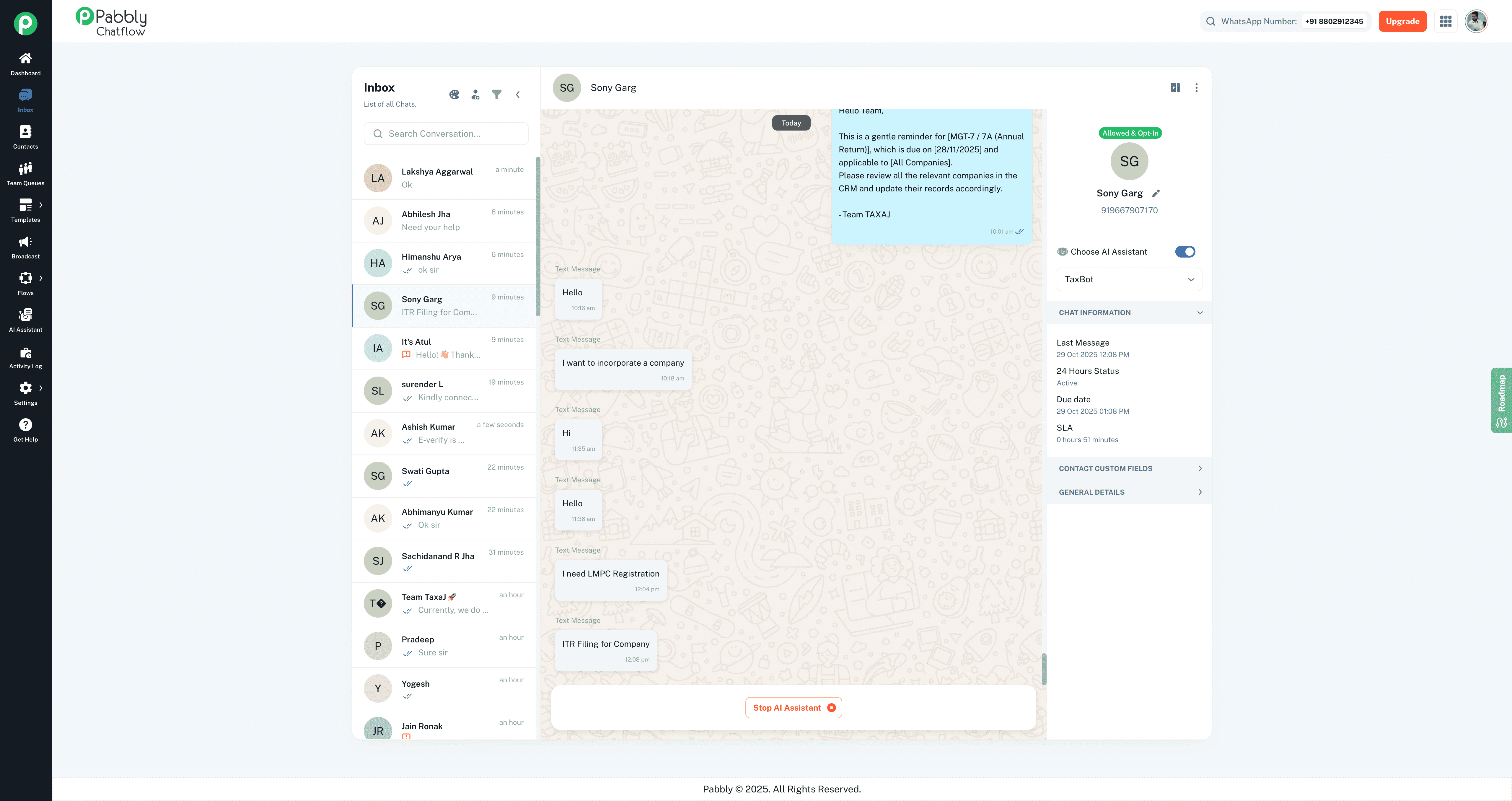
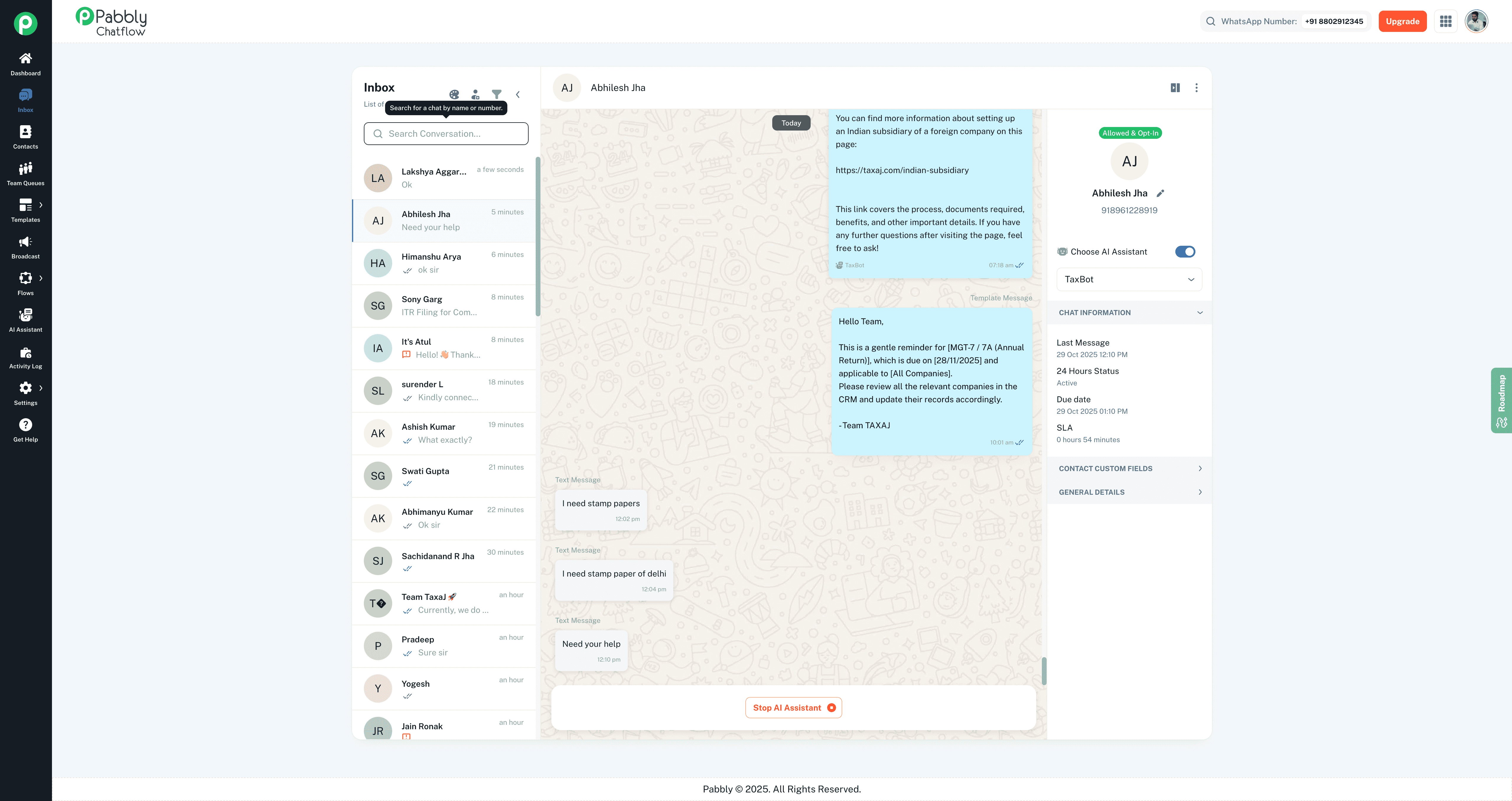
1) It gets disabled many times on its own and have to re-enable it
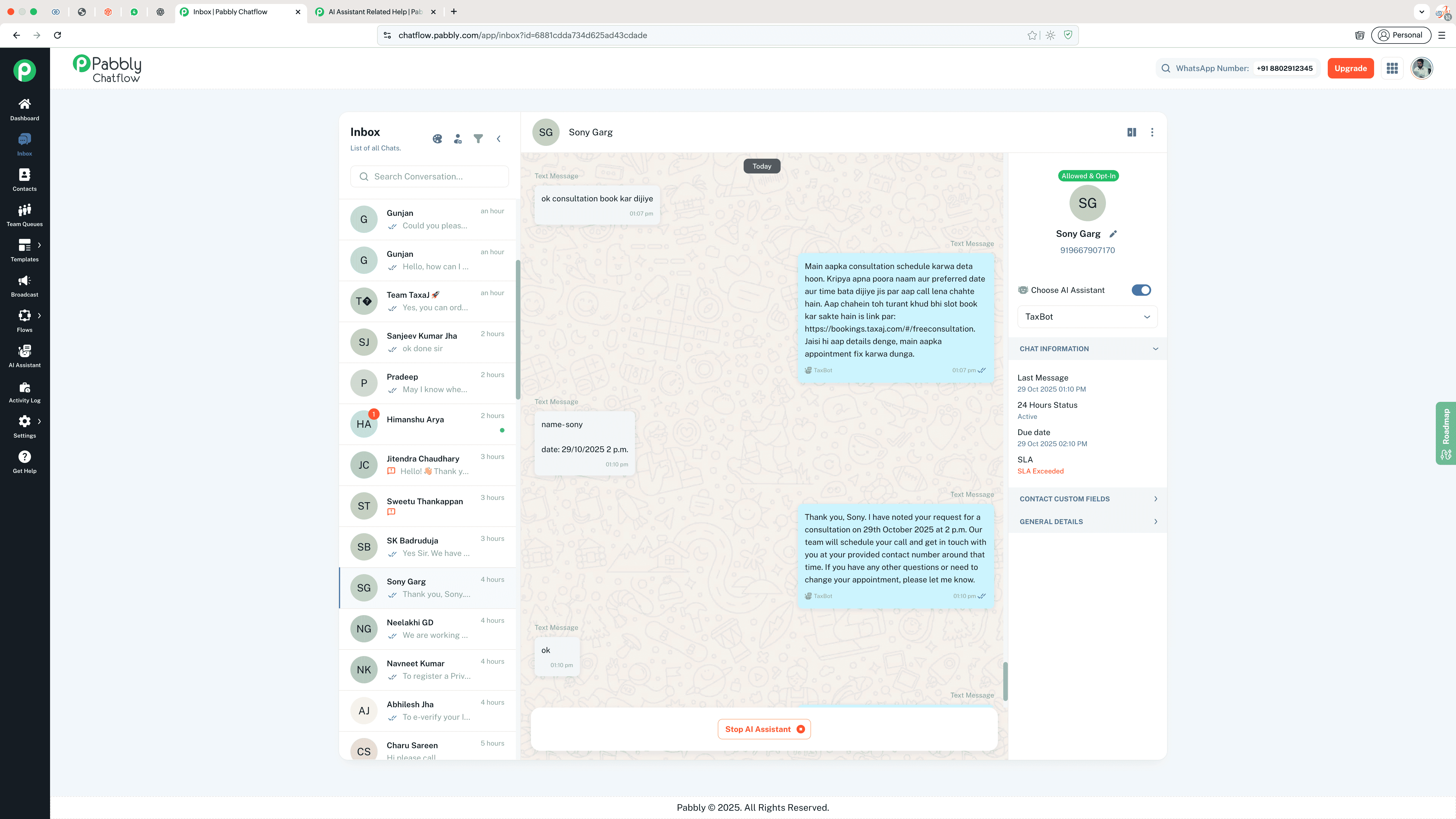
2) Is there a way i can push the scheduled time for call (attached screenshot) to my calendar or set as reminder via pabbly connect ?
3) Also many times its enabled but doesn't replies to the chats, is there anything that I can do to resolve this? Attached screenshot
Attachments
Hello @taxajca,
Thank you for reaching out.
The AI Assistant only gets disabled when the chat status changes, which automatically stops the assistant from responding. Could you please share a few screenshots showing the chat status under the General Details section so we can review this further
Regarding your second point, could you please reattach the screenshot you mentioned
Screenshot for Point 2
For 1 got your point also this can happen when i make any changes to Chat Assistant's Knowledge Base?
Attachments
Hello,
Regarding the AI Chat Assistant’s Knowledge Base, it should work fine after changes are saved.
For adding the scheduled call time to your calendar or as a reminder, you can create a workflow that triggers on a new message, checks if it contains a time, and then either sends you an email reminder or creates an event in Google Calendar.
okay will try the same, thanks preeti