airtable+ canva
Status: Closed · Asked by OlivierFrench on · 0 views
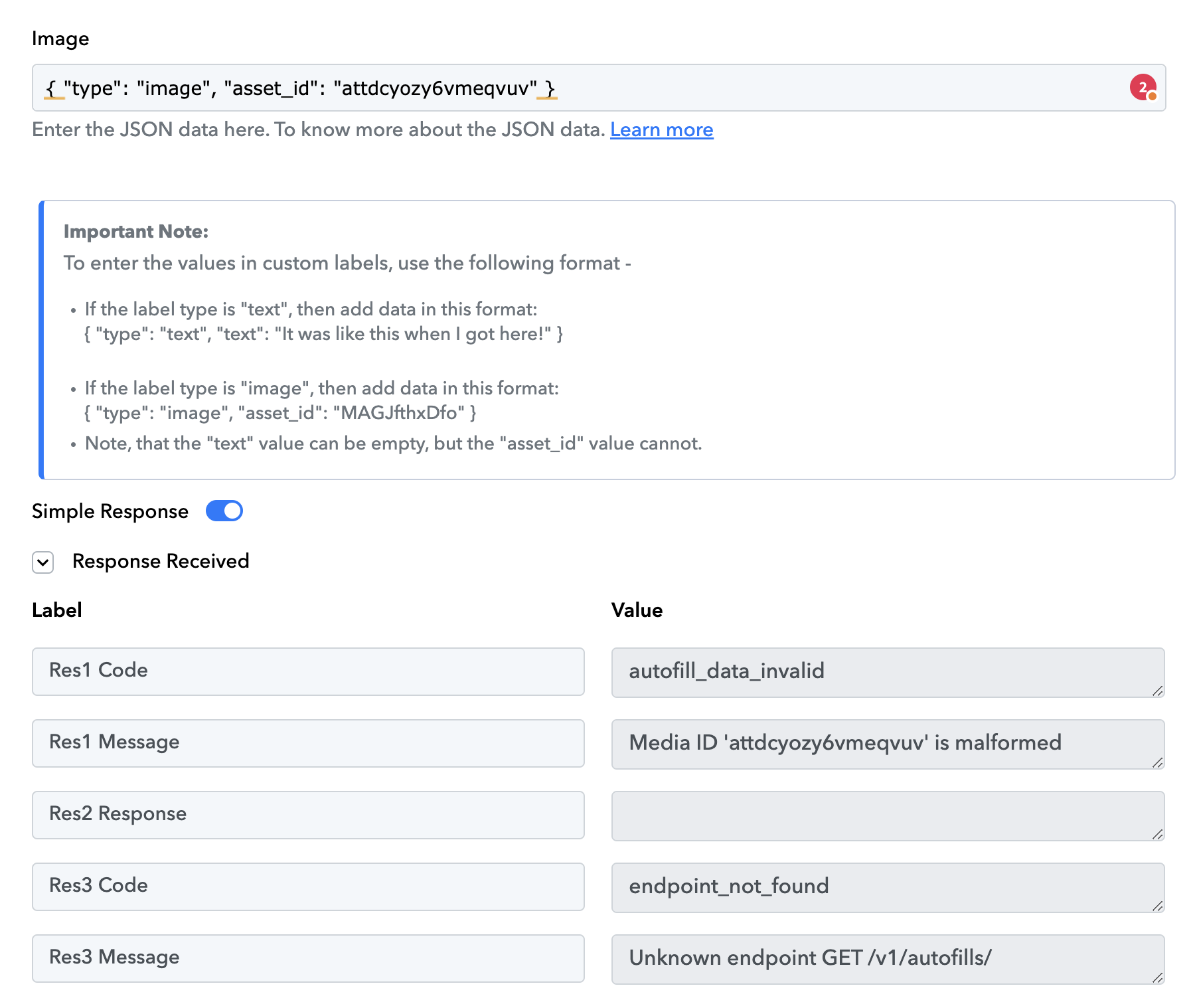
I just made an automation with airtable and canva ... but I'm stuck on the identifier to add for the image ....
this is the error message
Attachments
Hi @OlivierFrench,
Could you please elaborate a bit more on your exact concern? Also, could you share the Workflow URL where you have this concern?
Bonjour @OlivierFrench,Pourriez-vous s'il vous plaît élaborer un peu plus sur votre problème précis ? Pourriez-vous également partager l'URL du workflow où vous avez ce problème ?
https://connect.pabbly.com/workflow/share/DUVTYVcACWoDSQFrBlUCJQAUBwMCWAA5ABlWRAcIVS1UGlU-DE1fNQhEWXtVHgNiUhsBa1UJVGxaTlZSAVcFdlRaBhQGBQV_WhcFfgNWWGsNU1N7VzY#
Mon image Airtable ne s'importe pas... elle me dit que l'identifiant n'est pas bon (voir image)
Please establish a new connection with your Canva account by following the steps given in the video shared below and see if that fixes your issue.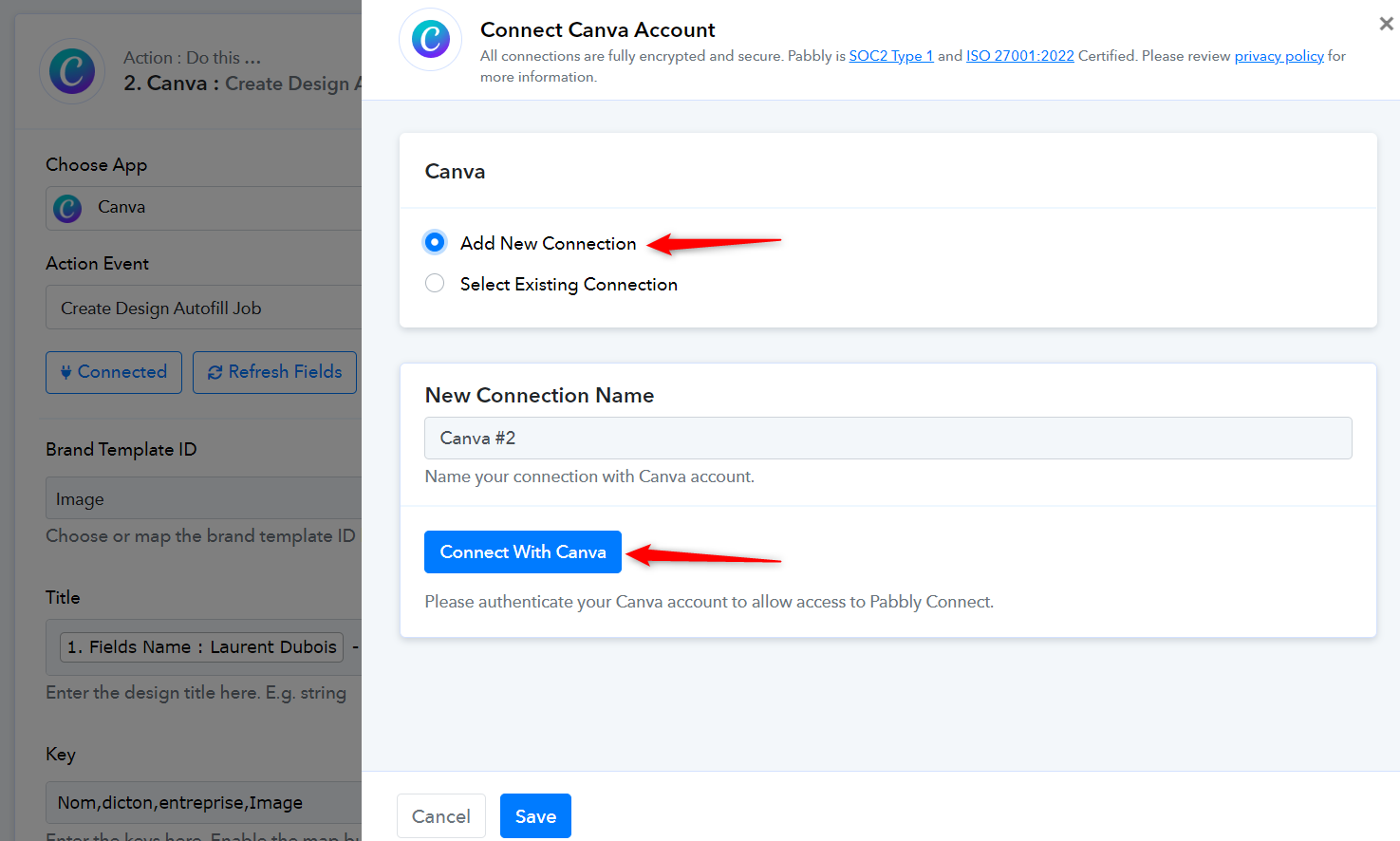
Non, ça ne marche pas non plus, il y a juste un problème d'identifiant pour importer l'image depuis airtable...
D'autre part, le texte s'importe très bien d'AirTable vers Canva.
No, it doesn't work either, there's just a problem on id for importing the image from airtable...
On the other hand, the text imports just fine from airtable to canva.
Please capture a new webhook response from Airtable and try again. The image URL provided by Airtable is only valid for a few hours.
Ça ne marche toujours pas... Je viens de créer une nouvelle ligne...
Le texte fonctionne mais pas l'image...
{
"res1 > code": "autofill_data_invalid",
"res1 > message": "Aucun champ correspondant dans l'ensemble de données",
"res2 > réponse": "",
"res3 > code": "point_de_résultat_non_trouvé",
"res3 > message": "Point de terminaison inconnu GET /v1/autofills/"
}
Hey @OlivierFrench
In the Image field of Canva, you must enter the Asset ID of the image, which you can obtain by first uploading it using the 'Canva: Upload Asset' feature.
Though I have the small changes in your workflow, please check that out.

Parfait c'est résolu