Airtable file attachement
Status: Closed · Asked by Omar Kassar on · 0 views
When i add the url of the file i want to attach in airtable in does not show
Hey @Omar Kassar
Currently, we do not support the attachment of physical soft files in the action step for uploads. However, we do support attachment fields that contain publicly accessible URLs, which will be sent as URLs only.
Hey @Omar KassarCurrently, we do not support the attachment of physical soft files in the action step for uploads. However, we do support attachment fields that contain publicly accessible URLs, which will be sent as URLs only.
Yes i tried with a publicly accessible pdf as a test, heres the link : https://www.orimi.com/pdf-test.pdf
Hey @Omar Kassar !
Can you provide us with the workflow URL in which you have tried the setup and the link is not working?
So we can check on it and guide you further.
Hope, to hear from you soon.
Hey @Omar Kassar !Can you provide us with the workflow URL in which you have tried the setup and the link is not working?
So we can check on it and guide you further.
Hope, to hear from you soon.
here : https://connect.pabbly.com/workflow/share/DEQDMQRTB2ReFANpBlUFIlhMVVEIUgkwARhTQQAPVi5bFVYTURAIYlgUBCZTBABhBUxVPwVZUWkOGgcDBFJWJVJIVFZcX1IoWxYEfwJPX2wMUgMrBGU#
Hey @Omar Kassar !
The URL is working on our end.
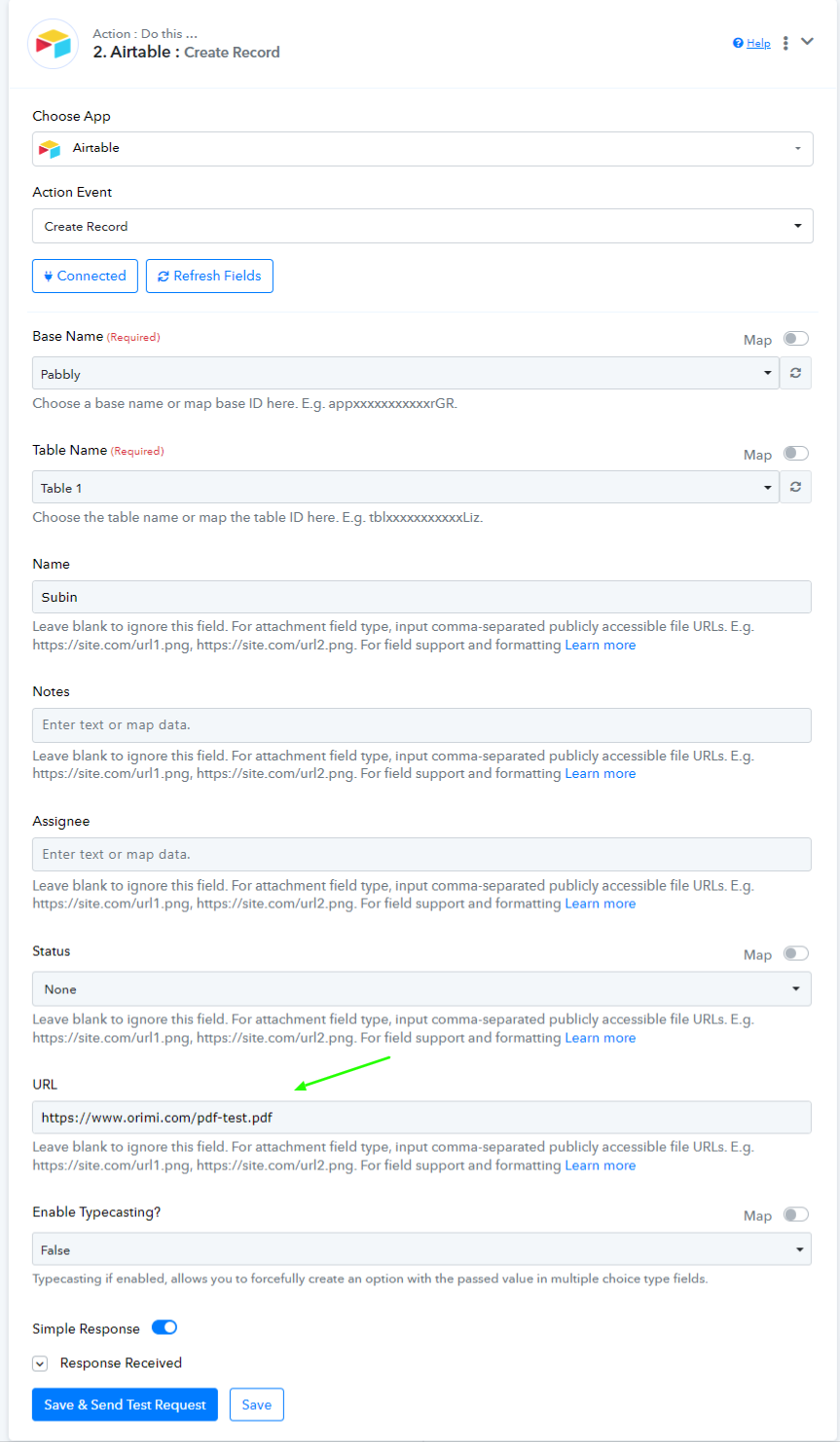
We created a workflow on our end as shown below-
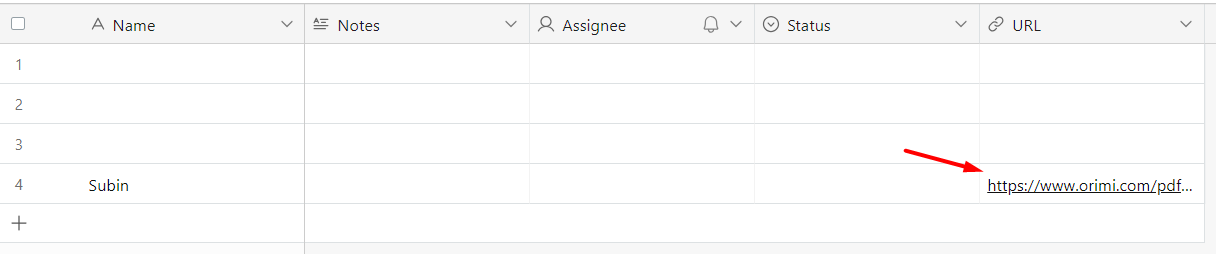
And it worked on our Airtable-
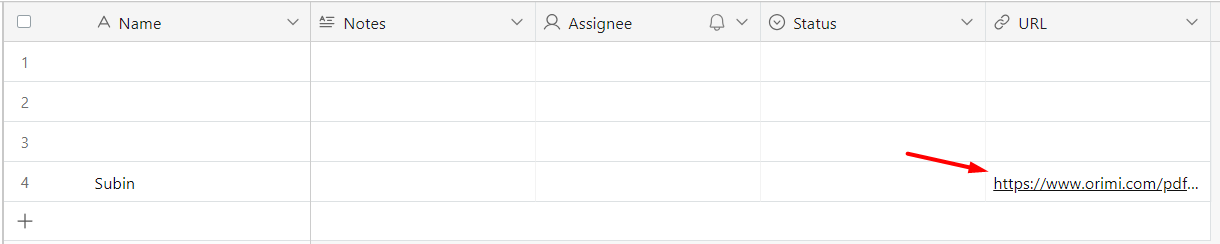
So the URL which you are passing works.
Hey @Omar Kassar !The URL is working on our end.
We created a workflow on our end as shown below-
And it worked on our Airtable-
So the URL which you are passing works.

Okay thank you but im trying to use this tab
Hey @Omar Kassar !
Attachments are not supported by Pabbly Connect, you can only pass URL in which the field type needs to be URL-