Airtable number field "cannot accept the provided value"
Status: Closed · Asked by StrangeValkyrie on · 0 views
I would have sworn I got this to word the other day but I had to add another step to prevent duplicates and now I am getting this response:
Error Type: INVALID_VALUE_FOR_COLUMN
Error Message: Field "Order Total" cannot accept the provided value
I suspect this is because I placed a test order and the value is $0.00 but as some orders may be paid by gift cards this may happen with normal orders as well. (I tried with "simple results" turned on AND off.)
The workflow is called "New Valkyrie Order " if you want to take a look on your end.
Hey @StrangeValkyrie
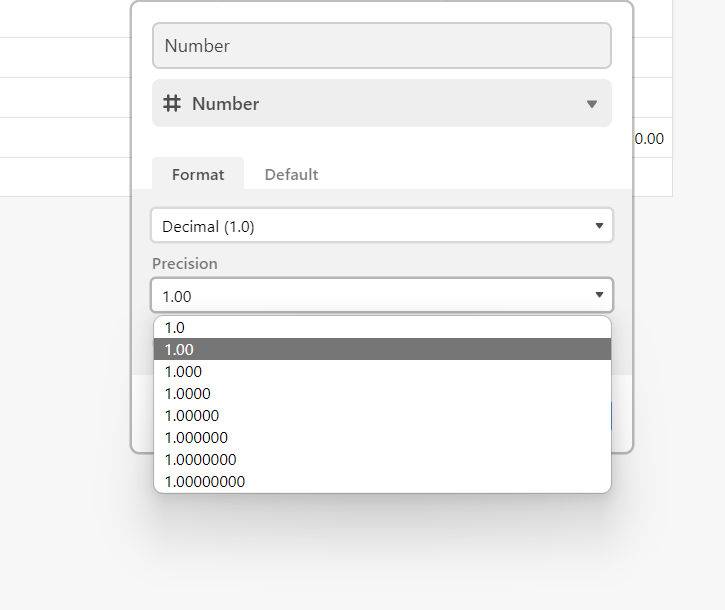
Kindly check for the column type in your Table that you are using and make sure you have selected the correct precision of the numerical values.
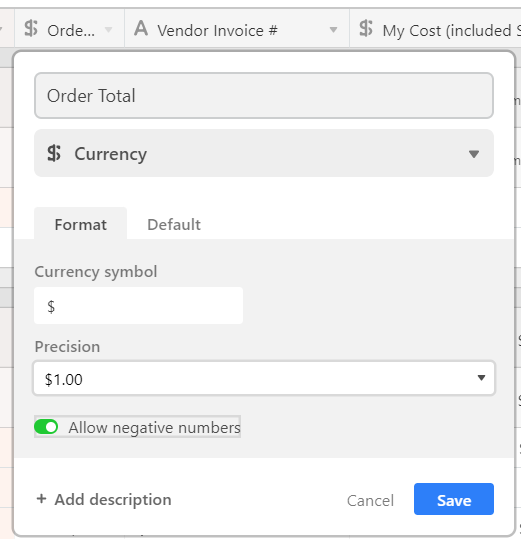
I'm actually using the currency field. Turning on negative numbers doesn't help.
Hey @StrangeValkyrie
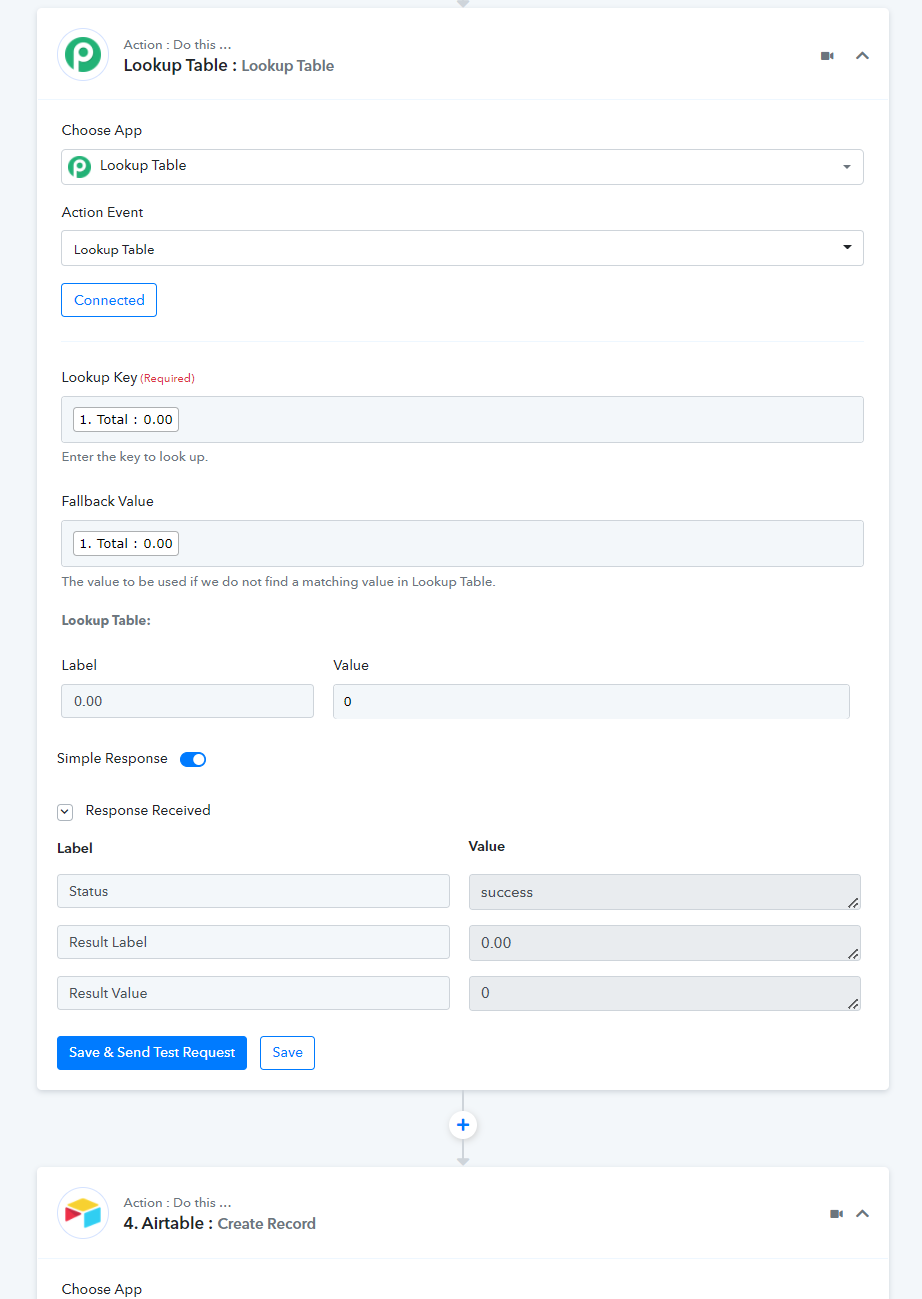
In the currency field, 0.00 is not the valid numerical value, you can only pass 0. Though you can make use of the "Lookup Table" action step so whenever the 0.00 value appears it will change it to 0 which the API accepts else it will send any other value.
AH HA! That's perfect. Thank you!