Airtable Photo Update Wix Product
Status: Open · Asked by AmandaWH on · 0 views
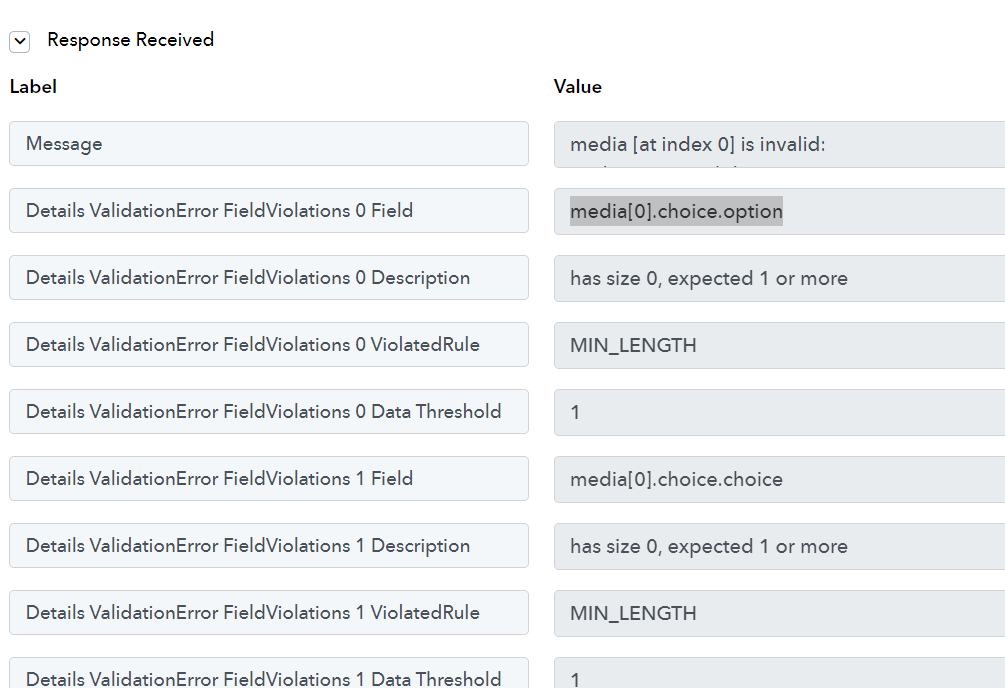
What am I doing wrong here?
Choice option? What do I put there?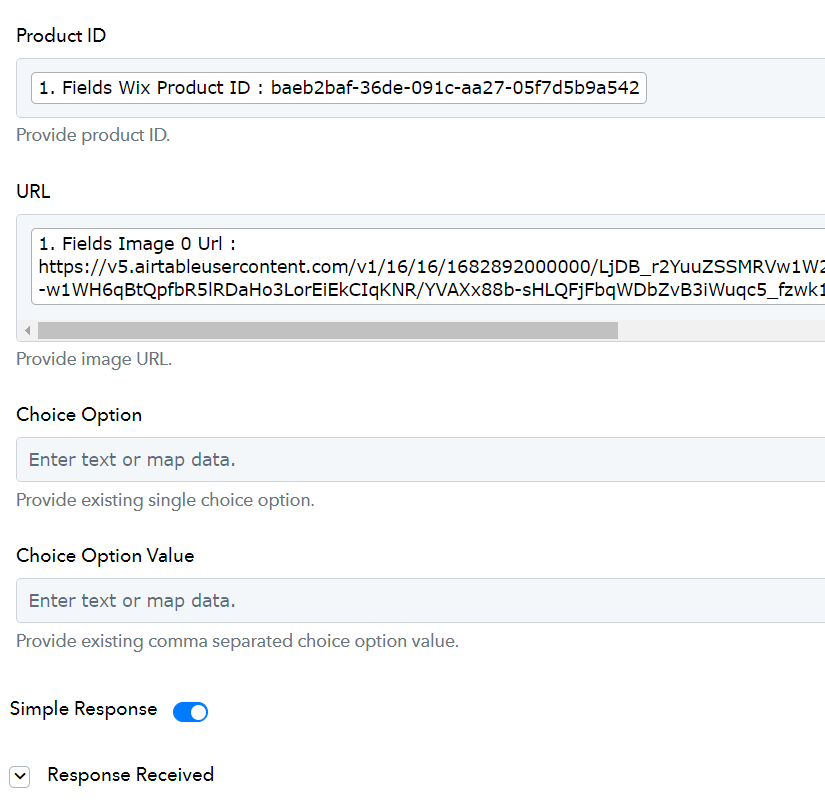
Hey @WhaleHouse,
Please share your workflow with us at the provided email address (Add Team Member) so that we can gain a better understanding of your issue.
Once you have added me as a Team Member, do let us know the name of your workflow.
Email: arshil.ahmad@pabbly.com
Also, remember to revoke access once your query has been resolved.
Attaching a video for your reference:
done, thanks.
Thank you for sharing the workflow. Please allow us some time to look into this issue.
sure thing
any update on this?
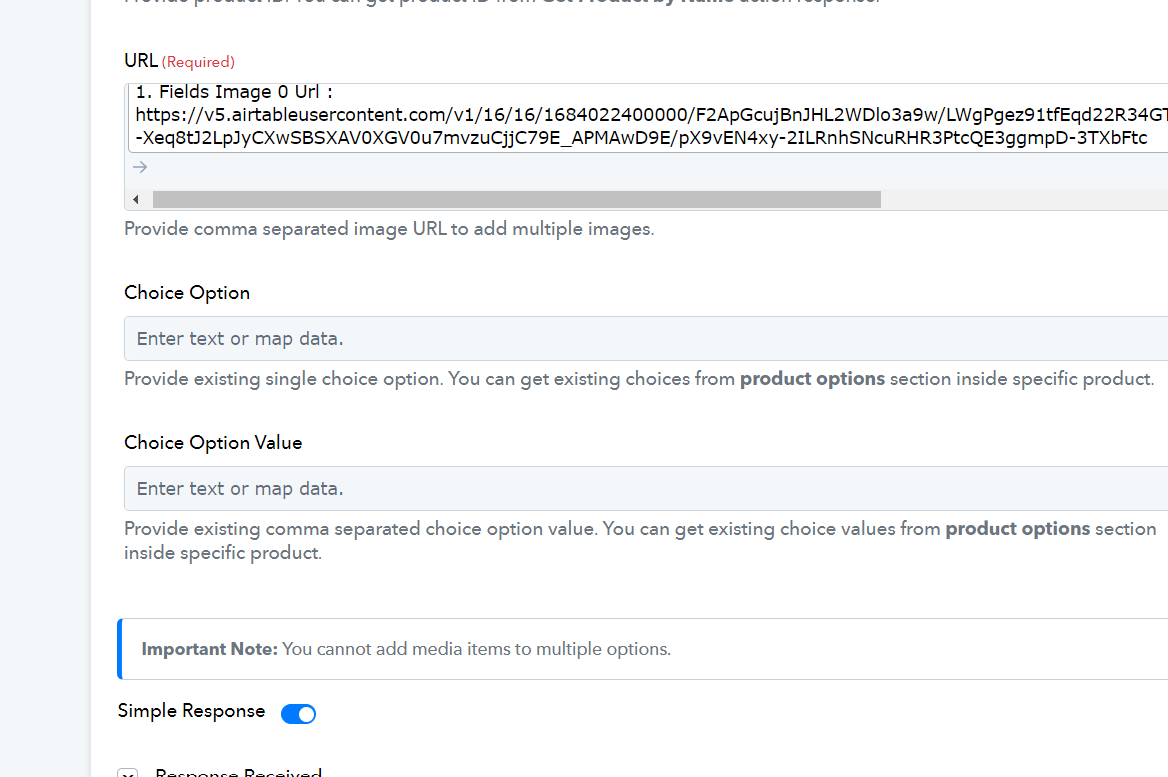
the description section under the fields are updated. But I'm still unclear as to what to do.
Hi @Key Berry,
Apologies for the delayed reply, I am attaching a link to Wix's website which explains what exactly the product options are:
https://support.wix.com/en/article/wix-stores-adding-and-customizing-product-options#creating-product-options
Hey @Key Berry
Please refer to the following short recorded video on how you can use Wix's action step in your workflow.
I'm sorry I wasn't clear at the beginning ... I don't have any choices to add, there's nothing to add to these fields and it will not let me keep it empty.
Both the Choice Option and Choice Option Value are optional fields, and you can skip both if you want to. As per the workflow you have shared, you are encountering an Internal Server error, which is not related to those fields.
I would suggest establishing a new connection with your Wix account and trying again. 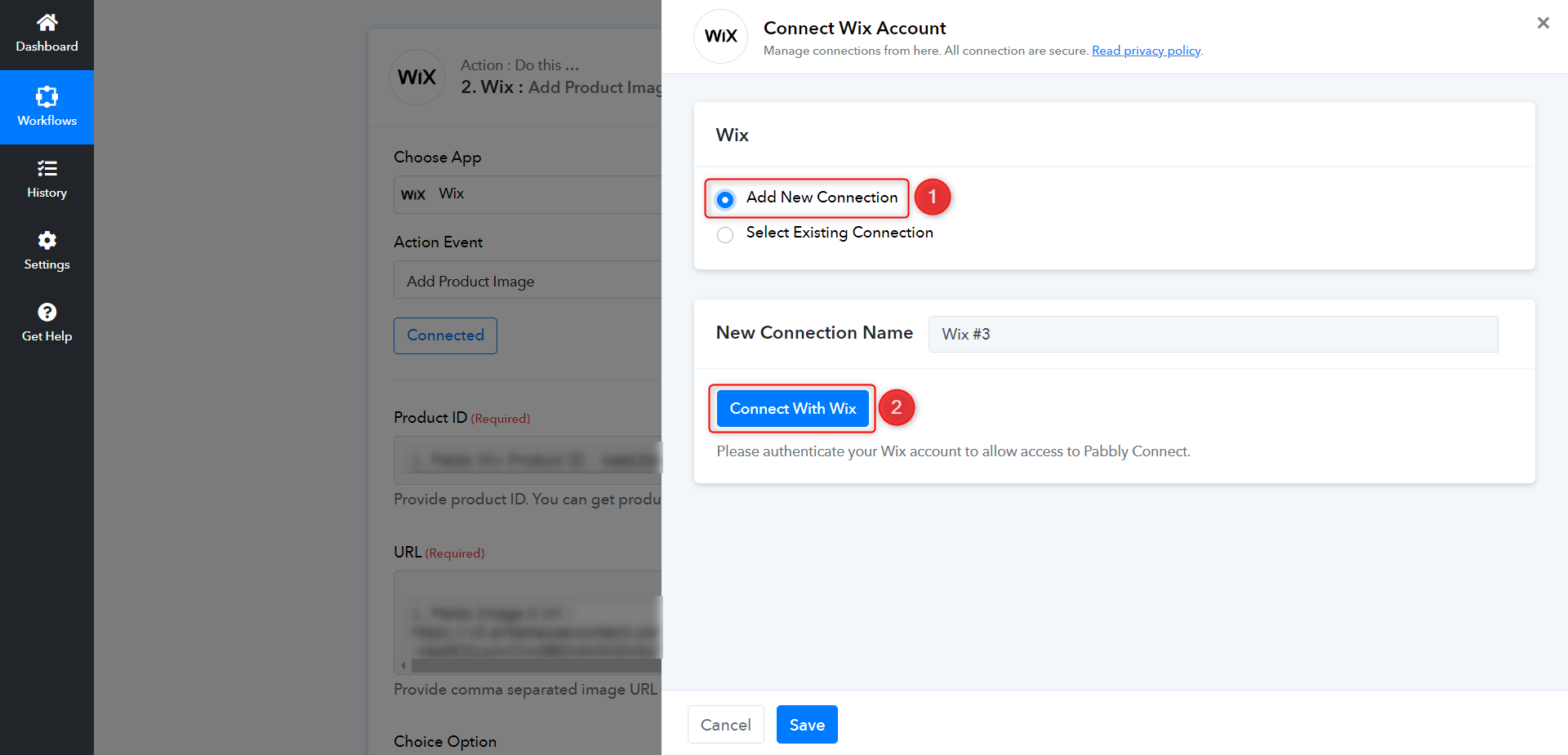
If the issue still persists, get in touch with Wix's support team, as the error is coming from their end.
okay, i'll look into it.