An issue with 'date'...
Status: Closed · Asked by JenniDFA on · 0 views
Hi there,
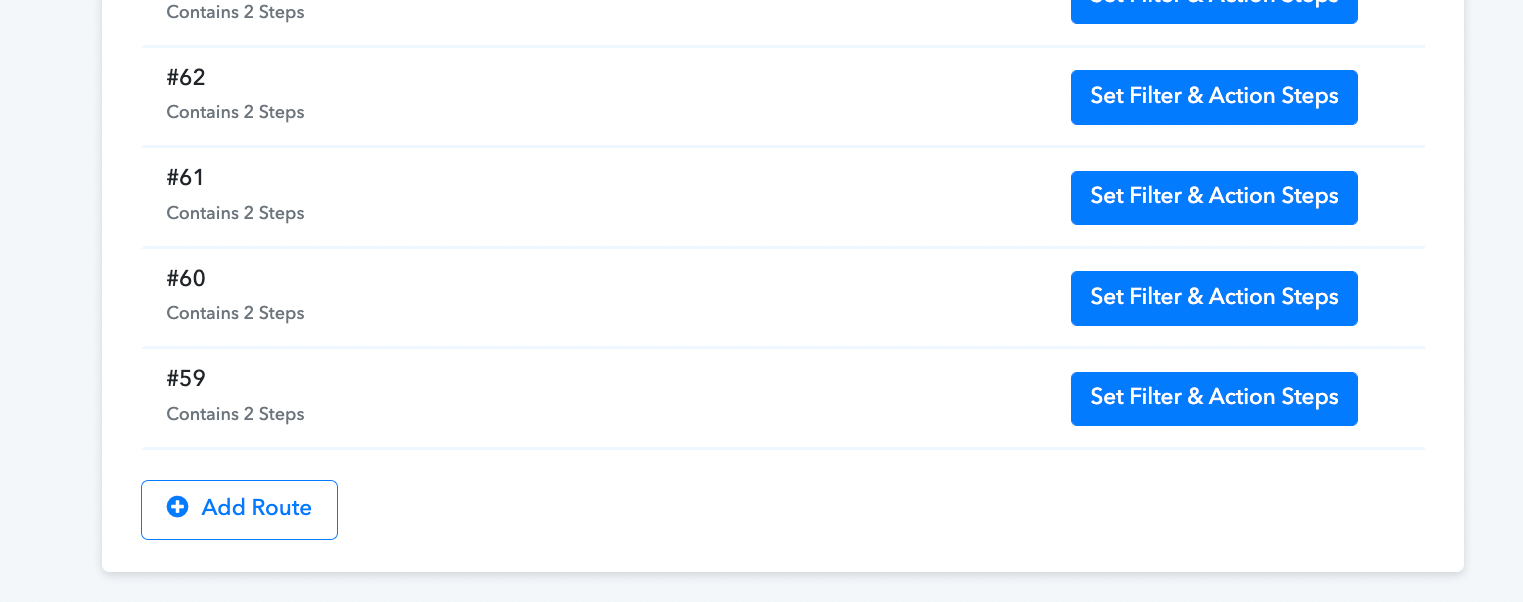
I'm hoping someone can help me figure this out...I'm making copies of these routes: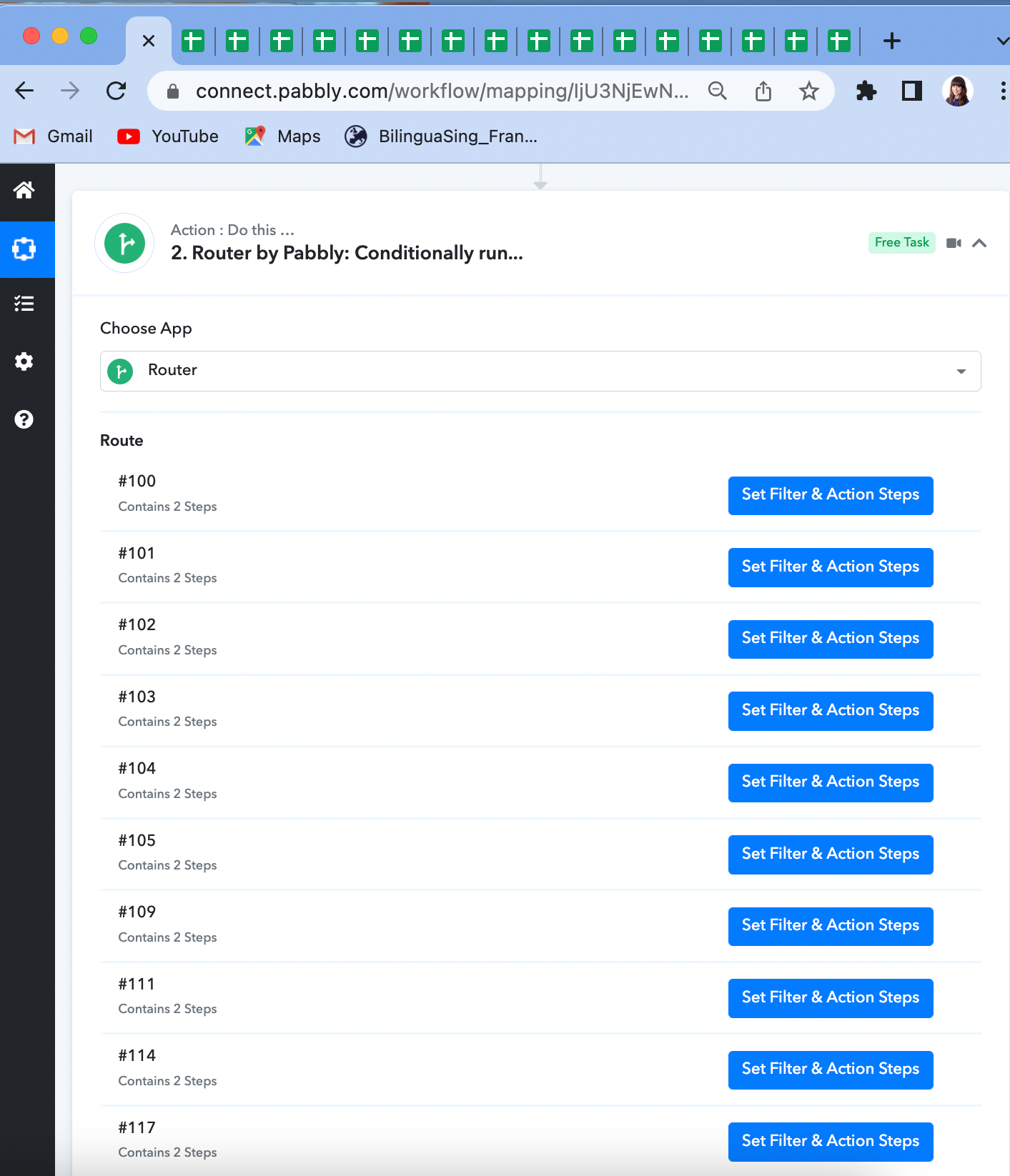
Within the routes is a date element, as shown at the bottom of the screen here: 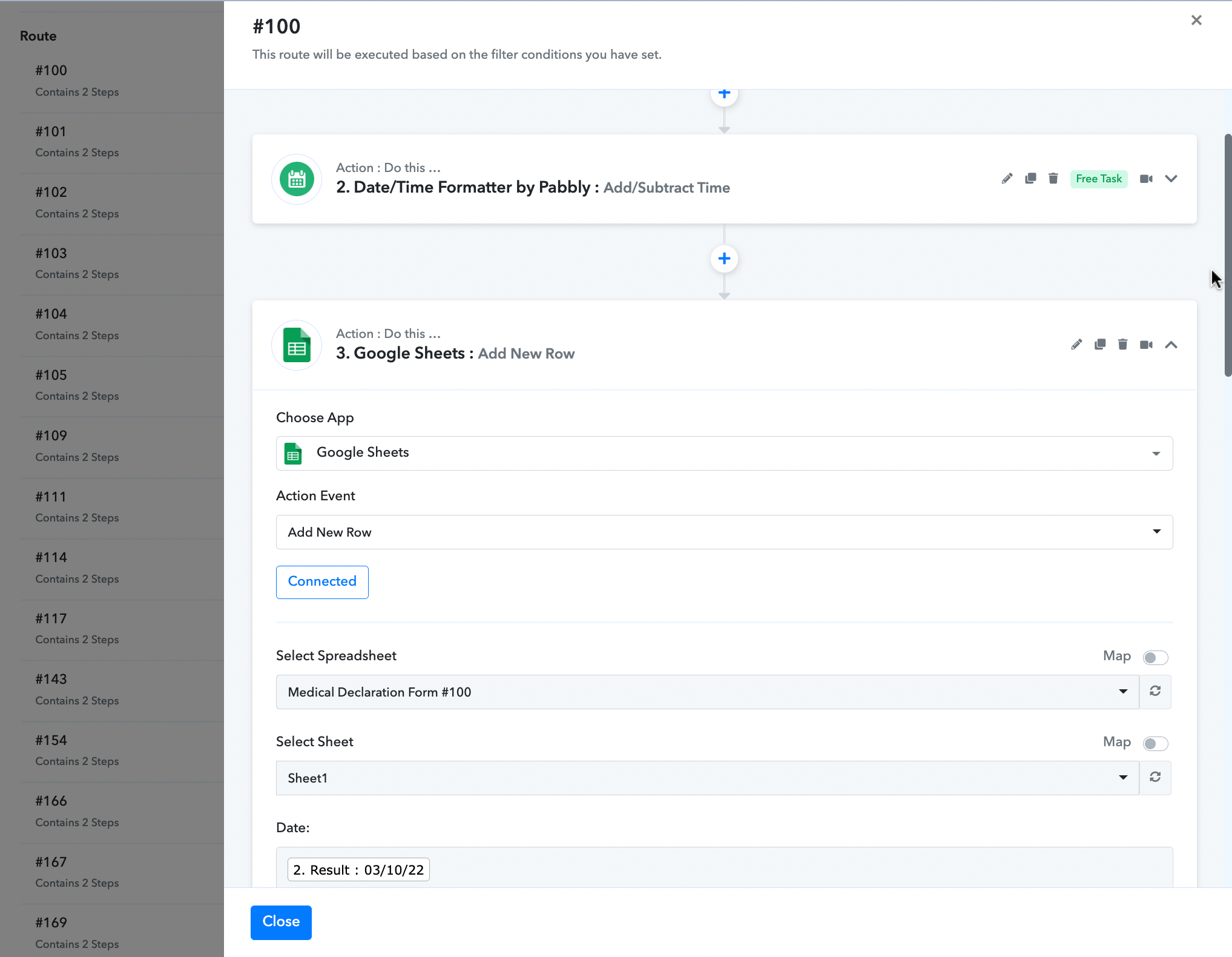
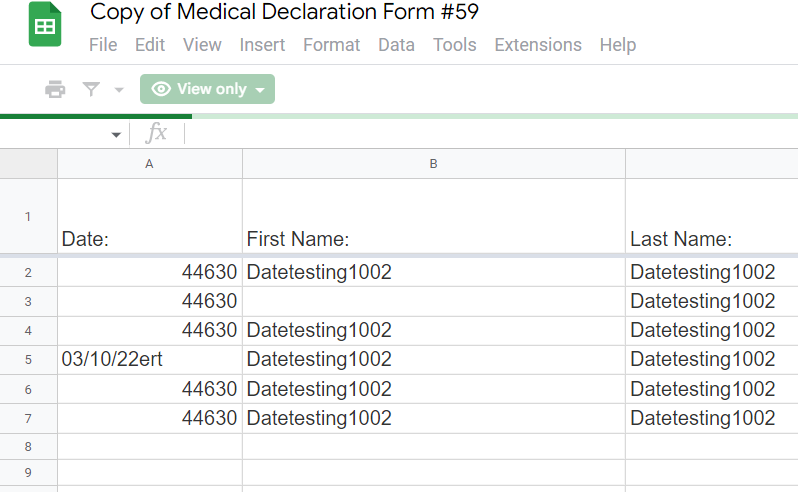
Every alternate go, the date is passed through to the end spreadsheet like this:
44630 as opposed to 03/10/22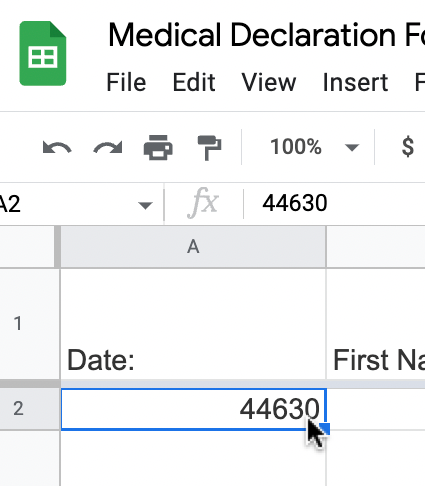
Any idea why this might be happening, and how I can fix it?
Thanks,
Jenni
Hey @JenniDFA
Please share the task history Id in which you have noticed the pattern so that we can look into it and can guide you accordingly.
Hi again @Supreme, ??
Task ID: Add Kartra Leads to Google Sheets
Hey @JenniDFA
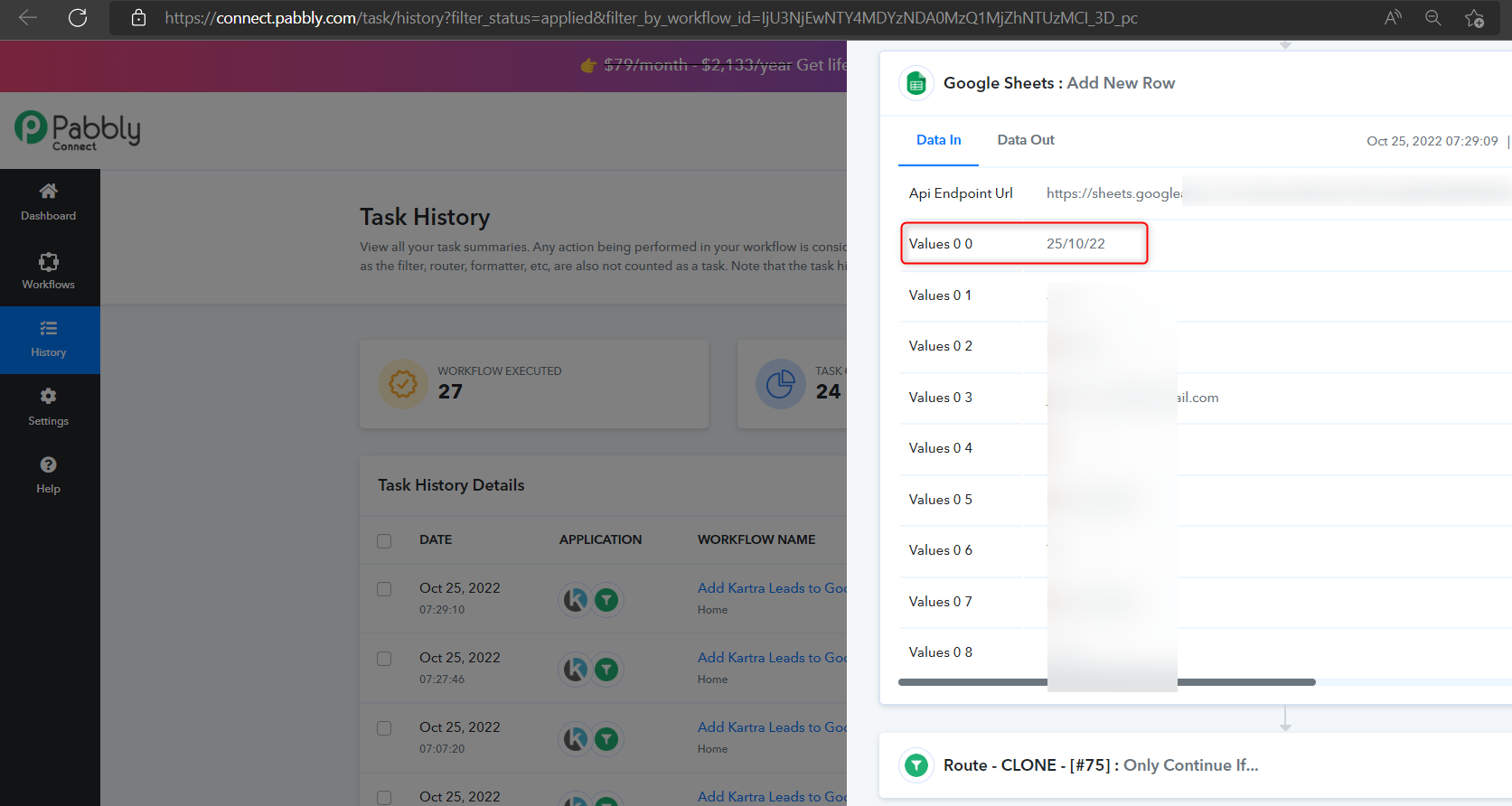
As we can see from your latest task history Id your date time is passing to your Google Sheets correctly.
Please share the task history Id in which you have got the DateTime in a different manner.
Hi,
You can see an example in this spreadsheet: https://docs.google.com/spreadsheets/d/11HuuhAZURZcktKb3Q1qLKYW0ndWenGsGKSfIm73ulpY/edit?usp=sharing
It's in step #59:
Attachments
Thanks, @JenniDFA for sharing the data. We will check and let you know about it.
Hey @JenniDFA
It seems like you might have used the formatting in the Date Column in your Google Sheets and because of that, the issue is coming.
So, please try removing the conditional formatting or date formatting from the Date Column.
Oh my gosh, you are a genius! ? Yet again, you are my hero, @Supreme! Thank you so much. ?