Any easy way we can do a "contains any" match?
Status: Closed · Asked by aaron on · 0 views
Let's say we have an array of data.
Data = ["Thing1","Thing2","Thing3"]
Data1 = Thing1,Thing2,Thing3Something like, `if "blah blah blah thing1" contains Data` or `Data1`; returns true.
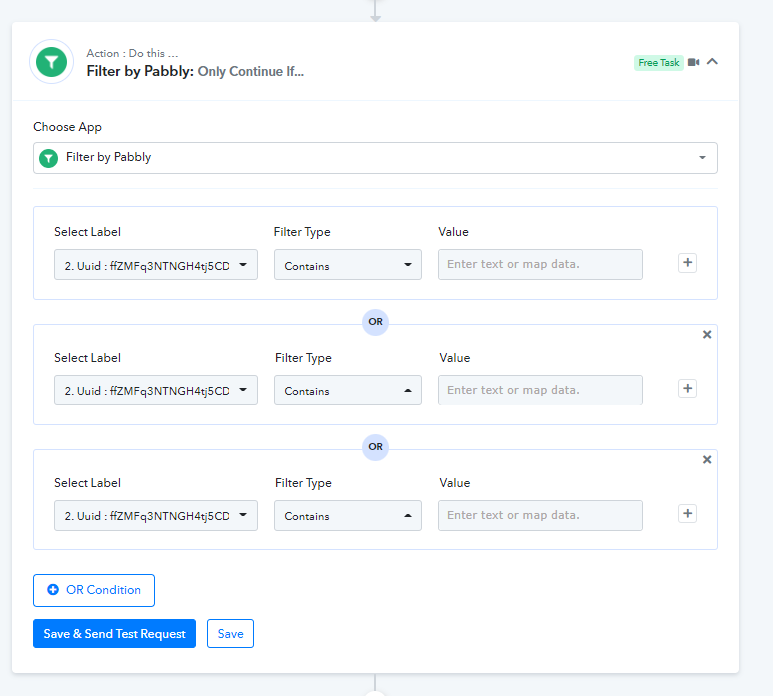
Using the Filter, doing a contains any is currently not something I can easily do, I'd have a bunch of "or" statements for each "Thing".
Not sure if it's something I missed, but having it set to "contains any" of an array or a comma separated list would be great.
Hey @aaron
Could you please briefly elaborate on your concern, so that we can look into it and can suggest you accordingly?
Further, you could use the Filter action step with the "Contains" filter type in your workflow.
Hello @Supreme
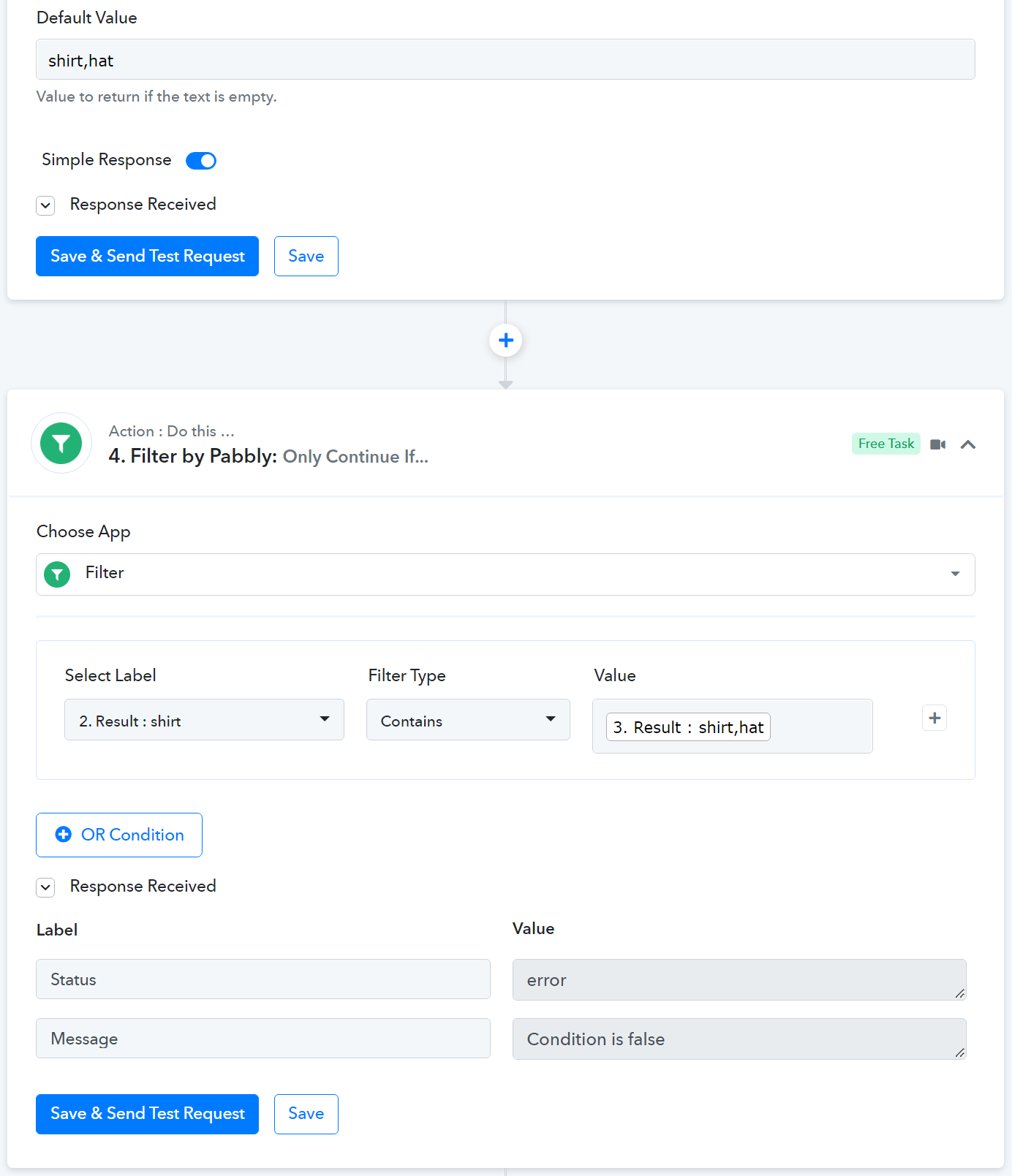
Basically I have a title. For an easy example I will call this title "shirt". Then I have a list of certain words to look for in that title. In my example I am looking for "shirt,hat" (shirt or hat). Using the Filter action step in this manner, results in a fail.
Yes for this it would be easy to make a separate OR statement for each word, "shirt" and "hat", but when I have 100s of keywords it gets really difficult.
Hey @aaron
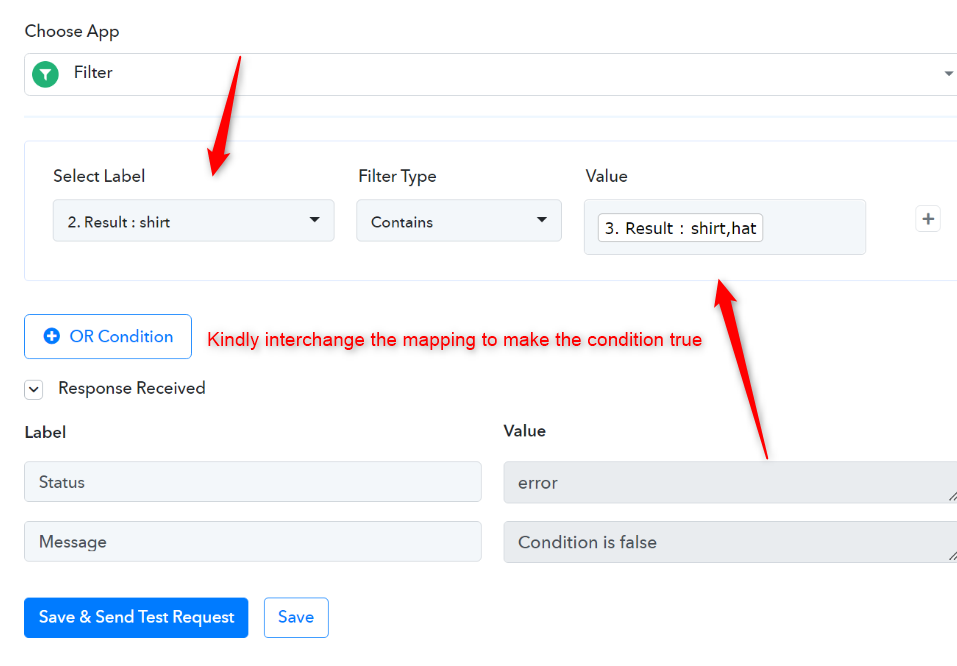
Please check the following screenshot for your above concern.
I may have made my example too basic.
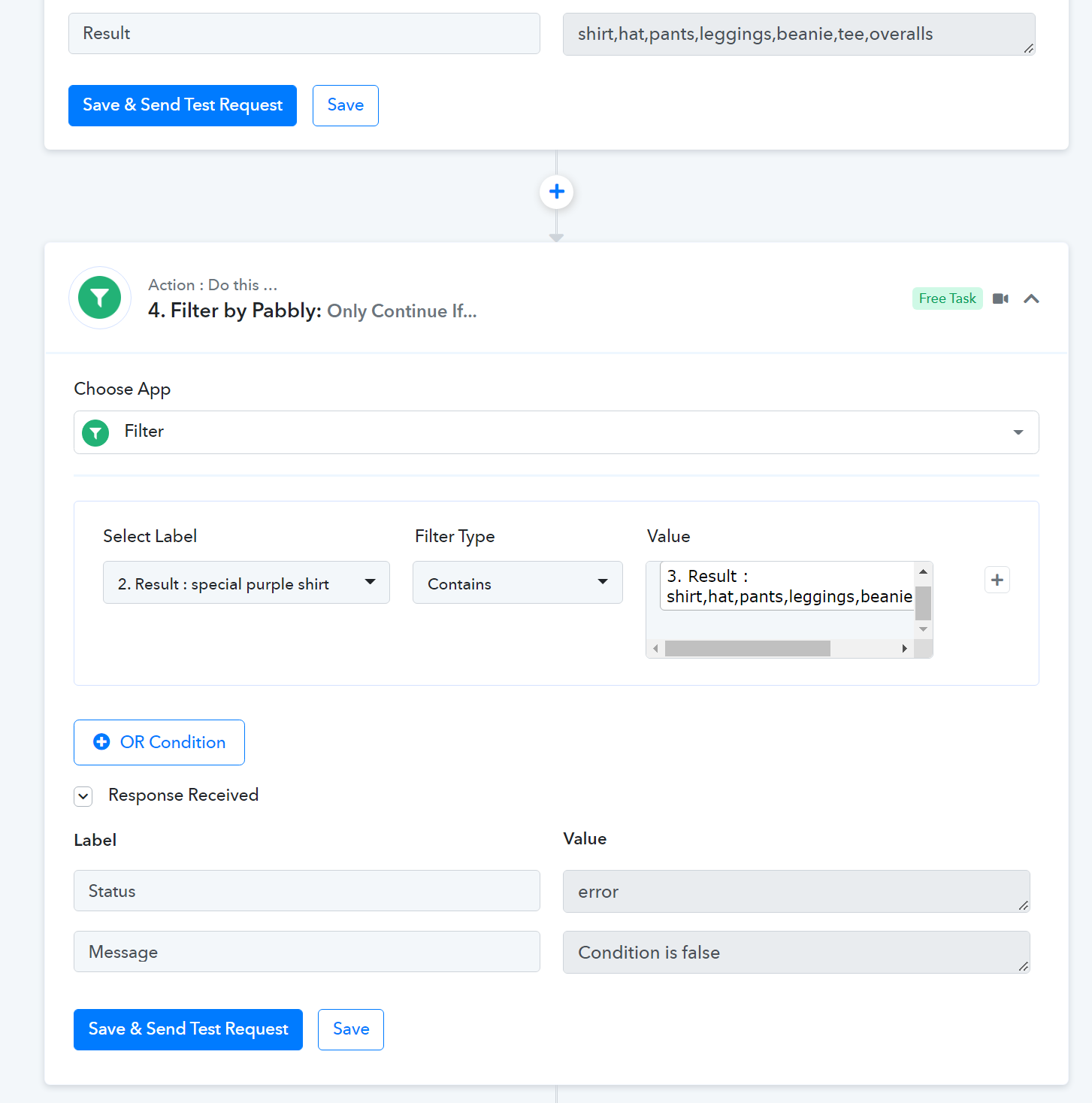
Result 2 represents a product title and result 3 represents a list of words. Please see a more detailed example here.
Result 2 represents a product title and result 3 represents a list of words. Please see a more detailed example here.
Please share the name of the workflow in which you are trying the filter condition.
Please share the name of the workflow in which you are trying the filter condition.
Name of the workflow is "Test" in the "Test" folder.
Hey @aaron
Regarding your filter condition, you need to first split the terms individually and then pass the terms in OR or in the AND condition.
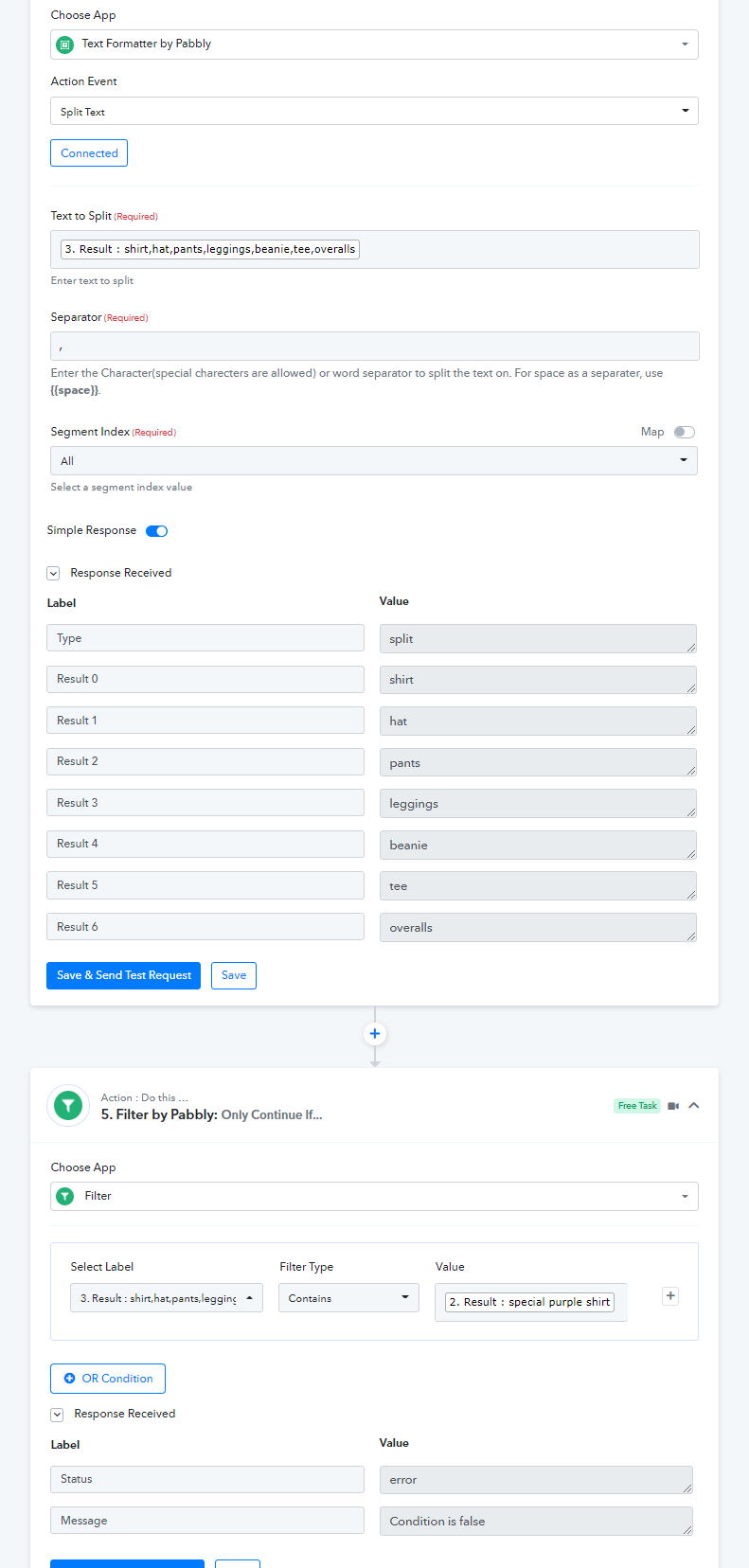
Hey @aaronRegarding your filter condition, you need to first split the terms individually and then pass the terms in OR or in the AND condition.
Yes that would work as would just inputting them one by one. This result is only 7 items, but it is difficult when there are 100s of potential items I want to match. It'd be great if there was a "contains any" or a "contains match" that returns positive if it matches within a comma separated list orr a regex pattern.
Hey @aaron
Yes, that might help you with the filter condition but as of now it is not available on the platform but you may post the submission on the platform here - https://pabbly.hellonext.co/