Asana action to add task - Not a recognized ID
Status: Closed · Asked by msa on · 0 views
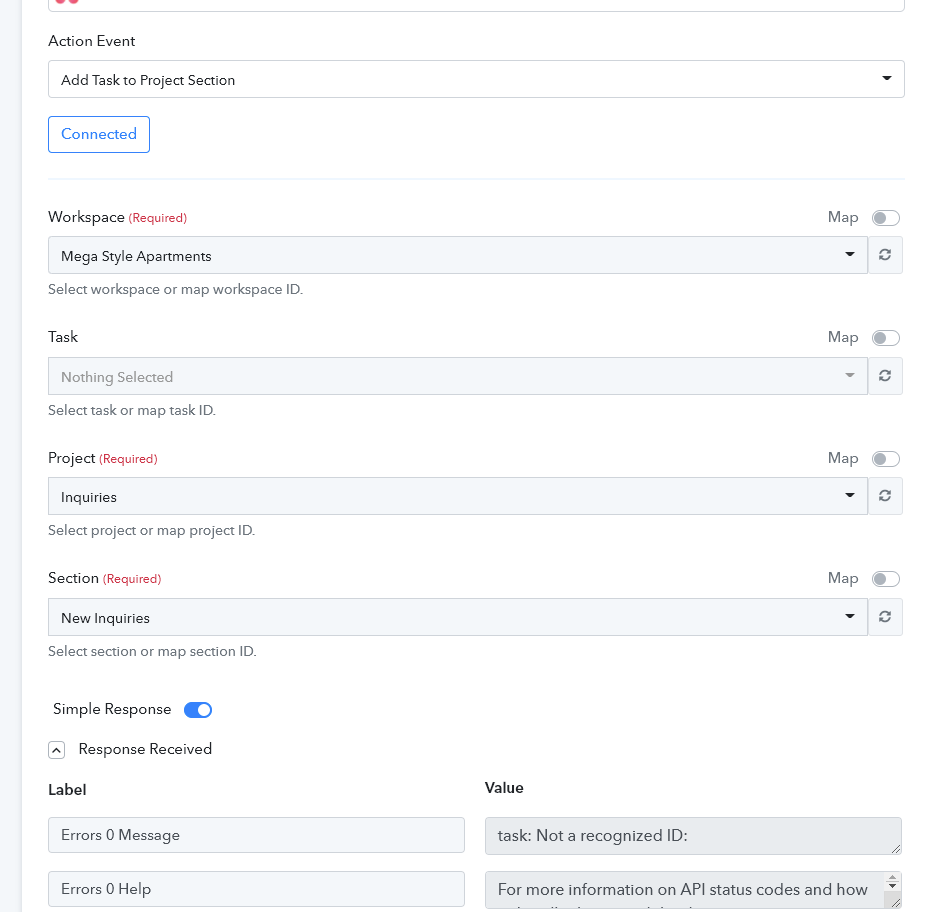
An Asana action "Add task to project section" tries to add a task and receives a response task: Not a recognized ID.
The section and the project is known, but the task is new, so how am I suppose to specify the ID of a task that hasn't been created yet?
Please assist?
Attachments
Hey @msa
It seems like in the respective Workspace in your Asana there might not be any task present and because of that, the error message is coming.
Kindly make sure that there is a task present in your workspace to make this action step work.
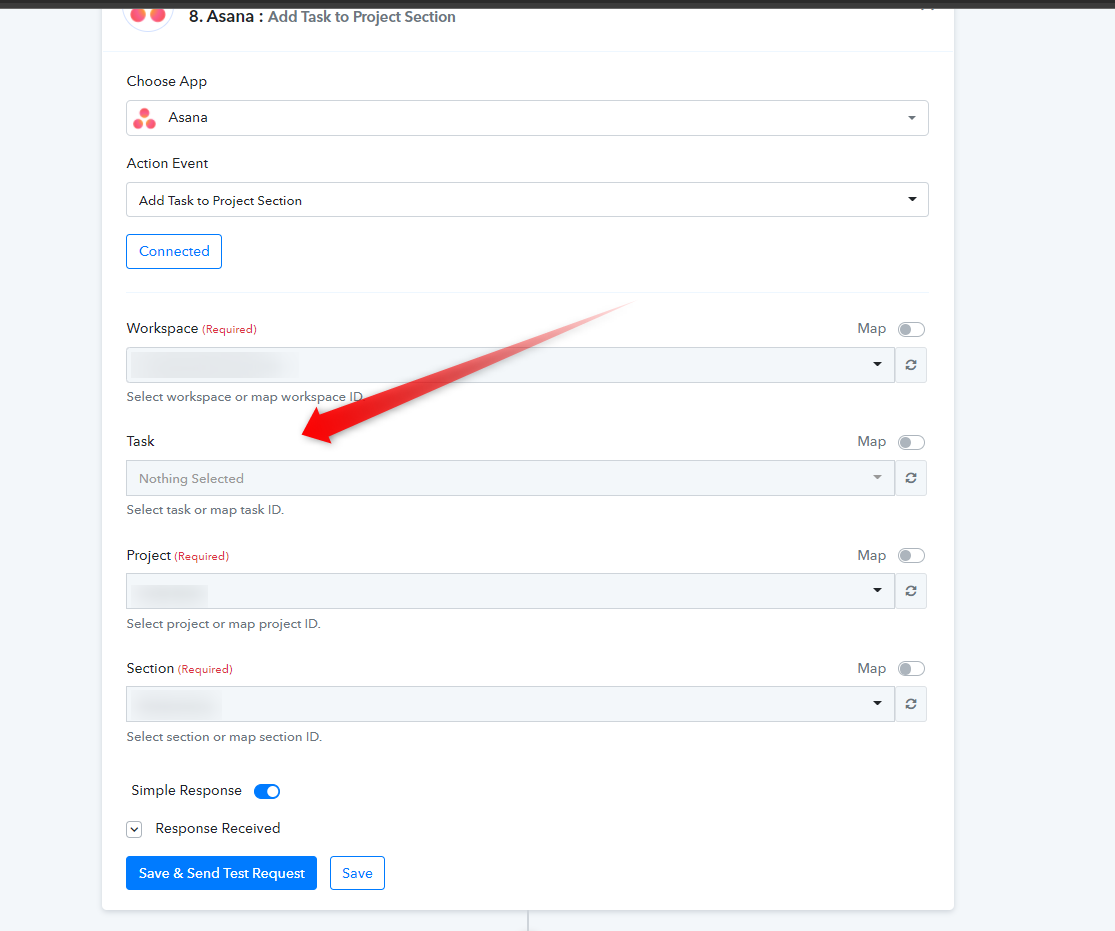
I'm trying to add a task to Asana. I'm guessing this is the wrong action?
Hey @msa
If you are trying to add a task in Asana, you can use the "Asana: Create a Task" action event.
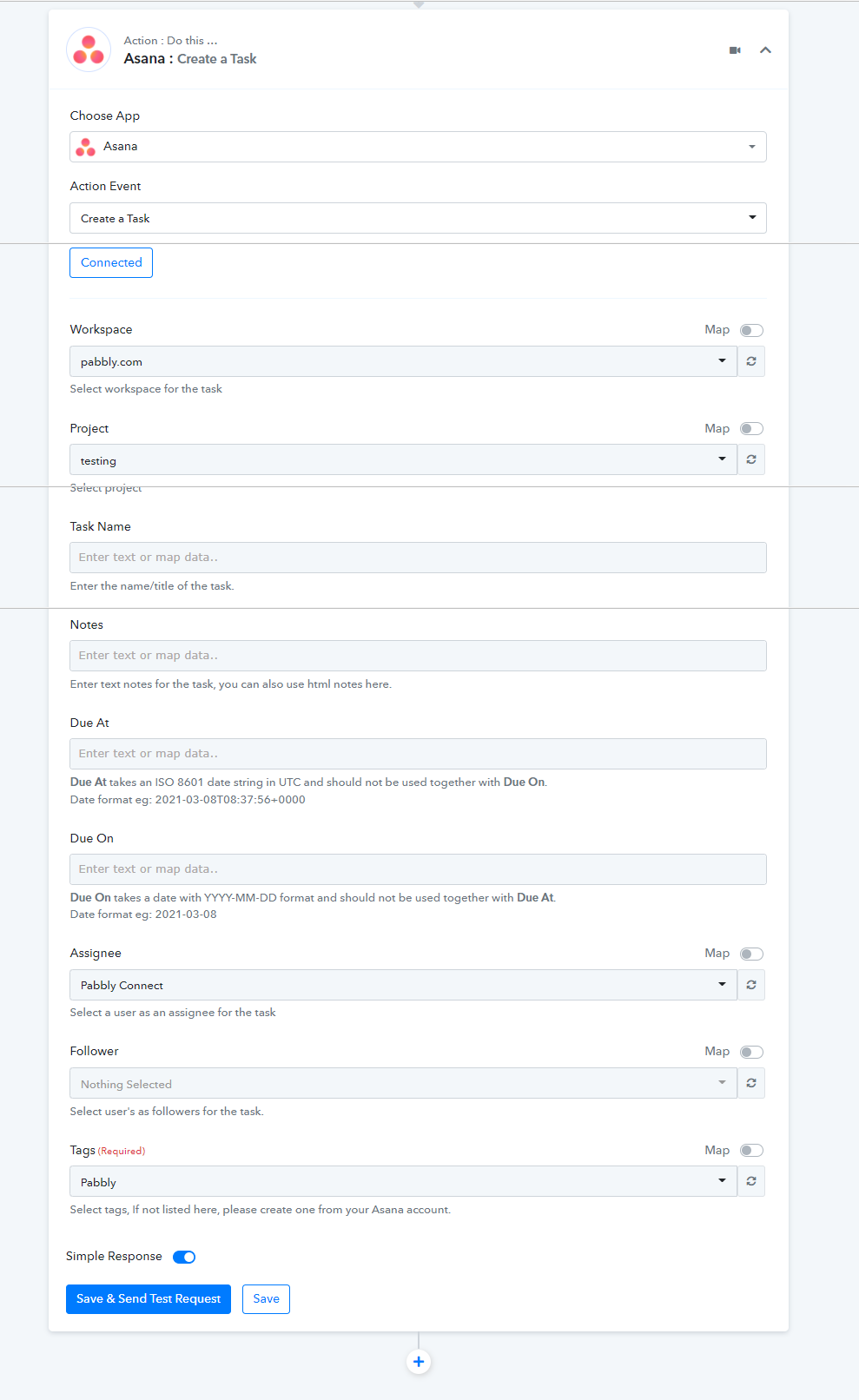
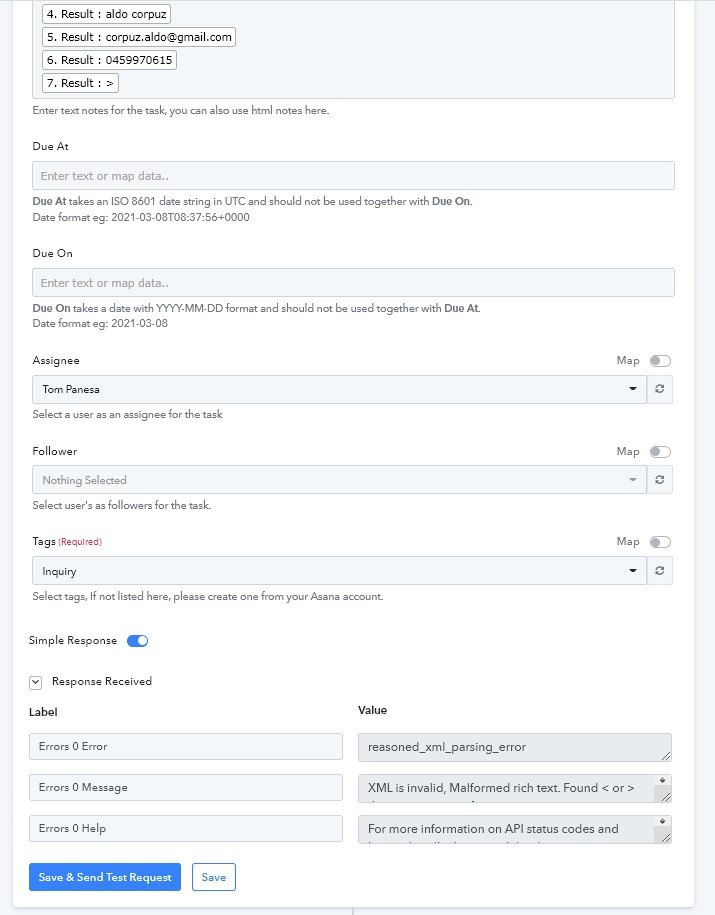
sorry I still am having a different error this time?
Attachments
Hey @msa
It seems like you didn't extract the comment from the content correctly and because of that, the ">" angular bracket is appearing which is not supported by the action event.
Though we have made a little change in your workflow and seems fine to us. Kindly review that in your workflow and let us know if that works for you.
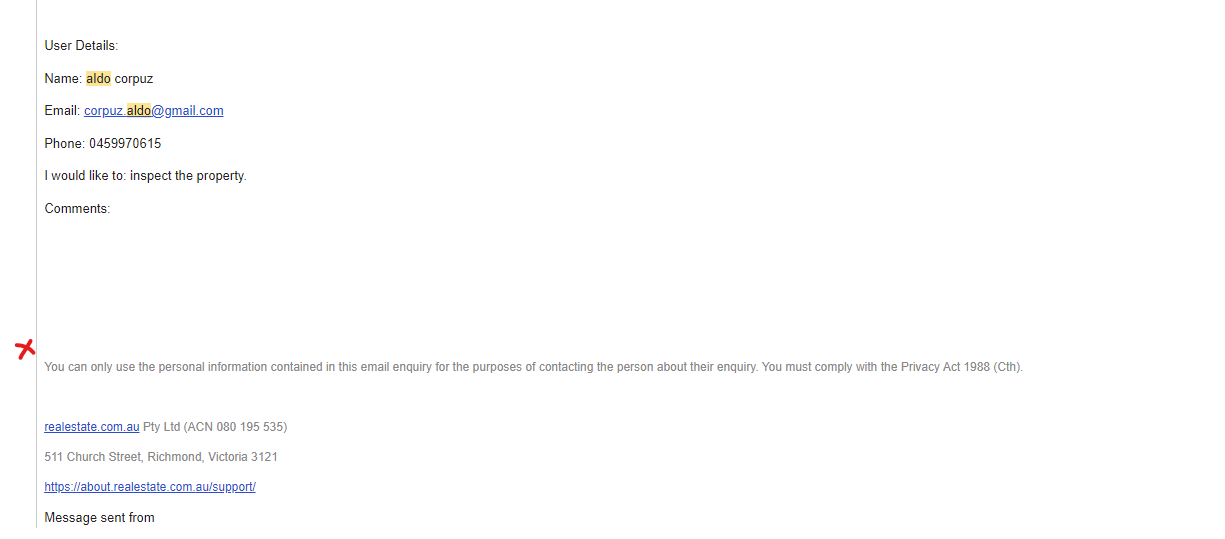
Thank you for fixing it! I would prefer nothing to be shown in the comments for this example, is it possible to look for anything before a new line?
Hey @msa
is it possible to look for anything before a new line?
Could you please elaborate on your concern briefly?
Hello Supreme, i am also facing the same issue. I am trying to update a new task from google spreadsheet > Asana task. How do i get some help here.
Hello Supreme, i am also facing the same issue. I am trying to update a new task from google spreadsheet > Asana task. How do i get some help here.
Please share the name of the workflow and the error message which you are getting in your workflow.