auto re-execution
Status: Closed · Asked by Himanshu Huria on · 0 views
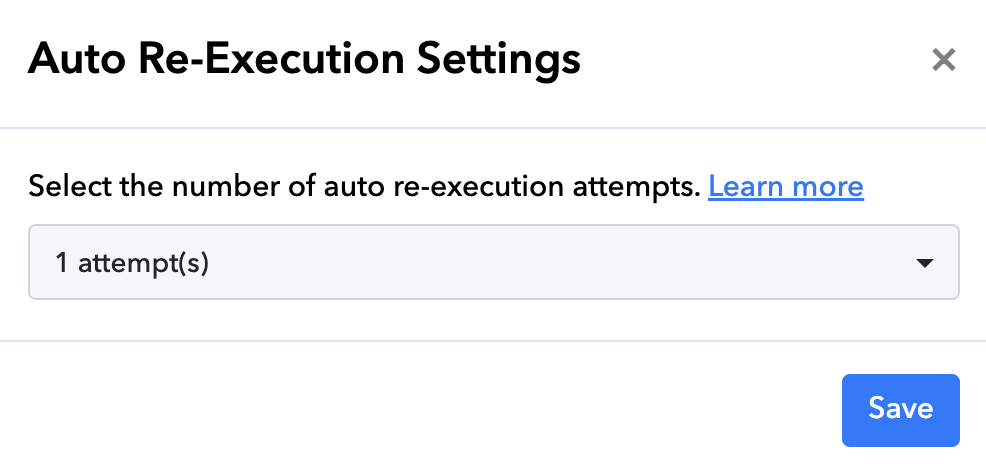
For how many attempts this should be enabled?
Hey @Himanshu Huria
When you click on the dropdown menu, it displays options for the number of attempts for auto-re-execution. In this instance, I recommend enabling it based on your preferences. If you believe your issue is resolved after one attempt, you can select that option. Alternatively, if you think more auto-re executions are necessary, you can choose the appropriate number according to your needs.
By default how much it is?
If you disable auto-re-execution, the process will not automatically re-execute. However, enabling it requires you to choose the number of re-executions from the dropdown menu. There is no default option; you must actively select from the dropdown menu, with a range of options from a minimum of 0 to a maximum of 5 auto-re executions. For more details, please refer to the thread below:
https://forum.pabbly.com/threads/how-to-enable-auto-re-execution-for-workflows.15088/