Automatically Send Data from Google Sheets to Pabbly Connect
Status: Open · Asked by greek2u on · 0 views
I am on the free tier of Pabbly Connect. I have successfully created a workflow in Pabbly Connect that captures data from a webhook in Google Sheets using the Send on Event option in Google Sheets. However, in order for the data to be captured by Pabbly Connect each time there is new data, I have to select the Re-Capture Webhook Response button. How do I trigger the Re-Capture functionality automatically?
Hi @greek2u,
You don't have to click the 'Re-Capture Webhook Response' button each time new data is added to your spreadsheet. This button is used solely during the setup of your workflow to capture data in the Google Sheets trigger response.
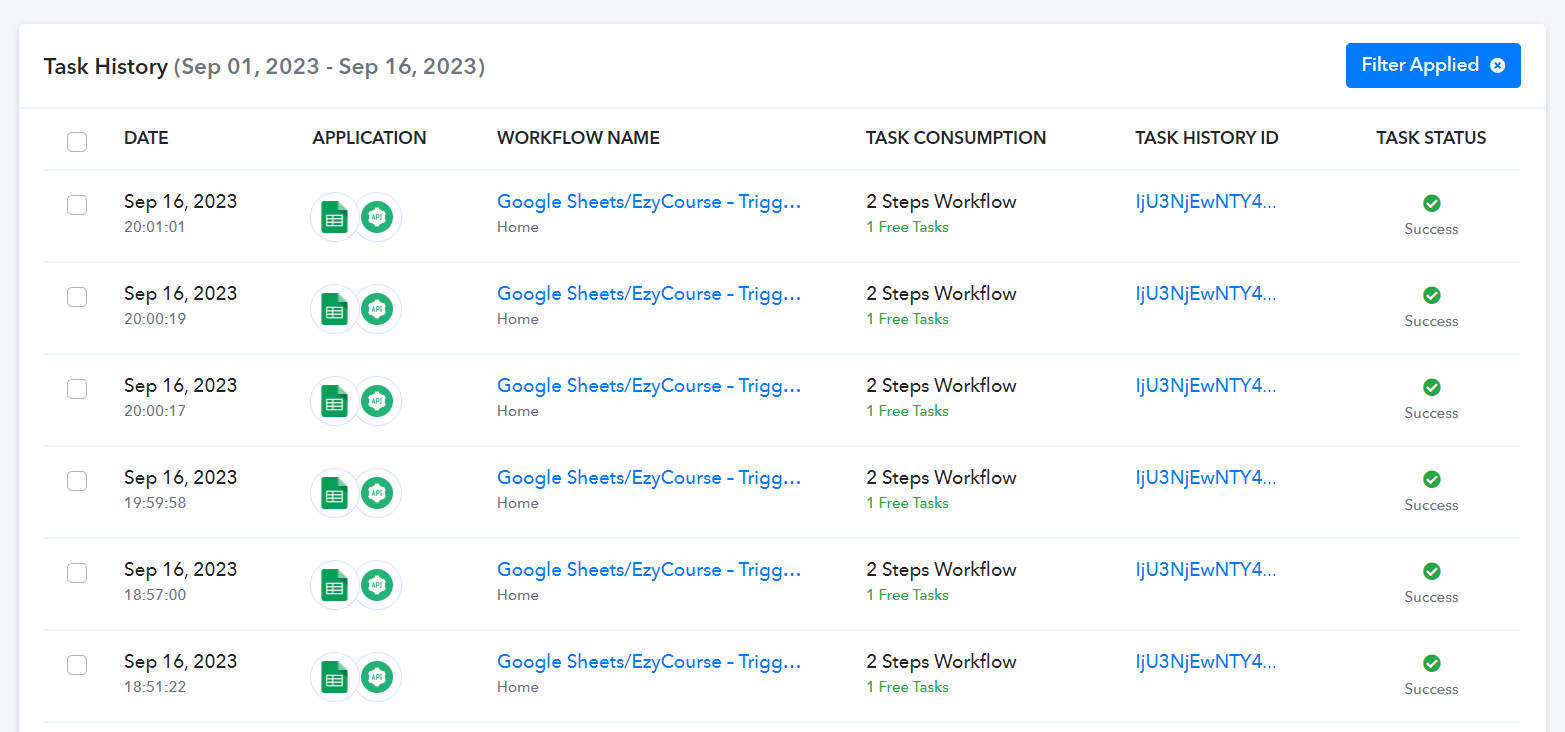
In automation, your workflow will be triggered automatically, as evident from your Task History.