Automation from Wati to Zoho CRM
Status: Closed · Asked by Dharmendra Singh on · 0 views
Hi,
I would like to get your assistance regarding Automation Flow using Pabbly.
I wanted create automation flow as per below scenario
[TABLE]
[TR]
[TD]Wati[/TD]
[TD]Pabbly Connect[/TD]
[TD]Zoho CRM[/TD]
[/TR]
[TR]
[TD]New Chat from Mobile No - 1234567890[/TD]
[TD]??[/TD]
[TD]if Mobile No 1234567890 available in CRM Contact No Lead creation
Else New Leads will be created in Zoho CRM[/TD]
[/TR]
[/TABLE]
Please let me know how we can proceed with this automation
Hey @Dharmendra kuma rsingh
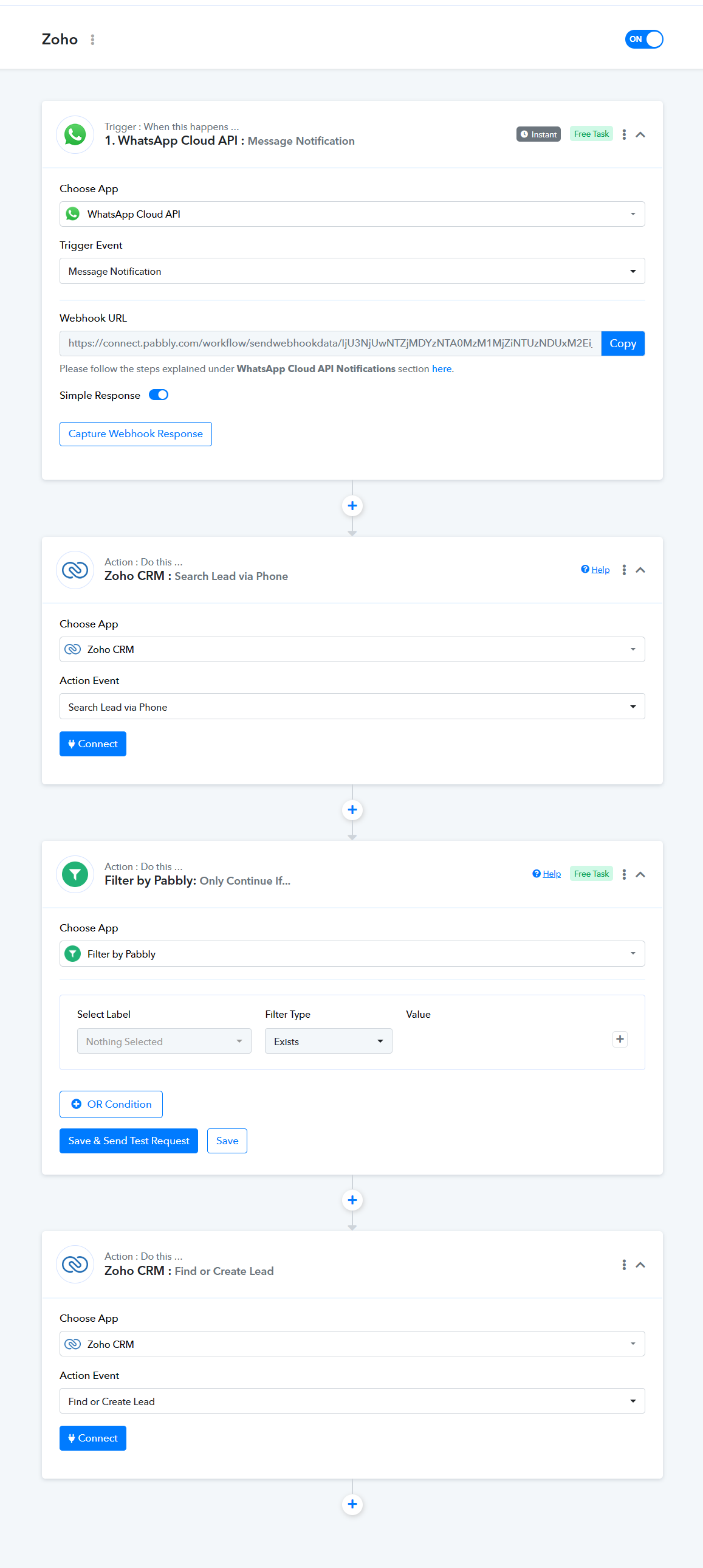
You can refer to the following screenshot on how you can use the action step to accomplish your workflow.
1. You can use the WhatsApp Cloud API to get the data from Cloud API.
(Watch the first part of the video)
youtube.com/watch?v=KhFh0MkWLVw
2. Use the "Search Lead" action step to check it's existing with the help of their phone number.
3. And can use the Filter action step with Doesn't Exits if the "Search Lead" action step provides data in it.
4. If the filter didn't get the data the Zoho CRM: Find or Create Lead action step will create the lead.
Hi,
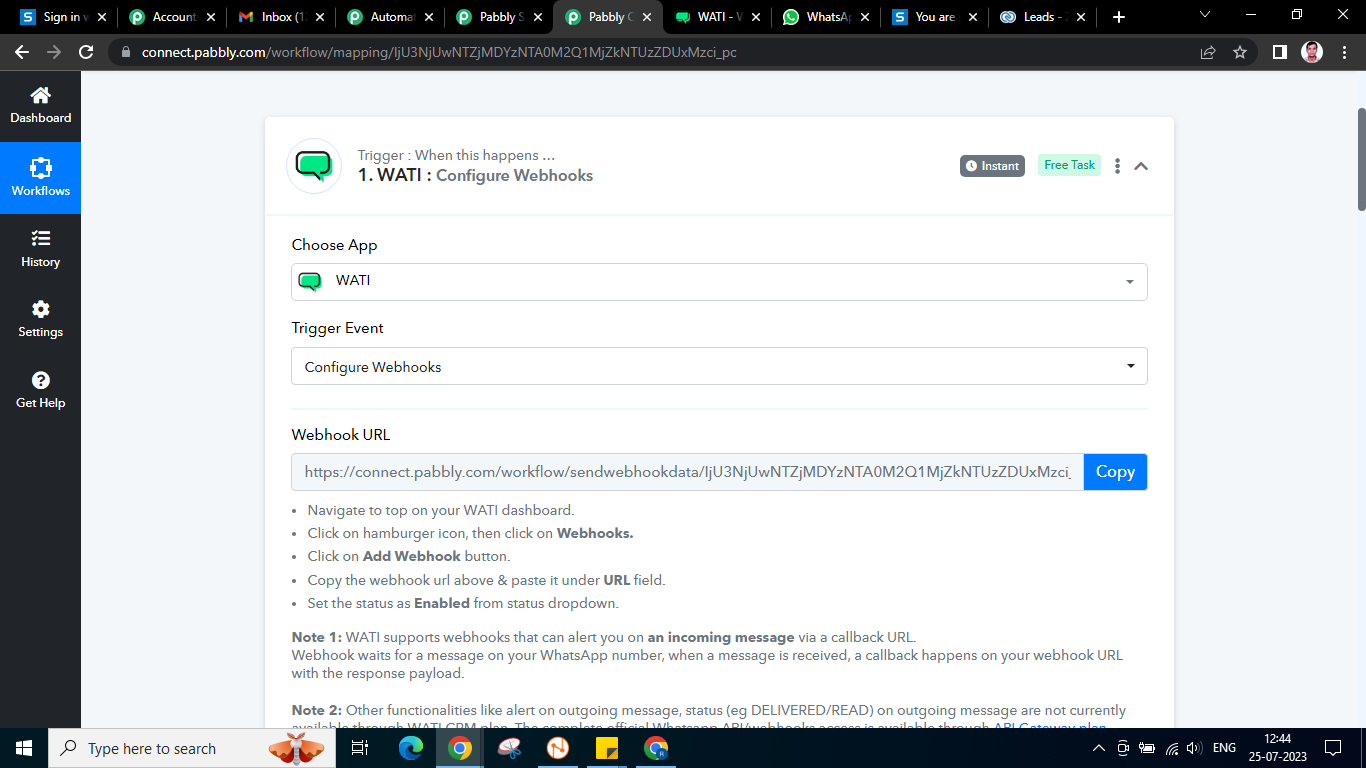
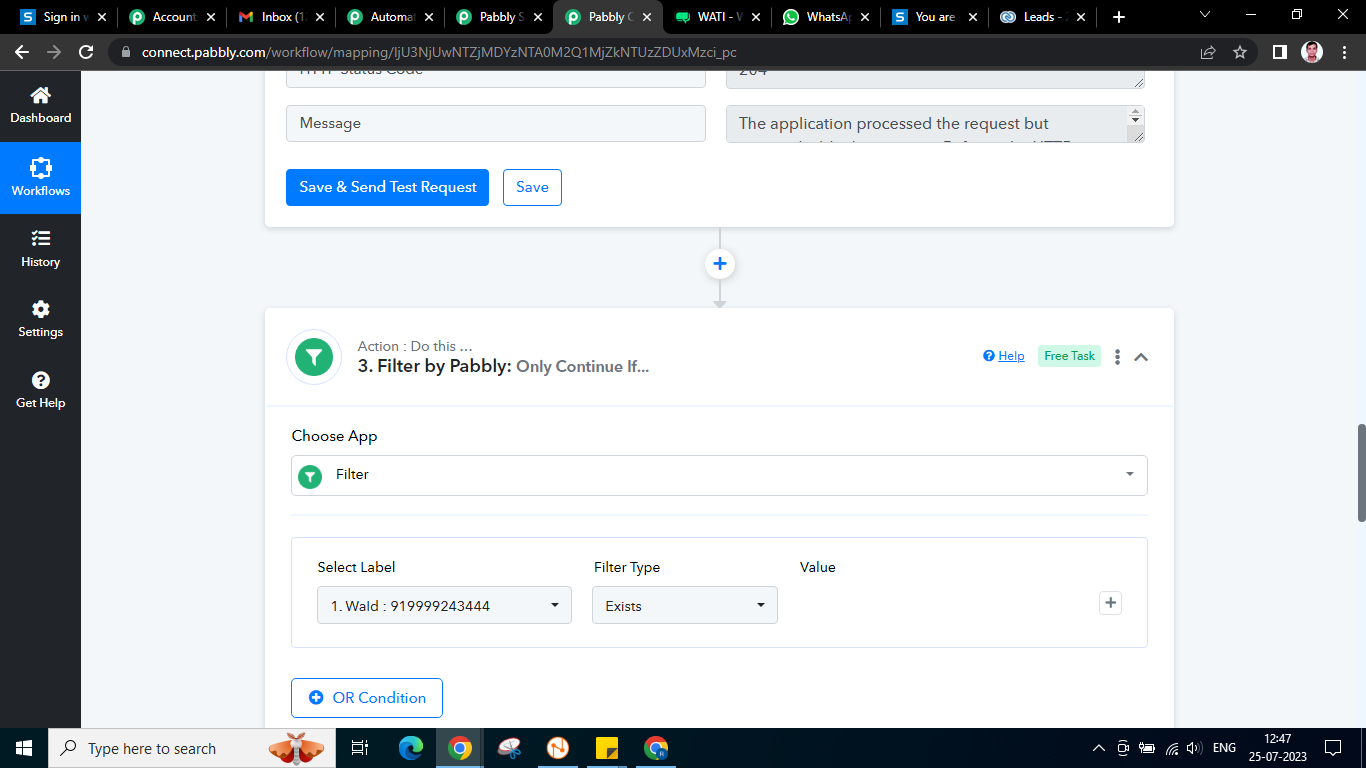
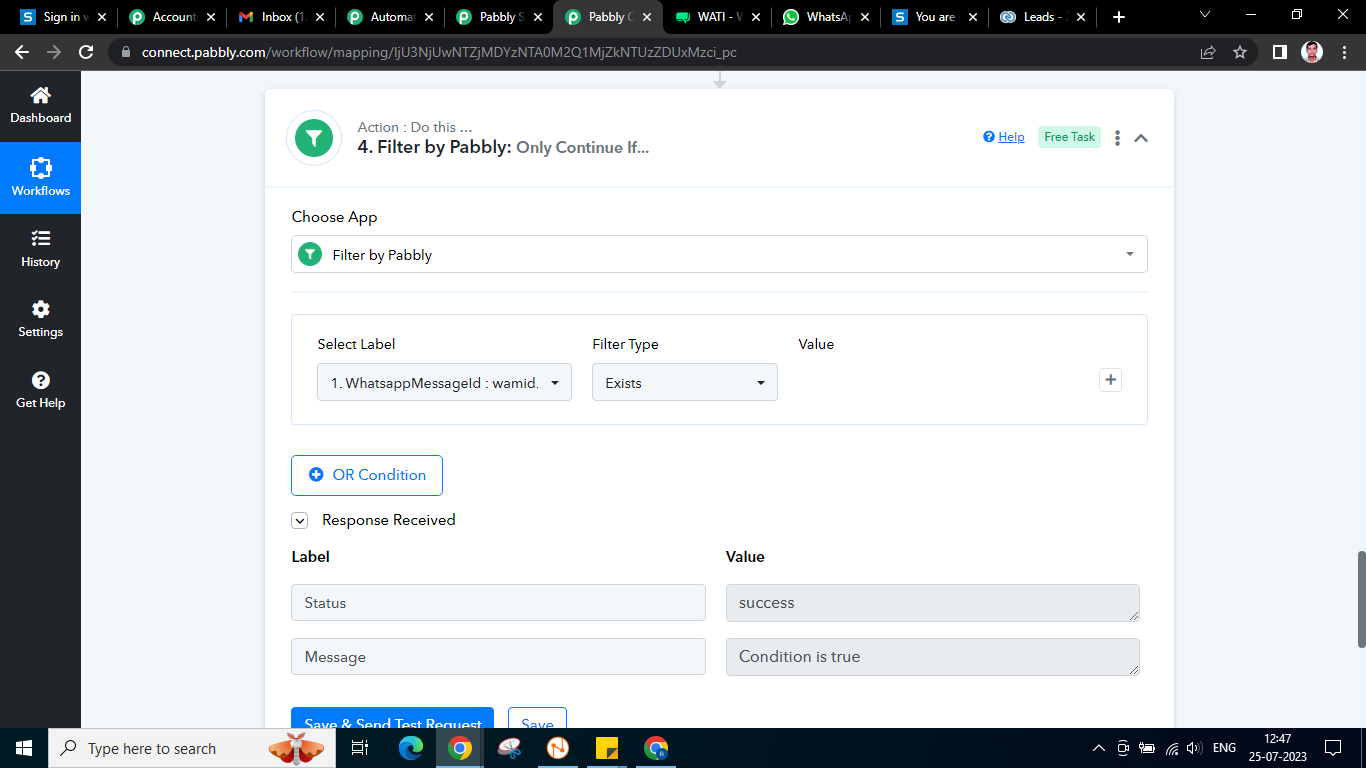
I have facing error during the setup. Please check the screenshots below.
Please share any other video if you have direct integration with Wati to Zoho CRM
Attachments
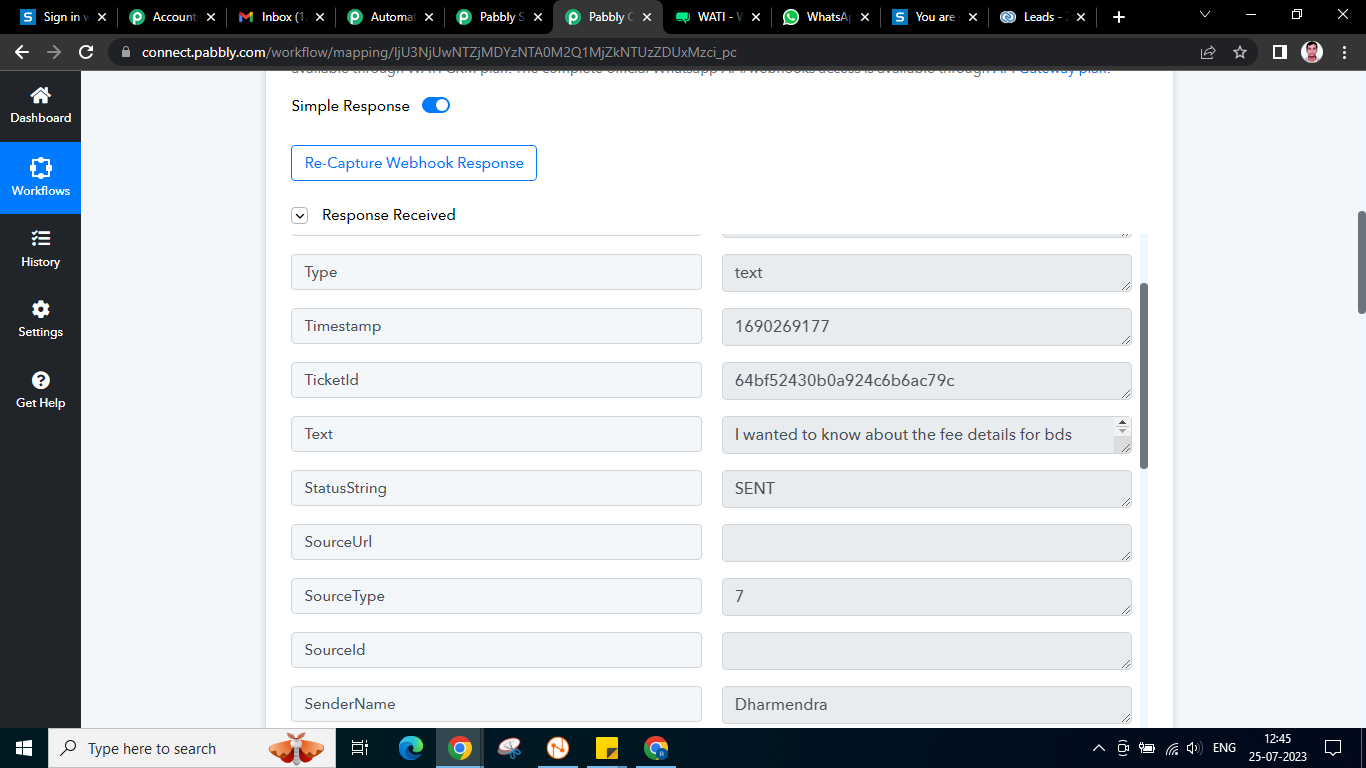
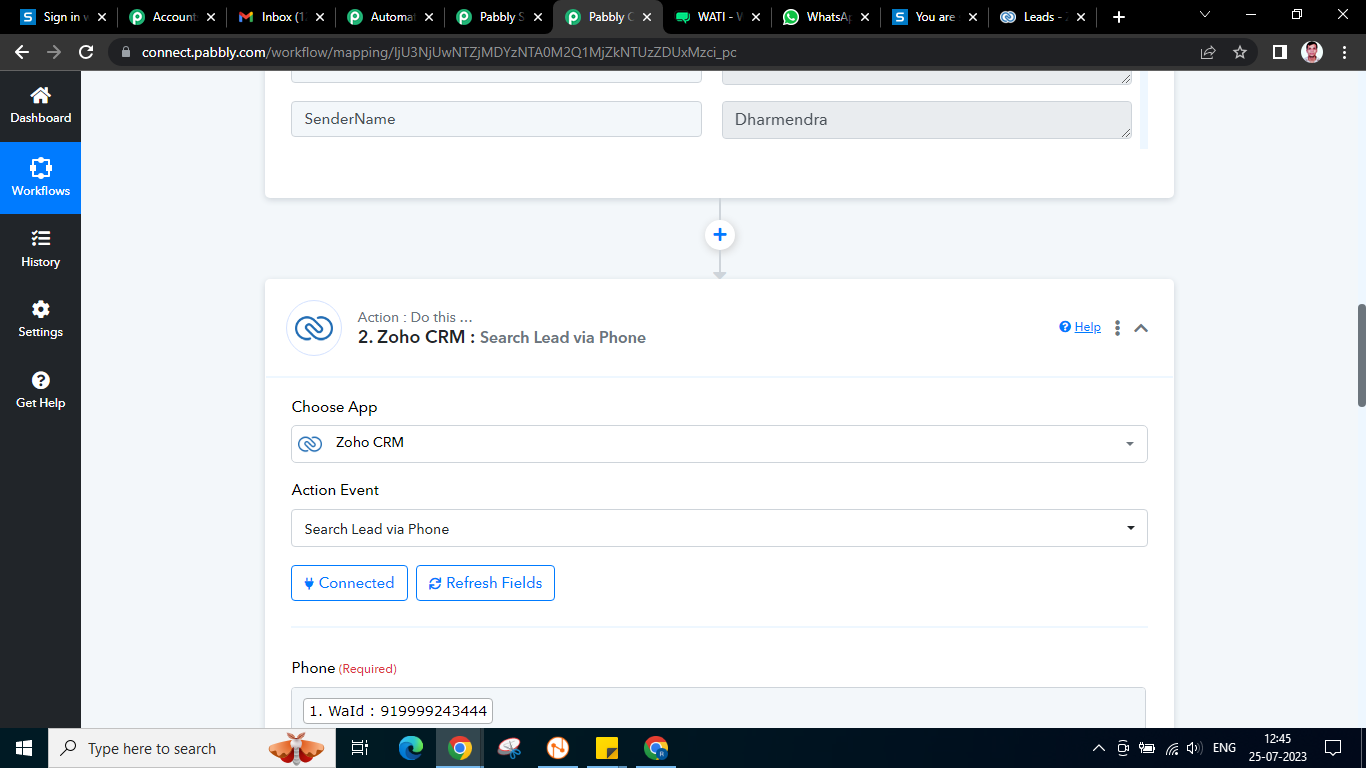
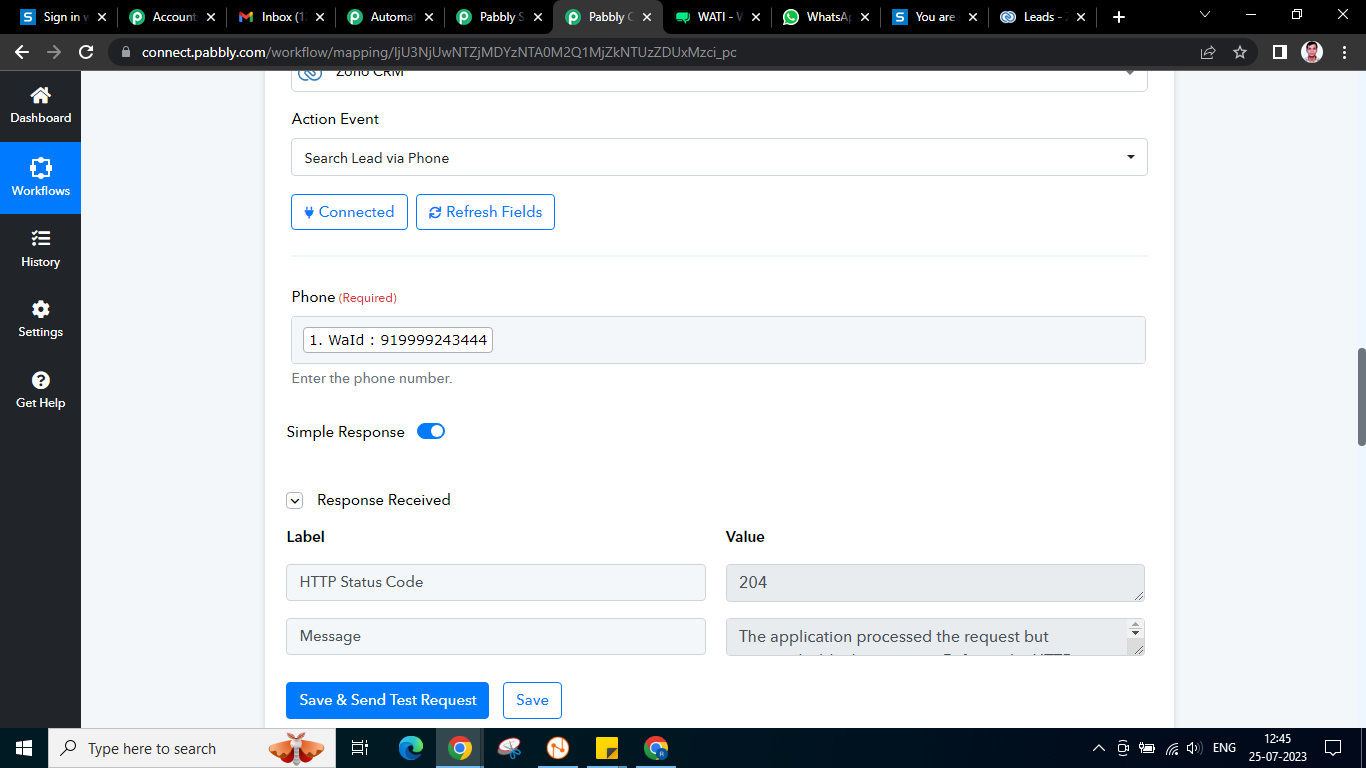
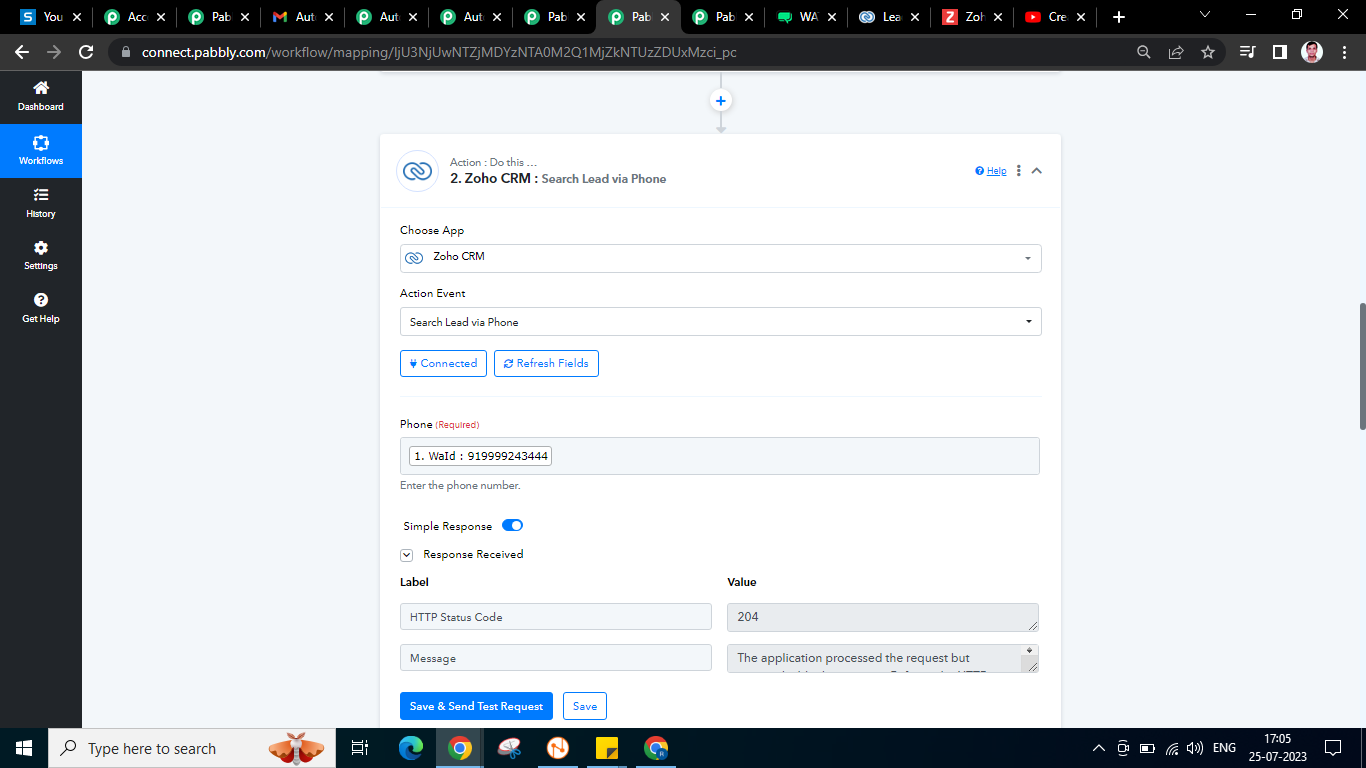
Kindly map the phone number from the 2nd step of the "Search Lead Via Phone number" response.
Hi Supreme.
Can we do this on remotely. it would be great if we can connect on [email hidden]
Please see the step as mentioned in PDF File.
1st Step Webhook URL Linked with Wati.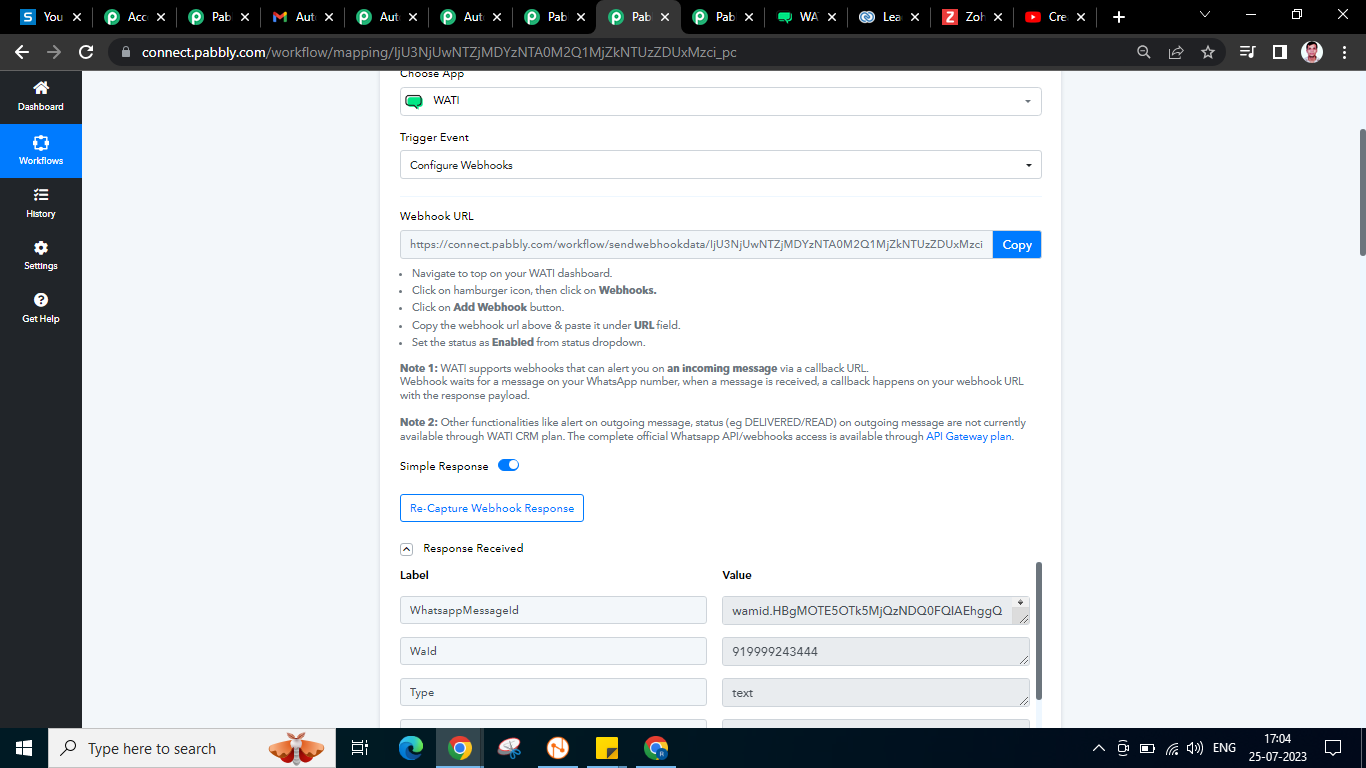
2nd Step - Connect Zoho CRM action events Search Lead via phone.
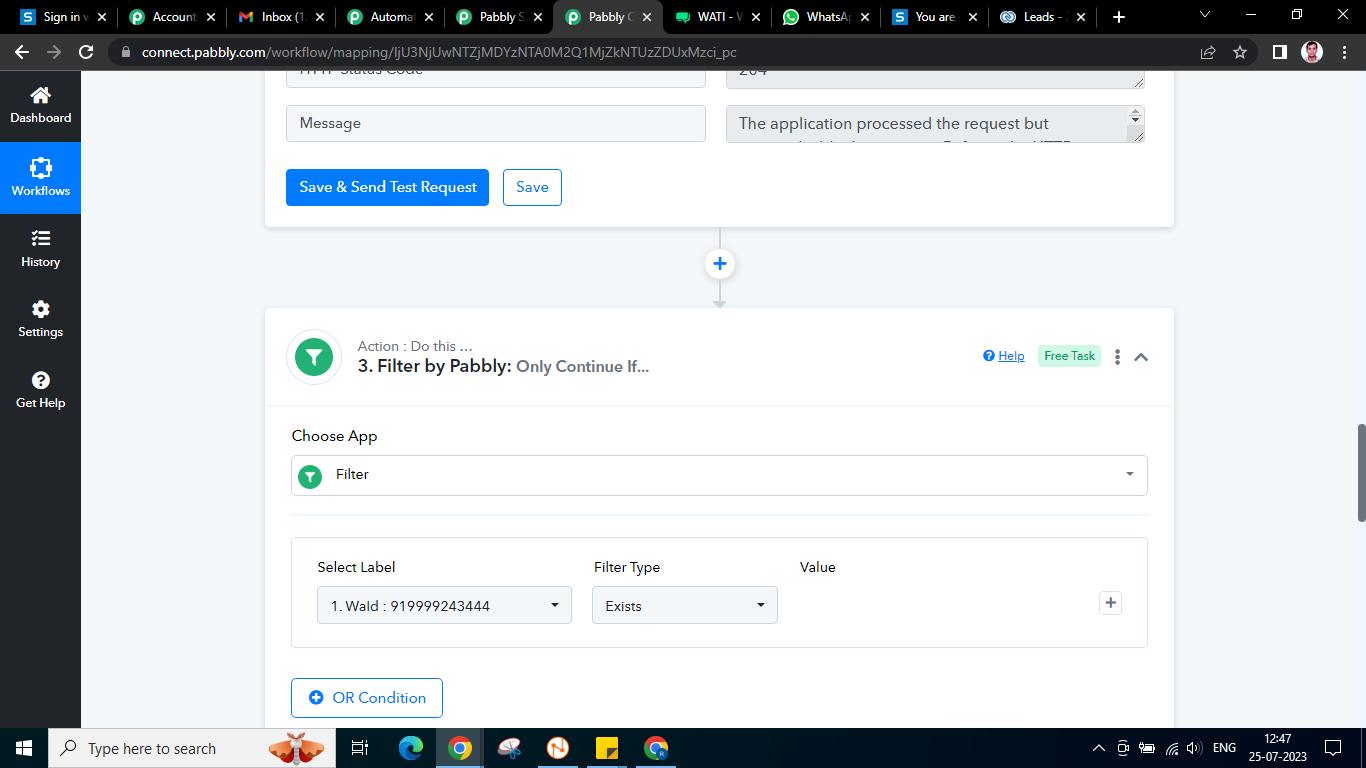
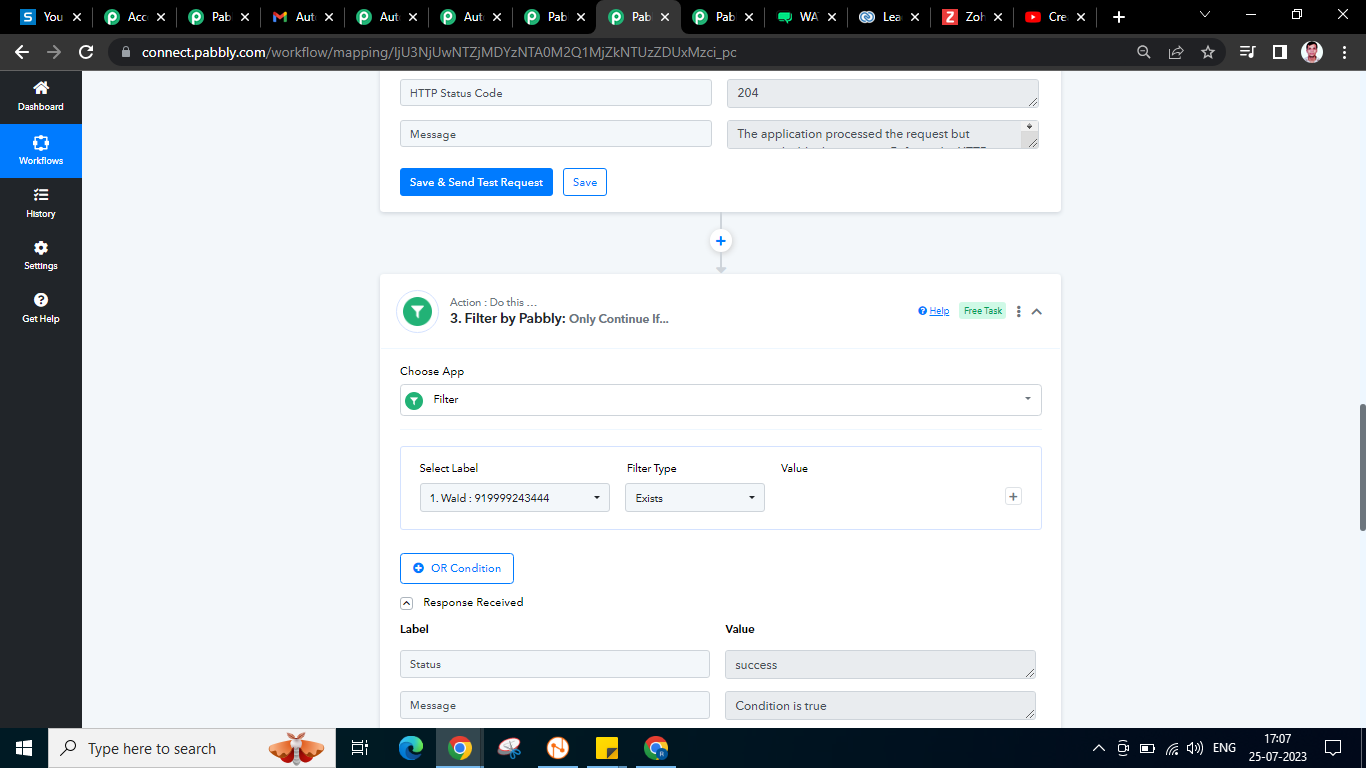
3rd Step - Filter using Pabbly as per shared screenshots
Attachments
Hey @Dharmendra kuma rsingh
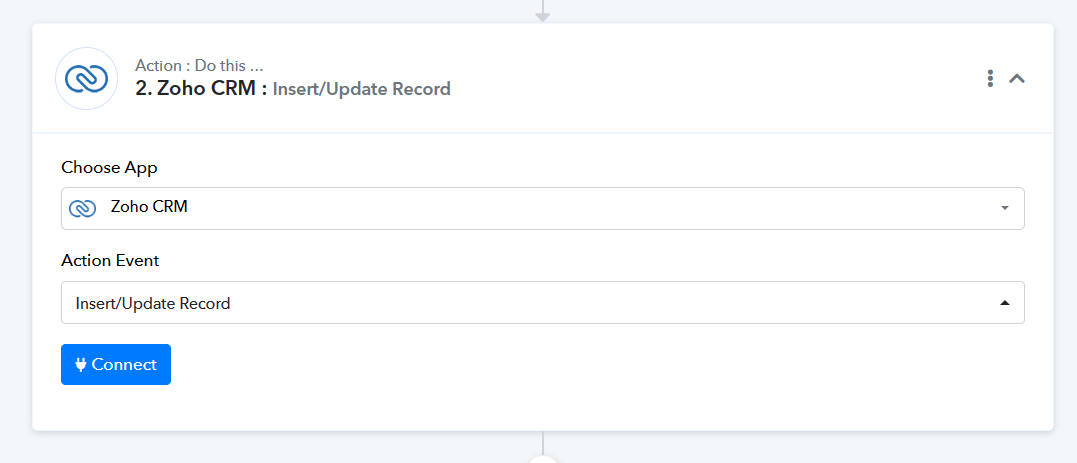
You can try using the "Zoho: Insert/Update Record" action step instead which will create the lead and update it accordingly where you will not be required to use the filter action step.
Hey @Supreme
I didn't get any useful solution.
Can we do quick remote session ?
That would be great if we connect live.
As we can see from your workflow, you have already added the action step which we have suggested which will create or update the lead if it does not exist or is already in your Zoho CRM respectively.
So, kindly confirm once whether you have tried it or if there is anything that is not working.