Aweber lists not all showing up in Pabbly
Status: Closed · Asked by hyperspace on · 0 views
Hi, I'm brand new to Pabbly. I just connected Aweber and on the dropdown for selecting the list, the list I'm looking for is missing. I notice that not all my Aweber lists are included in the dropdown. Can someone plz help me with this? Thanks.
Hey @hyperspace
Seems like you might have more than 100 lists in your Aweber account and further that Aweber does not show the lists in the dropdown.

So, as a solution, we would recommend you use the "Find List " action step, which you can place after the trigger event.
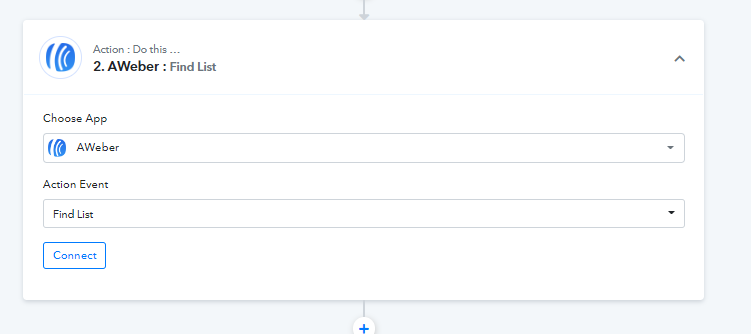
Hey @hyperspaceSeems like you might have more than 100 lists in your Aweber account and further that Aweber does not show the lists in the dropdown.
So, as a solution, we would recommend you use the "Find List " action step, which you can place after the trigger event.
If I’m understanding you, that is where the list is not showing. Any other solution? Thanks
Hey @hyperspace
Currently, there is no other workaround available to fetch the list, since their API does not offer any other thing to get all of the lists in the "Create" action step.
So, you should use the "Find a List" action step to fetch the lists.
Hey @hyperspaceCurrently, there is no other workaround available to fetch the list, since their API does not offer any other thing to get all of the lists in the "Create" action step.
So, you should use the "Find a List" action step to fetch the lists.
Thanks, By the "Find a List" action step do you mean entering the code from Aweber for the list?
And also, when creating the Aweber action, what do I put in the name and email fields so that it gathers the names and emails of the people who fill out the Facebook Lead ads form that is the trigger in this case? It says to enter name of subscriber (see below) but it would be whatever the name is of the person who signs up. Please let me know what to put in these fields. Thanks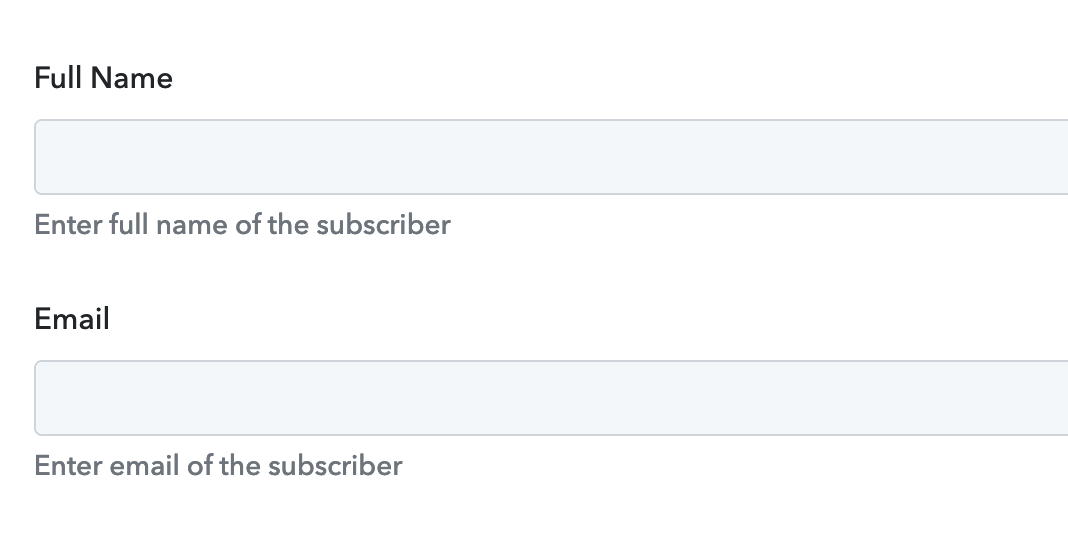
It appears that you haven't captured the webhook response correctly from the Facebook Lead ad which you can pass in the name and email field.
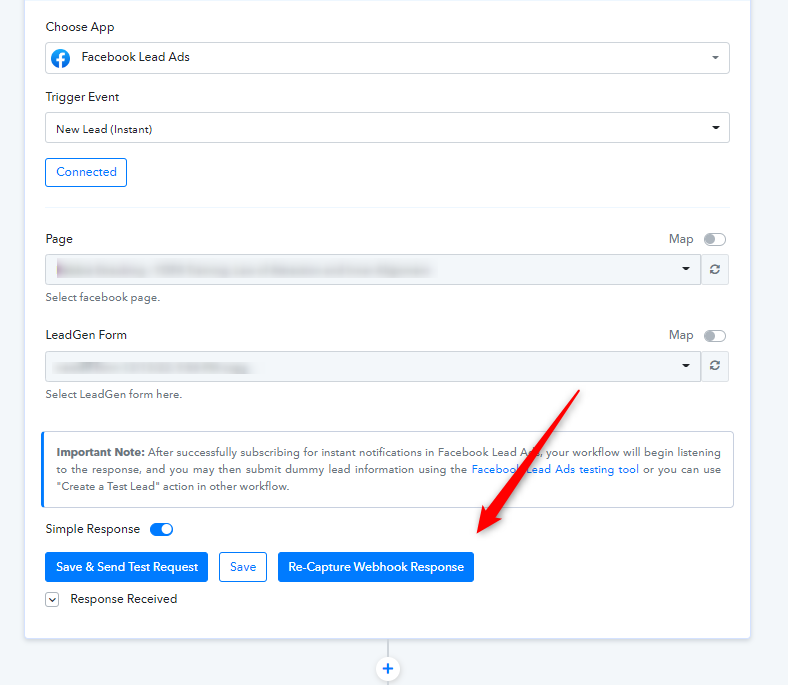
Further, please refer to the following video tutorial on how you can capture the trigger response.