Basecamp Projects Not Showing Up
Status: Closed · Asked by Jeni Chen on · 0 views
I've connected my Basecamp account, however, none of the Projects are showing up so I cannot move on to the next phase of setting up the automation.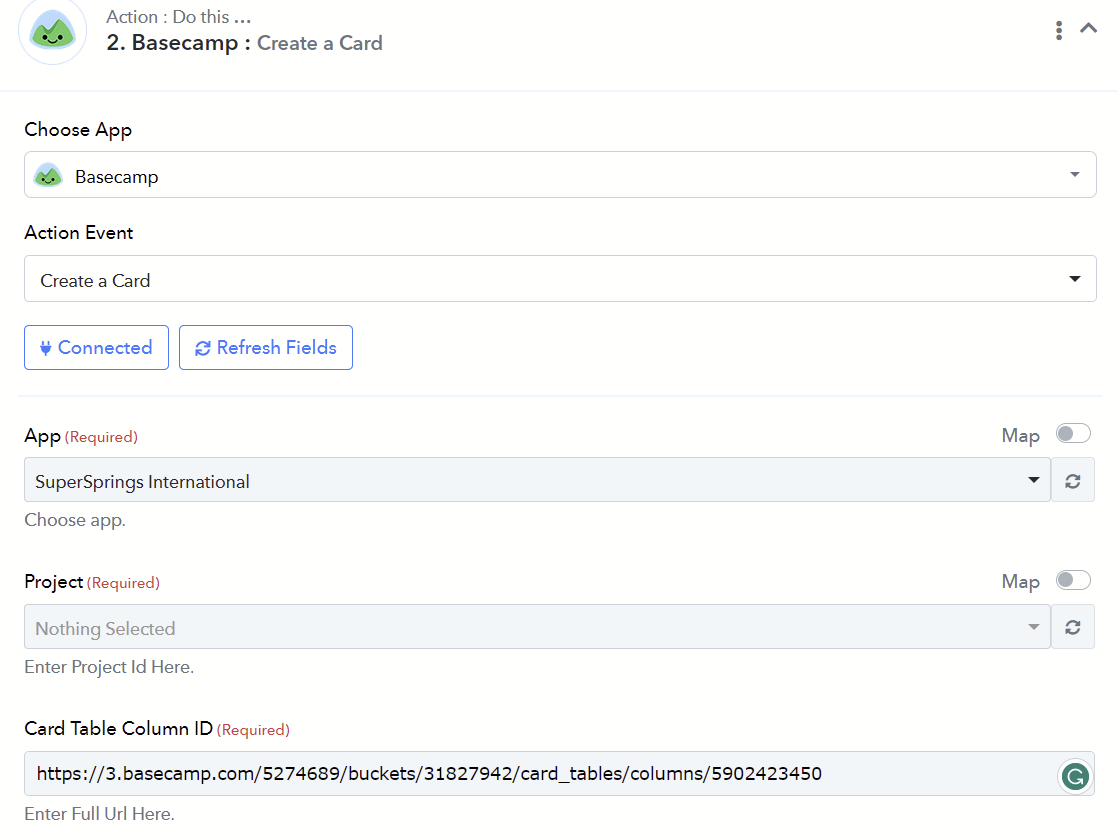
The dropdown menu is empty, I cannot search by name, and I have refreshed the data as well as disconnected and reconnected to the app several times.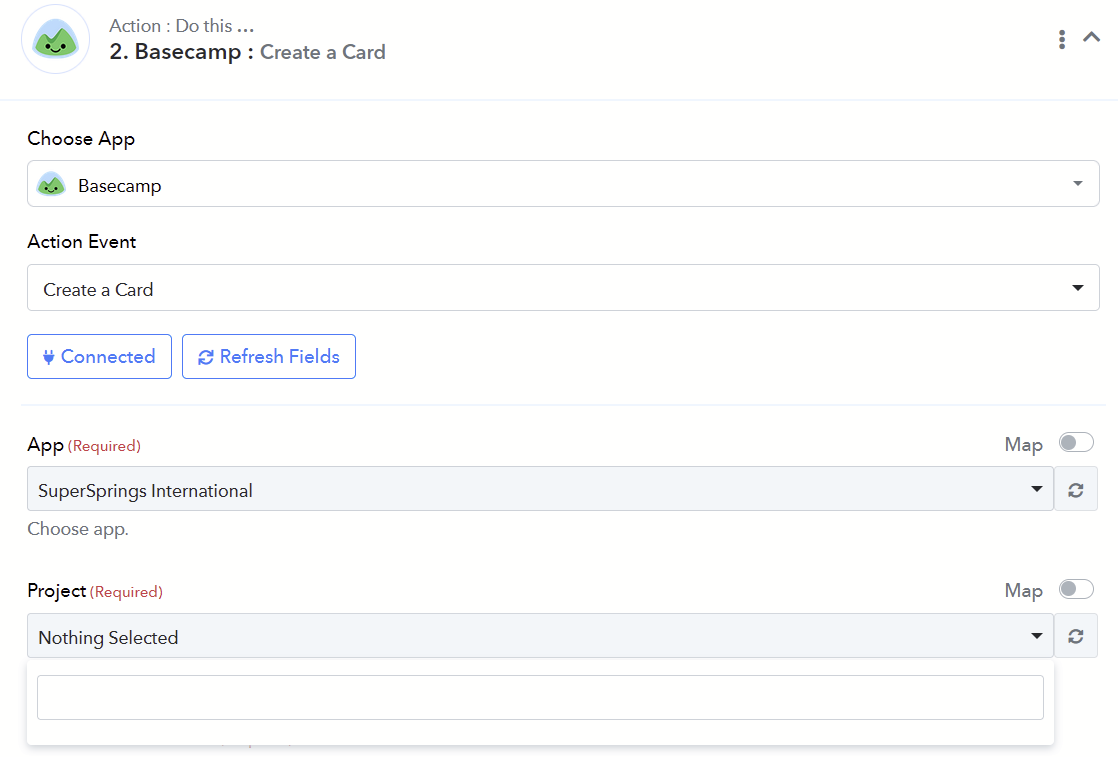
Hey @Jeni
Could you please confirm whether you have refresh the project field in the action step?
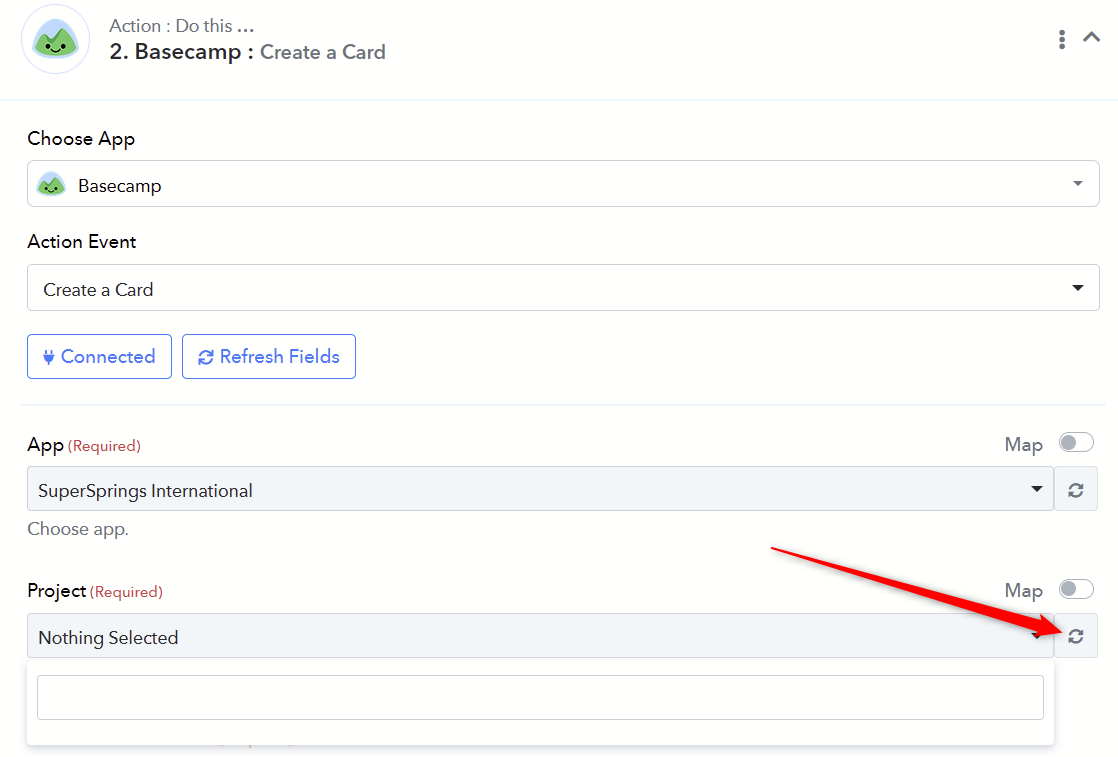
Hi Arshita,
Yes, I have.
Thank you,
Jeni
Could you please try to make a new connection with the application and then try refreshing the project field to update the project name?
I have already done that several times.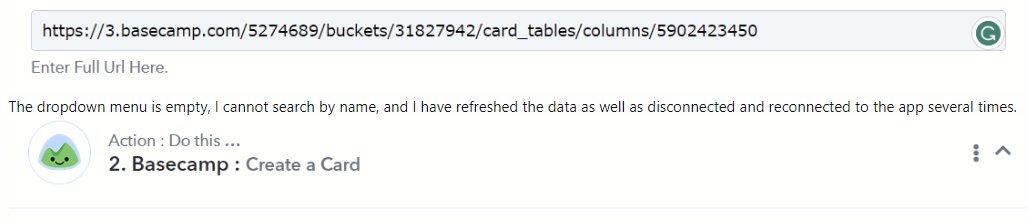
As per my observation, it appears that you haven't created a new connection in the account.
Please click on the "Add New Connection" option, make a new connection, and then try again.
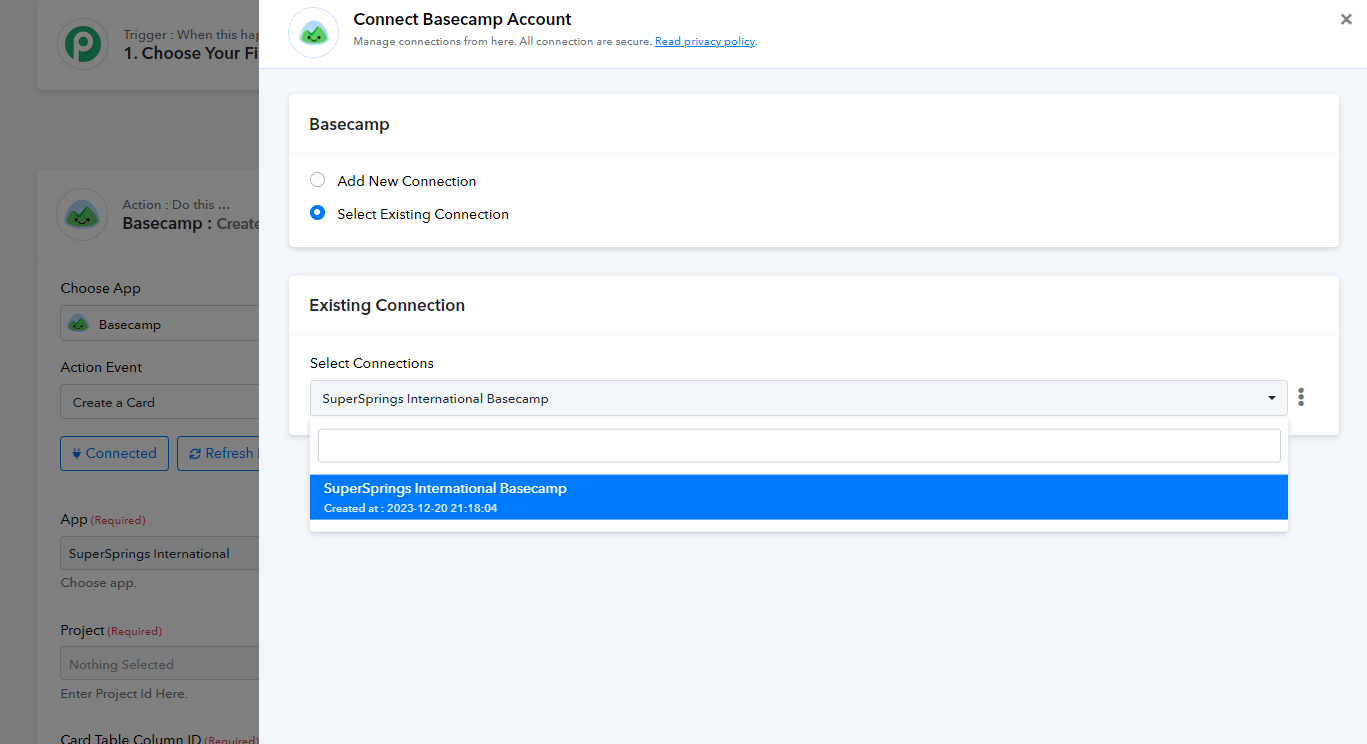
I don't understand? It says it's connected, and when I click on create a new connection, it takes me to the authorization screen, and I authorize it, and it says it's connected and saved.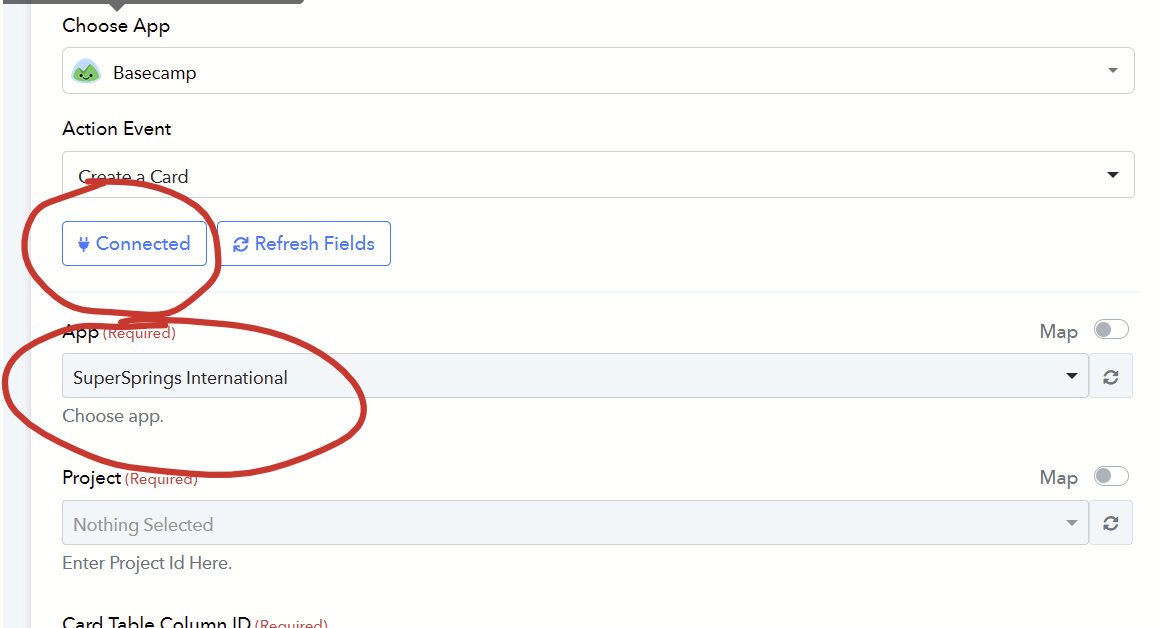
And this is where I end up, again, with no projects showing up after the App shows up.
I've also now tried mapping with project ID and that's also returning errors: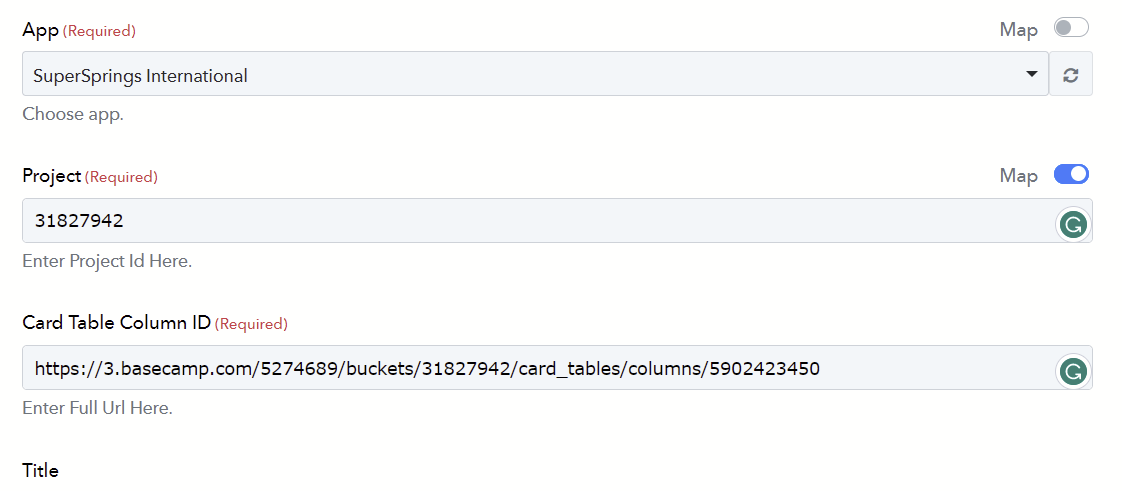
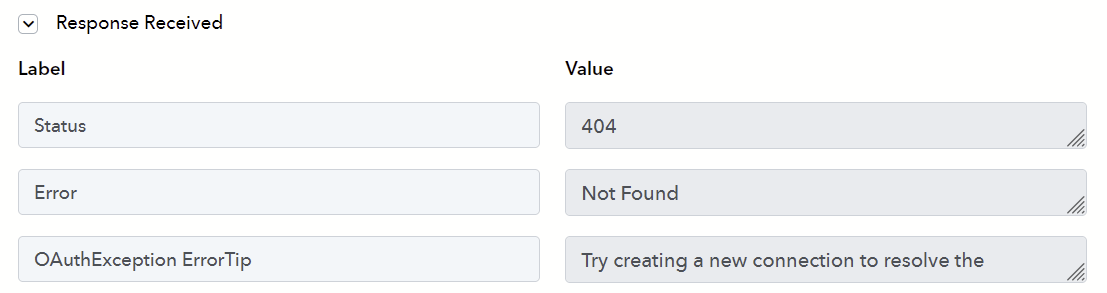
Would it be possible for you to share the Basecamp credentials with us, the username and password at support@pabbly.com? This will enable me to check from our end and provide assistance.
I just posted a new thread and am having the exact same problem.
Hey @DebraB
I see that you've already engaged in a conversation with one of our team members in the thread https://forum.pabbly.com/threads/basecamp-integrations.19393/.
Please continue to monitor that thread for any further updates or assistance.