Better Proposal
Status: Open · Asked by LTaudi on · 0 views
I'm having a hard time connecting Better Proposals with Lead Connector V2.
What should I put for the require fields?
I choose Trigger event 'Open Proposal'
The contact ID and Workflow ID are required fields but not sure what to put. I tried various responses but nothing works.
Hi @LTaudi,
Please use the "Search Contact" action event to find the Contact ID, then map the Contact ID in its designated field.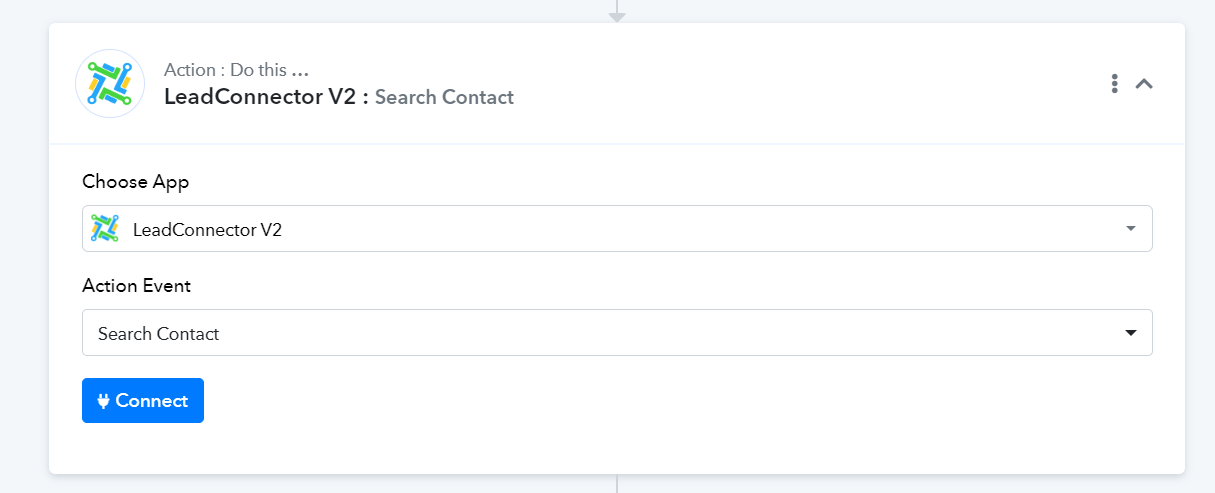
It appears like you don't have any workflow in your LeadConnector account because of which no Workflow ID is being listed. Please ensure that you have a workflow in your LeadConnector account.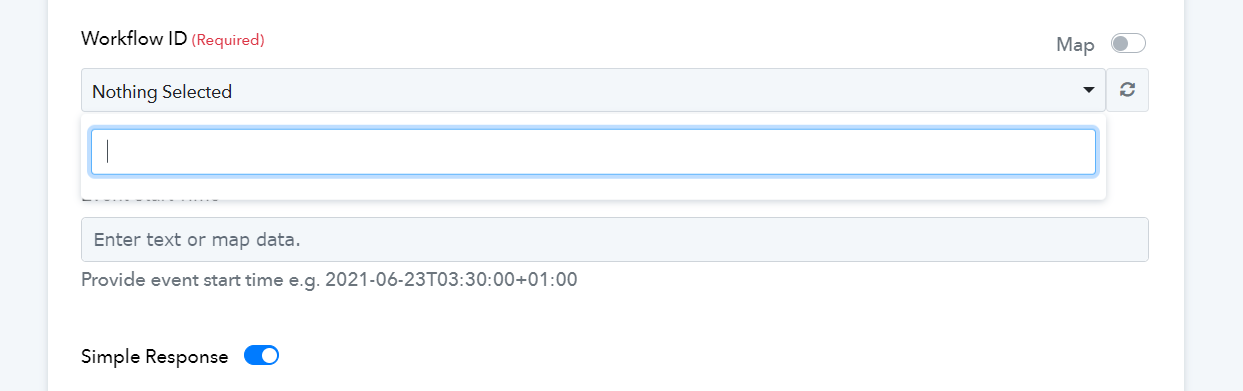
I changed the settings to 'search contacts' and still nothing.
I do have the workflow automation setup in LeadConnector.
I'm not sure what else to do at this time.
Could you please elaborate a bit more on your use case so that we can gain a better understanding of your workflow?
Hi @ArshilAhmad sure, no problem.
Once they open the proposal from Better Proposals, we sent an email through our CRM (High Level) that utilizes LeadConnector.
The email is sent 5 minutes after it is opened and serves as a follow-up email.
Could you also confirm which action event you will be using to send this email through LeadConnector?
Also, confirm whether you have the contact you are trying to search for in your HighLevel account. Since we aren't getting a contact ID in the received response, it doesn't look like the contact exists in your account.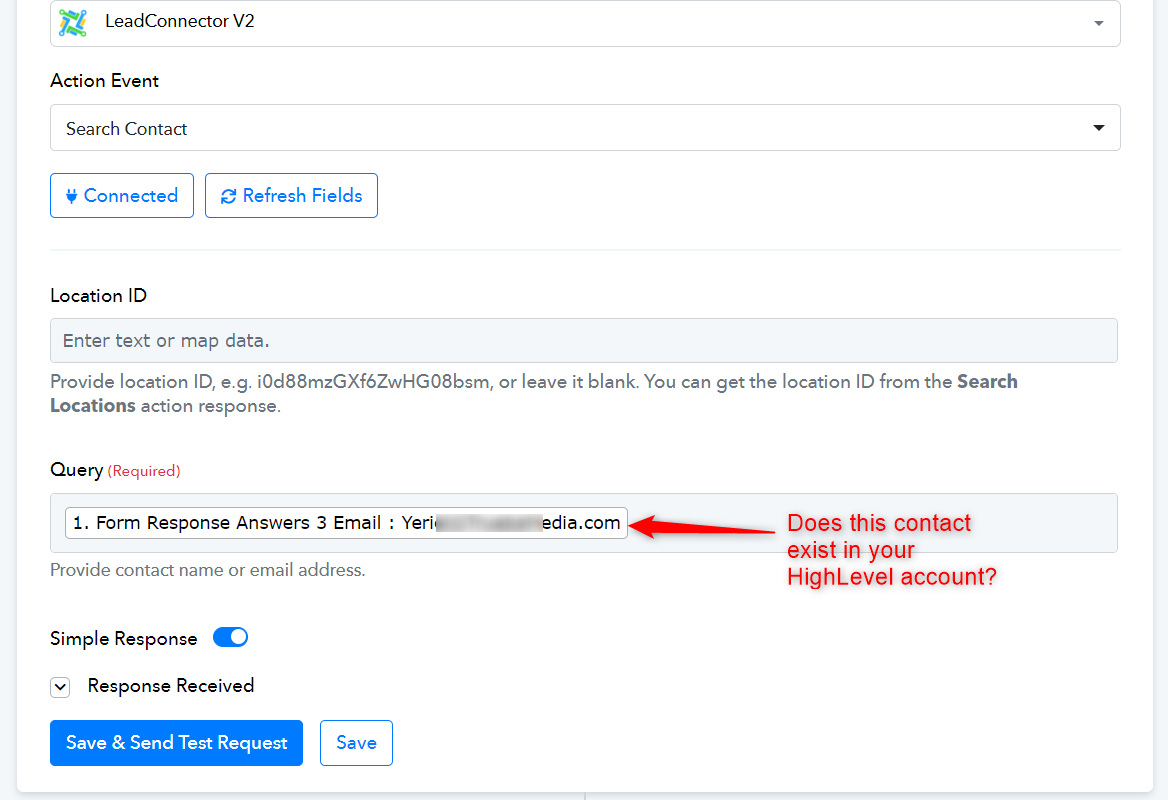
Hi @ArshilAhmad
For the action event, I wanted to create/update a contact. This way, if the contact does not exist, a new contact will be created and the email will be sent via the LeadConnector trigger.
If you are using the 'Create or Update a Contact' action event, you don't need the 'Search Contact' action event in your workflow. You can simply set up 'Create or Update a Contact' as your action step. Please watch the second half of the video shared below to understand how you can setup LeadConnector as your action application.