Big issue Connecting Typefrom to Freshsales suite -
Status: Closed · Asked by Investitorii on · 0 views
Hello guys!
I looking forward to transferring all of my workflows from zapier to pabbly.
More than 50% of my task usage is coming from this type of zap: Contact submits a Typeform --> update these specific fields for this specific contact.
The trigger, and the action.
Using pebbly I can see that this is not possible. Or it is but I don't know how to use it.
I can see I can get the type from the trigger, and create a contact based on that email address. But if the contacts already exist, I get an error about this:
"Mcr error {"error_code"=>3002, "message"=>"Contact is not unique", "errors"=>[{"object_type"=>"Contact", "object_id"=>"1605231654177443840", "field"=>"emails", "rejected_value"=>"[email hidden]", "code"=>3031, "message"=>"Email is not unique"}]} "
This thing is not happening on zapier.
I can also use the find contact step between the trigger and update contact step. But in the cases where the contact doesn't exist, it will fail.
What do you guys recommend me to do?
1) There is a way to use a simple workflow (Typeform trigger - update contact, whether the contacts exist or not.
2) Build to connections for every case? 1 Connection for the case in which the contact exists and another one in the case that the contact doesn't exist. And let 50% of tasks fail?
3) is there another way to to this more efficiently? Using a lot of connections doesn't really help me in the situation where I want to reduce the monthly cost of zaps.
Thank you so much!
Hey @Investitorii
We understand your concern, so can you please share the workflow's name and try again?
Hello
This is the workflow URL that tries is using "create contact" and fails if the contact it's already created.
https://connect.pabbly.com/workflow/mapping/IjU3NmMwNTZjMDYzZjA0MzE1MjY4NTUzYyI_3D_pc
I used the address: [email hidden]
This is what I got:
Thank you!
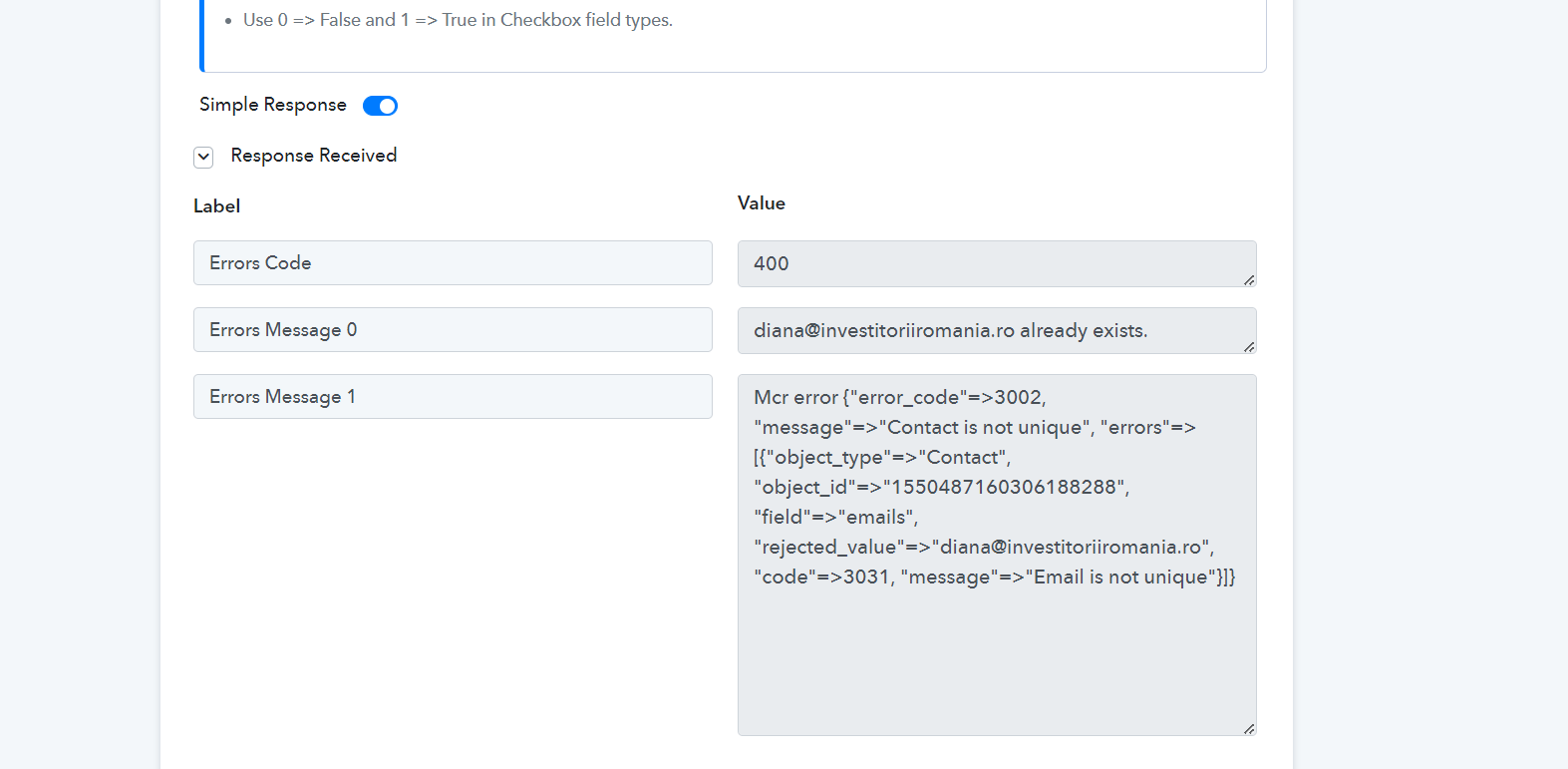
[IMG alt="a38a8f7fa5fd84dfe810f558f9657bd5.png"]https://i.gyazo.com/a38a8f7fa5fd84dfe810f558f9657bd5.png[/IMG]
Regarding your concern, you need to pass the unique email address in terms to add the contact.
Though we have run the workflow for now and it should work for you.
1) There is a way to use a simple workflow (Typeform trigger - update contact, whether the contacts exist or not.
For this, you can use the Router action step.
Hello
So i am supposed to use the router like this:
1) New Typeform submission --> find contact --> Filter
A path --> if the filter see that contact was found at the previous step --> update the contact
B path --> if the filter see that contact was not found at the previous step --> create contact
I am right?
Besides that, I tried to replicate the A path. The found contact found the contact but when it comes to the "update contact' block I can't seem to find the right contact.
Thank you!
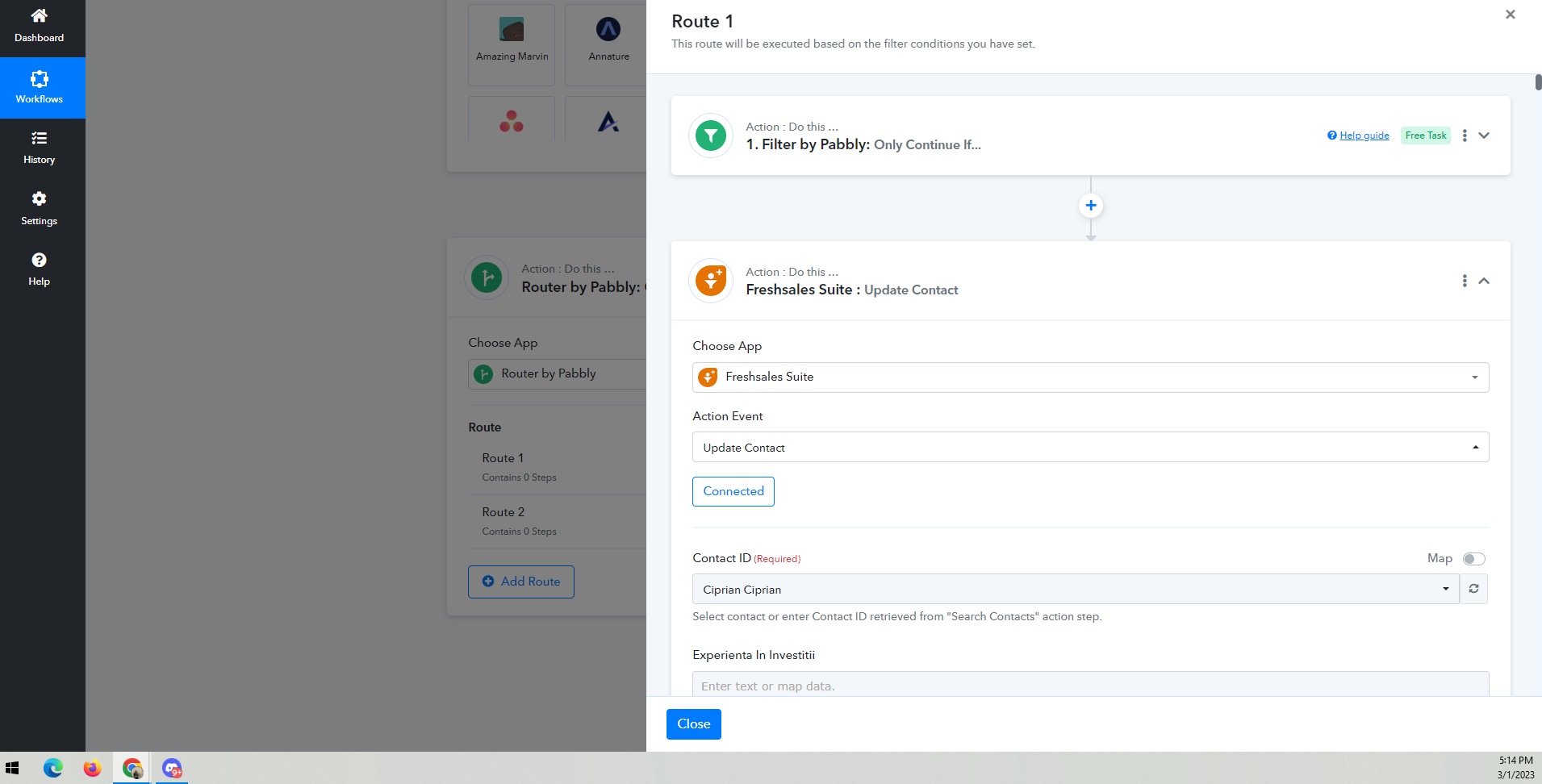
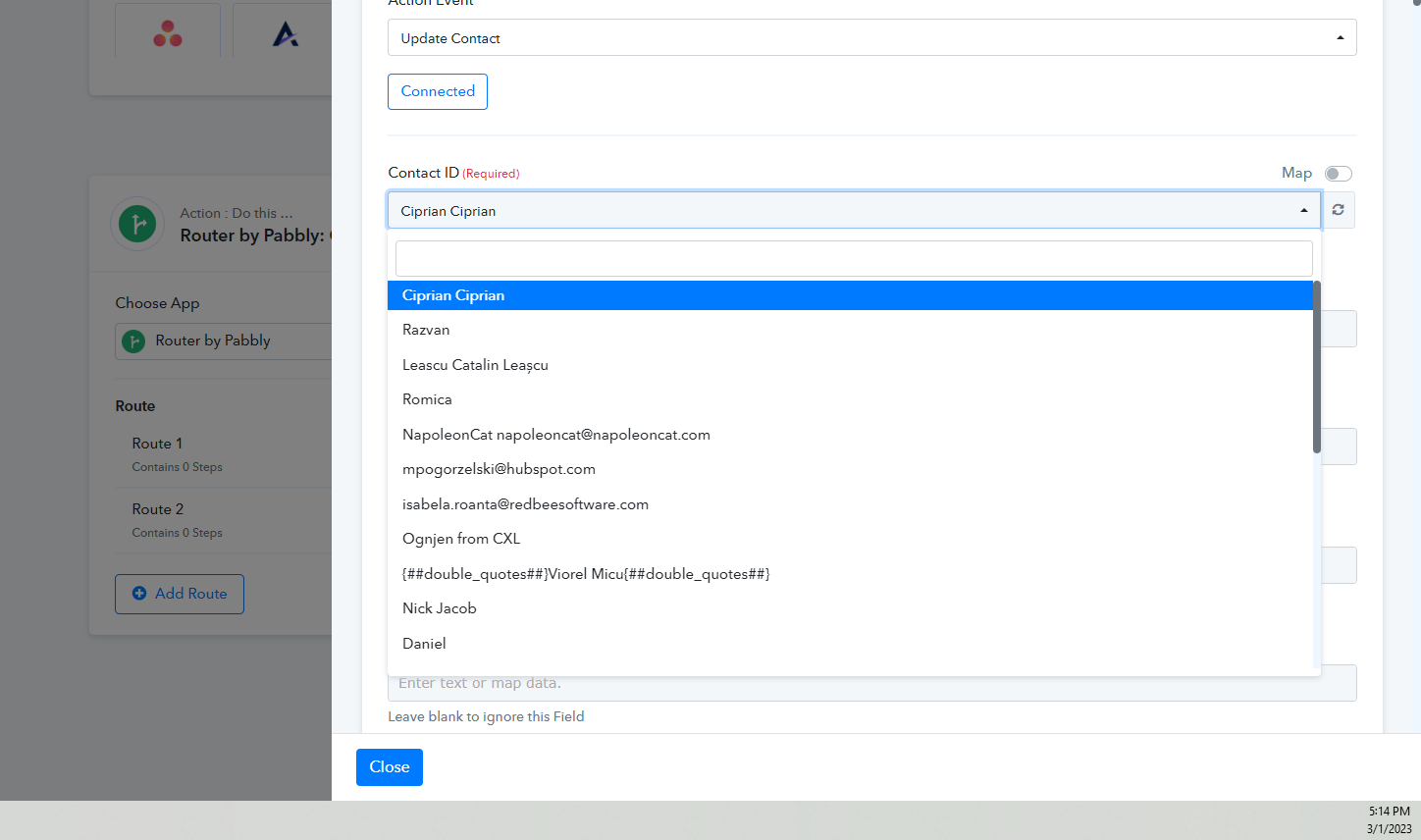
Hey @Investitorii
We have checked your workflow and it seems you have correctly mapped the Contact ID in the action and it went successfully.
Please let me know if you have any questions or comments.