Birthday emails - HTTP Status Code 202
Status: Closed · Asked by Dylan Halliday on · 0 views
Hi team,
I've followed the tutorial section by section correctly except I am not doing a birthday card that is attached to the email. I am simply merging the message into the email itself. I am also using Microsoft365 as the mail account.
The email is sending and merging the correct data in the email. However, when I click Save & Test, it shows HTTP Status Code 202.
I created a test spreadsheet with only my wife and I (both having a birthday today for the test).
My wife is the first entry in the spreadsheet and I am the second. When the UTC time arrived and the automation triggered, she got 2 birthday emails and I didn't get any.
I then updated the automation and spreadsheet to have 3 rows of people. All with birthdays today. Set the UTC time to be in a minute's time. Once the automation fired again, she got 3 emails.
Hey @Dylan Halliday
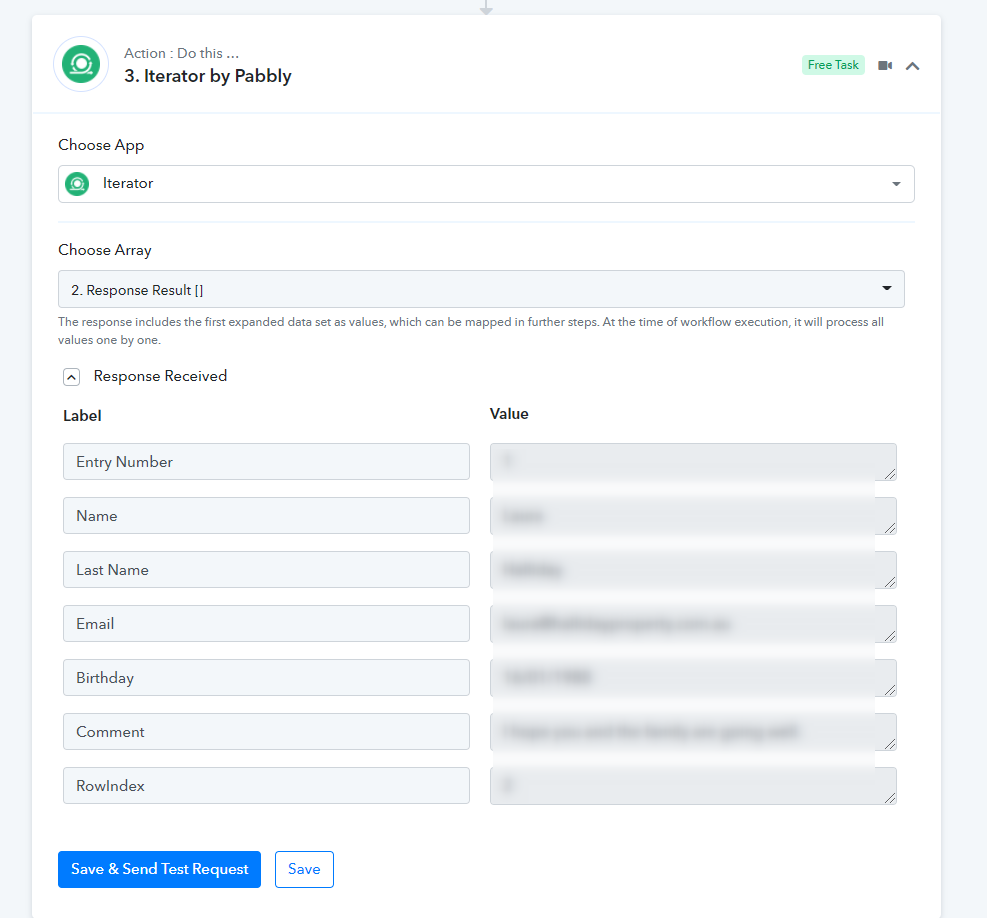
It seems like in the JSON extractor action step you have to use the response from the Google Sheets "Get Row", where you need to map the response from the Iterator's action step.
Though to sort out the mapping you only need to use the response from the Iterator action step to your further action steps. Moreover, we have corrected the mapping for you, now you can test the workflow at your end.
Kindly let us know if you get stuck at any step.
Perfect! That's working now.
Thanks for your help