Blogger Slug error
Status: Open · Asked by gregdev on · 0 views
So I have an automation that creates a post in blogger
But I get this error message
The slug for this blog-post cannot be longer than 175 characters.
this is a video showing the error message https://zwdrive.com/HnUyyX
Please how can this issue be reolved. As there is no field to specify a custom slog in blogger.
Hi @gregdev,
Could you please share the Workflow URL in which you have this concern?
HubSpot CRM requires you to enter a Slug that has no more than 175 characters. It seems like you are now mapping the Slug from OpenAI, which seems to be giving you a shorter Slug.
okay thanks
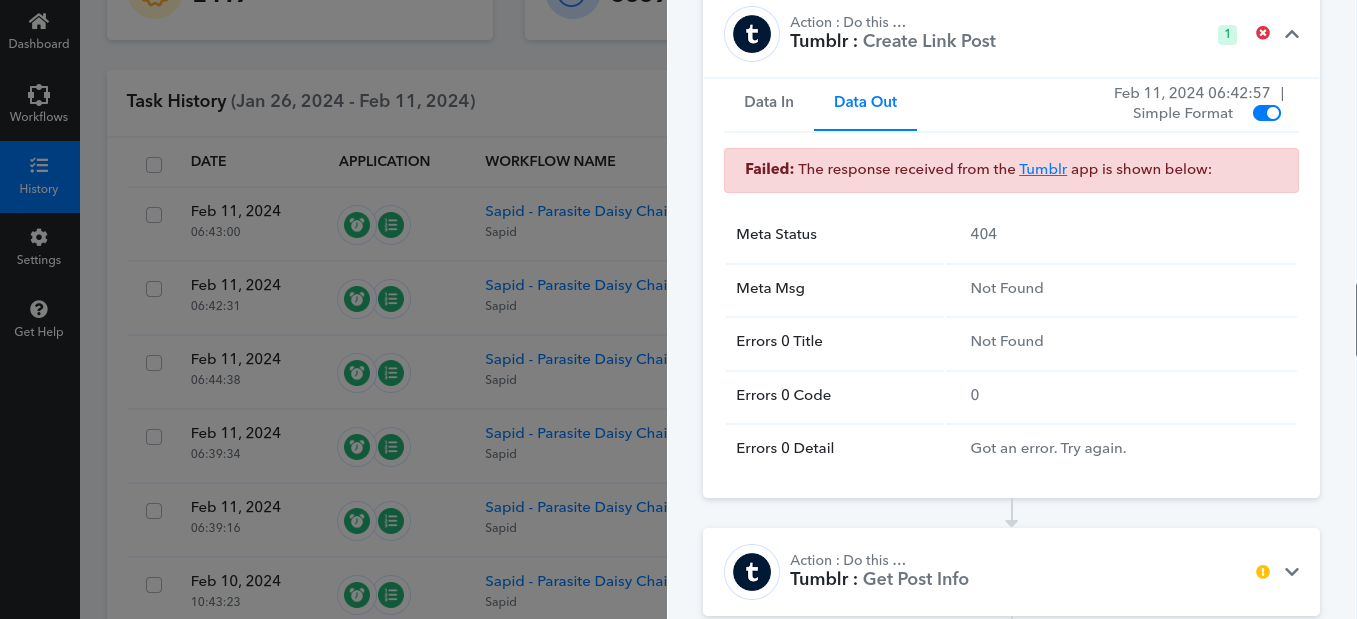
I get this error with Tumblr Link Post
How can I resolve it?
Please login to your Tumblr and Pabbly Connect in an Incognito tab, establish a new connection with your Tumblr account and see if that fixes your issue.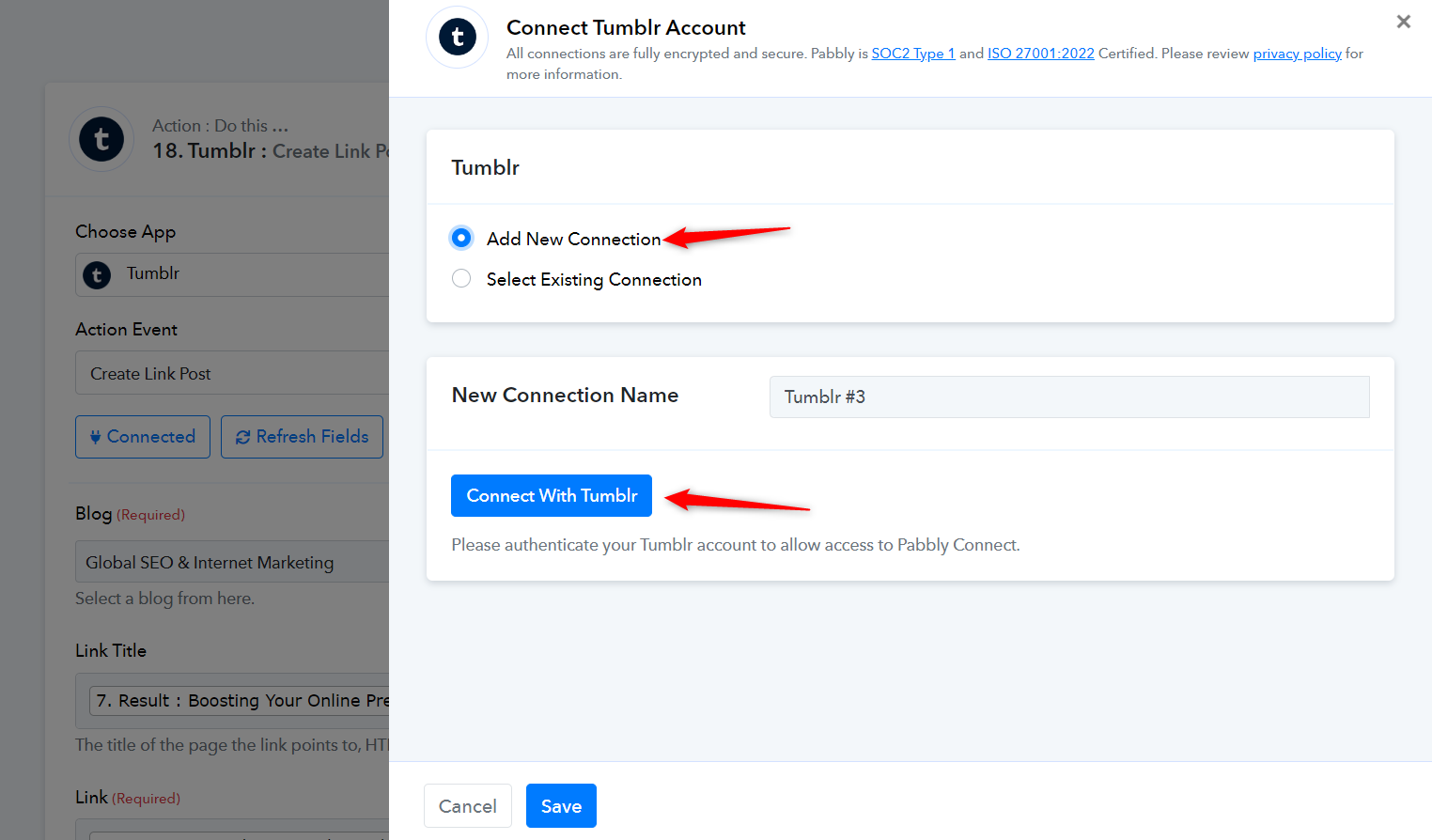
Hello
so I have done as suggested and I for a day it worked
now I am getting this error message
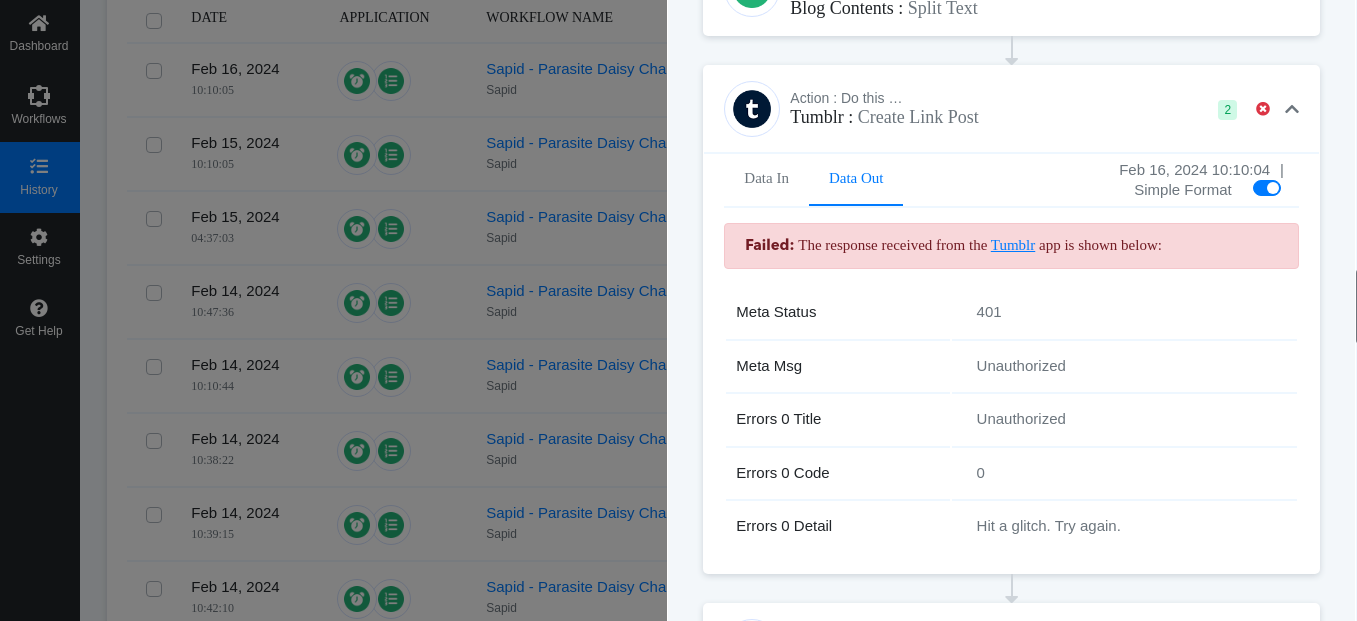
It appears that authorization is being revoked from Tumblr. Could you please confirm whether the password for your Tumblr account has changed since establishing the new connection?
okay I will do that now