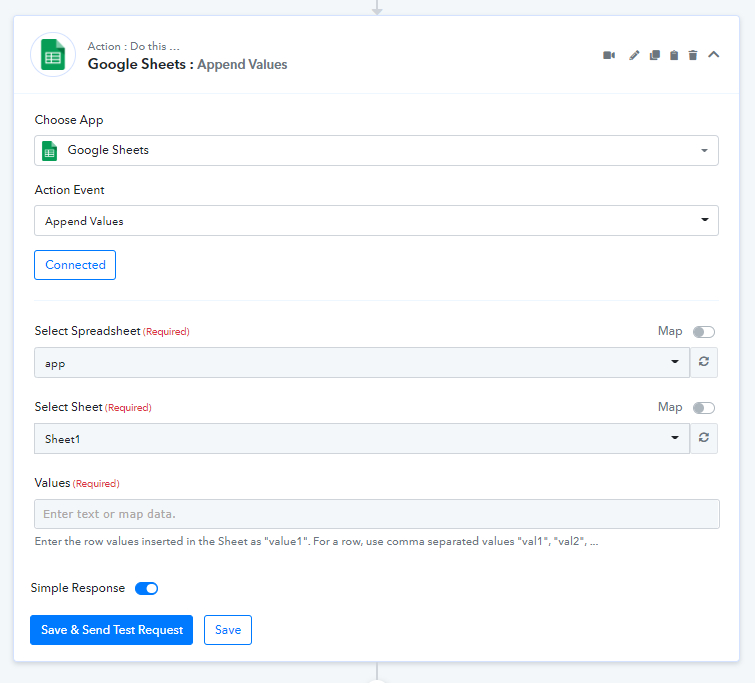
Bookeo : number of colones from new booking to sheets
Status: Closed · Asked by Brooke, Mike on · 0 views
Hi guys,
I'm exporting new booking data from Bookeo to Google sheets, but i have limitations
The maximum number of colones that I can export is 50 or 51 into sheets is there a way to have more?
Also, is there a way to export data when a booking is updated? We have people that update the names later and at this point we find our selves with incomplete data.
Thanks
Mike
Hey @Mike524
The maximum number of colones that I can export is 50 or 51 into sheets is there a way to have more?
Could you please share the name of the workflow in which you have performed the same?
Also, is there a way to export data when a booking is updated? We have people that update the names later and at this point we find our selves with incomplete data.
Unfortunately, Bookeo doesn't offer any trigger event which can send the data on updated bookings.
Hi Supreme,
here is the name of the workflow :
"Bookeo Reservations TO sheets good"
Hey @Mike524
We couldn't find anything related to clones in your workflow. Can you please check and explain once?
Hi Supreme,
I have headers going up to Tel14 and it stops giving me the choice of the next top FIELDS that follow
[TABLE]
[TR]
[TD]Nom-9[/TD]
[TD]Prenom-9[/TD]
[TD]Email-9[/TD]
[TD]PeoplecategoryID-9[/TD]
[TD]Tel-9[/TD]
[TD]Nom-10[/TD]
[TD]Prenom-10[/TD]
[TD]Email-10[/TD]
[TD]PeoplecategoryID-10[/TD]
[TD]Tel-10[/TD]
[TD]Nom-11[/TD]
[TD]Prenom-11[/TD]
[TD]Email-11[/TD]
[TD]PeoplecategoryID-11[/TD]
[TD]Tel-11[/TD]
[TD]Nom-12[/TD]
[TD]Prenom-12[/TD]
[TD]Email-12[/TD]
[TD]PeoplecategoryID-12[/TD]
[TD]Tel-12[/TD]
[TD]Nom-13[/TD]
[TD]Prenom-13[/TD]
[TD]Email-13[/TD]
[TD]PeoplecategoryID-13[/TD]
[TD]Tel-13[/TD]
[TD]Nom-14[/TD]
[TD]Prenom-14[/TD]
[TD]Email-14[/TD]
[TD]PeoplecategoryID-14[/TD]
[TD]Tel-14[/TD]
[/TR]
[/TABLE]
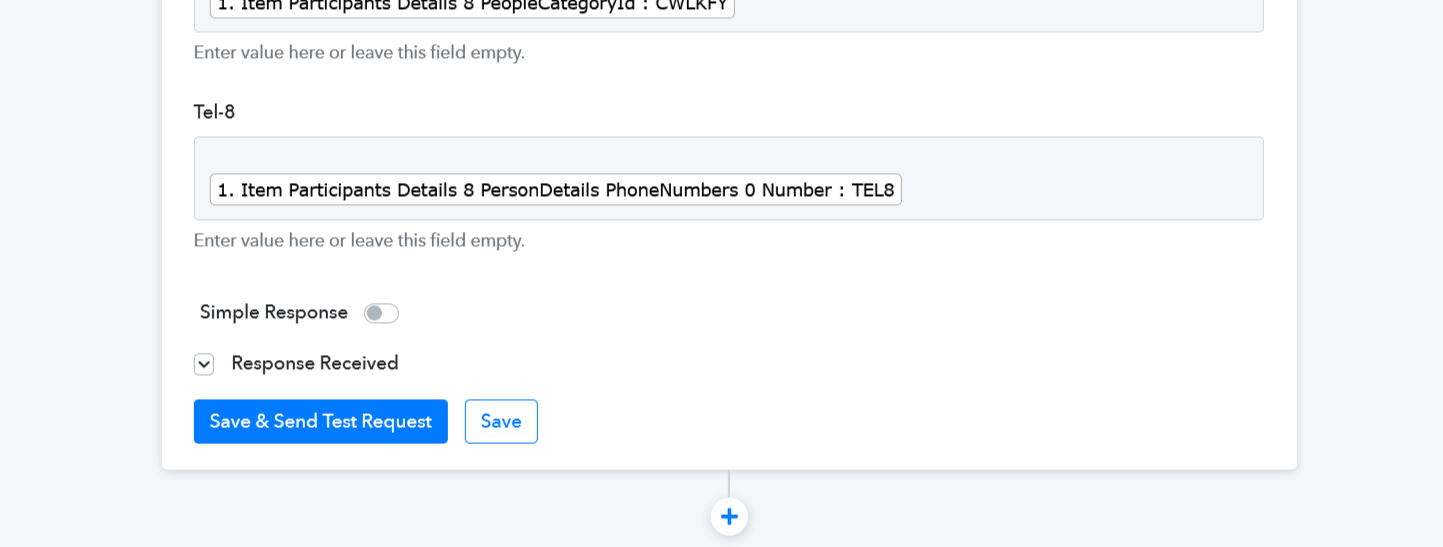
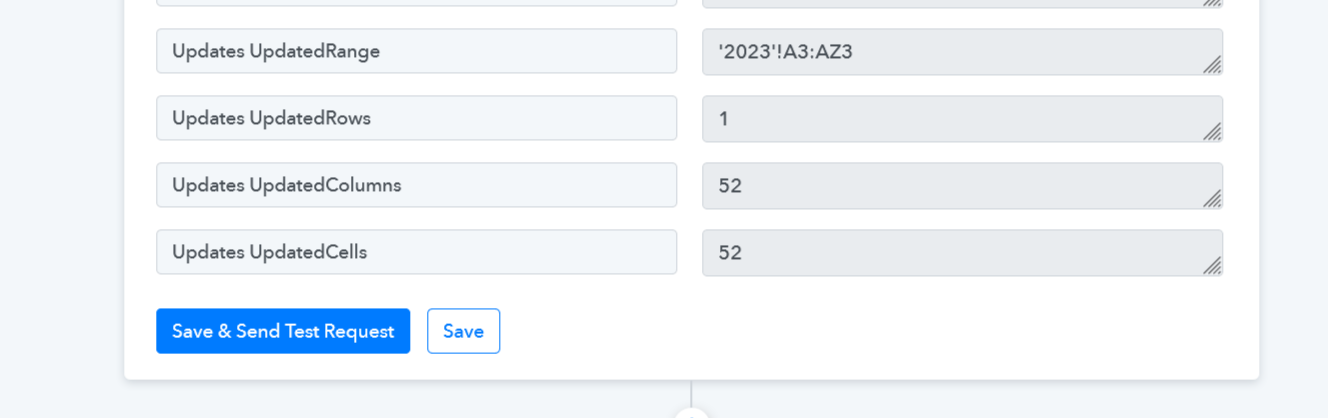
My colons don't stop at '2023'!A3:AZ but '2023'!A3:CF3
Hey @Mike524
If you are having more than 52 columns in your Google Sheets, you should use the "Append new Value" action step which will pass all the data to your CF column.