Bot Icon on Slack
Status: Closed · Asked by Renato Drumond on · 0 views
Hello, everyone,
I´m creating an integration between Stripe and Slack to send a message to a channel if a new payment is approved. So I created the slack app bot, and conected to Pably and it is good here, the messages are being sent perfectly.
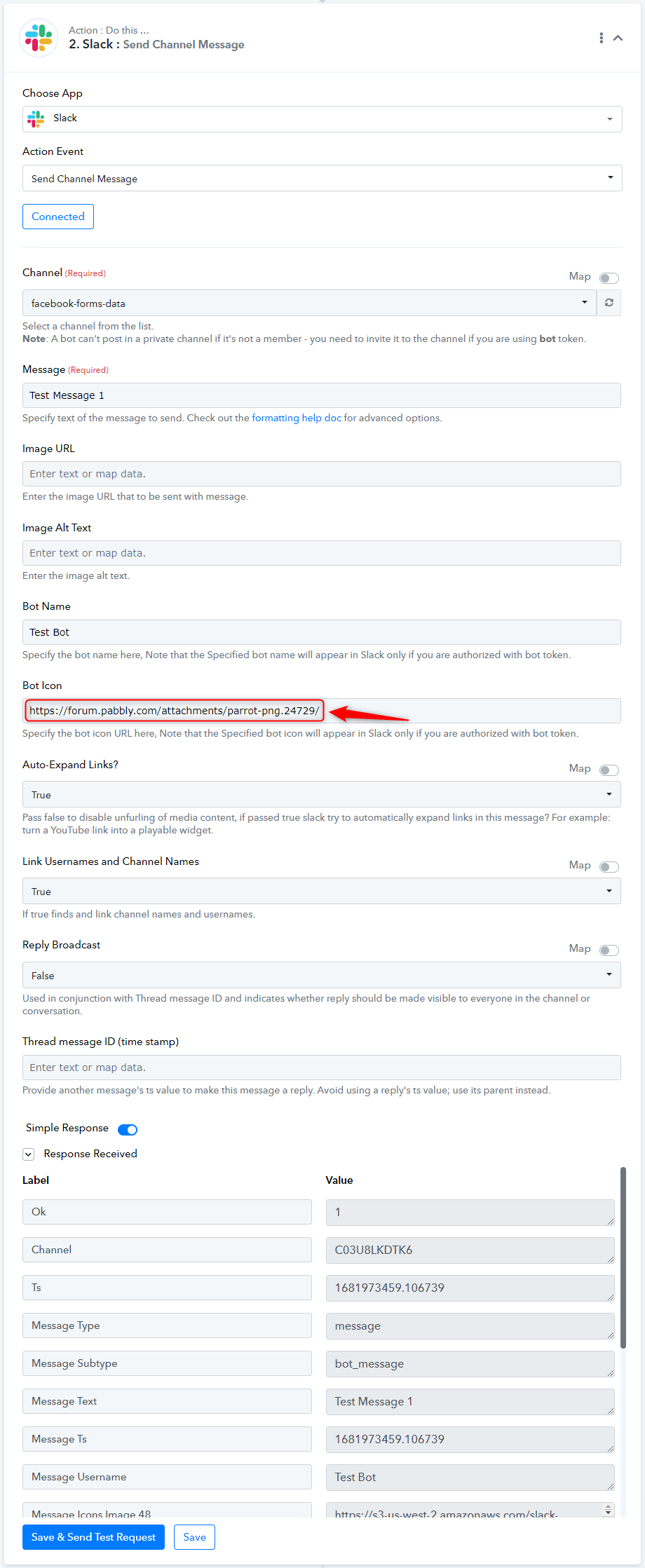
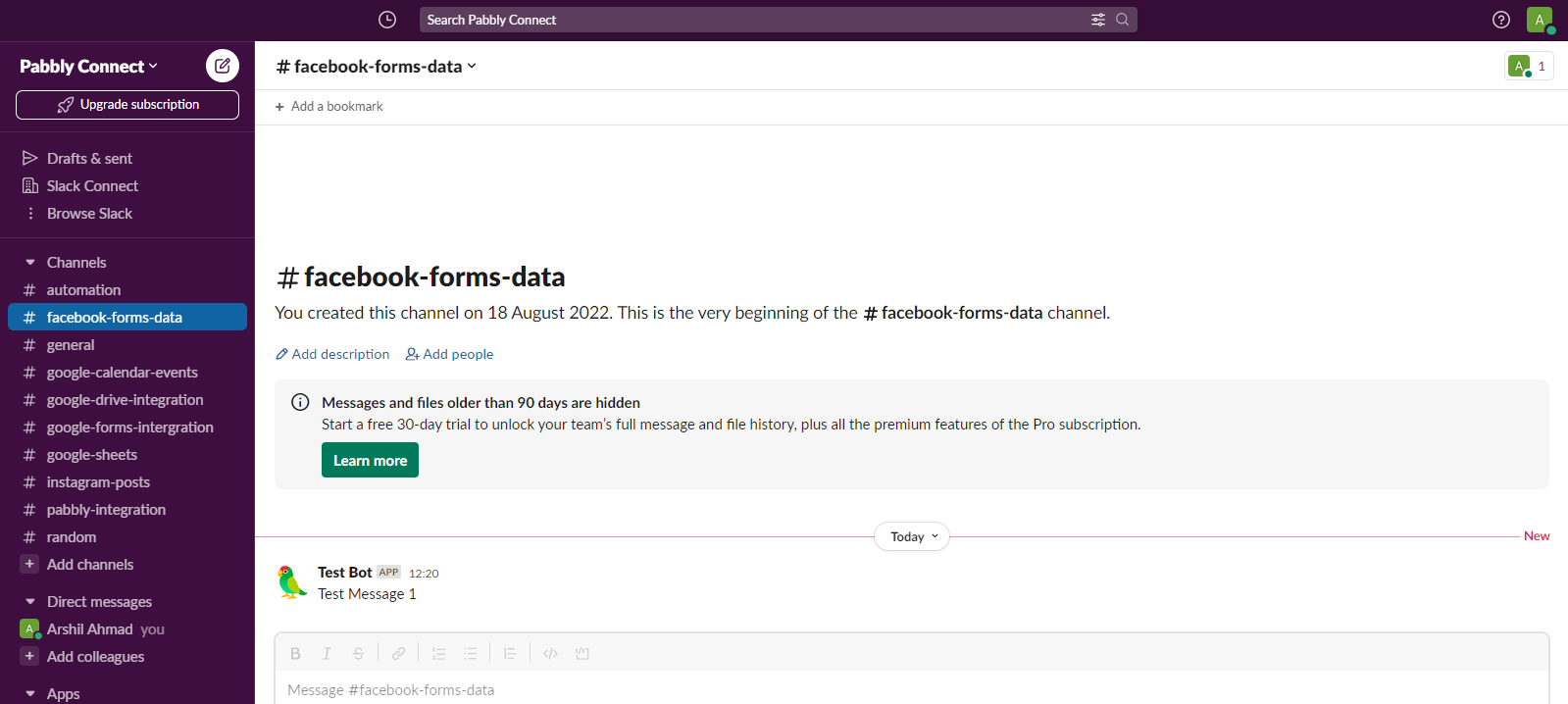
However the ICON of the bot is not being recognized. It is sending Pabbly Icon.
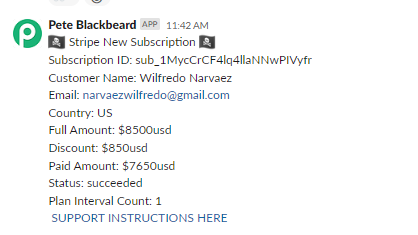
I have added the url of the picture that is on google drive, it didn´t work, I´ve added the icon code ? but also didn´t work. I left it blank to see if it would use the slack bot app icon, but also didn´t work.
The app configuration in Slack also has the parrot icon I need, but still doenst bring it. 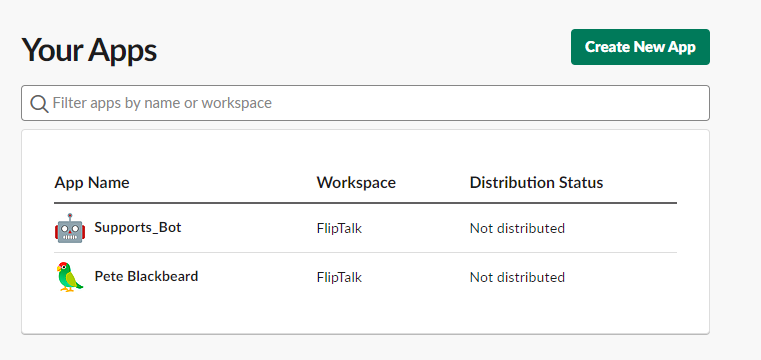
I´ll have to create other bots messages, but I can´t do it all with the same Pably Icon.
Attachments
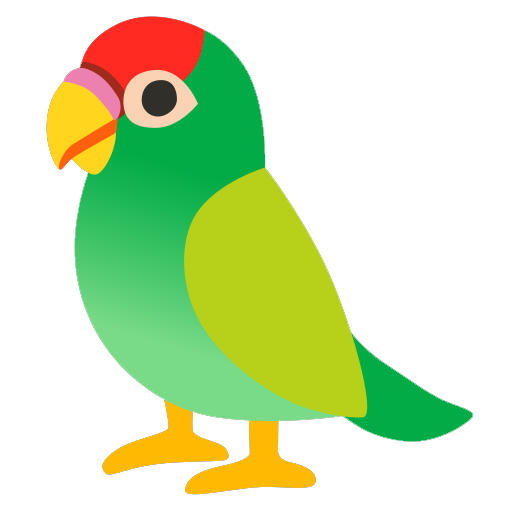
Found the way I entered on the api.slack.com and
1. selected the bot
2. basic information on settings on the left side.
3. went down to display information
4. Click with right bottom on the mouse
5. Copied the image link
6. Pasted on the BOT ICON on the work flow. 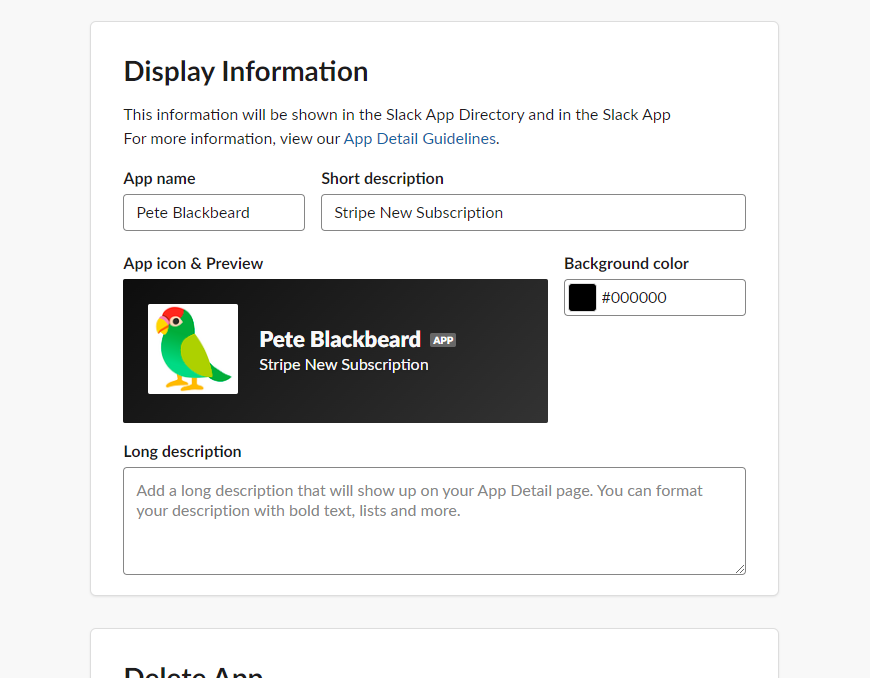
Hi @Renato Drumond,
To resolve your issue, try adding this URL (https://forum.pabbly.com/attachments/parrot-png.24729/) to the Bot Icon field.
tks