Calendly items are not showing in Pabbly Connect as they were showing in Zappiers
Status: Closed · Asked by junaidsyed on · 0 views
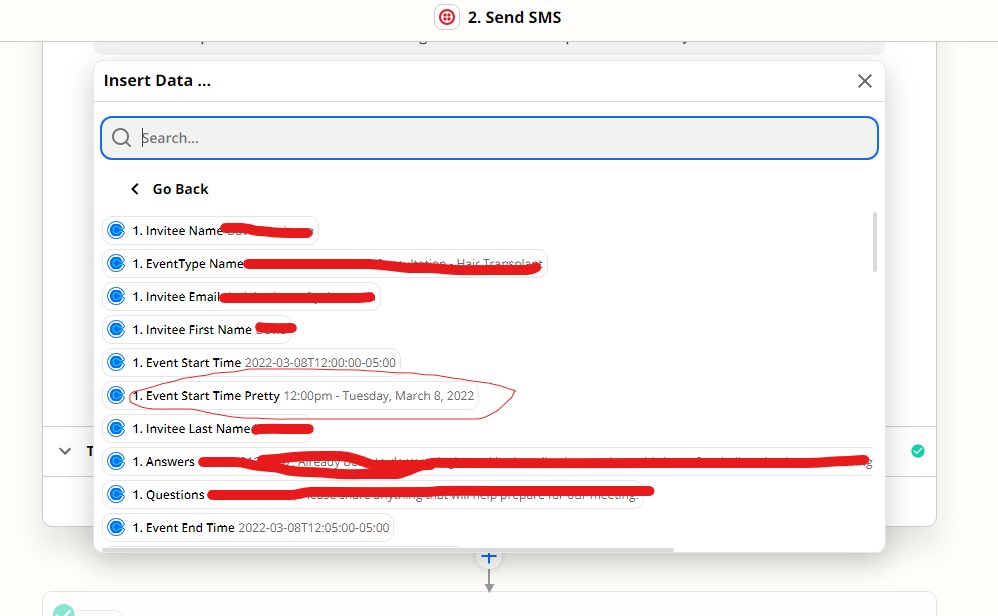
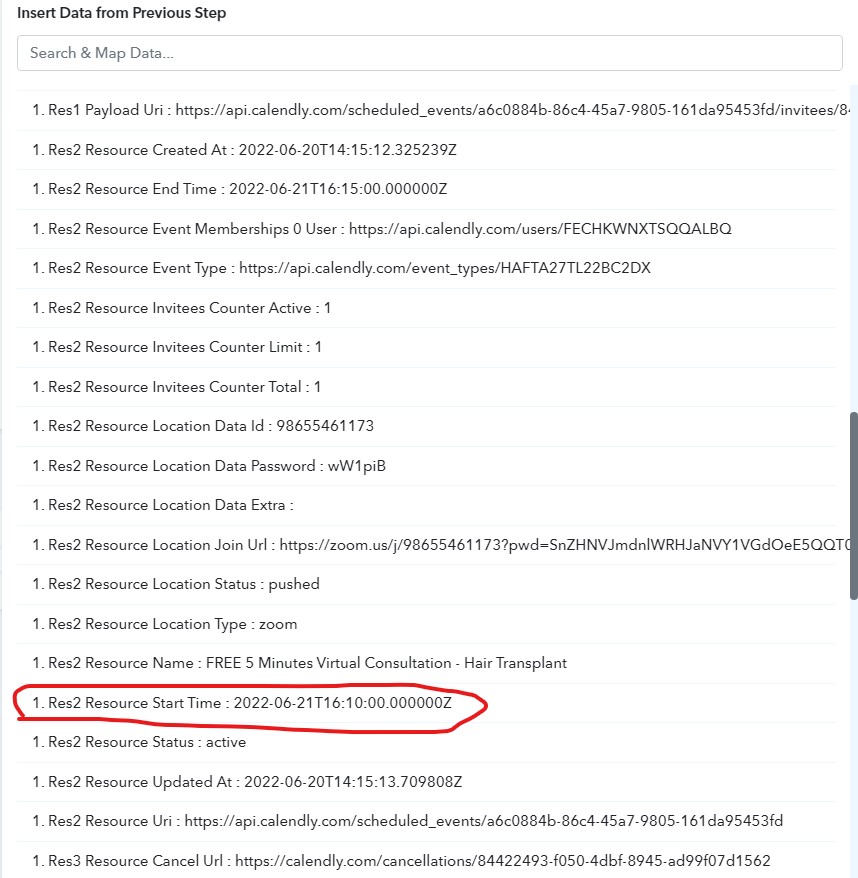
I am new to Pabbly Connect. Trying to move all my Zappier services to Pabbly Connect and noticing a few things. Tried connecting the Calendly to Pabbly Connect and the meeting start time is not in the correct format. See the attached. Any suggestion would greatly be appreciated.
Attachments
Hey @junaidsyed
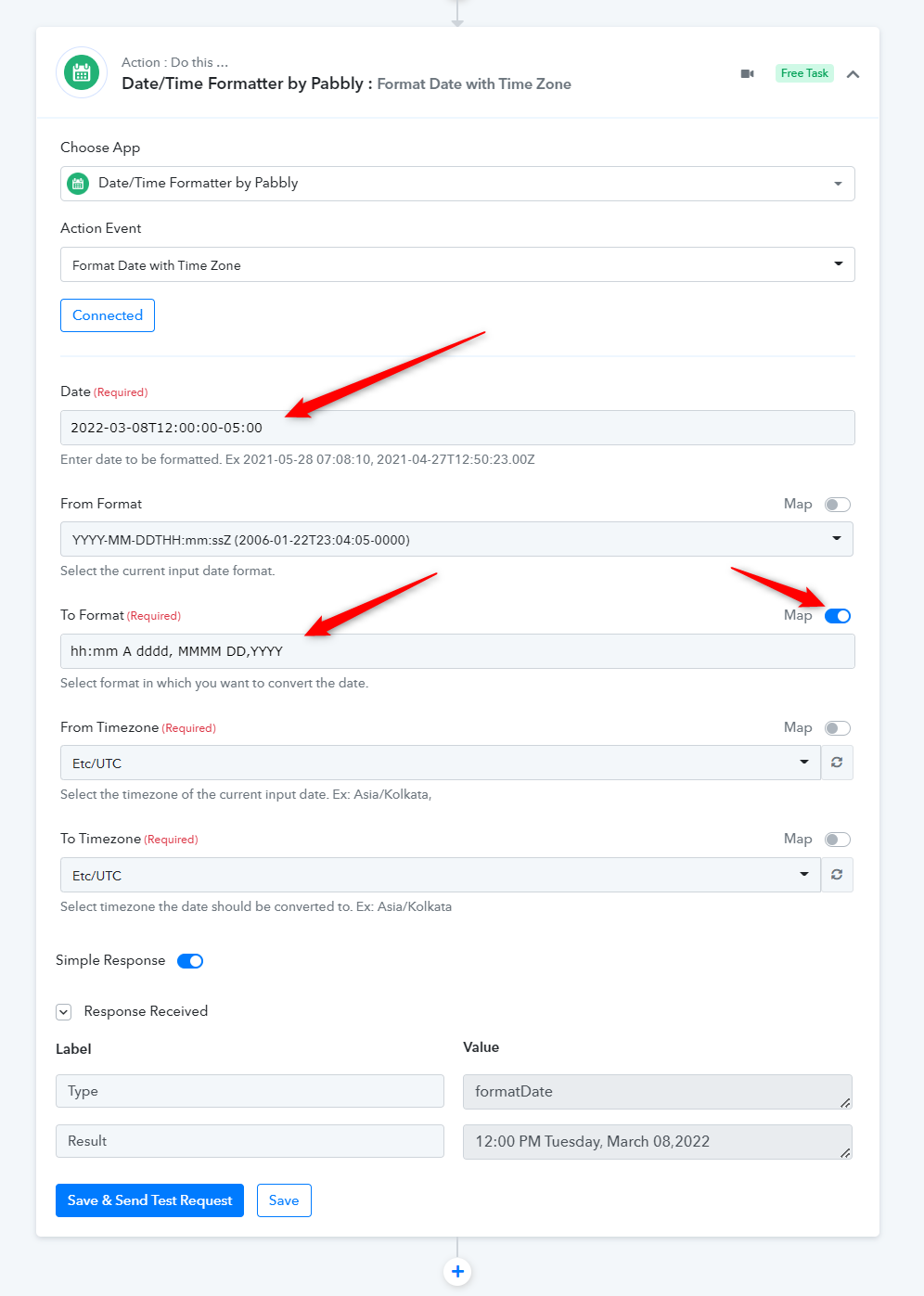
You can use the "Date/Time Formatter by Pabbly: Format Date with Time Zone" action step to convert the date time into your desired date-time format(Free-Task).
hh:mm A dddd, MMMM DD,YYYY
Thank you for your help. This worked. Greatly appreciated.