Calendly Trigger not capturing response
Status: Closed · Asked by Akiladevi Shanmuganathan on · 0 views
hello team,
The email connected to pabbly account is [email hidden]. There is a workflow folder named Calendly. The folder has some workflows that were temporarily stopped for 2 weeks but now when they were reactivated. They are not working. I tried to re-capture the webhook response. But the workflow is not capturing even after booking several sample bookings from Calendly. Could you please help me with this? Please repond as soon as possible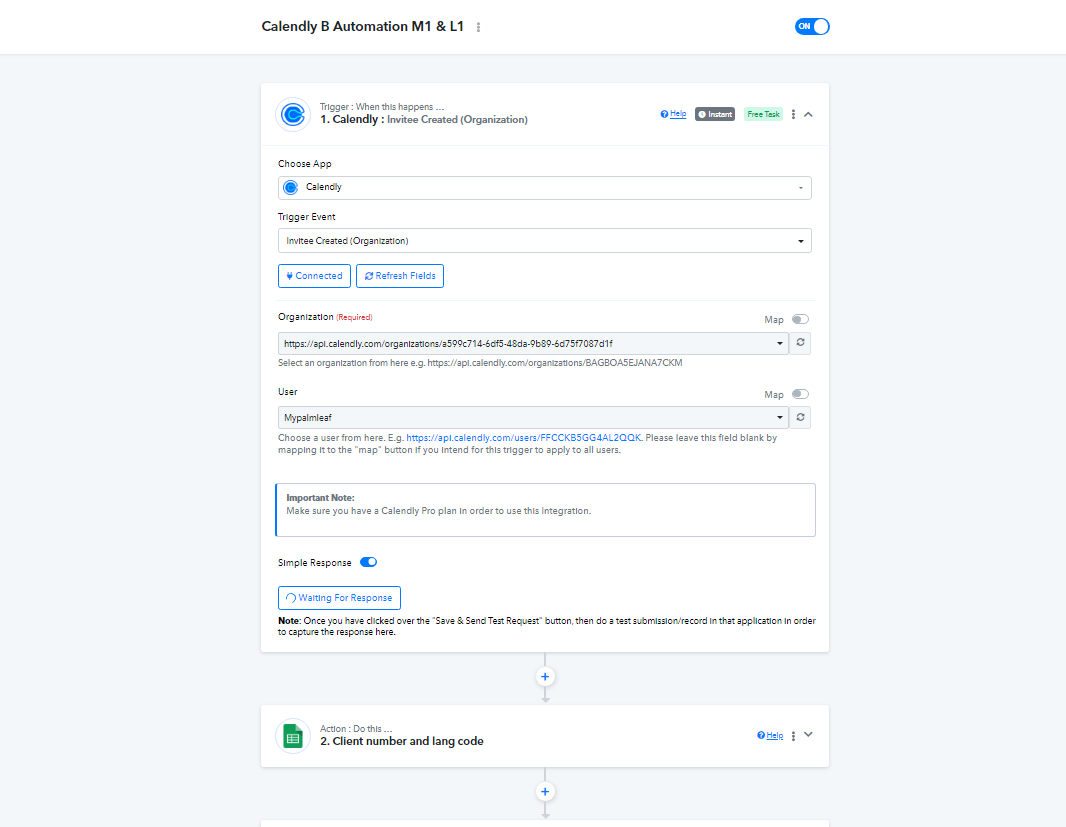
Hey @Akiladevi
Please share the link to the form from which you are collecting entries so that we can examine it, and inform us whether the Calendly form is currently active.
Hi @Supreme ,
Please check the following workflows,
1. Calendly A automation for M1 and L1
2. Calendly B automation for M1 and L1
3. Calendly C automation for M1 and L1
4. Calendly D automation for M1 and L1.
In the above 4 automation, the trigger point is "Invitee created(organization)" then the following steps are same in all four workflows other the Route at the last. the above 4 workflows are not sensing the trigger at all. The above workflows are for sending email to the two co-hosts of our meetings once when the client makes an appointment.
Hi @Supreme
Also in the next four workflows say
1.Calendly D cancelation
2. Calendly B cancelation
3. Calendly A cancelation
The above three workflows are for notifying the two co-hosts when the meeting is canceled by the client. These are also no working.
Hey @AkiladeviPlease share the link to the form from which you are collecting entries so that we can examine it, and inform us whether the Calendly form is currently active.
https://calendly.com/mypalmleaf/palm-leaf-reading .This is one of the links with which I check for Calendly A automation. Each co-host will have a link in a Calendly account.
Hey @Akiladevi
Can you please reconnect the Calendly trigger event in your browser's incognito mode and try again?
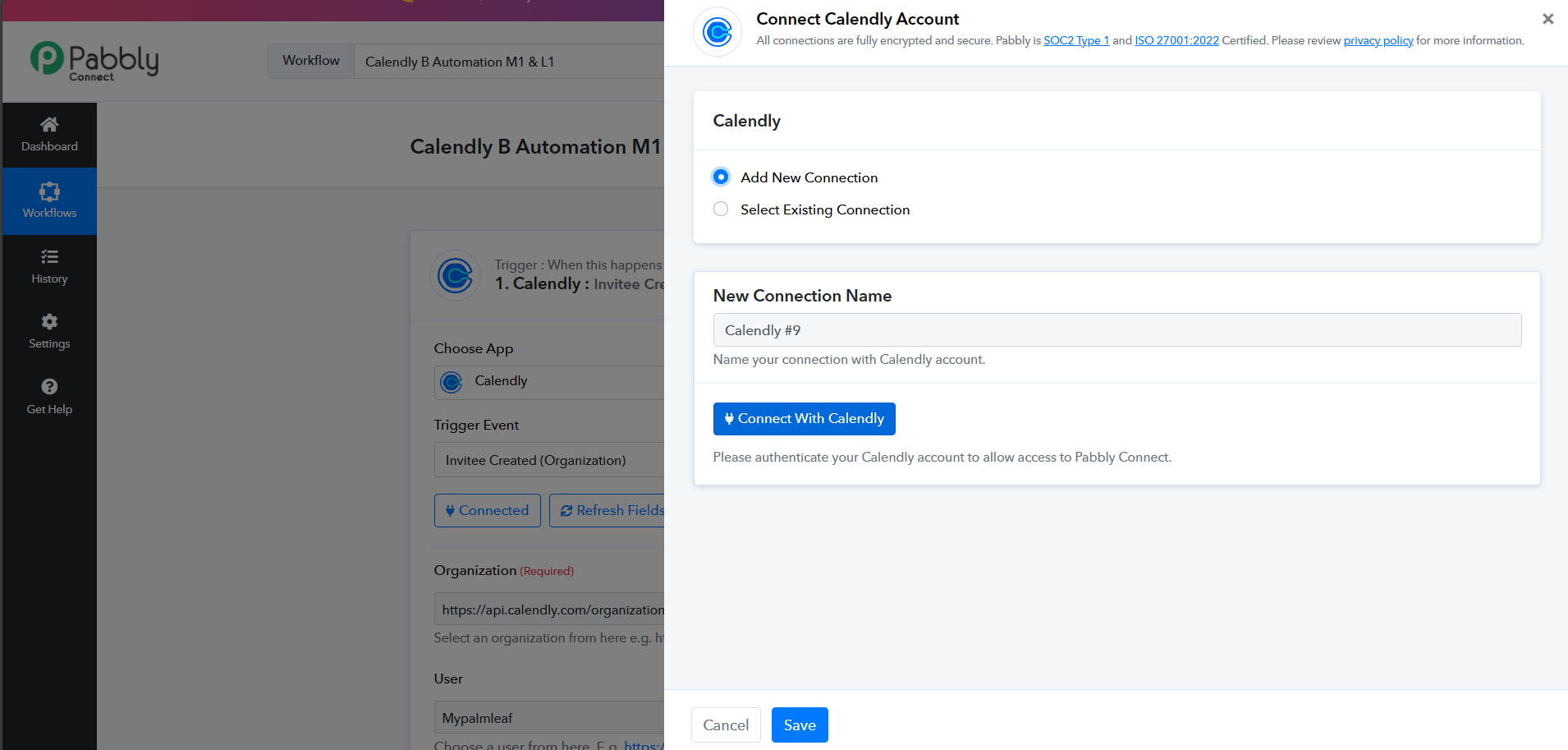
Hi @Supreme, Could you please check now? I rewired the trigger point again. I just gave "Save and send test request". Before I made the appointment on Calendly I received a error here. What should I do now? Is it possible to delete this total workflow and restructure from scrap again. Will that work? 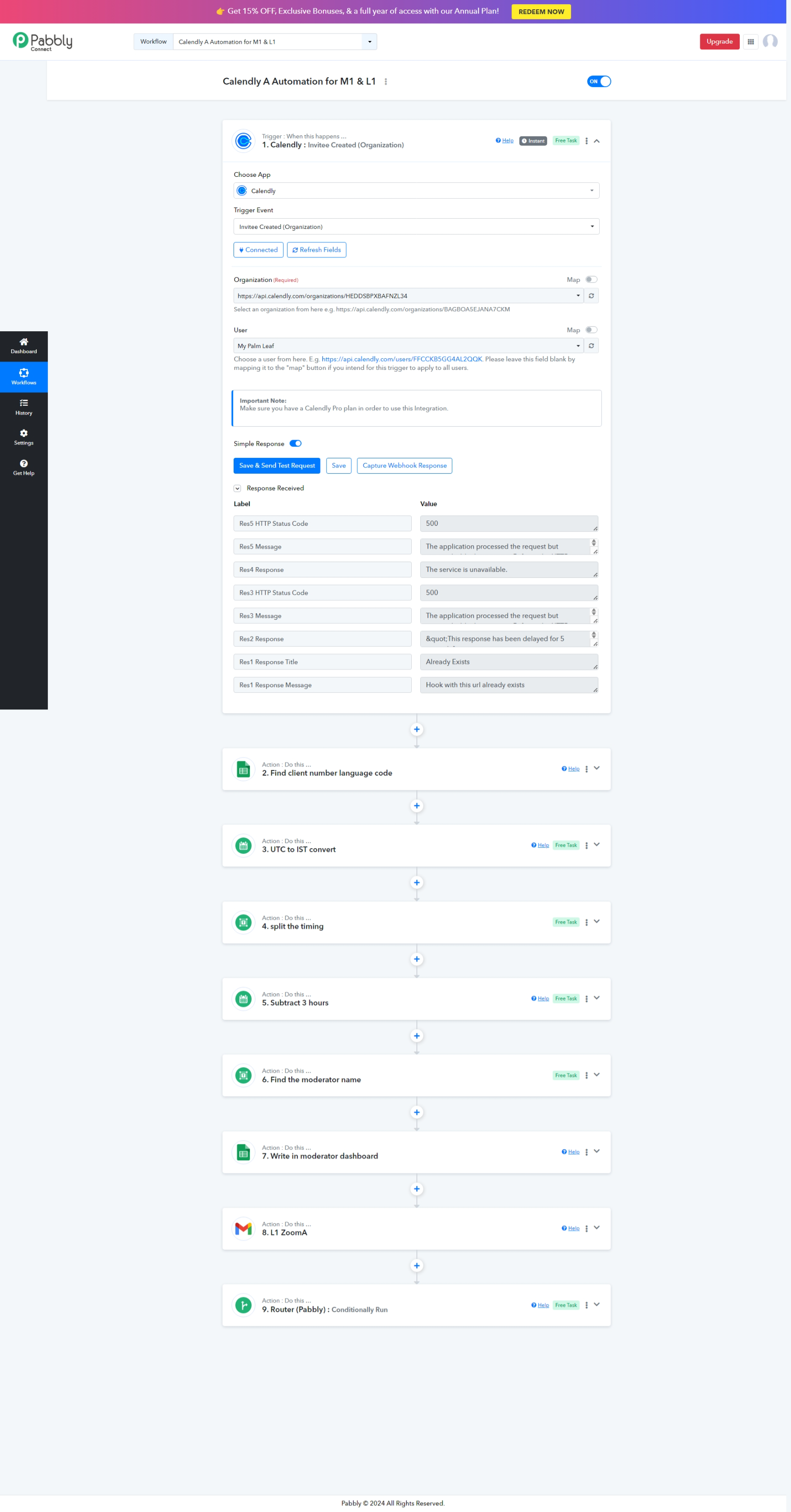
It seems you have pressed the "Save & Send Test Request" button multiple times. Since this is a post-webhook type trigger, it will set up the same webhook more than once. As a remedy, we suggest cloning the workflow once and then configuring the trigger event just a single time.