Calendly --> WhatsApp Template Workflow Issue
Status: Closed · Asked by Air Angels on · 0 views
Hi!
I am having trouble with my workflow of 'Sending WhatsApp Message Templates when a Calendly appointment is scheduled.'
I followed this tutorial
youtube.com/watch?v=q8Cvw85unpo
- but am confused about if I need to keep the demo user information in or take it out for it to work properly with new customers scheduling appointments.Can anyone assist with this?
Thank you!
Hey @airangelsco
Kindly pass the phone number as mentioned in the help text with the help of Number Formatter: Format phone number.

Hey @airangelscoKindly pass the phone number as mentioned in the help text with the help of Number Formatter: Format phone number.
@Supreme I'm still confused - are you able to go into my workflow and just set it up so that it works properly for each new scheduled Calendly event? Or can we hop on a call at some point? Thanks.
@Supreme does the 1. Res5 Resource name also need to be changed to Result? Please assist. Thank you!
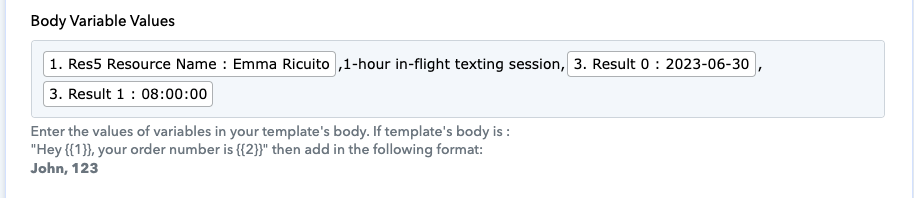
@Supreme
Can you also make sure these two workflows work properly?
https://connect.pabbly.com/workflow/mapping/IjU3NjUwNTZkMDYzZjA0M2M1MjZmNTUzNTUxM2Ei_pc
https://connect.pabbly.com/workflow/mapping/IjU3NjUwNTZjMDYzNDA0M2M1MjZhNTUzNjUxMzEi_pc
@Supreme I'm still confused - are you able to go into my workflow and just set it up so that it works properly for each new scheduled Calendly event? Or can we hop on a call at some point? Thanks.
@Supreme I see you already did this, thank you!
Can you please send the screenshot of your template to your Interakt account? As we can see from your workflow the action step hasn't been established.
Further, you may check the following video lesson on how you can use the Interakt action step to send WhatsApp messages.
@Supreme
I need this template https://app.interakt.ai/template/cancellation_by_customer_new/view
connected to this workflow https://connect.pabbly.com/workflow/share/AUkHNQNUA2ACSAZsUQJQdwoeAwcAWVMxVk9SQAEOUCgEXgBrBkdbMQxAVjxXGAVkUBkDaVIODTABFVBUBFIJelROAQMBAgd9Ux4AMwJHATIBXwcvA2I#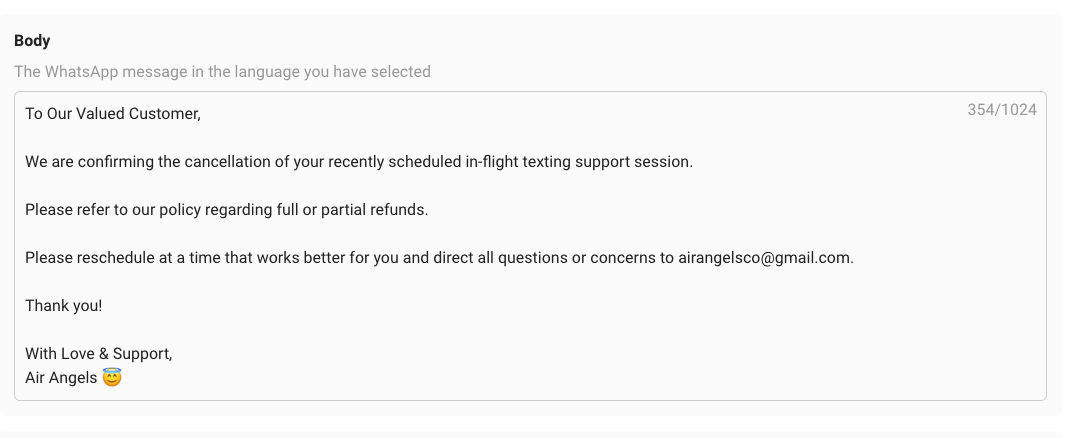
@Supreme
I need this template https://app.interakt.ai/template/cancellation_by_air_angels/view
connected to this workflow https://connect.pabbly.com/workflow/share/AEgCMFcAUDNQGlQ-VQZUcwkdBgJVDFQ3UUhRQwYJVCwDTQRBBEVYMgxAWDJRHlU0UxpSOAJeATkPG1ZSBlBVJlJICDRdXgd9BEkCeVAVCDsAXgIqVzY#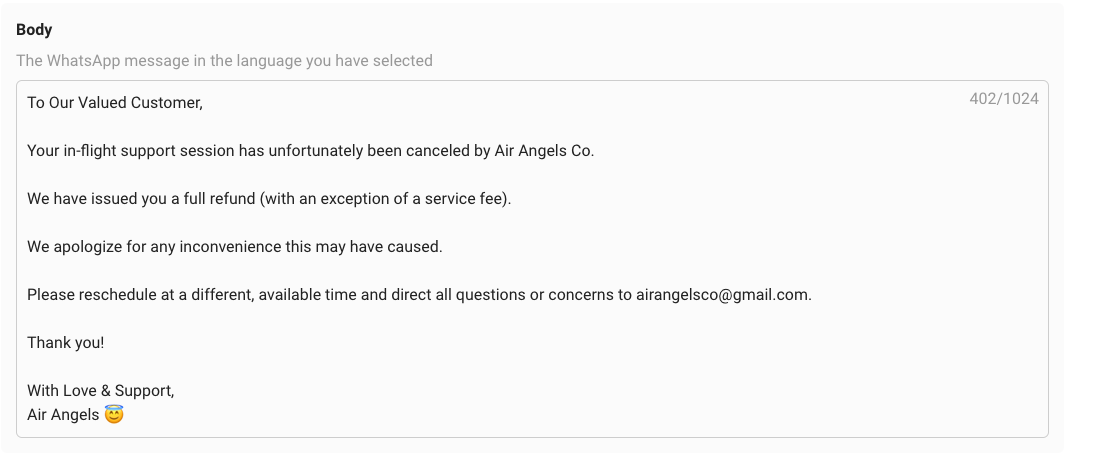
@Supreme Please assist with the above workflows the same way you fixed the other one. Thank you so much!
Hey @airangelsco
Based on the response available from your Interakt's API response, it appears that messages are being queued on your Interakt account during processing. Therefore, we recommend reaching out to the Interakt support team to investigate why these messages are getting queued.
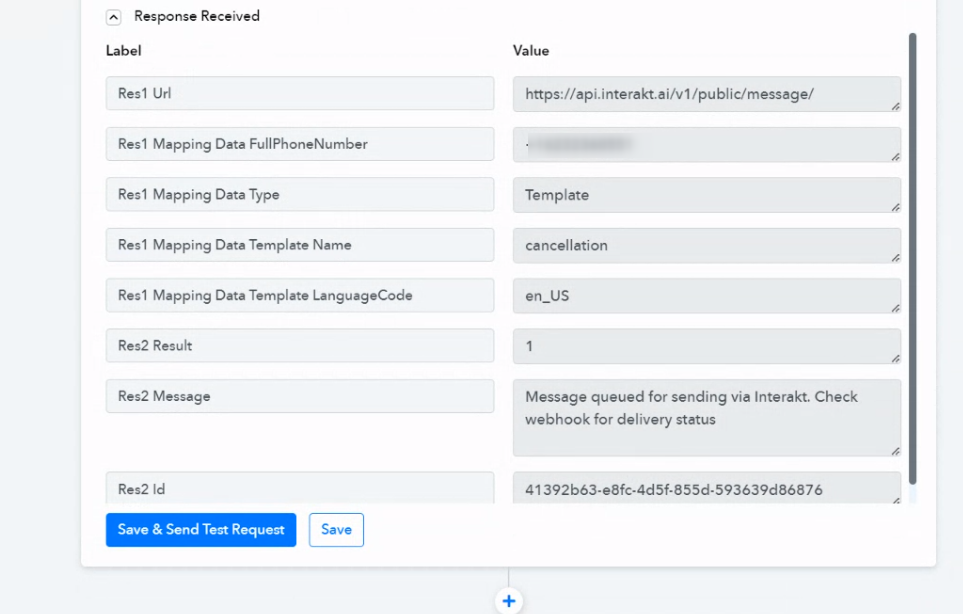
Although you can wait for a while to check whether you receive the message or not.
Although you can wait for a while to check whether you receive the message or not.
@Supreme Whatever you did for my other workflow is what I need done for the two I mentioned above. I need the workflows to work so that when a customer cancels an appointment via Calendly the customer gets a template in WhatsApp confirming this, AND so that when AIR ANGELS (the company) cancels an appointment on our end the customer also gets a template in WhatsApp confirming this.
Kindly check your 2 workflows, you haven't captured the webhook response from the Calendly account yet, so it is necessary to capture the webhook response to run the workflow automatically when a new invitee gets created.
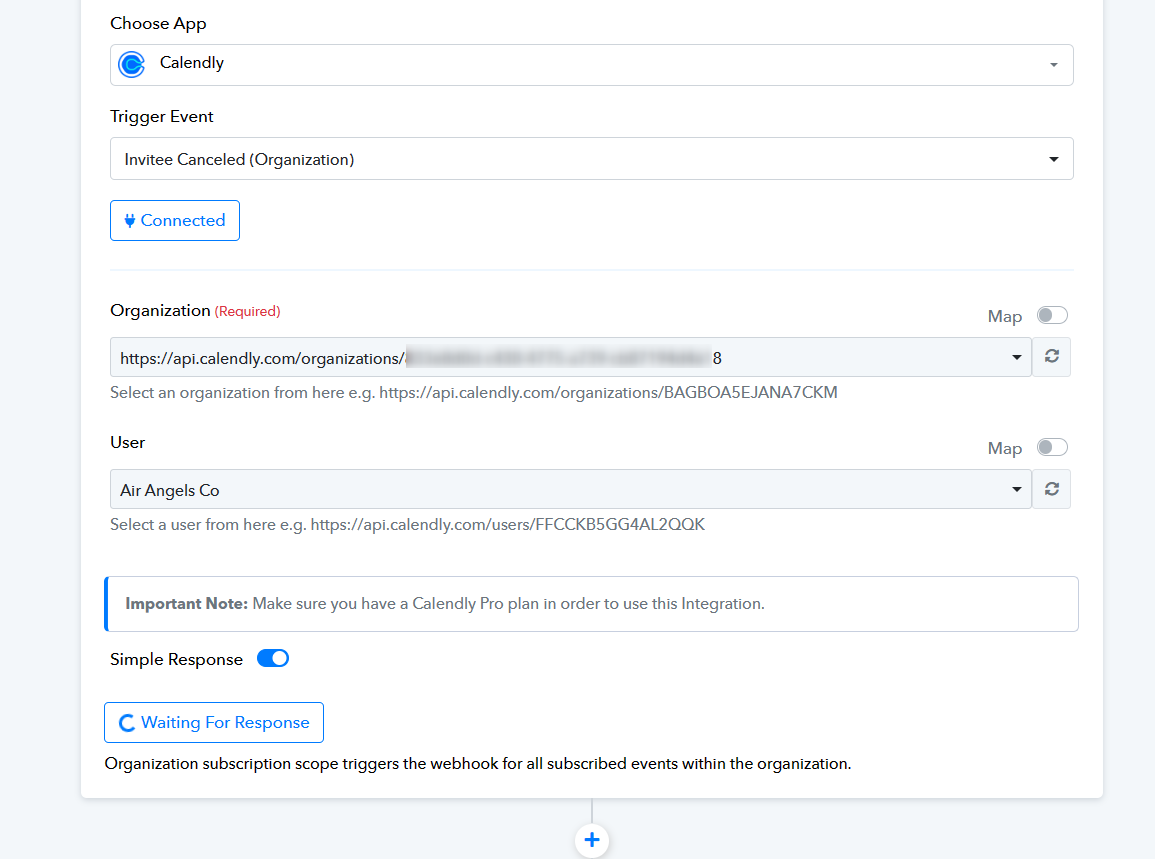
Kindly check your 2 workflows, you haven't captured the webhook response from the Calendly account yet, so it is necessary to capture the webhook response to run the workflow automatically when a new invitee gets created.
Thank you. How do I do this? @Supreme
I followed this tutorial
Same video tutorial you can refer to capture the webhook response!
Same video tutorial you can refer to capture the webhook response!
I followed this exactly and it doesn't seem to work for these two workflows - I'm confused if I am doing something wrong or missing something. @Supreme
Kindly record a short video on how you are configuring the trigger event.
Kindly record a short video on how you are configuring the trigger event.
I clicked the "Re-Capture Webhook Response" button on the trigger section to try and reset it so it would capture new information from Calendly when someone schedules a new appointment but it didn't work.

I followed the tutorial but I need this workflow https://connect.pabbly.com/workflow/share/WxMCMABXBGdSGFc9UgFTdA0ZVlJUDVEzUUgJGwYJAHhXDVEEVhcPZQ9DACJVNFMyB05XPQZZAWBaTlZSAVdTIAYfU38DAAJ4B0pSKQRnW2hbBQIqAGE# to be set up so that every NEW appointment that is scheduled in Calendly will get sent the WhatsApp template with the appropriate information.
It's currently not working for when new people schedule an appointment please help, I don't know whats missing. @Supreme
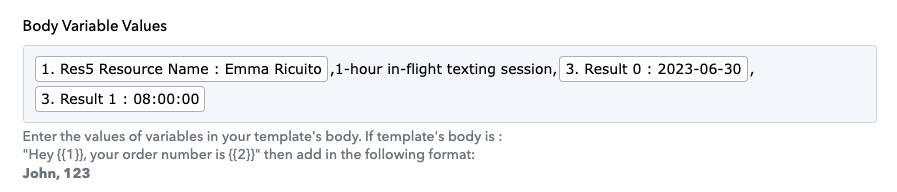
I need these body variables to be able to have the information of EVERY NEW SCHEDULER. @Supreme
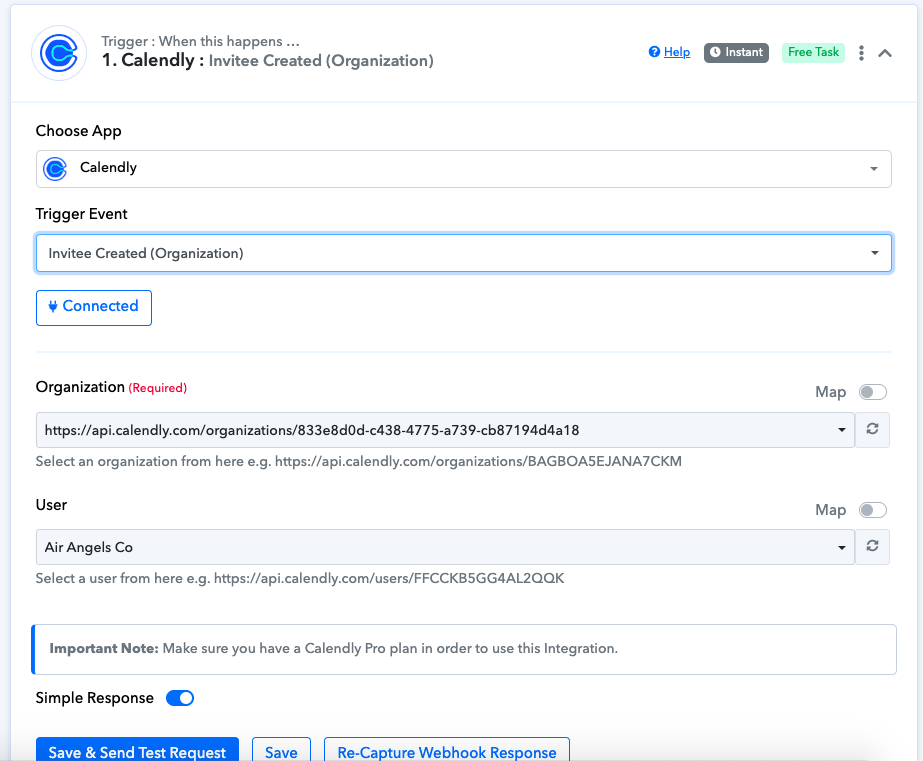
@Supreme here is what the trigger looks like - I followed the tutorial exactly.
Could you kindly share your Calendly appointment form with us? This will enable us to examine it thoroughly and offer you the appropriate assistance.