call to action button response not received
Status: Open · Asked by ruchir shah on · 0 views
I put a call to action button in my message
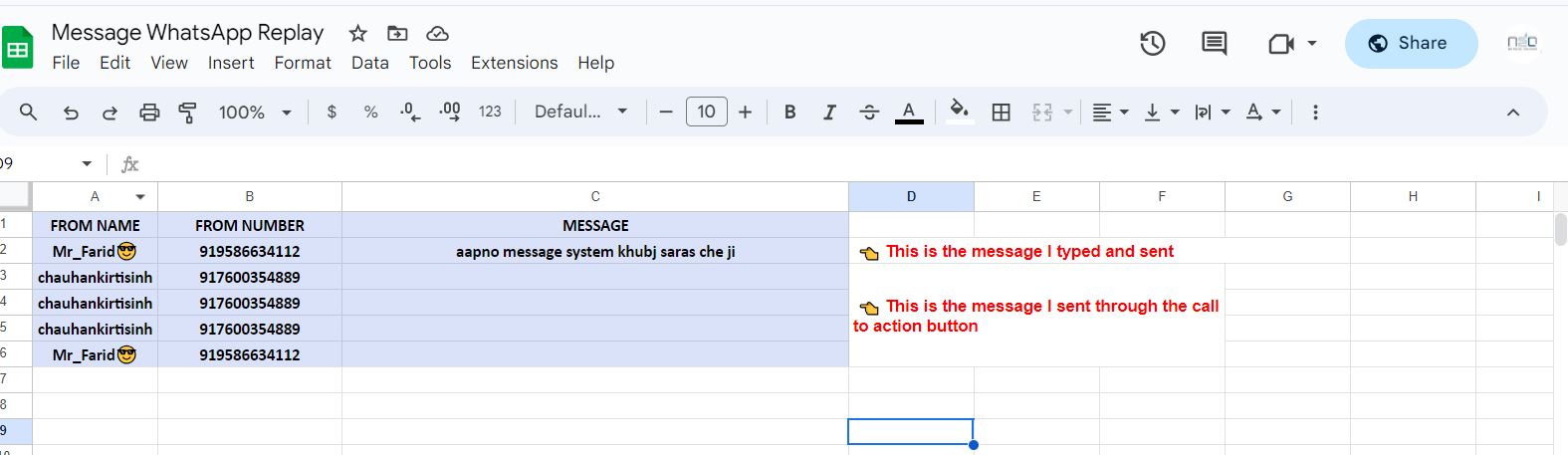
I am not getting the response message in the google sheet, only the customer number is coming, this is happening only when the customer responds via the call to action button. whenever I type a message and send it I get it.. but when I reply via call to action button it is not getting it.. only the customer number is coming
Attachments
Hi @Ruchir1214,
Please share the Task History IDs when a customer sends you a message through the Call to Action button and when a customer sends you a manually written message.
Hi @Ruchir1214,Please share the Task History IDs when a customer sends you a message through the Call to Action button and when a customer sends you a manually written message.
IjU3NjIwNTY1MDYzNzA0MzU1MjY5NTUzNzUxMzU1MTY2NTQzMCI_3D_pc Call to Action ID
IjU3NjIwNTY1MDYzNzA0MzU1MjY5NTUzMTUxMzA1MTYxNTQzOCI_3D_pc manually written message ID
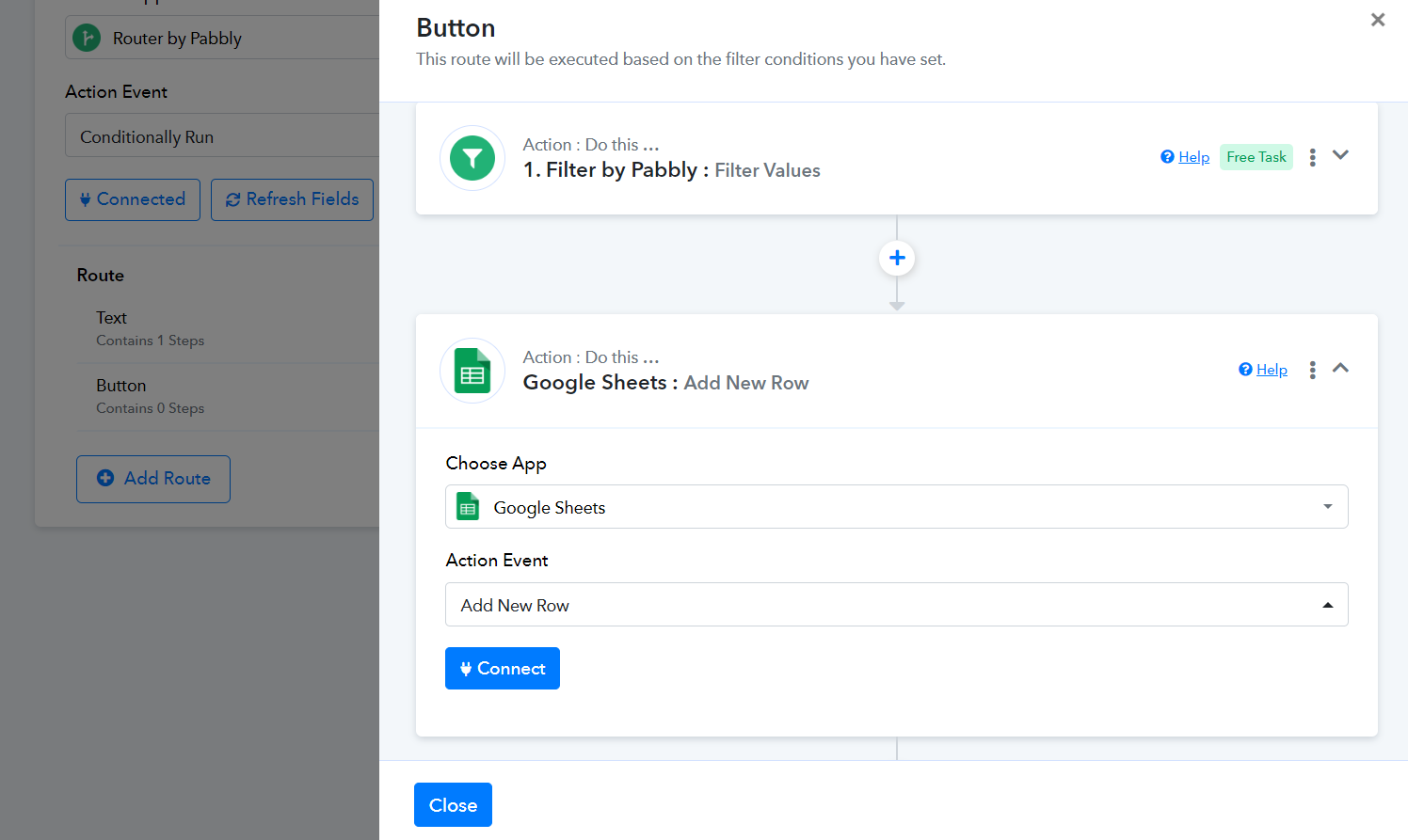
Please setup your workflow in this manner:
https://connect.pabbly.com/workflow/mapping/IjU3NjUwNTY5MDYzMTA0MzU1MjZkNTUzNjUxMzAi_pc
After completing that, click 'Re-Capture Webhook Response' and receive a message through the Call to Action button. This will capture the 'Call to Action Button' response in your trigger step.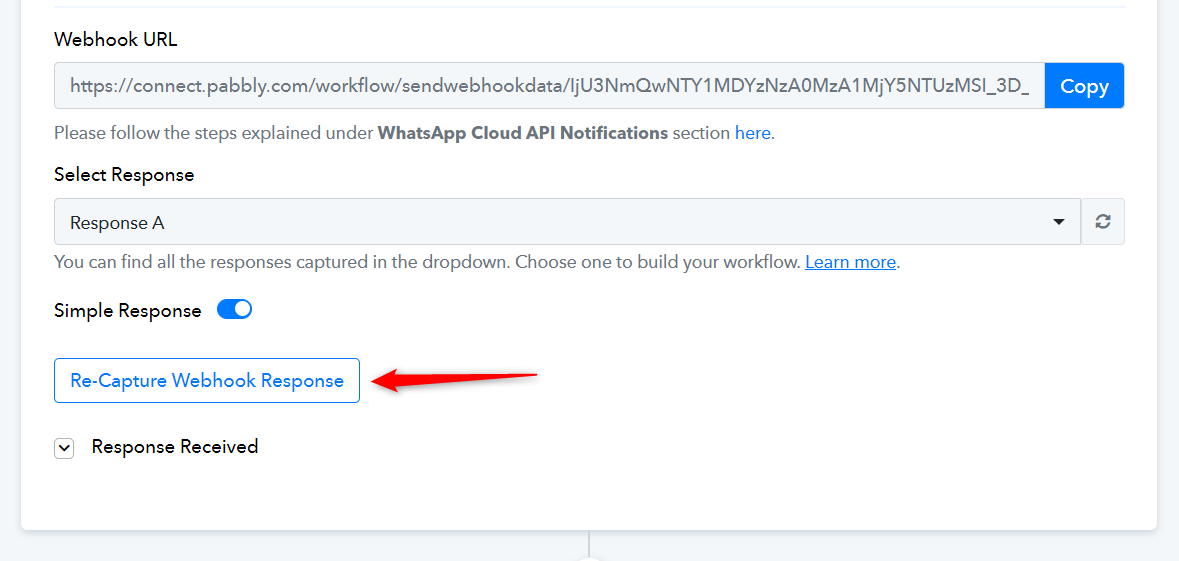
Once the 'Call to Action Button' response has been captured, setup 'Google Sheets: Add New Row' action step in the second route 'Button'.