Cannot configure Google Analytics app
Status: Closed · Asked by Tomasz Woźniczka on · 0 views
Hi, I'm trying to build a workflow with Google Analytics app, but I cannot configure it.
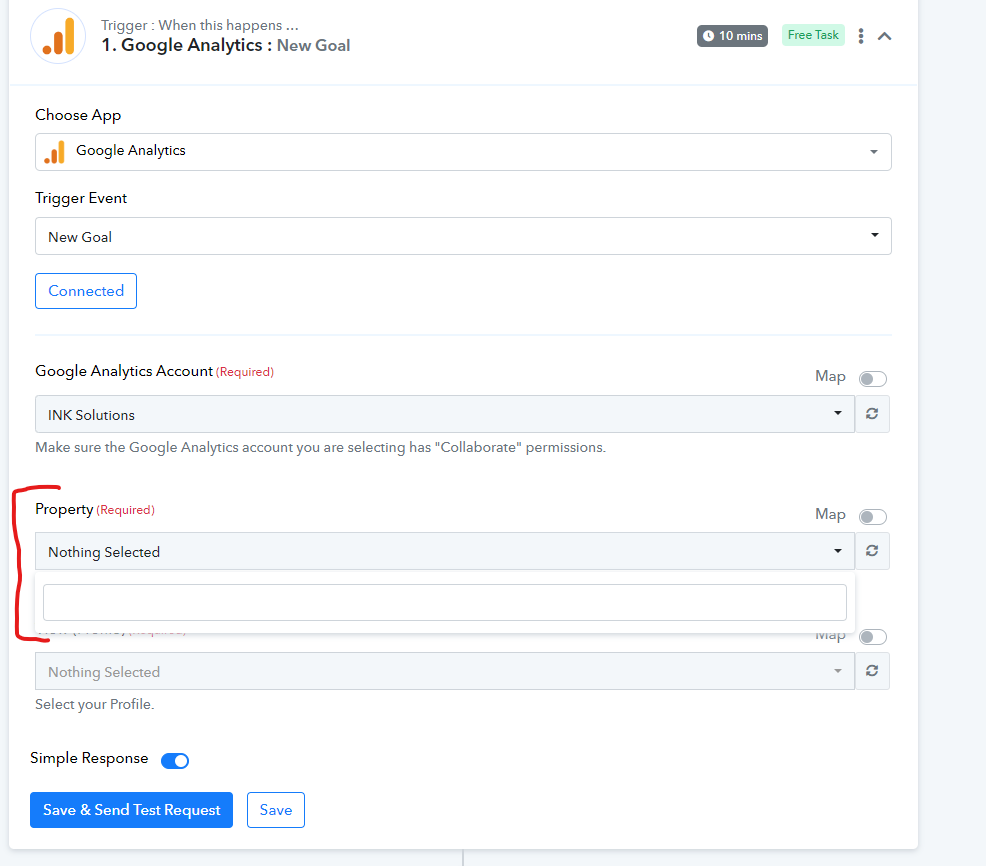
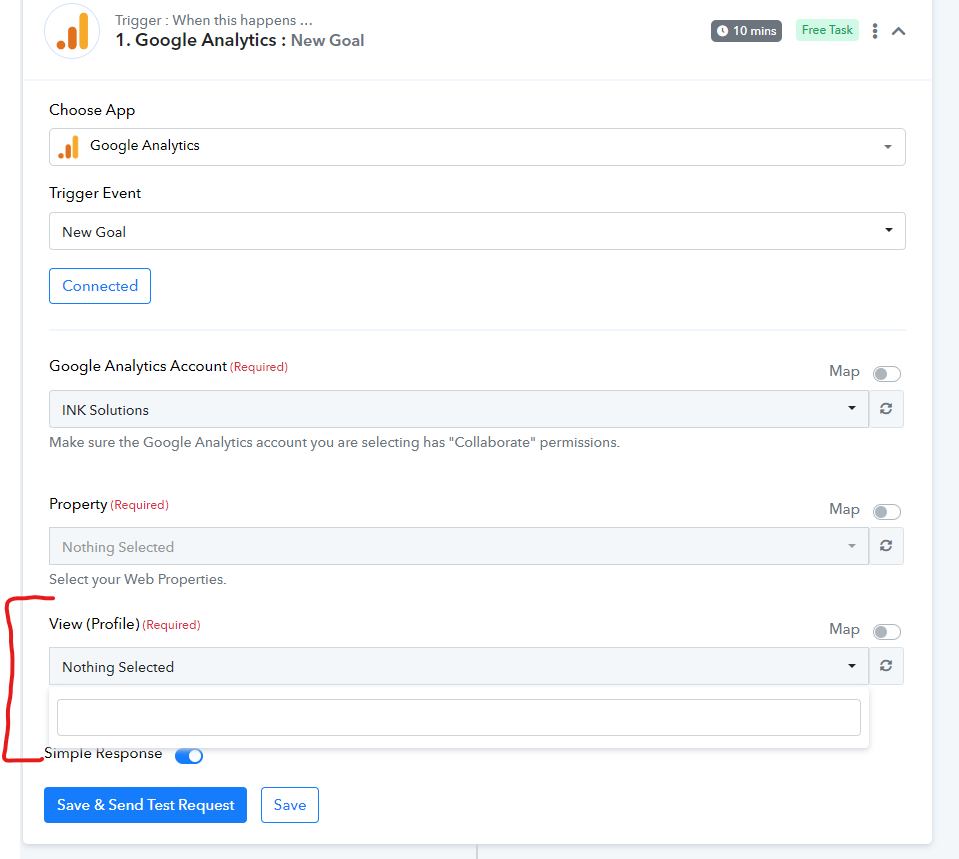
I connected to Google Analytics using the account with administrator permissions, however, Pabbly doesn't detect "Property" and "View (Profile)" so I cannot complete the configuration.
Could you advise how to solve it?
Hey @TomaszW
As we can see from your workflow, you haven't set any trigger steps for Google Analytics. Please explain at what step and field you are getting stuck with the help of a screenshot.
Further, can you please check once in your account whether do you have any property and view?
Whereas you can refer to the following video lessons and try again.
Hey @Supreme
Yes, I'm failing on first step of configuring Google ANalytics trigger.
Below I'm sending the screenshots of what field are not detected, whereas I have them in my Google Analytics.
We are currently looking into it, please allow us some time.
As we can see from our end it seems like you might have created any projects in your Google Analytics and because of that the project fields are not getting any data.
So, please make a project in your account and then try using the Google Analytics trigger event.
We have the project created, so it must be a different issue.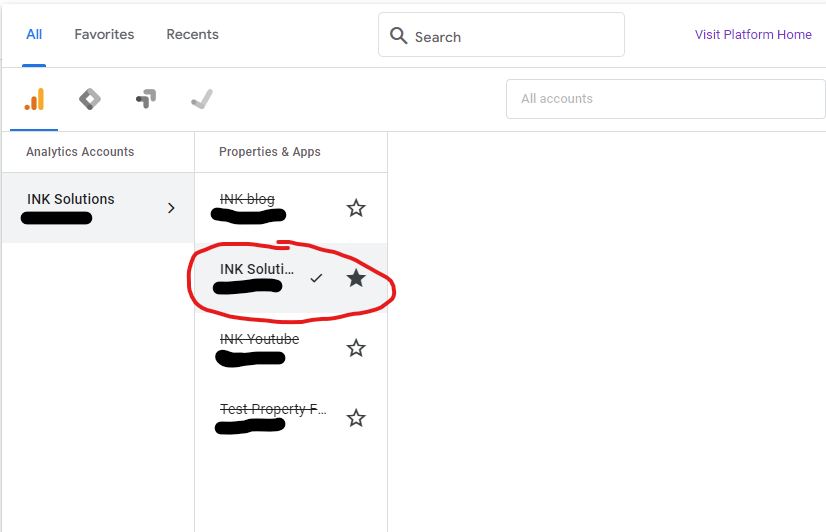
Hey @TomaszW
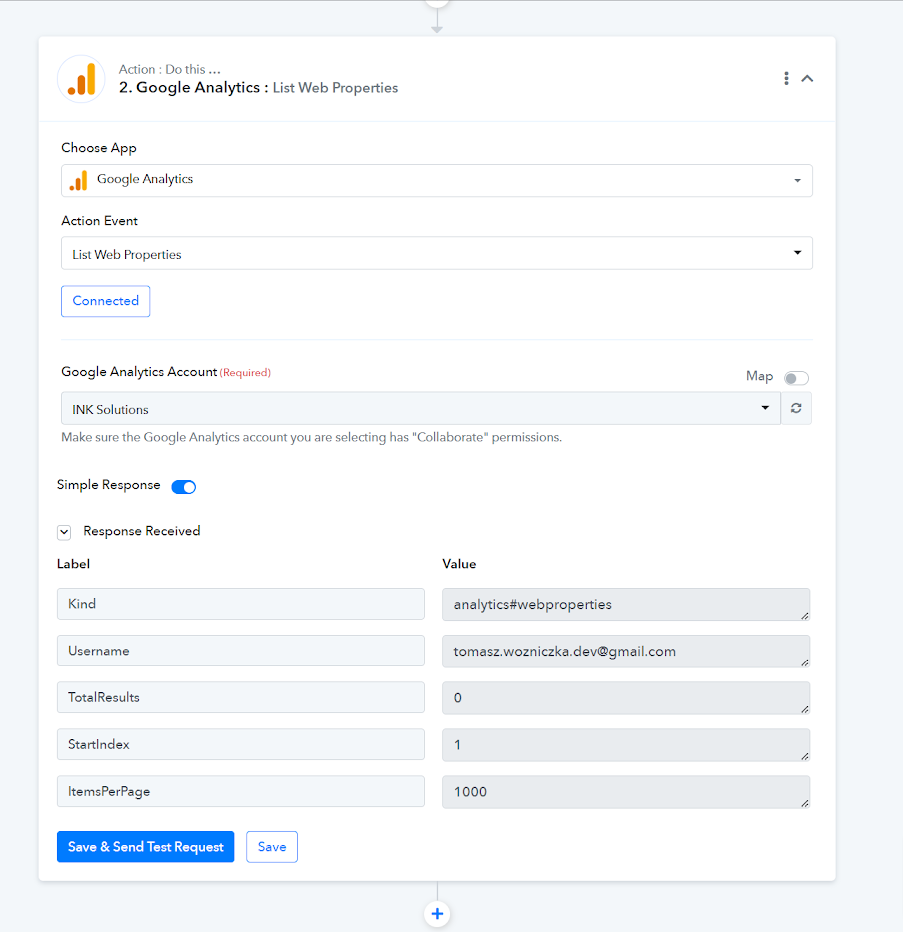
We have checked the same by listing the properties from your Google Analytics and we can see your properties are not getting listed from the Google account itself.
So, please contact the Google Workspace support team and then try again. As a check, we have added an action step to check whether the properties are getting listed or not.