Cannot find slack channel
Status: Closed · Asked by adrian.k on · 0 views
Hi All,
Just recently signed up to pabbly, used Zapier before, I am stuck with slack as I want to send message to a channel, but I cannot see the channel that I want in pabbly - does anyone have this problem?
Hey @adrian.k
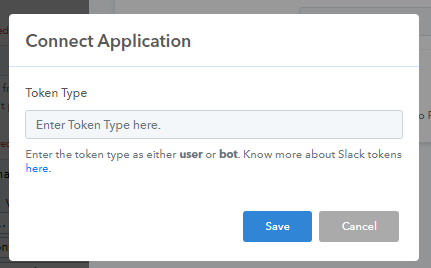
Could you please tell us how many channels you have in your Slack account and while connecting your slack account what token type you have selected?
Hi, I'm having the same issue finding my desired channel on my dropdown list.
For info on how many channels we have on Slack, we have more than 50 channels. Hope you can assist.
Hey @GM-geLo
As we can see from your workflow, we can see more than 50 channels around 138.
So, please refresh the field once and then try again.
Hi @Supreme !
I did try to refresh more than 20 times already and the channel that I wanted still doesn't show. Is it because of the many channels that we have? If yes what could be our workaround?
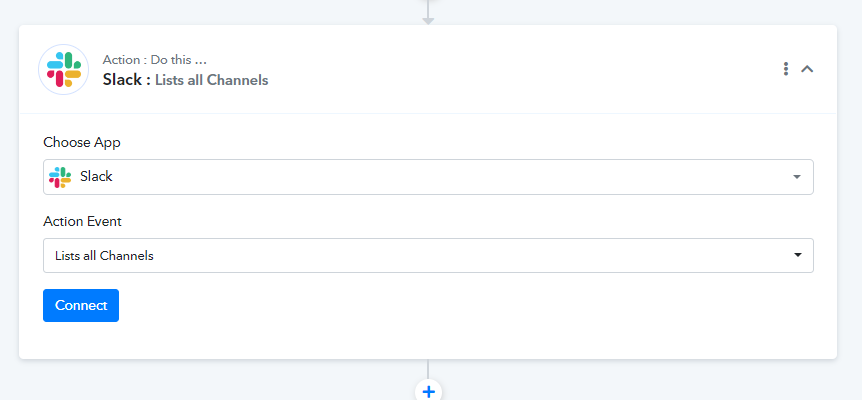
Please try the "List All Channel " action step once and then try again.
Hi @Supreme
Still the same after trying list all channel.?
Hey @GM-geLo
Can you please tell us whether the channel is a private channel or a general name?
Also, what is the token type you have selected while connecting the Slack?
Hi @Supreme, Using general channel and user token.
We meant the channel name which you are looking for and the action event you are trying.
As we see you are getting a total of 138 channels listed.
@Supreme Im trying to find #testing-channel and action is send channel message.
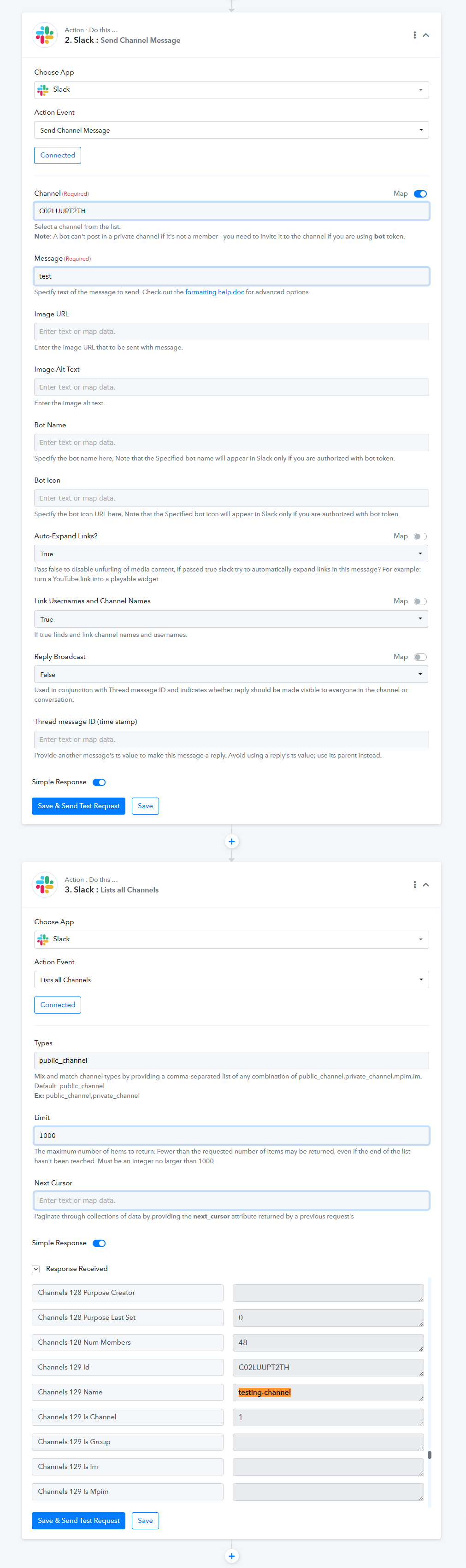
You can map the id of the channel in the action step as the channel is not listed in it.
Please refers to the following screenshot and try. I hope this might help you.
Hi @Supreme. I'm receiving error. I also tried the code and it was sent to justforfun channel.
Attachments
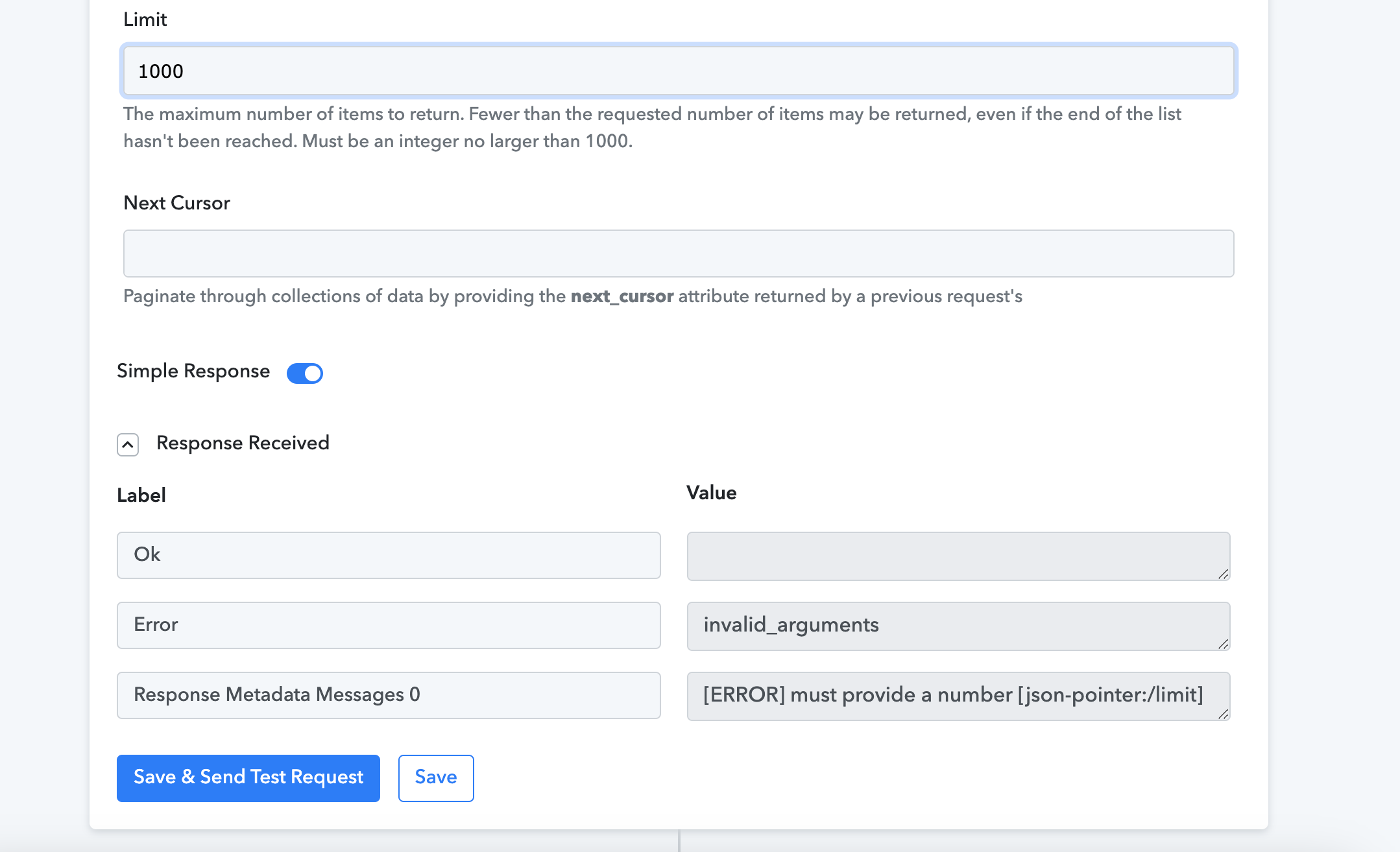
Hey @GM-geLo
Can you remove the action step once and then try adding it again? Seems like the mapping you have done might go changed.