Cannot upload multiple attachments from trello to dropbox.
Status: Closed · Asked by Shahidul Islam Pranto on · 0 views
I am not being able to upload multiple file from trello to dropbox.
Email is [email hidden]
workflow is: (VO Testing or VO that need changes [MANAGEMENT]) > VO Ready For Video Editing. Part 17
Here is "Get an Attachment"
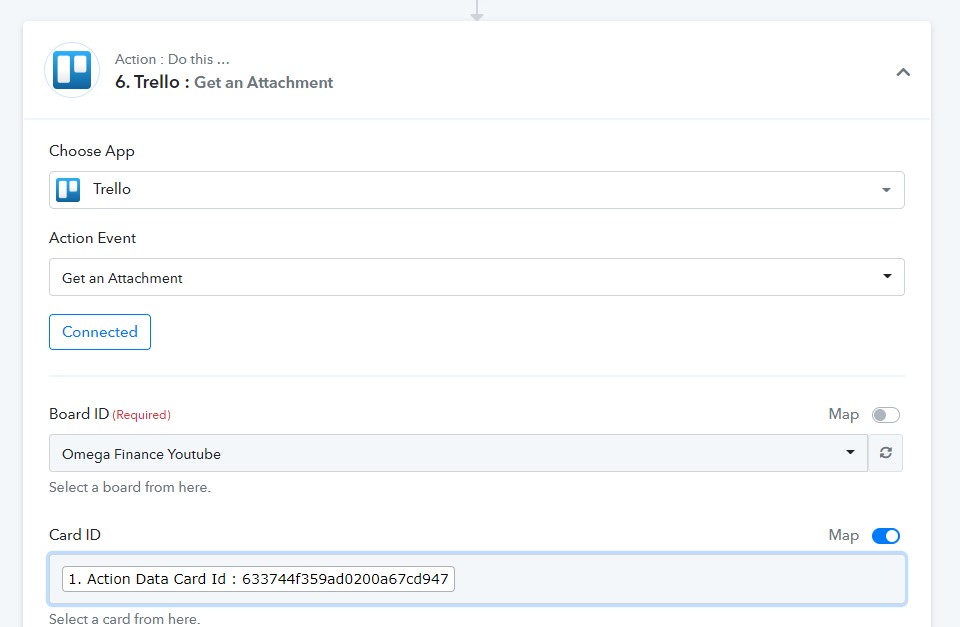
The Trello card has 4 attachments.
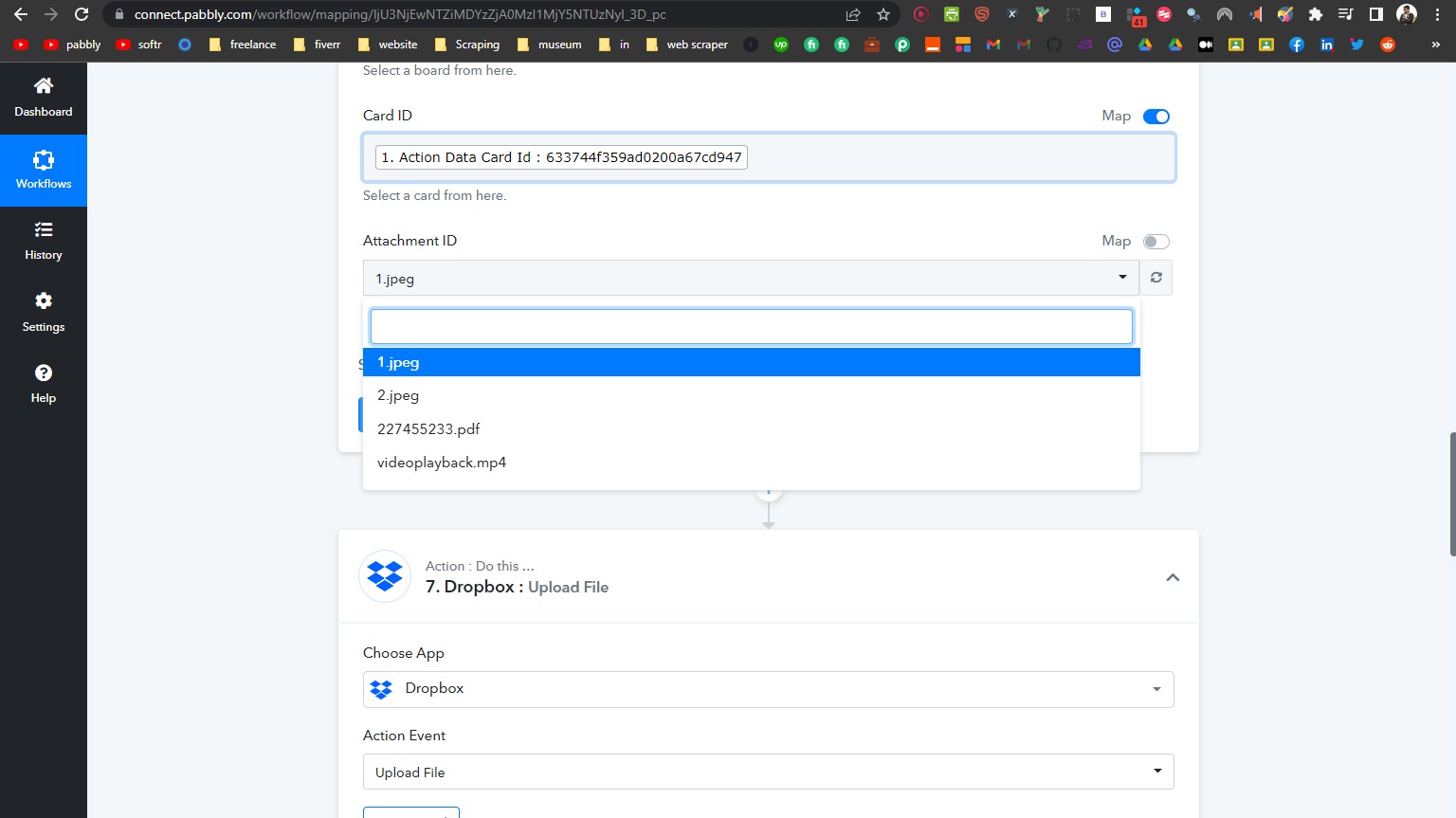
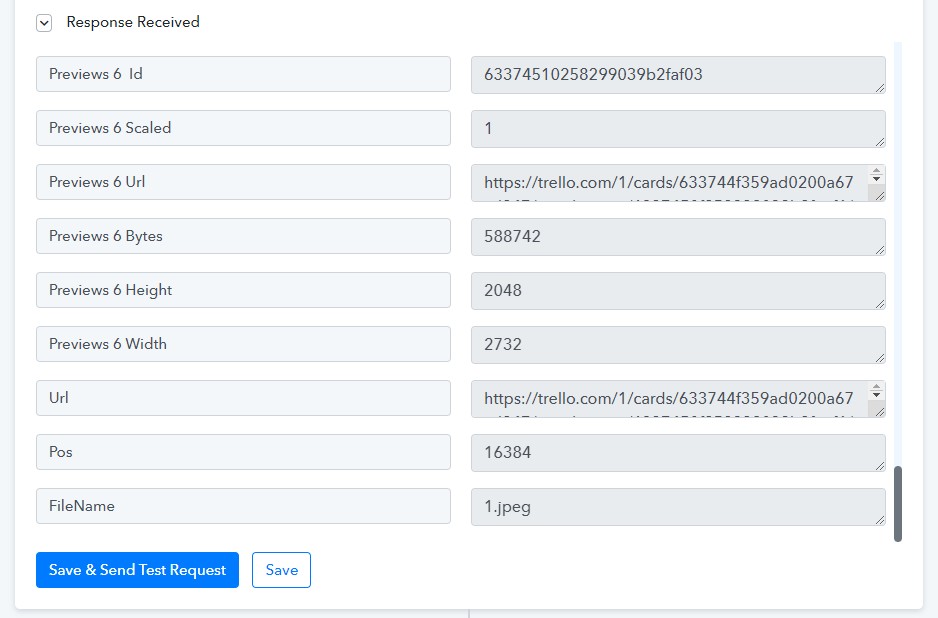
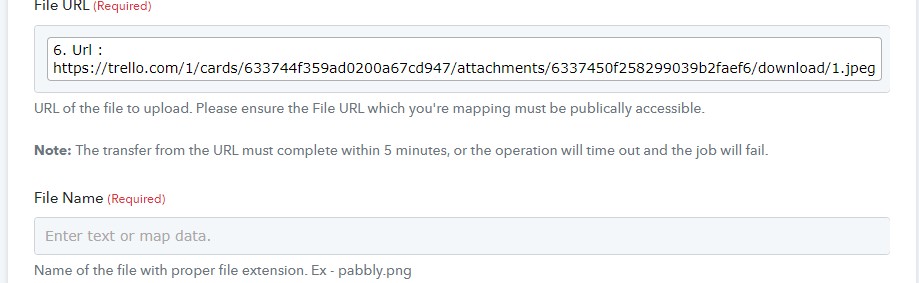
Instead of all 4 Pabbly receives the URL for only one which is "1.jpeg"
I have chosen this name for the sake of testing.
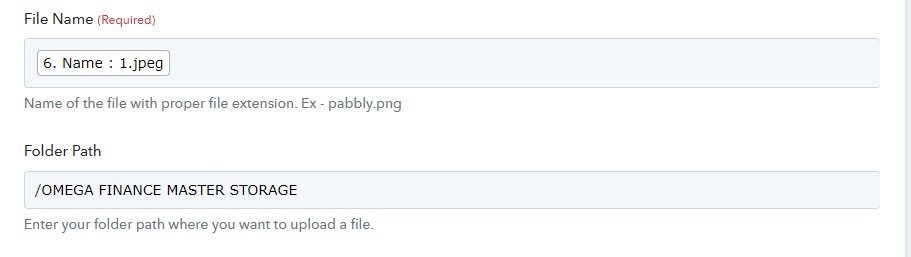
The folder path is correct, right

Here see the folder hierarchy from dropbox.

When pressing save and send test request, there is an error message. Path not found.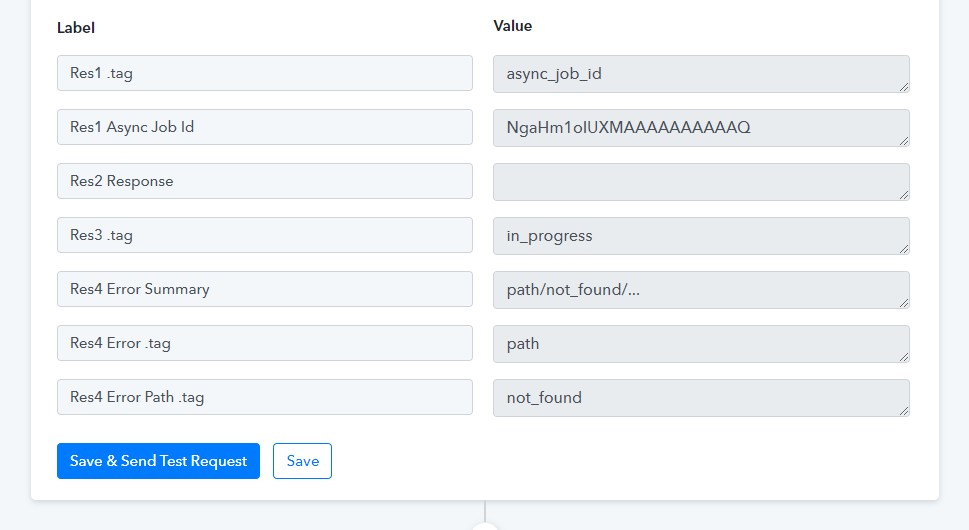
Also when I put wrong folder path here
There is the same error message.
Also, I want to upload files to my dropbox in phases.
Like from Trello list to list some files would be added. And each time when the file would be added it should be uploaded on dropbox.
I don't want to make duplicates on dropbox. This means I want to filter if the file already exists, I don't want to upload it again.
Attachments

Hey @shahidul islam pranto
Please allow us some time, we are currently looking into it.
Here is "Get an Attachment"
The Trello card has 4 attachments.
Instead of all 4 Pabbly receives the URL for only one which is "1.jpeg"
I have chosen this name for the sake of testing.
The folder path is correct, right?
Here see the folder hierarchy from dropbox.
When pressing save and send test request, there is an error message. Path not found.
Also when I put wrong folder path here
There is the same error message.
Also, I want to upload files to my dropbox in phases.
Like from Trello list to list some files would be added. And each time when the file would be added it should be uploaded on dropbox.I don't want to make duplicates on dropbox. This means I want to filter if the file already exists, I don't want to upload it again.
We have added a new action step in Trello which will get the attachments from your particular card.
Kindly give it a try and let us know if that works for you.
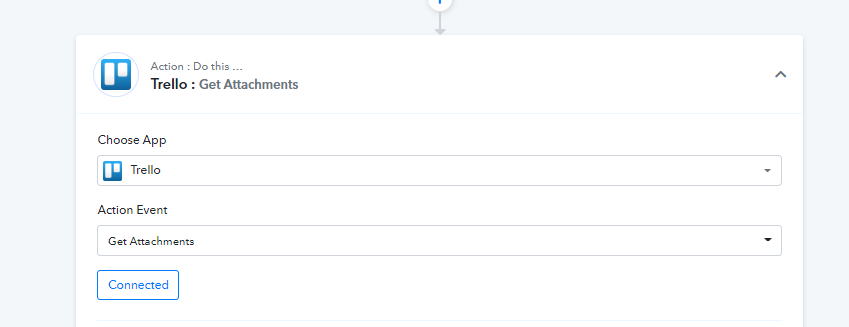
Yes, I now get URL of those files. The "Get attachments" action is working.
However, only a partial job is done.
Here is the detail of what I want to achieve.
I want to get those attachments from Trello and upload them to dropbox. Simple right
What I have to do is to map the URL of the attachments. However, I do not want to map the URL.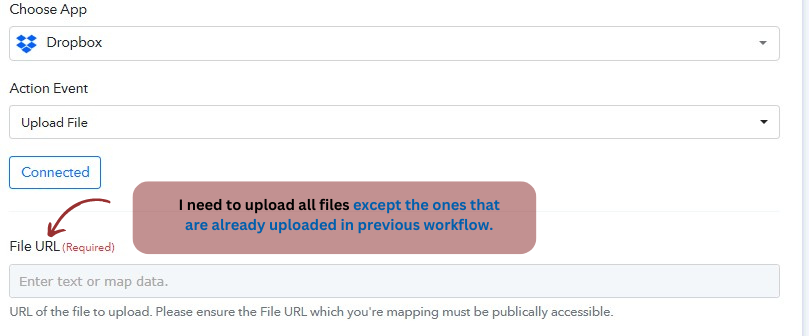
I just want to upload all the files because sometimes there could be 1 file, sometimes 3, and sometimes 0. So, I want to upload it all.
Another important thing: I have different lists on Trello. In different lists, I want to upload several files. But I do not reupload the previous attachments from the previous card. (See the below picture as a reference)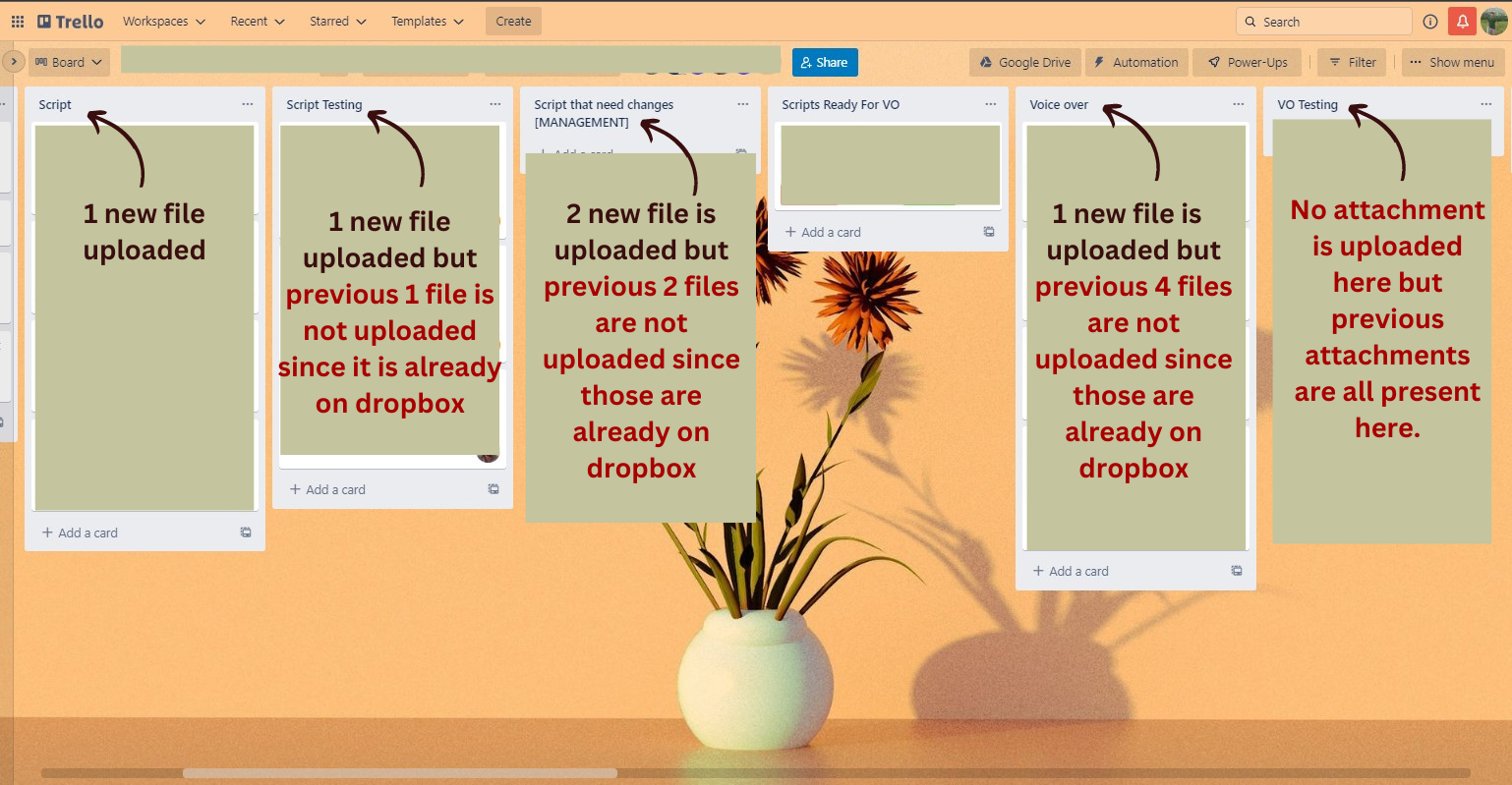
Dropbox timeout: You need to increase the upload time to unlimited. Sometimes I could upload large files like 500 MB, 1 GB, 2 GB, etc.
Help me with this problem please!
Hey @shahidul islam pranto
Yes, I now get URL of those files. The "Get attachments" action is working.However, only a partial job is done.
Here is the detail of what I want to achieve.
I want to get those attachments from Trello and upload them to dropbox. Simple right?
What I have to do is to map the URL of the attachments. However, I do not want to map the URL.
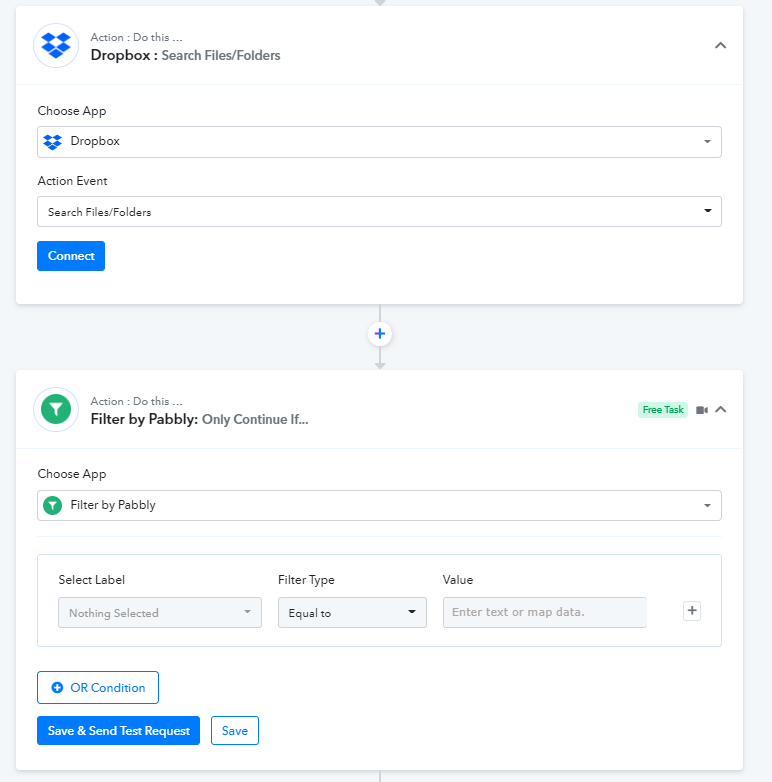
You can use the "Dropbox : Search Files/Folders" action step to check whether a file is available on your DropBox or not. And if the Image is not available then only it will process to upload the image.
Kindly refer to the following screenshot for your better understanding.
Dropbox timeout: You need to increase the upload time to unlimited. Sometimes I could upload large files like 500 MB, 1 GB, 2 GB, etc.
Furthermore, you can upload upto a max of 50 MB file in DropBox.
You can use the "Dropbox : Search Files/Folders" action step to check whether a file is available on your DropBox or not. And if the Image is not available then only it will process to upload the image.Kindly refer to the following screenshot for your better understanding.
I'll try it out and let you know.
Furthermore, you can upload upto a max of 50 MB file in DropBox.
Can you make it more such as 2 gb or highers I need to upload large video files.
Hey @shahidul islam pranto
Can you make it more such as 2 gb or highers? I need to upload large video files.
Unfortunately, the limit cannot be increased to such tend.