Can't change WordPress' User Password when I use Hotmart Order Approved Trigger
Status: Closed · Asked by 4PICE on · 0 views
Hi!
I've setup a Pabbly's "Hotmart: Order Approved" trigger and it works beautifully!
That is, when a client byes my product, I create an account for him in my WordPress (which is my member's area and where I deliver the course/product).
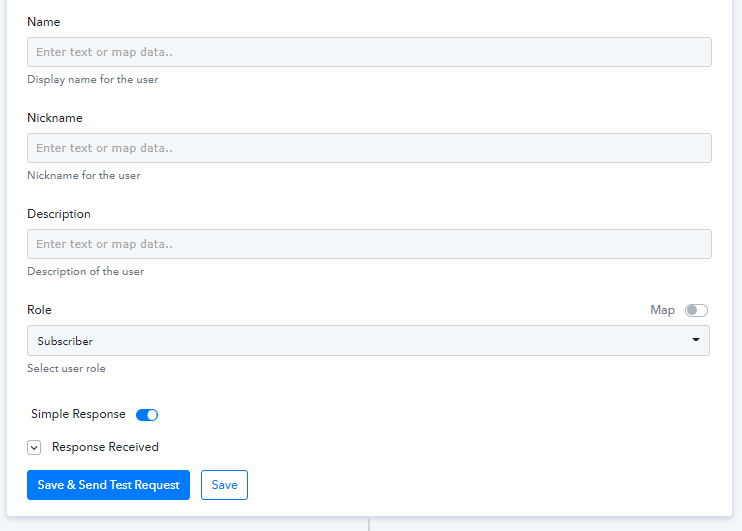
[Hotmart Prints]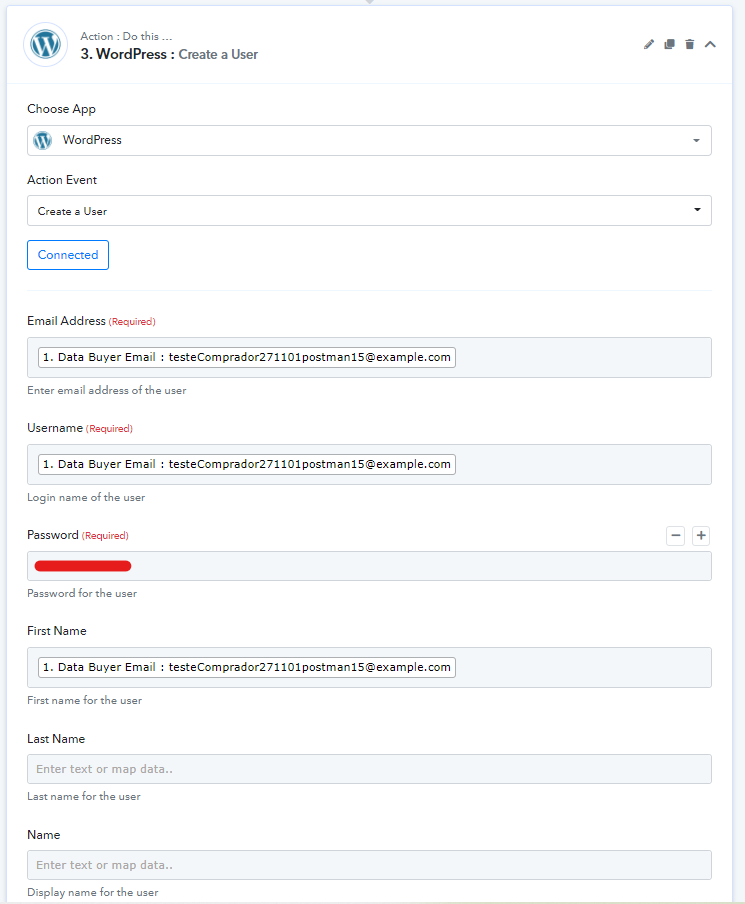
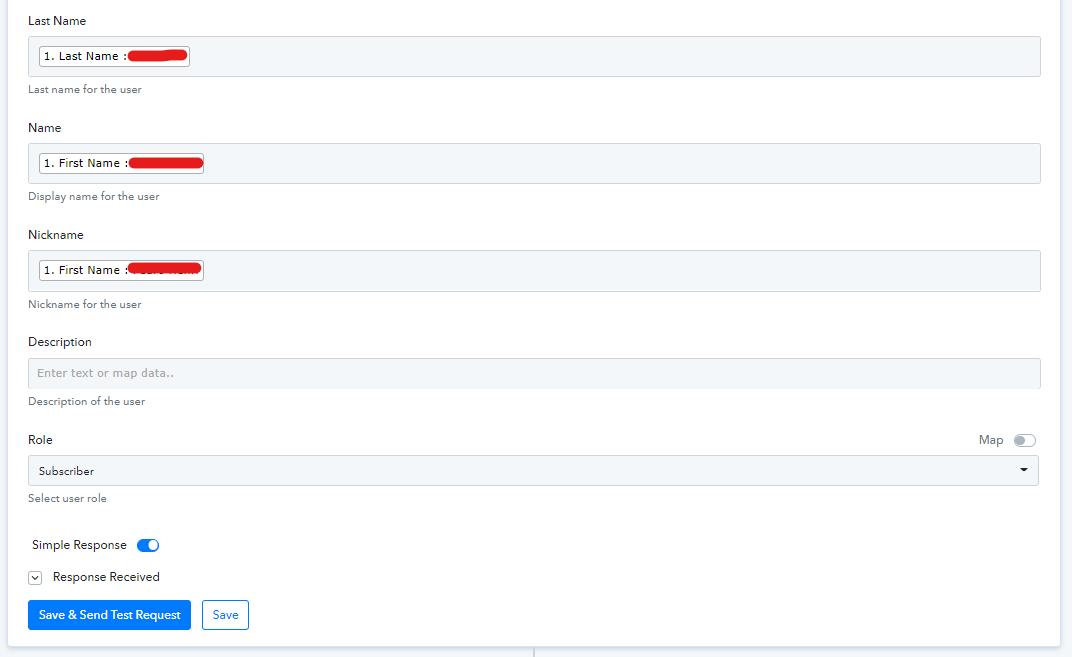
I have the same integration, but with PayPal (Pabbly's "Paypal: Payment Comleted") which has the very same mechanics when it comes to creating the user account in WordPress...
[Paypal Prints]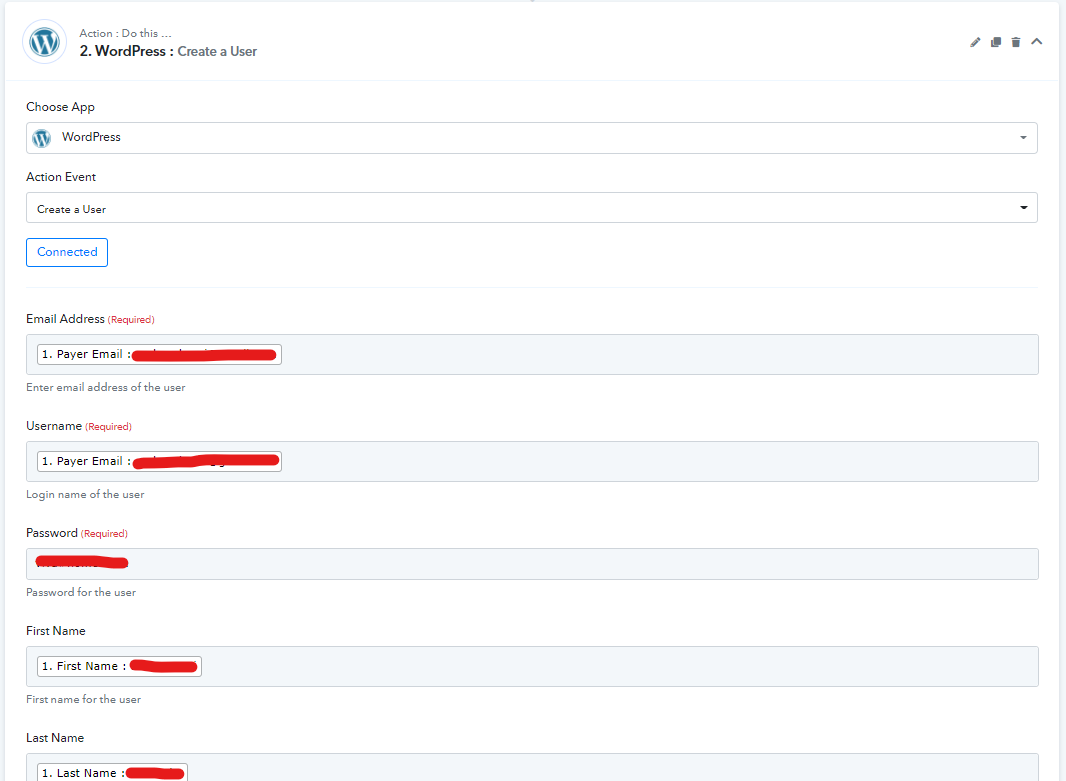
The thing is... When I'm trying to change the user's password in WordPress, I can do it fine for users that have had their account created from the Paypal Trigger.
But, if, this user has come from the Hotmart' trigger, I get an error message "403 Forbidden Access to this resource on the server is denied!".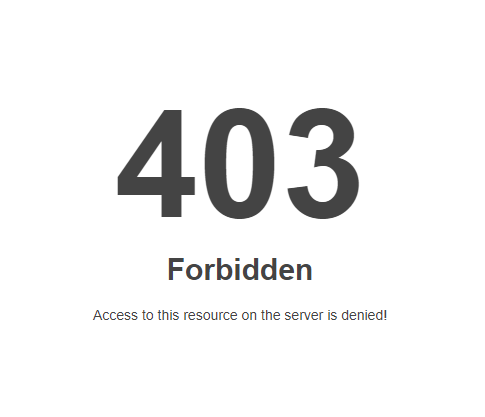
Any chance someone's had this problem and know how to fix this?
It only occurs to me that something might be going on with the Hotmart Trigger... ?
Hey @4PICE
Could you please share the task history Id with us so that we can look into it?
Hi, Supreme!
Thank you so much for your kindness.
I'm not sure I understand what you mean by "the task history Id".
But, does this help?
Overview: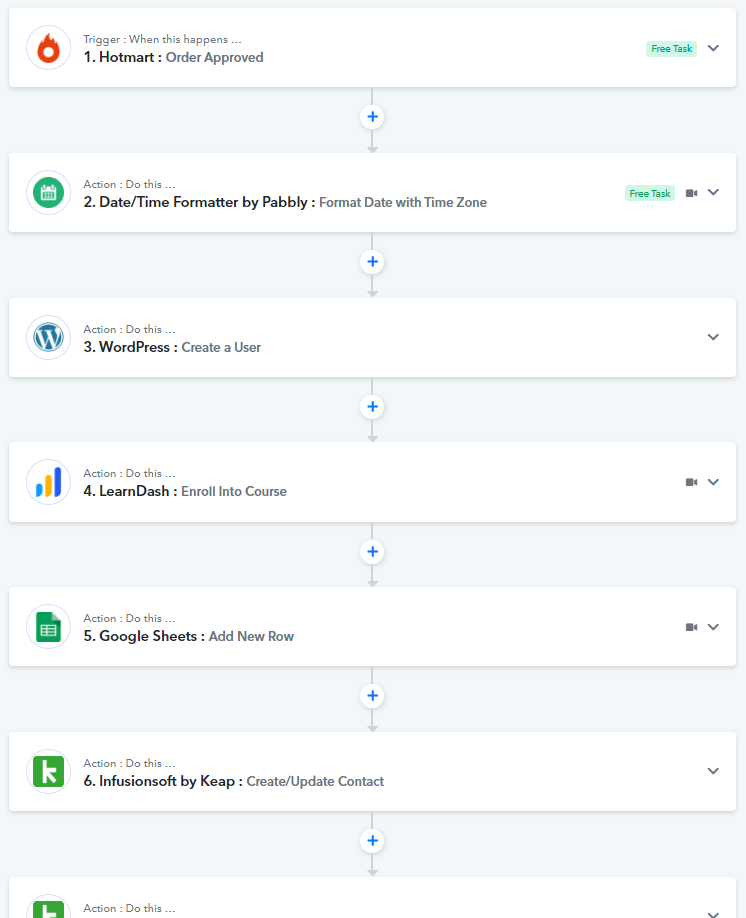
Hotmart: Order Approved (1st step)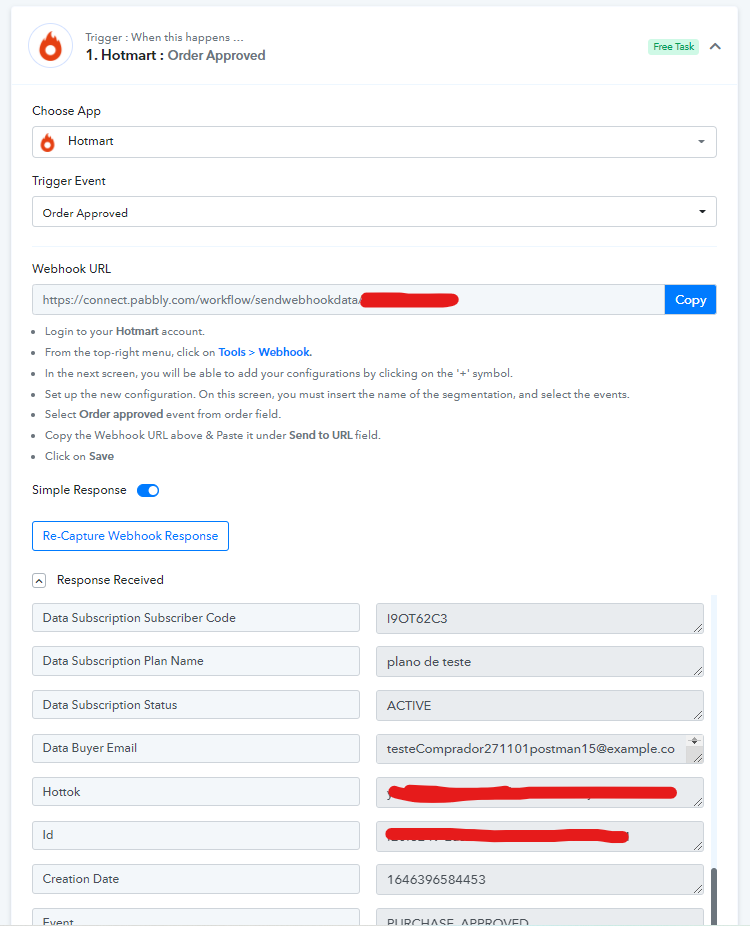
Does this information help?
Hey @4PICECould you please share the task history Id with us so that we can look into it?
Hi, Supreme!
Did my info help?
Hey @4PICE
I'm not sure I understand what you mean by "the task history Id".But, does this help?
Please check out the following screenshot and share the task history id for the particular execution where you have faced the difficulty.
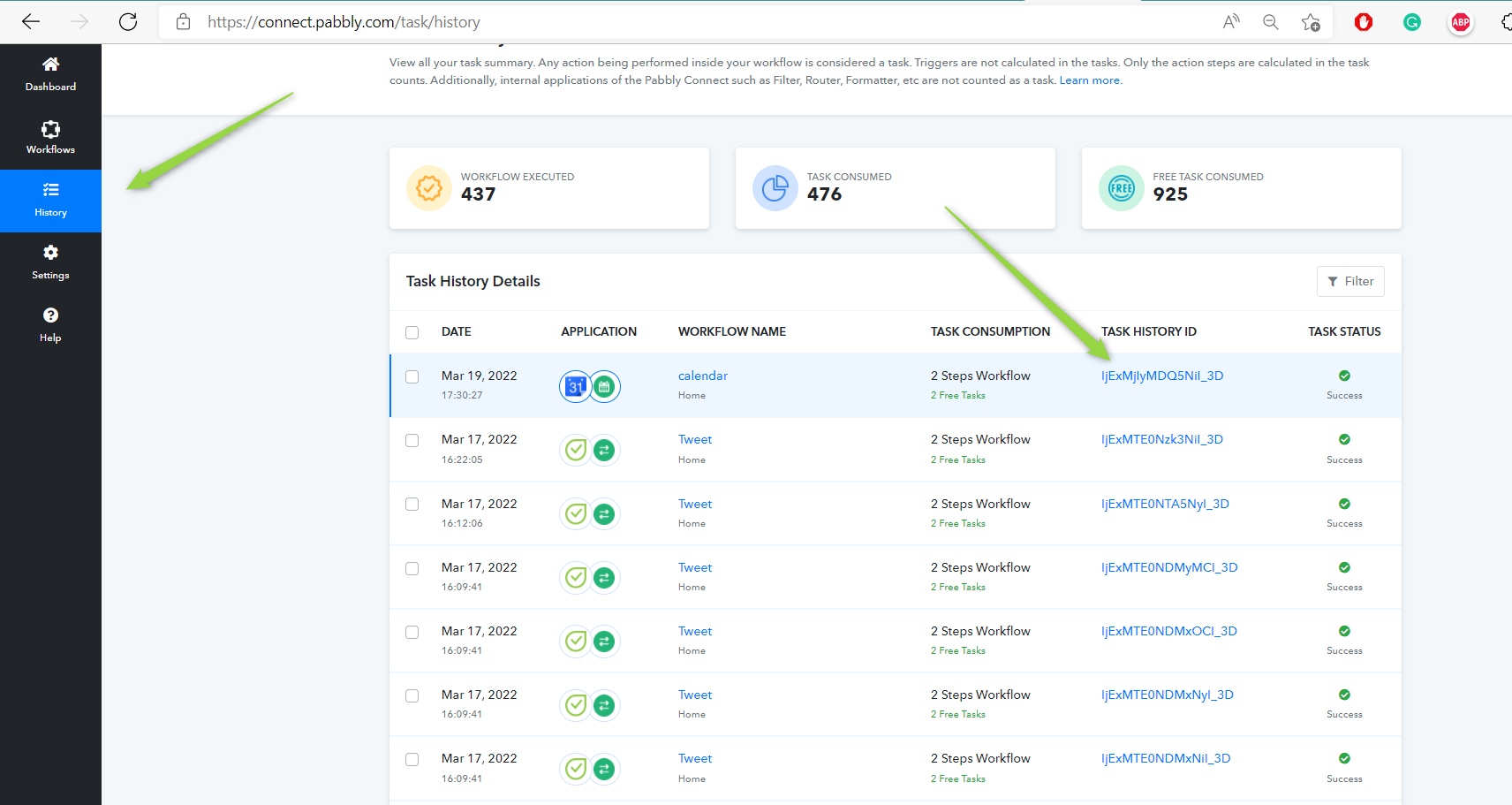
I see what you meant now! Sorry! ?
Hey @4PICEPlease check out the following screenshot and share the task history id for the particular execution where you have faced the difficulty.
The creations go very smoothly.
Workflow TaskID overview: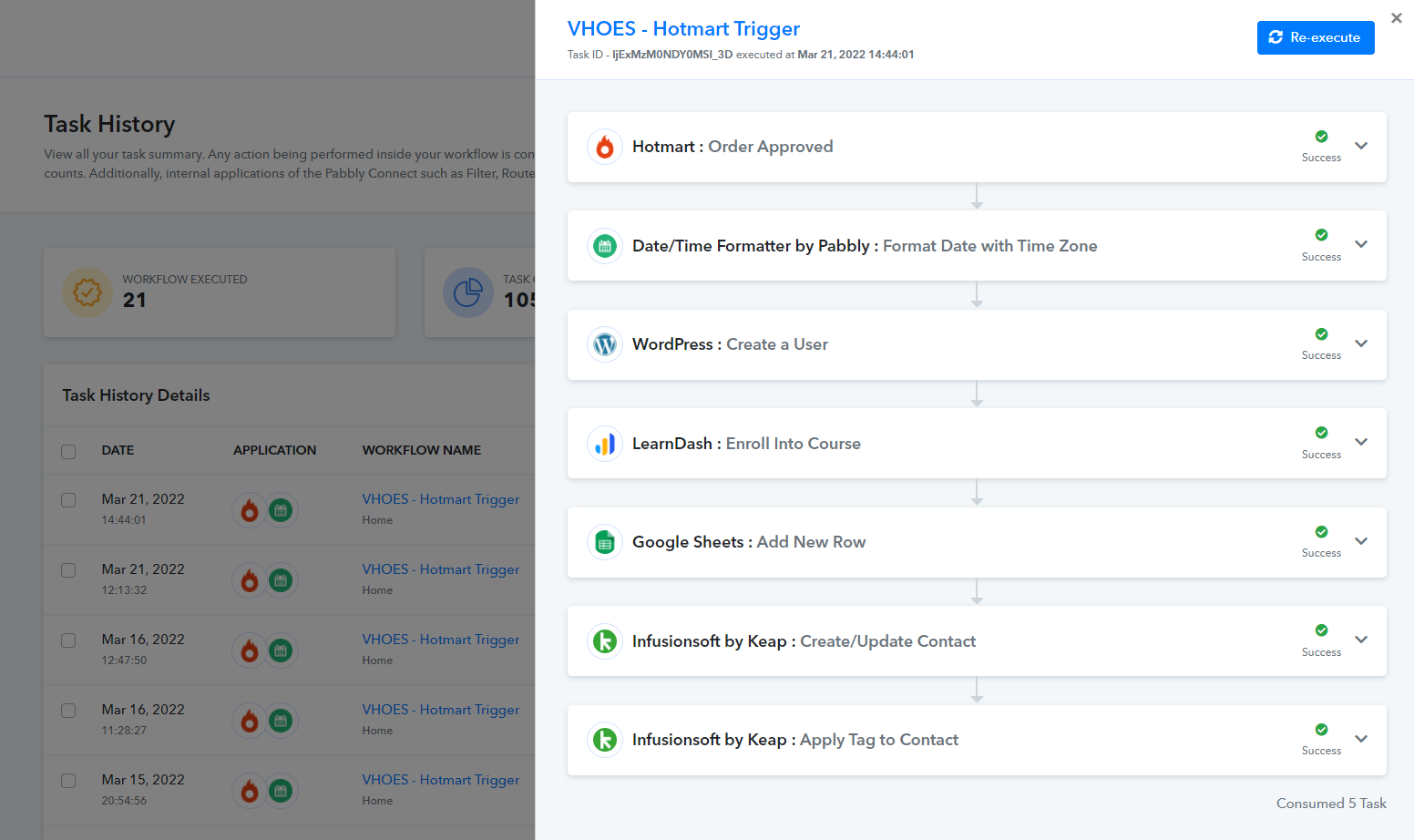
"WordPress : Create a User" details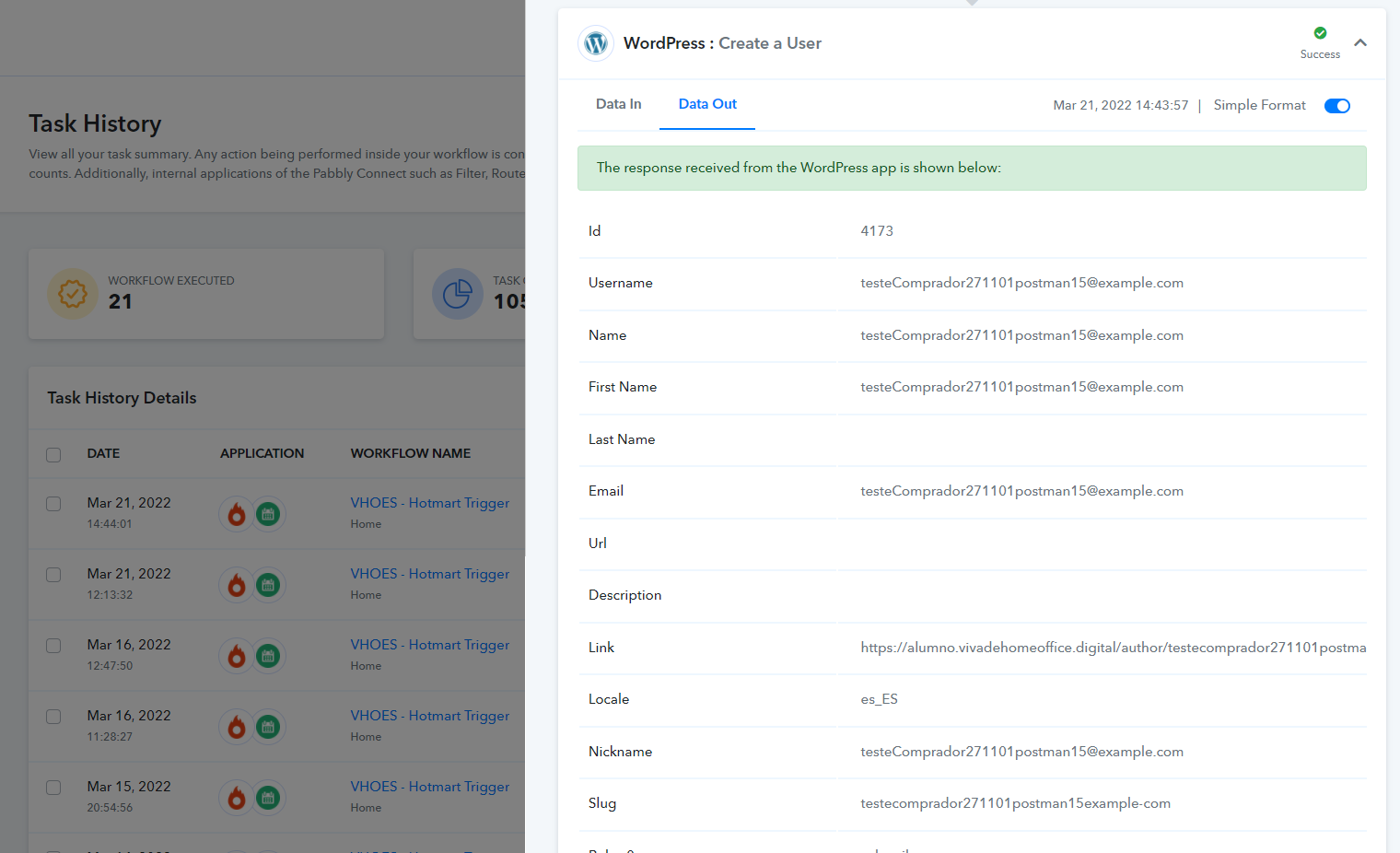
User creation in WordPress and course enrollment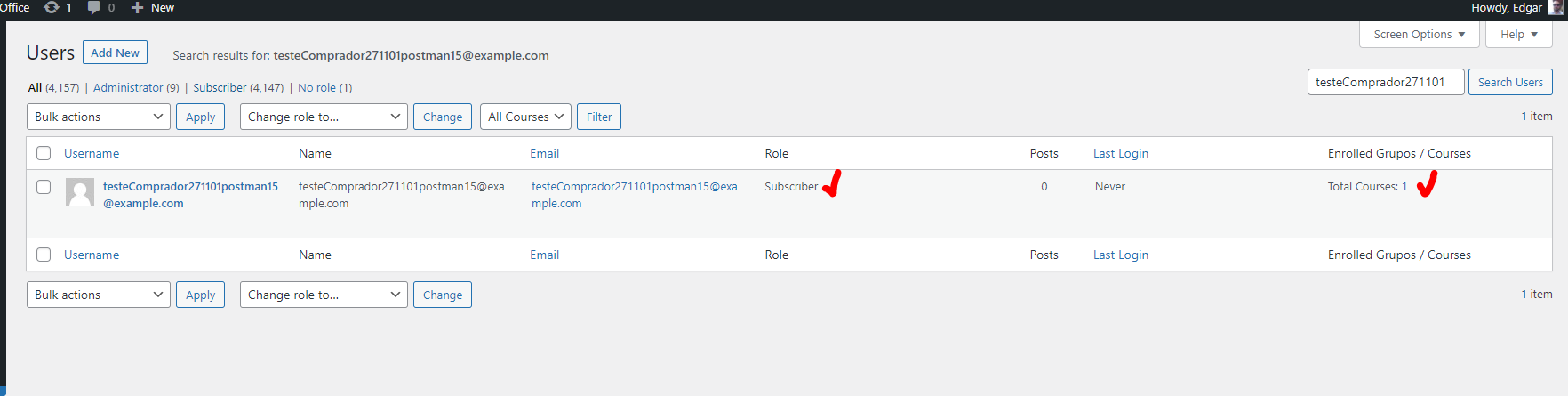
But, if I try to set a password for this user...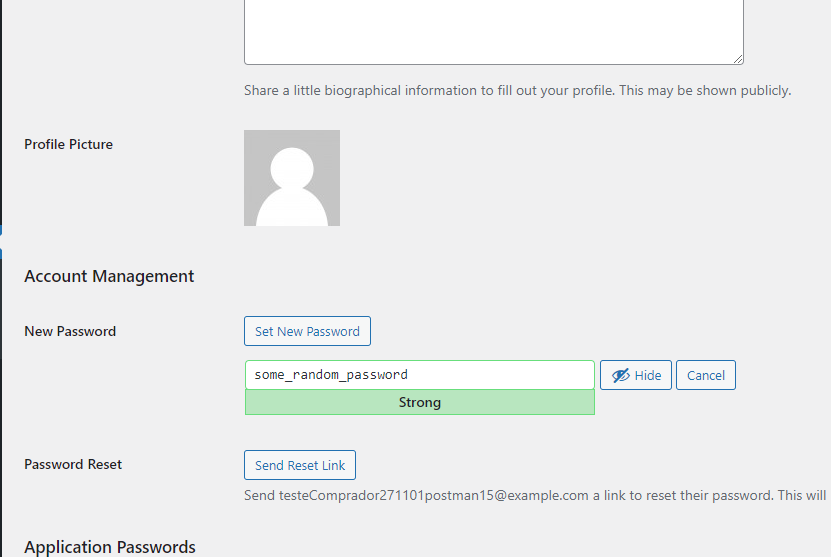
I get this error... ?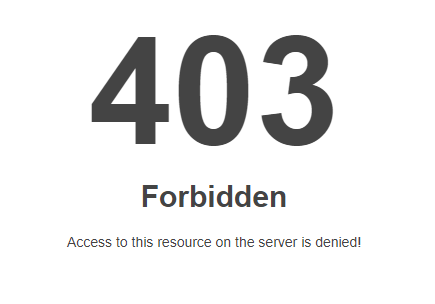
This only happens with users coming from the Hotmart integration... ?
The issue seems to be some kind of server permissions, which needs to be checked at your WordPress hosting level, kindly, ask your developer or host provider in this regard.
The issue seems to be some kind of server permissions, which needs to be checked at your WordPress hosting level, kindly, ask your developer or host provider in this regard.
Will do, Naveen.
What I find curious though is that I change other users passwords juts fine.
I'm having trouble this with these ones that come from Hotmat integration. ?♂️
GOT IT! [SOLUTION]
Since Hotmart's webhook doesn't return the client's name, I was using the e-mail in the Name field.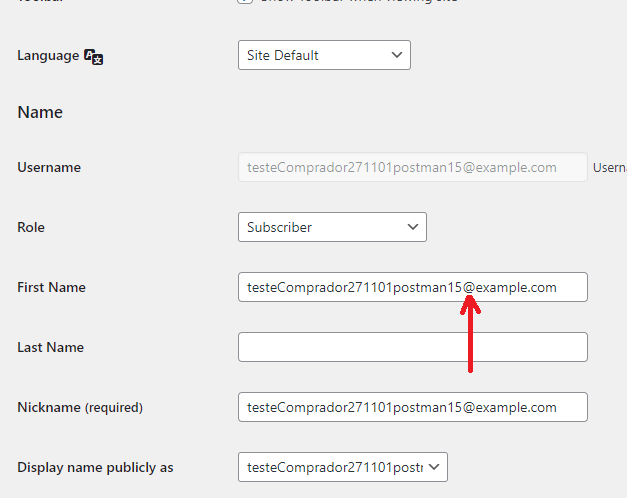
Seems the "@" is a forbidden character in this field, thus resulting in the referred 403 error. ?
Hope this helps someone!