Can't choose which YouTube Channel to comment as
Status: Open · Asked by Nick Tann on · 0 views
I am using the 'Youtube: Reply to Comment' Action.
I have five YouTube channels, managed under a single Youtube account login.
When I connect Pabbly to Youtube, it defaults to the first listed YouTube channel when making comments
How can I use the 'Youtube: Reply to Comment' action for another YouTube channel on my account?
Eg. There's a video on Channel 2, reply to video comment as Channel 2. (Not as Channel 1)
Hi @nicktann,
Please allow me some time to look into this concern. We will get back to you shortly.
I had a discussion with the technical team, and they informed me that the comment ID is unique for each channel. Therefore, you can only post replies to comments through the specific channel associated with that comment ID (channel 1). You cannot switch to a different channel (channel 2) to reply to a comment.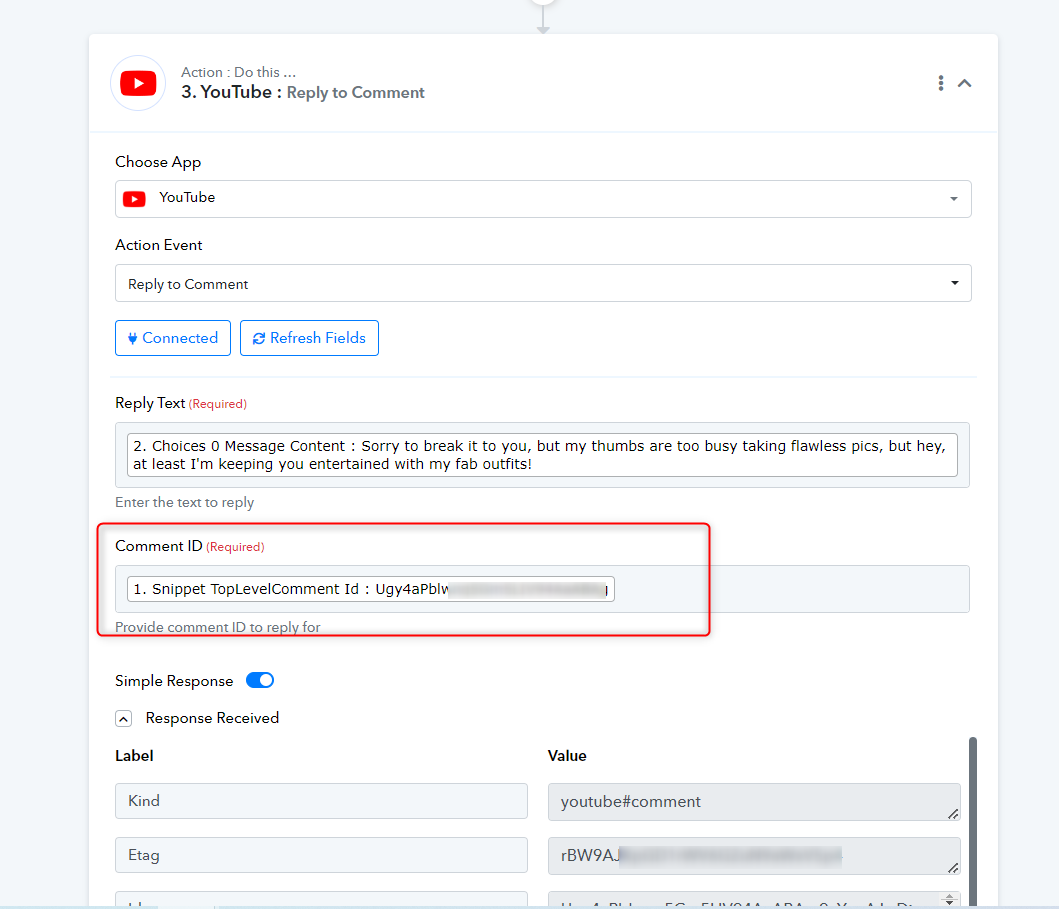
What about uploading videos?
I attempted to upload a video to one of my channels. I specified the correct channel ID, but it still posted it to the first channel associated with the Youtube Account.
Could you please share the workflow URL in which you have tried the same so that we can look into it?