Can't connect to Google Sheet in Team Drive
Status: Closed · Asked by Vista Tools on · 0 views
I'm trying to build a workflow that pulls data into a google sheet in our team drive. I'm the manager of the team drive but pabbly can't see the sheet inside the team drive. It only shows the sheets in "my drive" and doesn't show the ones in "shared drives".
This is a BIG SHOW STOPPER for us since it's a company wide workflow and everyone needs access to that sheet. How can we make this work?
Hey @Service Vista
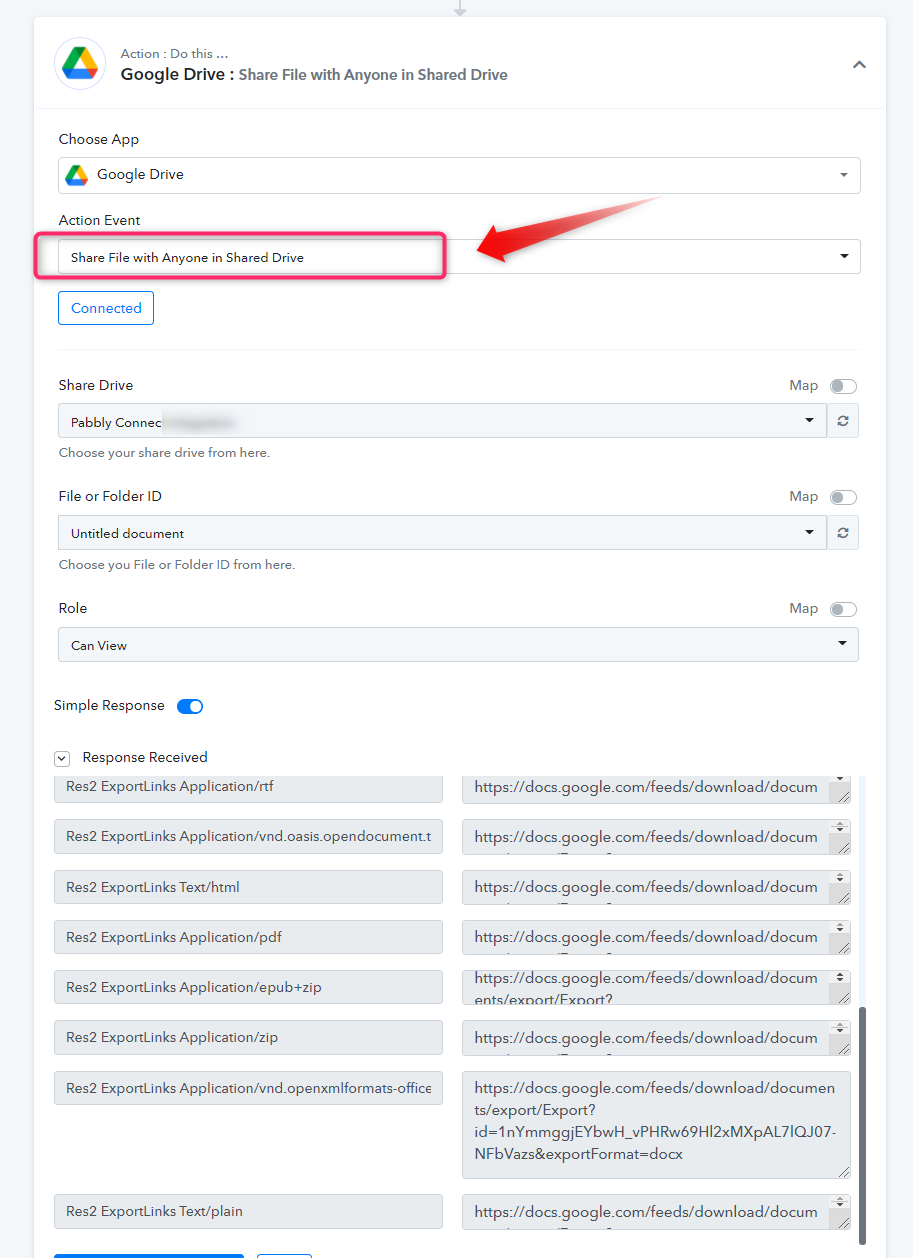
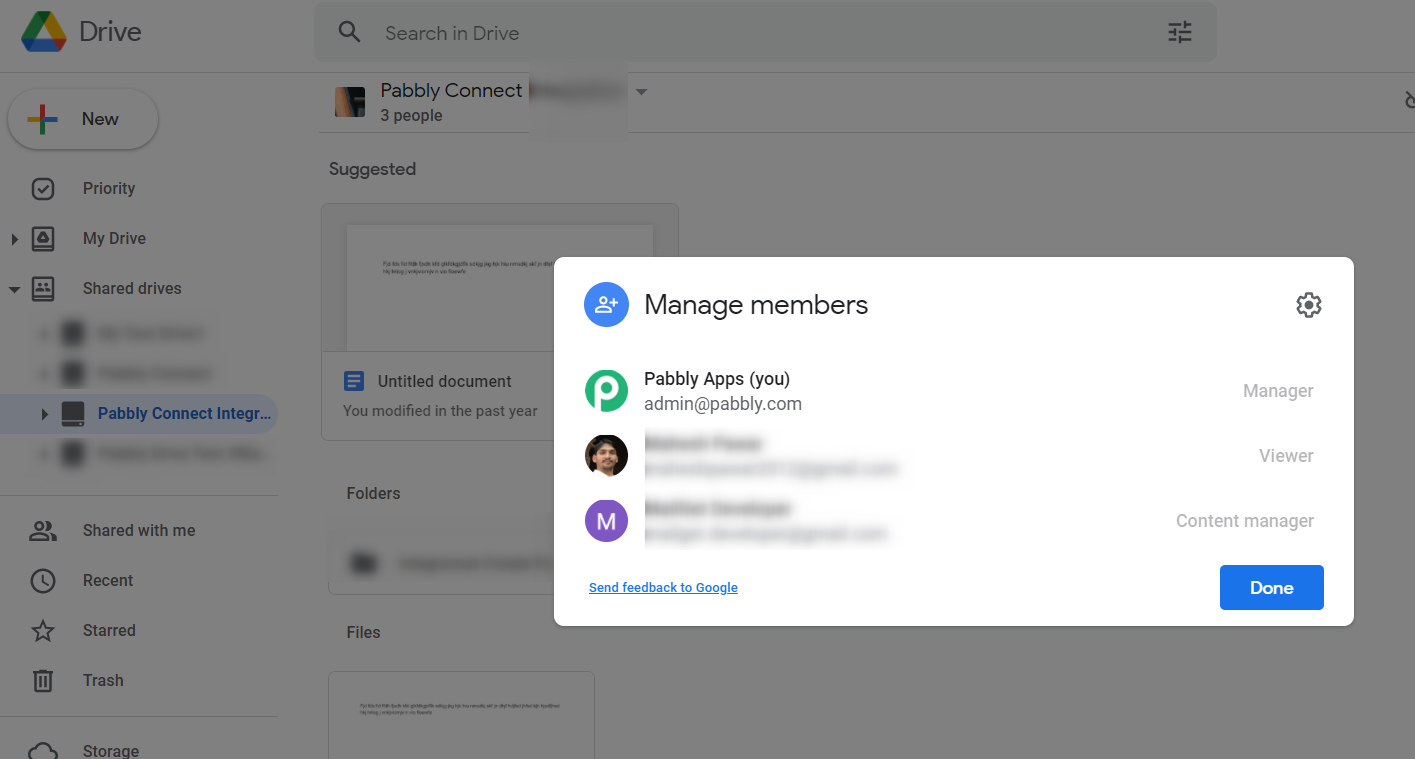
Could you please confirm that you authorize Google Drive's action step with admin access to your Google Account? Also kindly use "Share File with Anyone in Shared Drive" and for this, you have to mention the people who should have access to this drive from your Google Drive account.