Can't create Flowlu Task from Google Sheet record
Status: Closed · Asked by The Social Tone on · 0 views
Hi, I have successfully connected Flowlu and Google Sheets via API (Pabbly has access to all API features like tasks, custom fields, team etc).
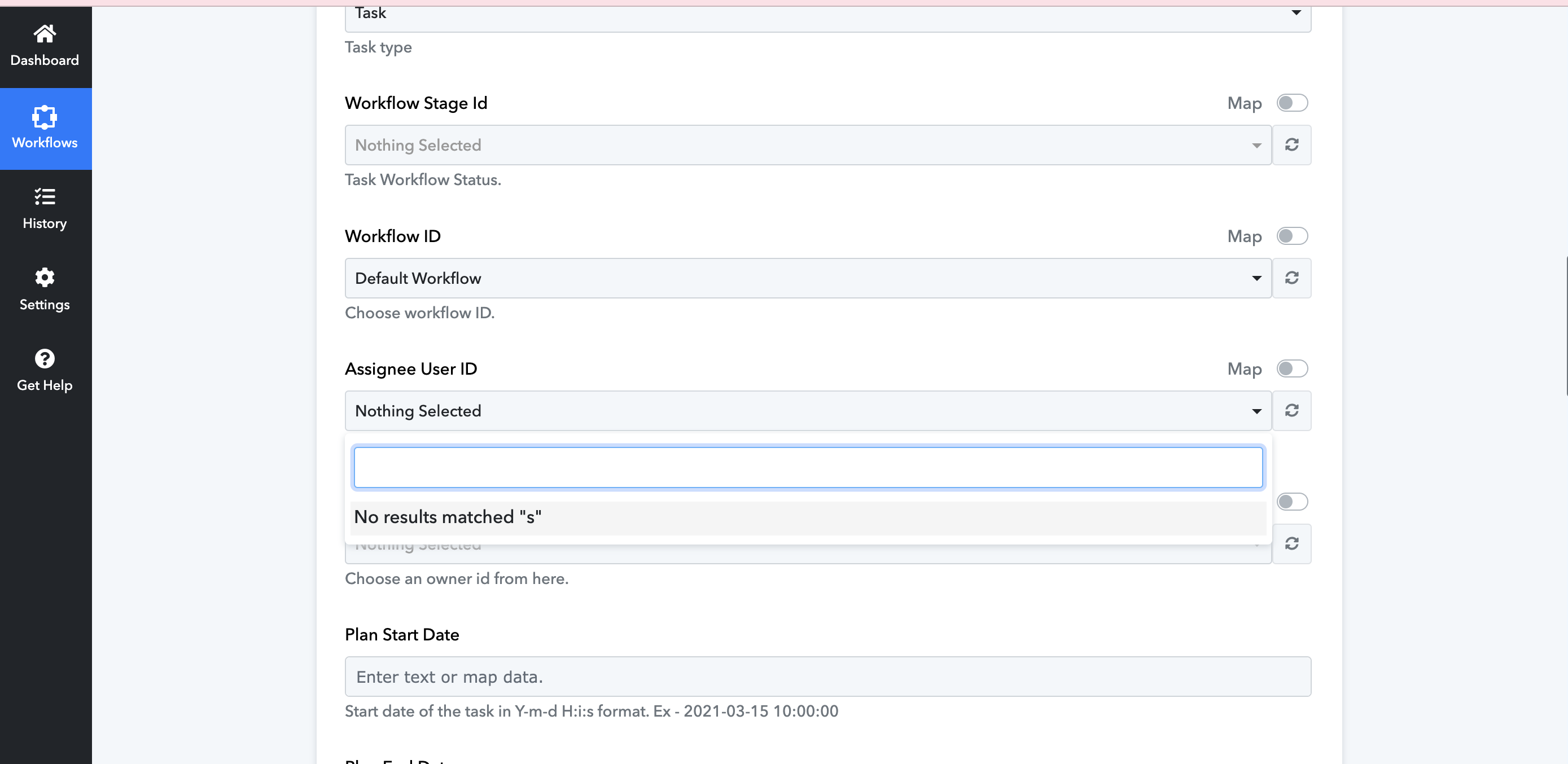
I have refreshed the fields and connection several times but I am unable to select task assignees, owners etc and put the task into the Execution stage of the project Workflow.
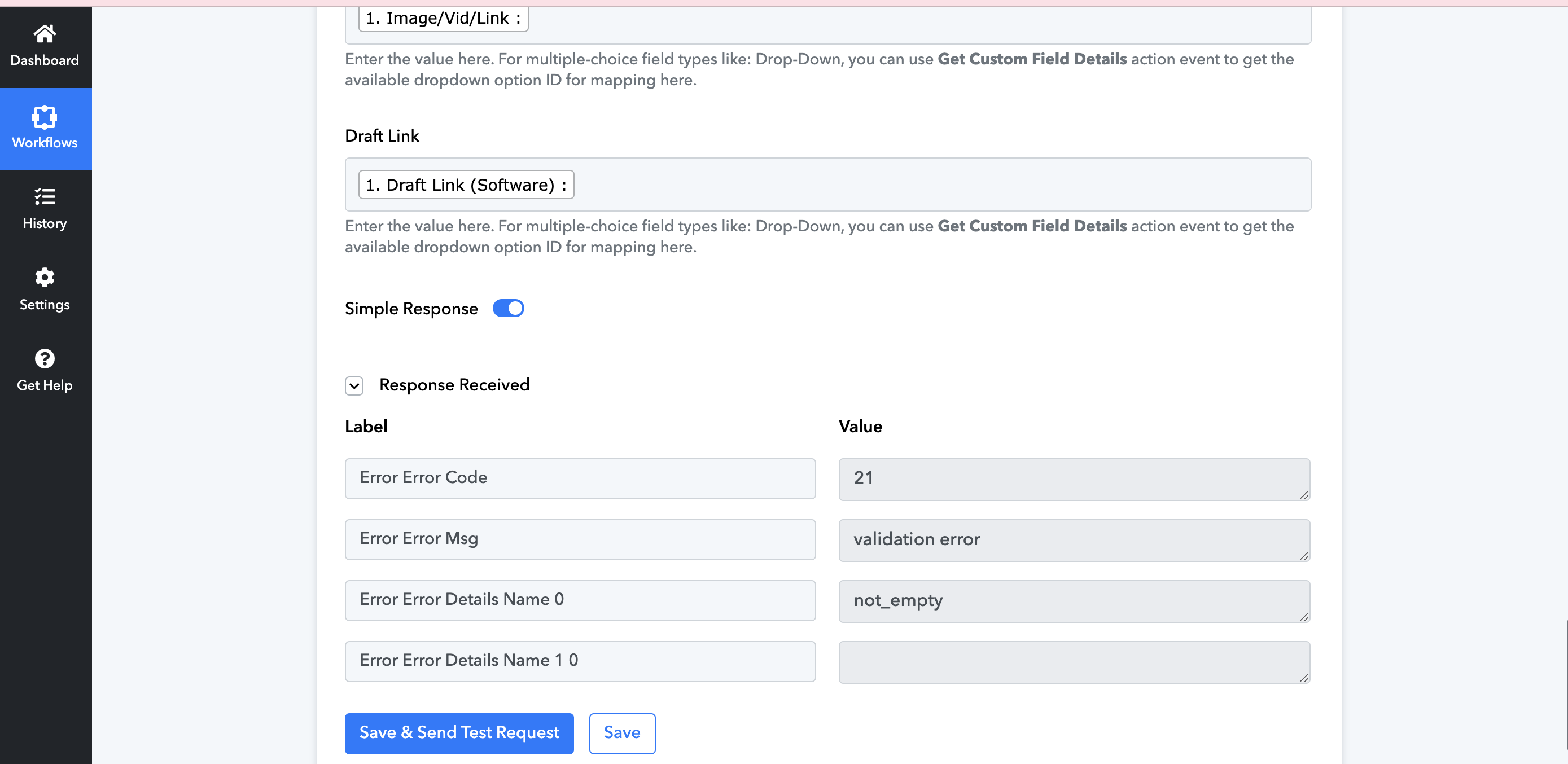
Also, when I click save without setting the above I get an Error 21.
Does anyone have any idea what the issue is?
Is there documentation on Google Sheets to Flowlu Tasks that I can read too?
Thanks
Attachments
Hey @thesocialtone
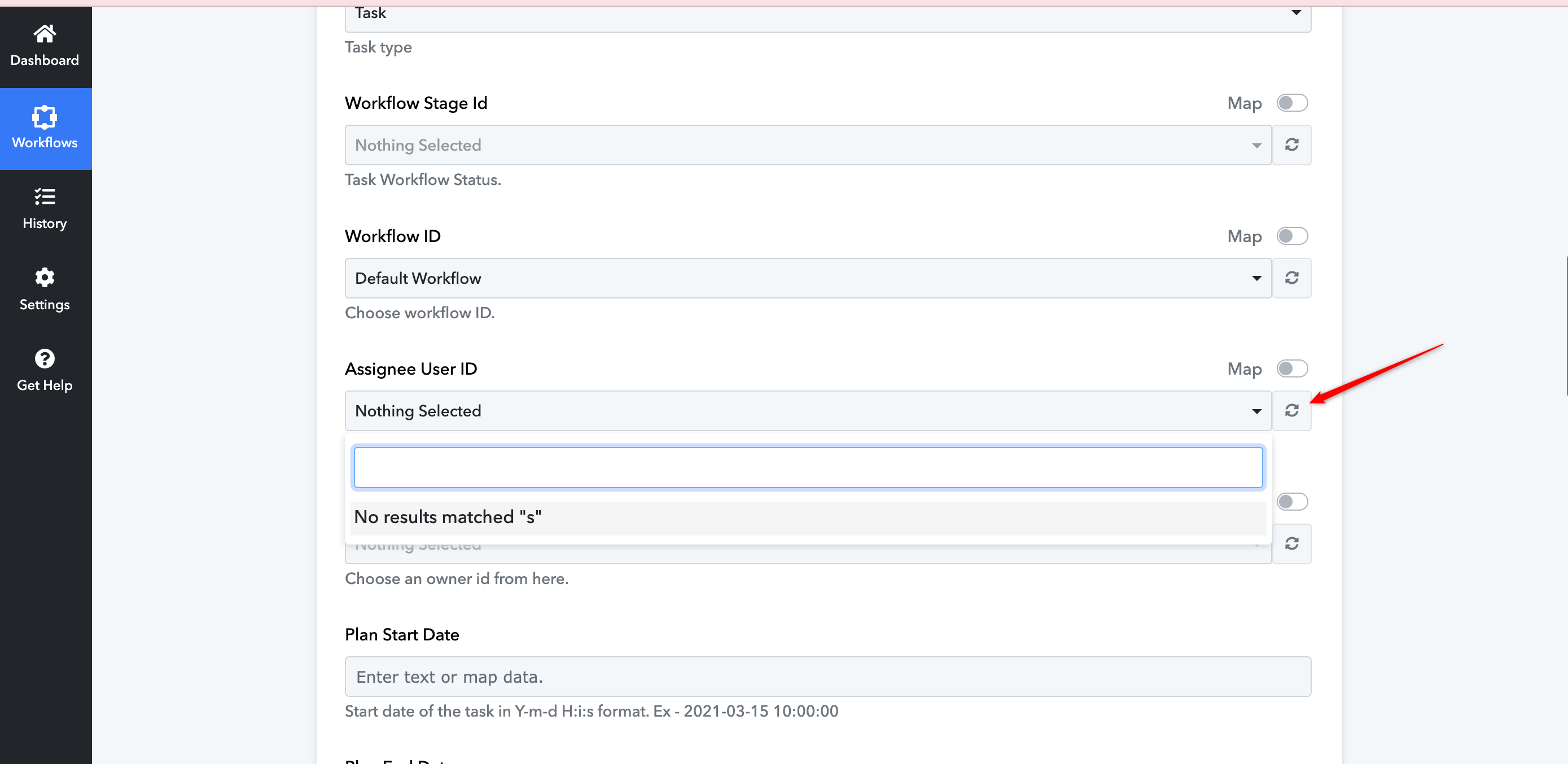
Could you please confirm if you have refreshed the "Assignee user ID" field by clicking on the refresh button?
Additionally, please refer to the related video tutorial on the Flow application, and then proceed with the steps from your end.
https://www.youtube.com/@Pabbly/search?query=Google%20Sheets%20to%20Flowlu%20
Yes I have refreshed everything multiple times.
Also, the YouTube channel doesn't have any tutorial on Google Sheets to Flowlu.
I apologize for any inconvenience. Currently, we do not have a specific video tutorial for your use case. However, for the issue related to the assignee ID, it appears that the connection with the Flowlu application might not have been established correctly.
To address this, please refer to the second part of the video tutorial provided below.
youtube.com/watch?v=_IWtGACd52s
It outlines the process of connecting with the application using an API key. Follow the instructions on how to make a connection with Flowlu, and then try the task again.
If the issue persists, please let me know.