Can't create sale invoice from google sheet to zoho book
Status: Closed · Asked by haowin on · 0 views
Hi,
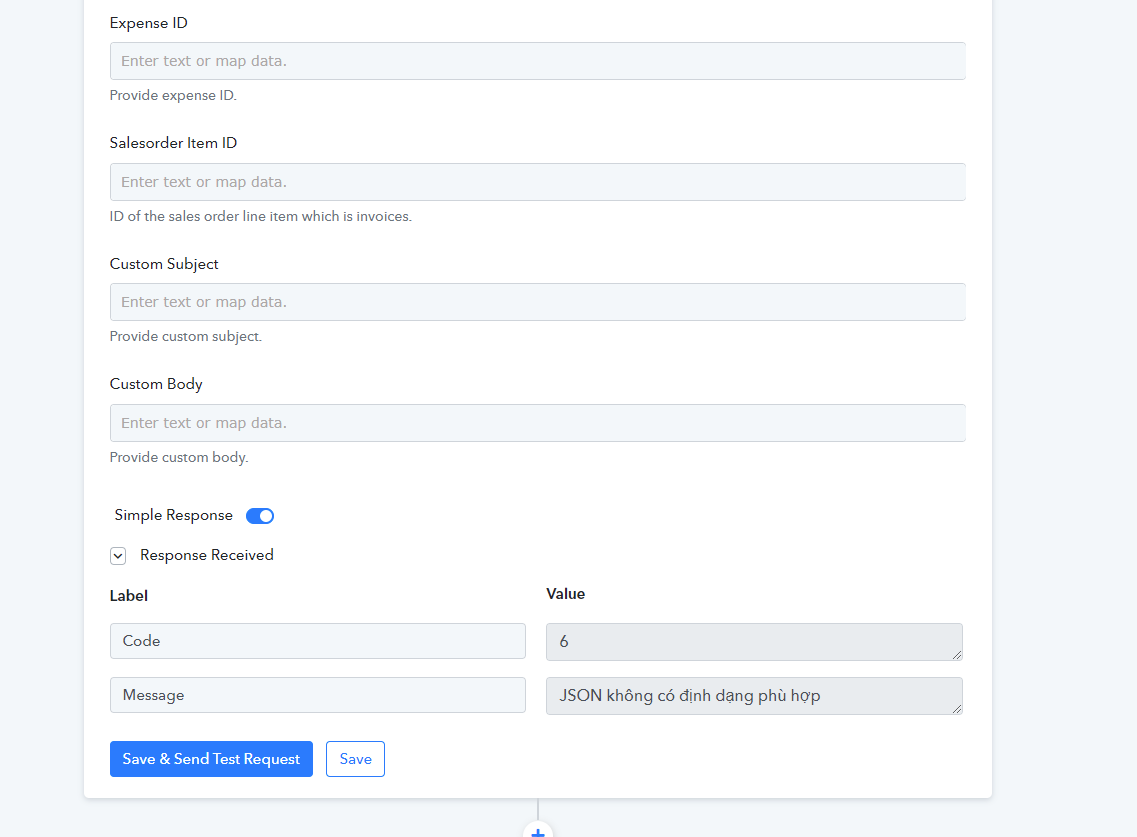
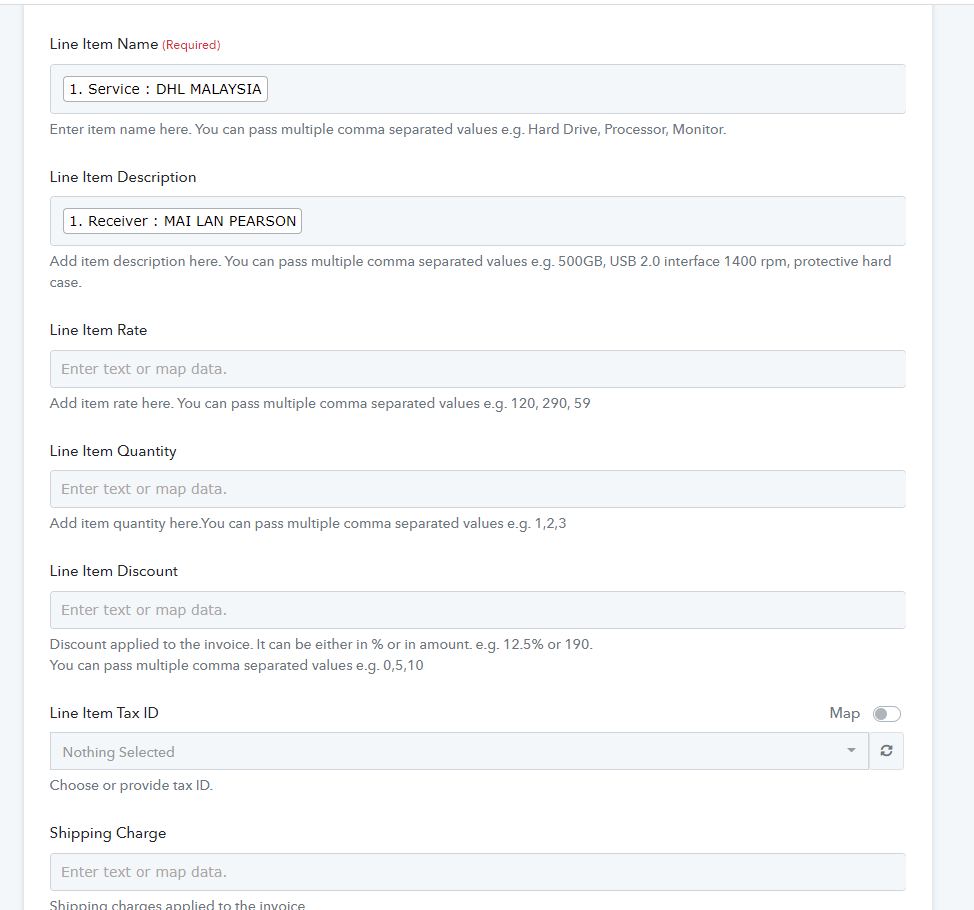
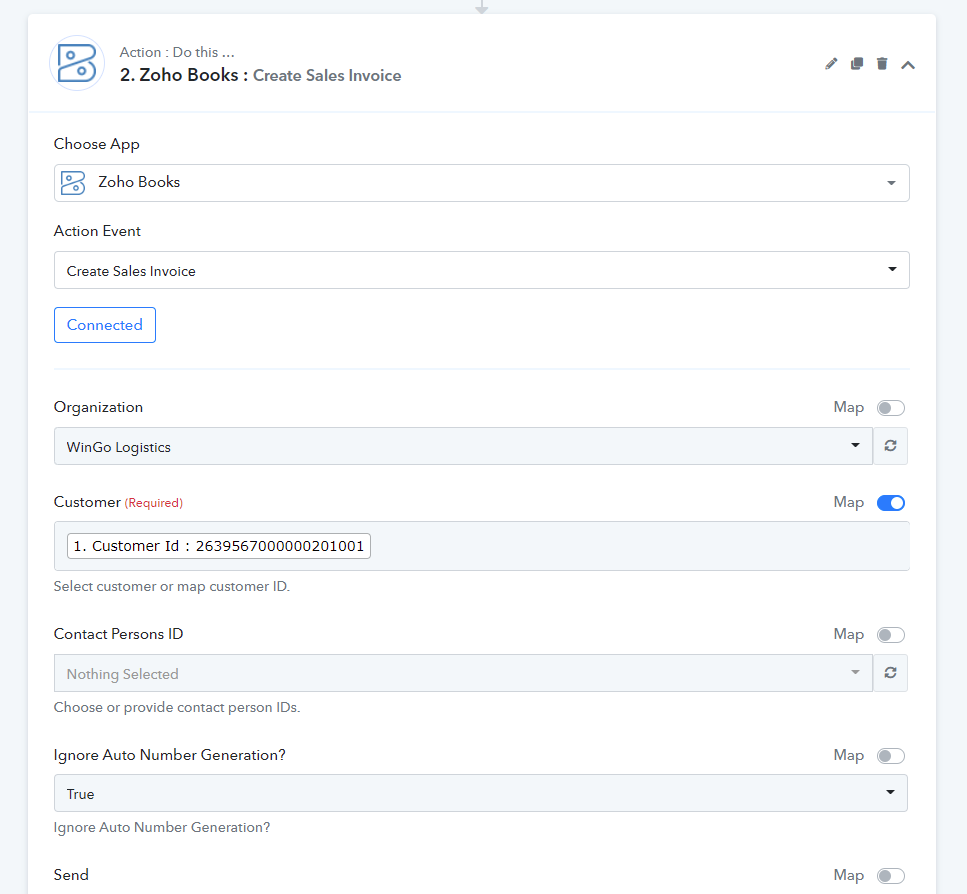
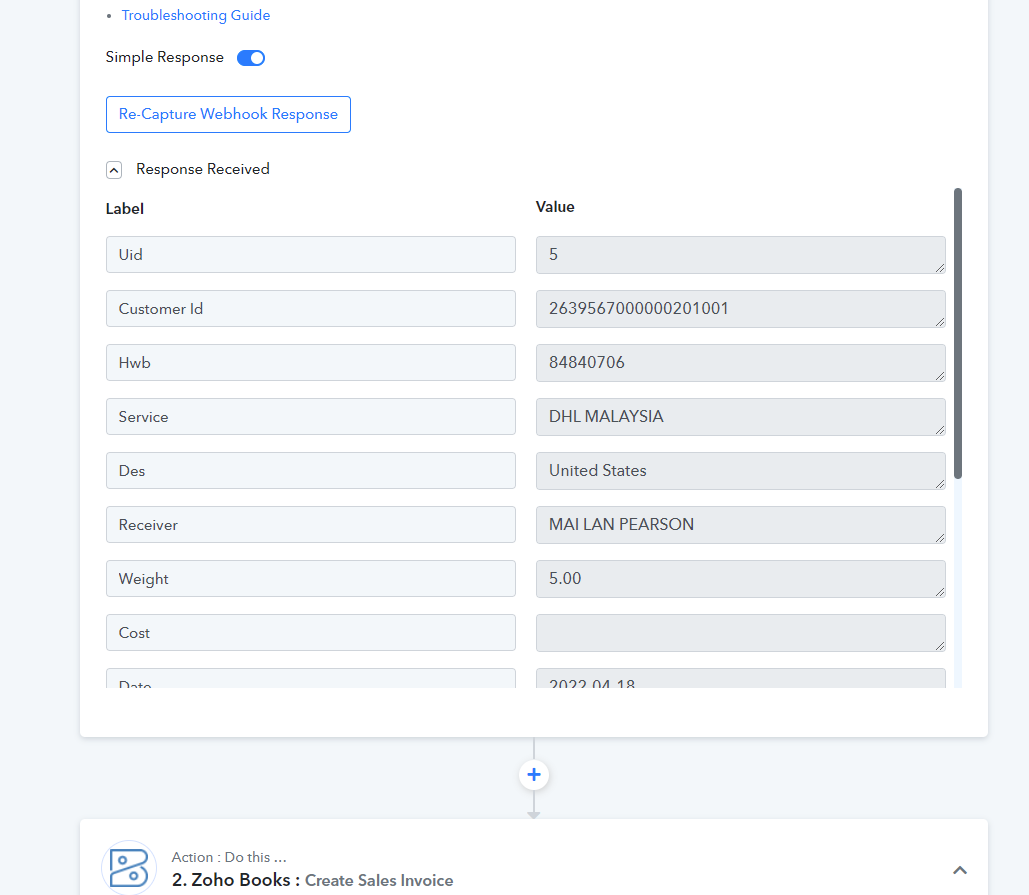
Since the upgrade for zoho book I can't create sale invoice from google sheet to zoho book. Before upgrade it was working properly
Please help me
Attachments
Hey @haowin
Kindly check the "Place of Supply (India Edition and GCC Editions only)" field first accordingly and then pass the place. You can check your respective country and place fields according to the GCC places which are listed in ZOHO Books API documentation.
https://www.zoho.com/books/api/v3/invoices/#create-an-invoice
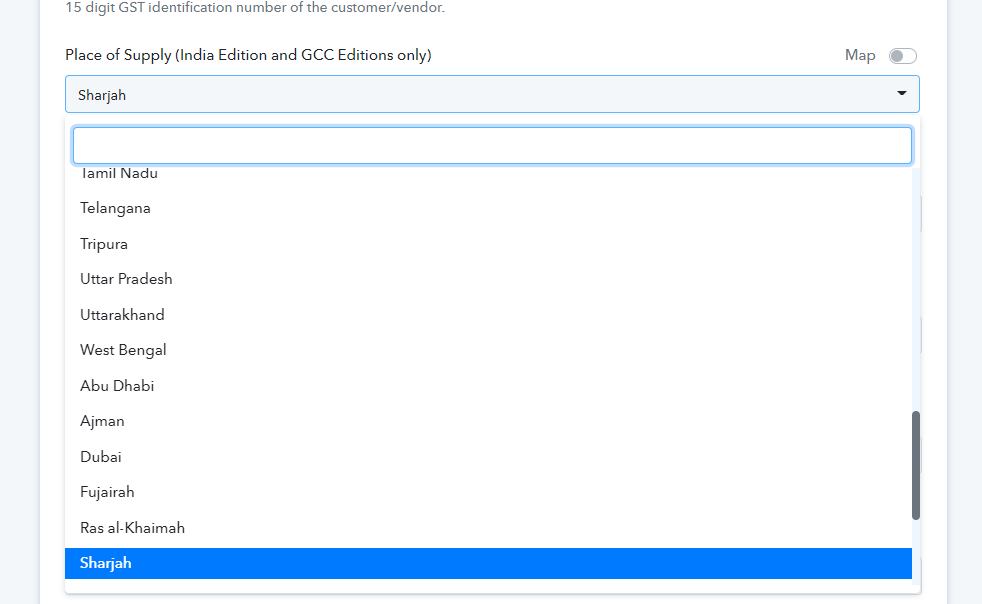
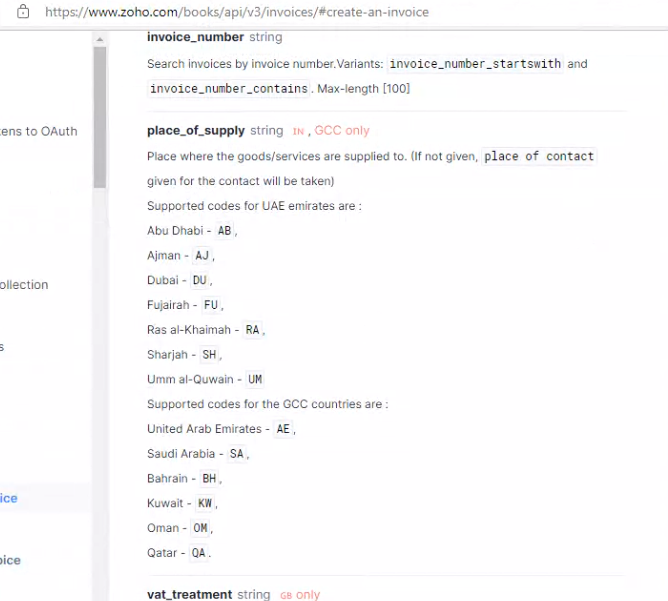
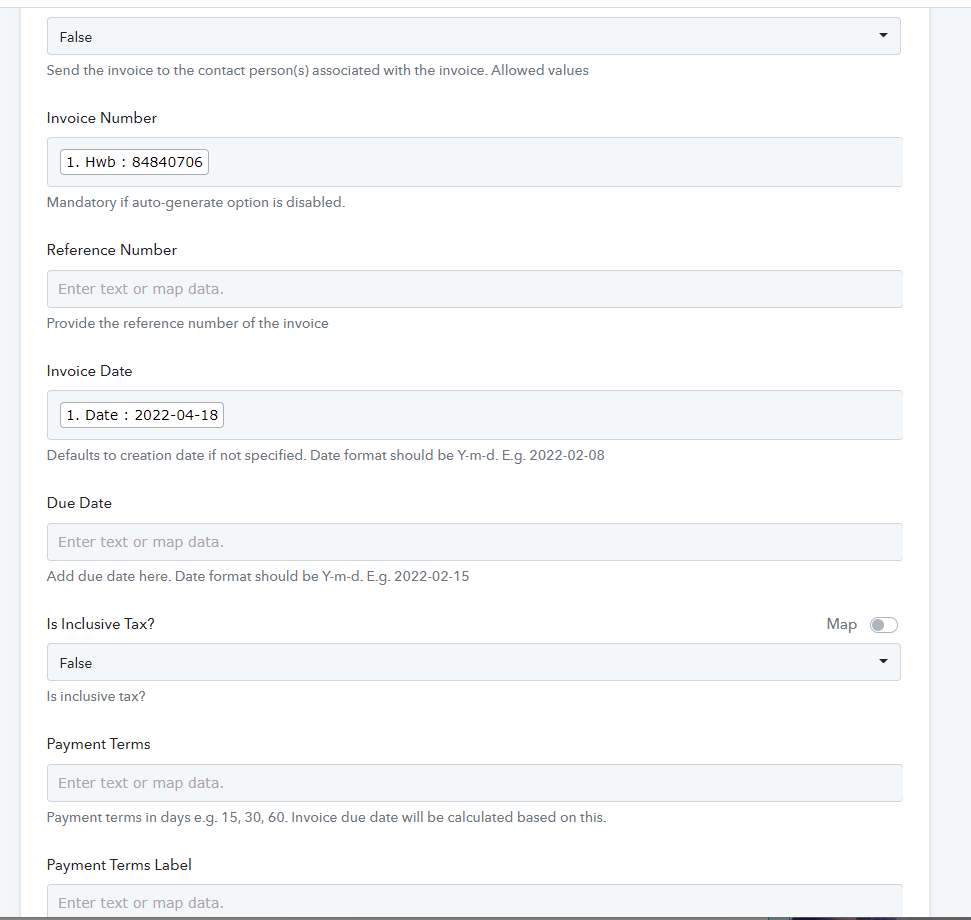
Further, your entered invoice number does not match the number that is automatically generated by your ZOHO Books account. If you want to continue to use the Invoice Fields, please disable the option to automatically set up and continue.
Else do not pass any invoice number in the Invoice field.
Hey @haowinKindly check the "Place of Supply (India Edition and GCC Editions only)" field first accordingly and then pass the place. You can check your respective country and place fields according to the GCC places which are listed in ZOHO Books API documentation.
https://www.zoho.com/books/api/v3/invoices/#create-an-invoice
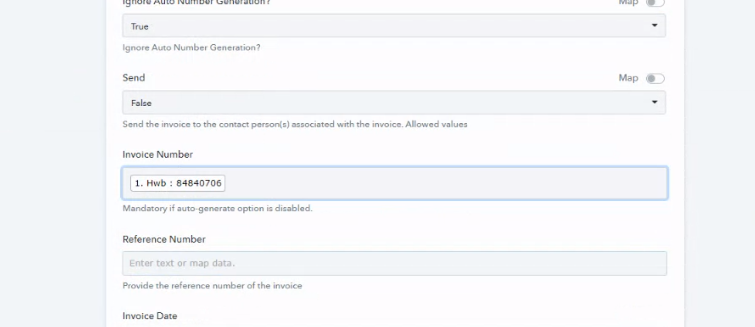
Further, your entered invoice number does not match the number that is automatically generated by your ZOHO Books account. If you want to continue to use the Invoice Fields, please disable the option to automatically set up and continue.
Else do not pass any invoice number in the Invoice field.
I have test with all Place of Supply but can't bro
Hey @haowin
We are looking into it and shall update you soon.
Hey @haowin
It seems like your account doesn't support "Place of Supply" as per the API documentation.
https://www.zoho.com/books/api/v3/invoices/#create-an-invoice
[IMG width="475px" alt="2022-05-18_11h50_46.png"]https://forum.pabbly.com/attachments/2022-05-18_11h50_46-png.10961/[/IMG][IMG width="459px" alt="1652855148095.png"]https://forum.pabbly.com/attachments/1652855148095-png.10962/[/IMG]
So kindly remove the required from the "Place of Supply" from your Zoho Books account, as it is not supported in your region.
Also, remove the mapped data from the "Place of Supply" field.
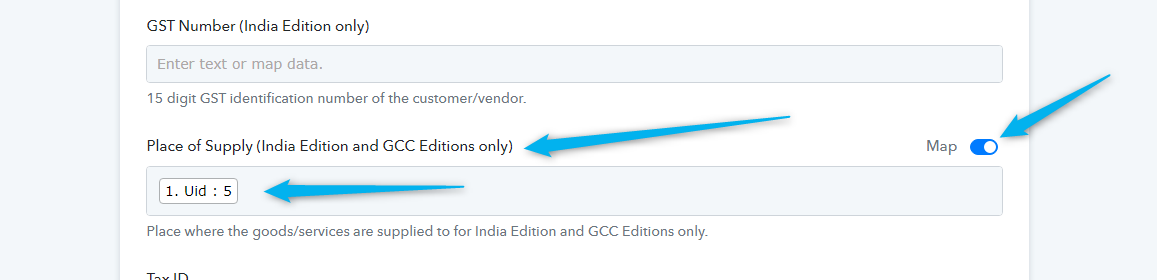
Moreover, you can also ignore the Invoice number fields because from your Zoho Books account you have enabled the auto-generated Invoice number fields.
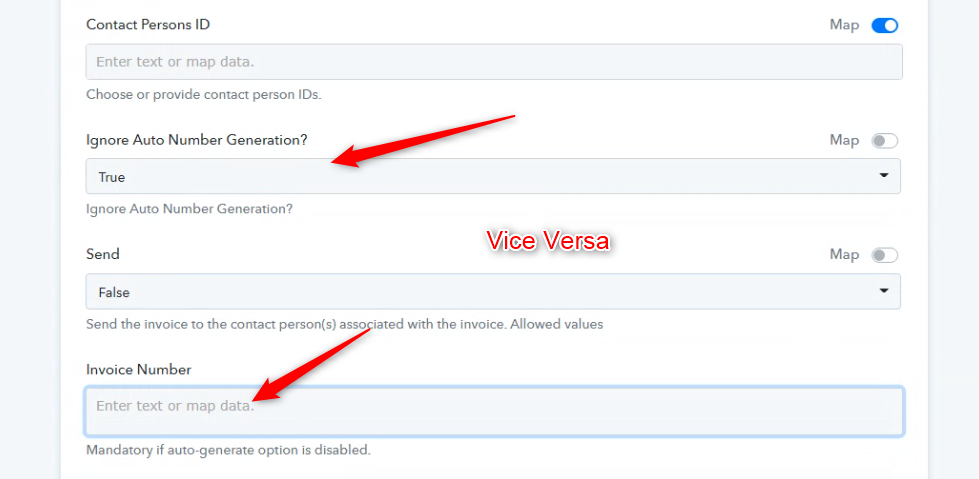
Hey @haowinIt seems like your account doesn't support "Place of Supply" as per the API documentation.
So kindly remove the required from the "Place of Supply" from your Zoho Books account, as it is not supported in your region.
Also, remove the mapped data from the "Place of Supply" field.
Moreover, you can also ignore the Invoice number fields because from your Zoho Books account you have enabled the auto-generated Invoice number fields.
Dear,
How to remove the required from the "Place of Supply" from Zoho Books. Please help me
Hey @haowin
How to remove the required from the "Place of Supply" from Zoho Books. Please help me
Place of supply cannot be removed from the action step and if your region is not listed in the respective fields drop down then you can try mapping the fields empty.
