Canva Connect Error
Status: Open · Asked by jadig on · 0 views
I have followed the instructions listed here: https://forum.pabbly.com/threads/canva.22825/
I get this error: "The requested permissions are invalid. Please contact support."
I have tried multiple times. Tried in regular browser, and incognito. I had an existing connection set up and it stopped working. I need this resolved ASAP.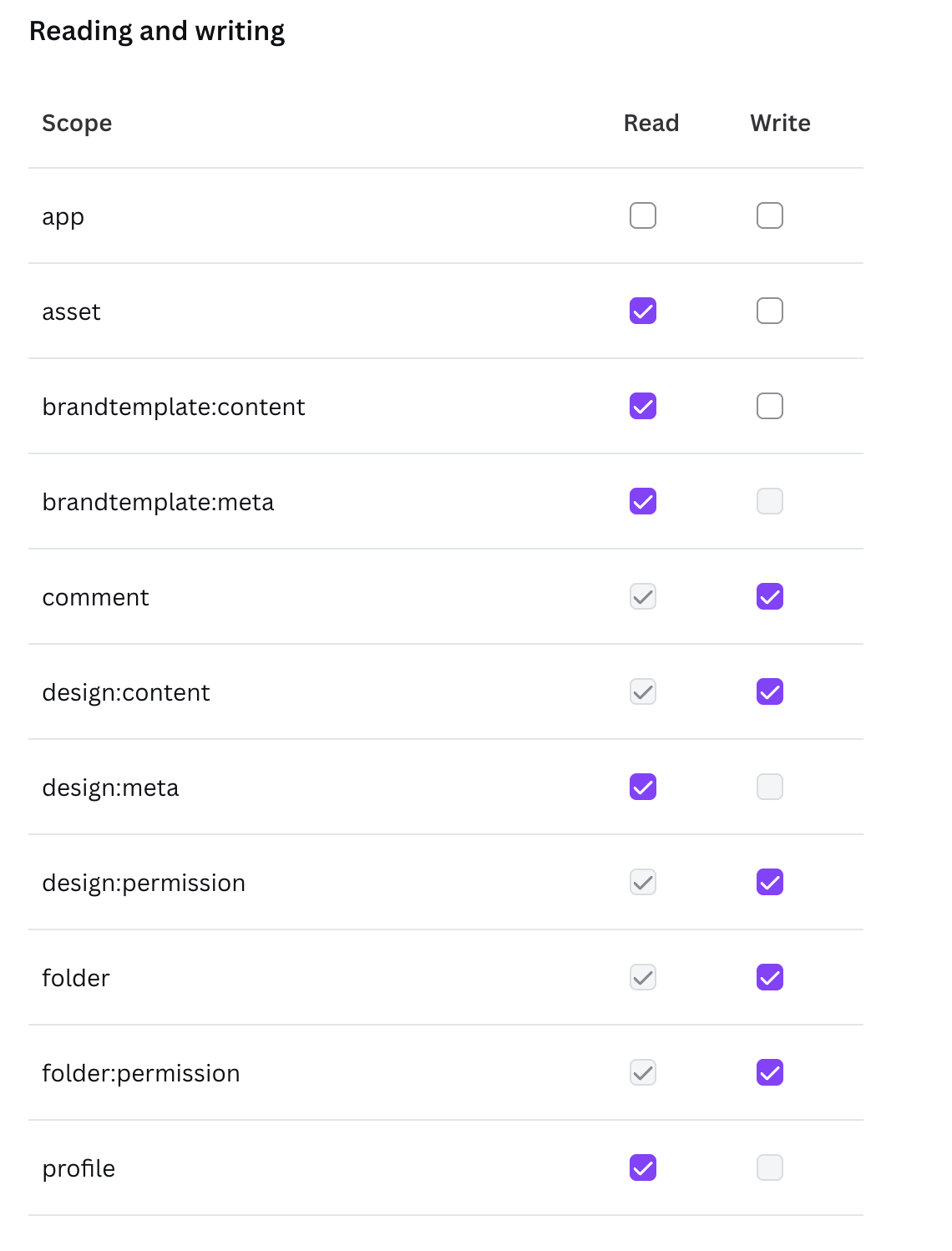
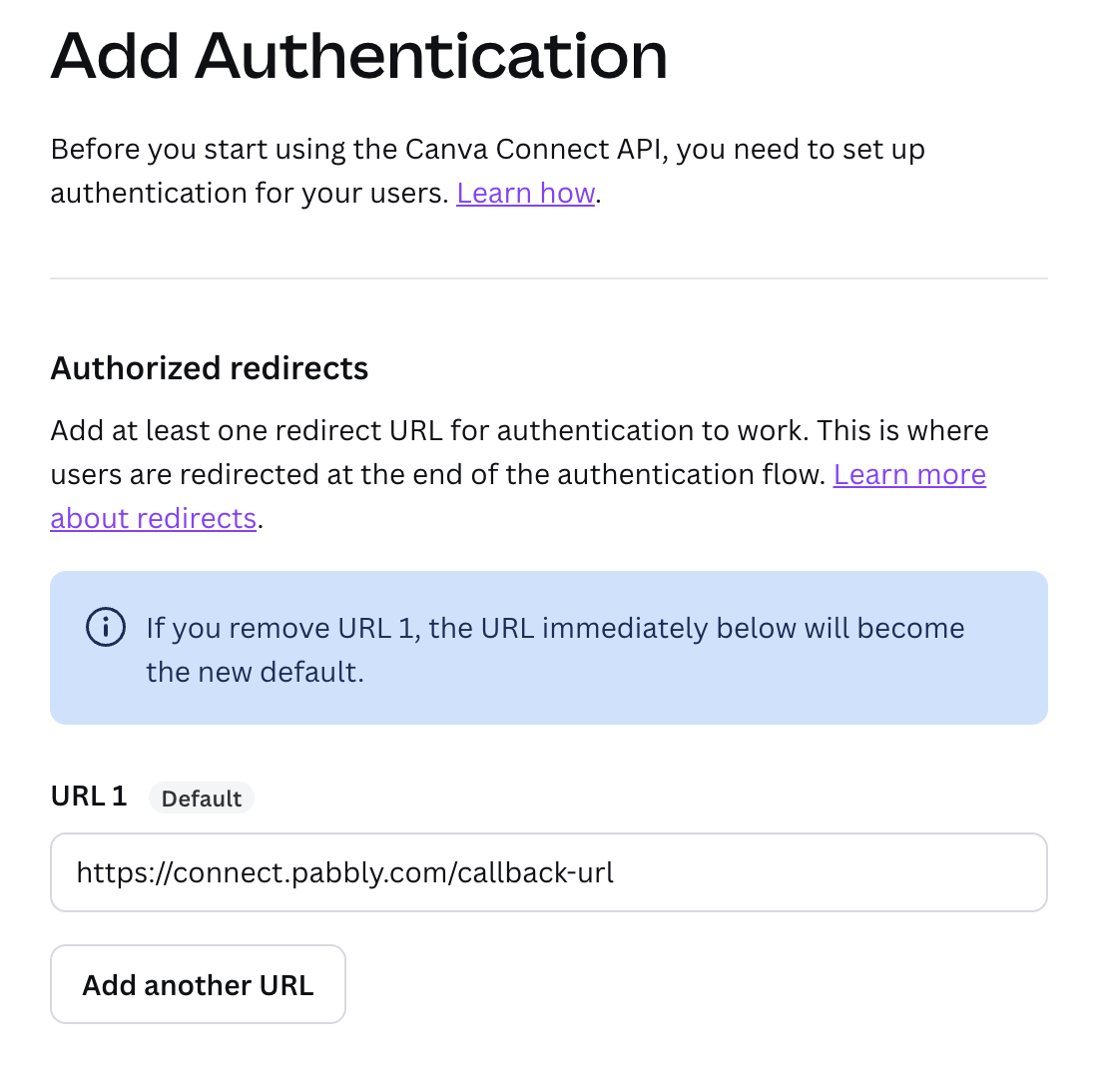
Hi @jadig,
It looks like you established a new connection with your Canva account after encountering the “invalid_access_token” error, which appears to have resolved the issue. We created a separate workflow to test the “Canva (Custom): Create Design Autofill Job” action step, and it seems to be working correctly. We suggest making another submission to your webhook to check if the issue is now fixed.
Thanks & Regards,
Arshil Ahmad
Customer Support Associate
Pabbly.com
?Rate your support