Changing the account time zone
Status: Closed · Asked by Goran on · 0 views
Hello,
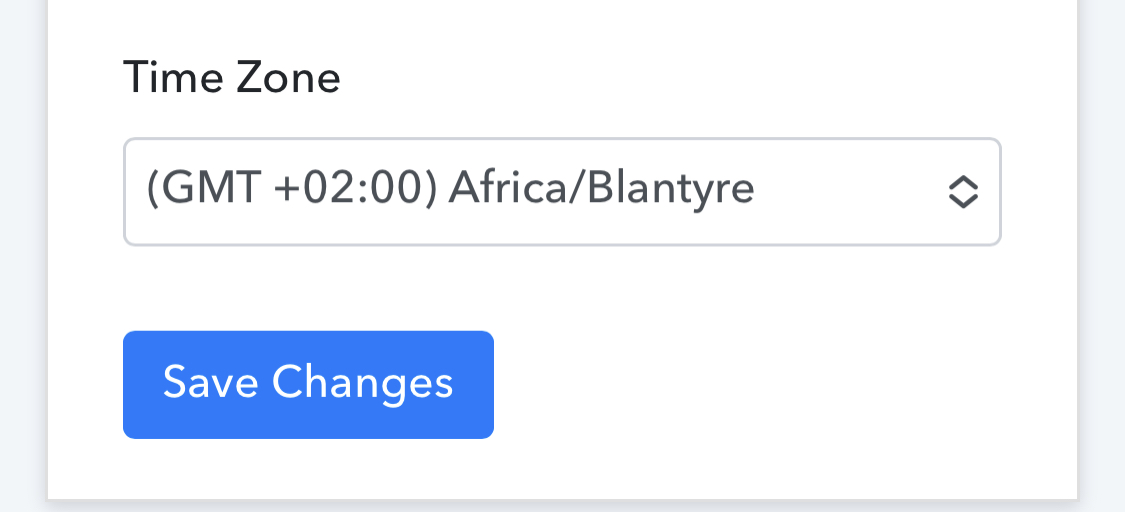
By looking at my Pabbly Connect execution history I realized my time zone is not setup properly. Anyhow, when I change it to the new “proper” time zone it could not be saved. Even after several attempts it goes back to default one: GMT +02:00
How should I solve this? Thanks.
Attachments
Hey @Goran
We have changed your account Timezone for you, kindly refresh the Timezone page once and check again.
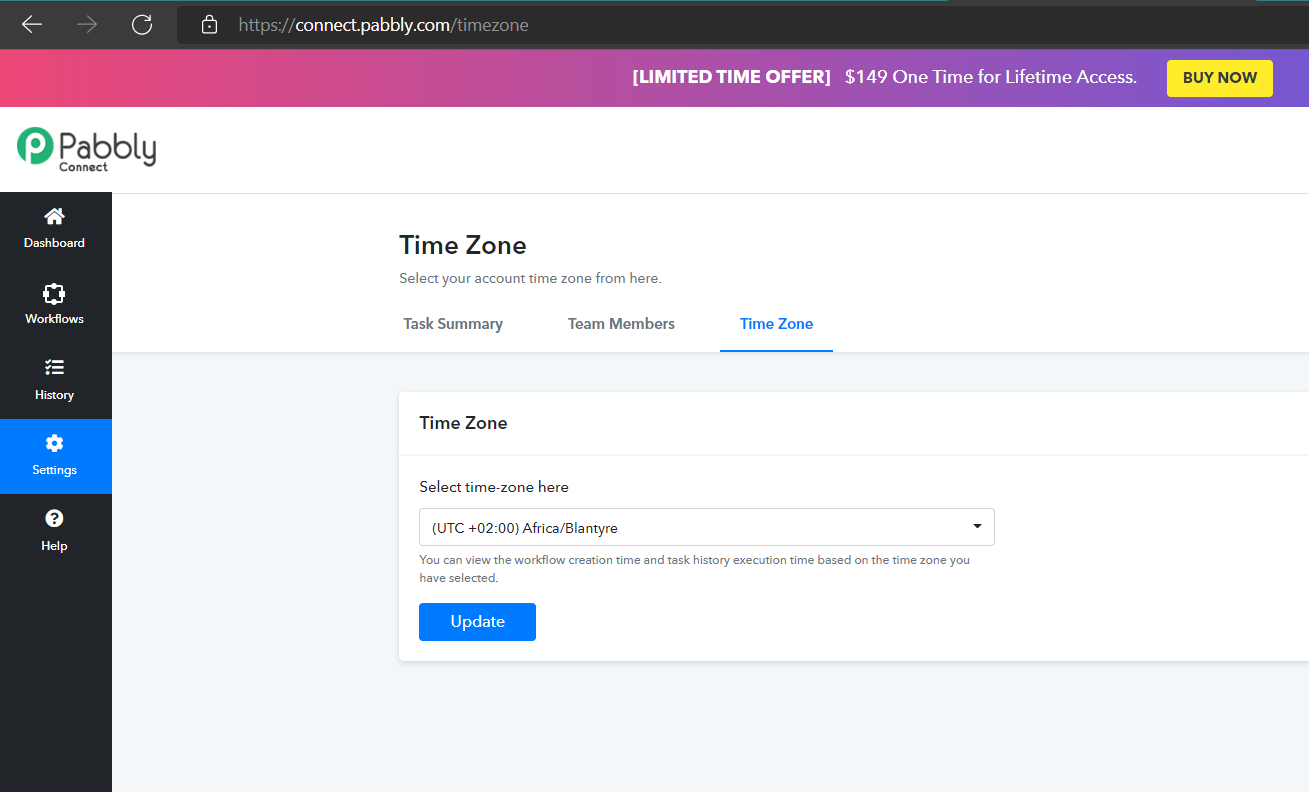
Hello, it’s still UTC +02 Africa, I needed it to be: GMT +01 Europe.
Attachments
Hey @Goran
Kindly check the timezone now, we have changed it to GMT/UTC +01 Europe.
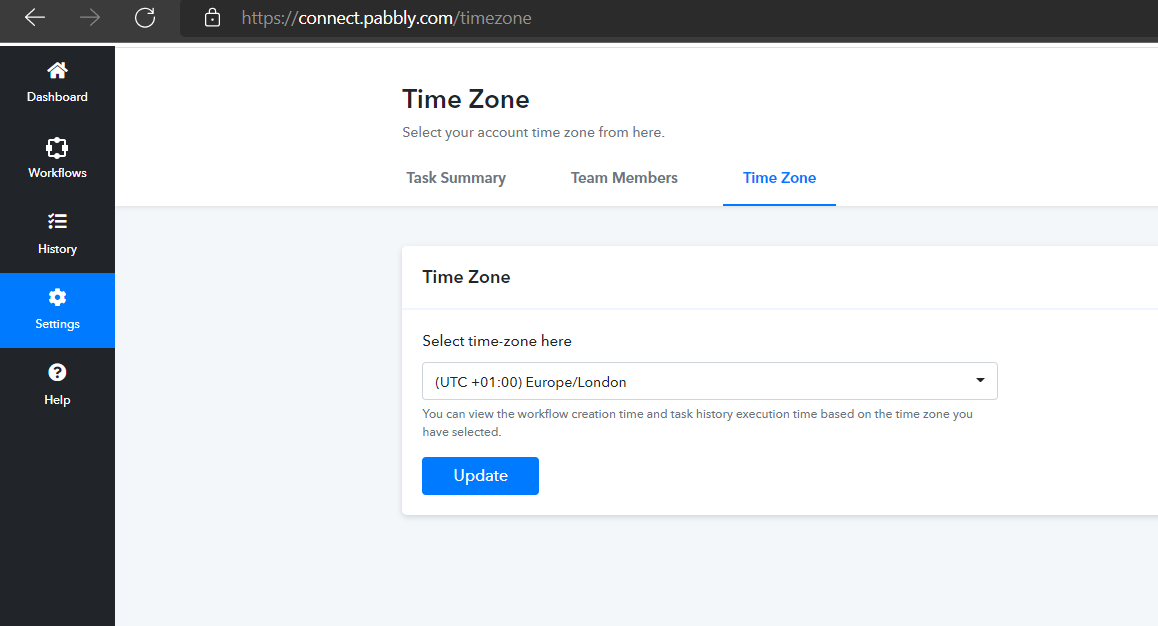
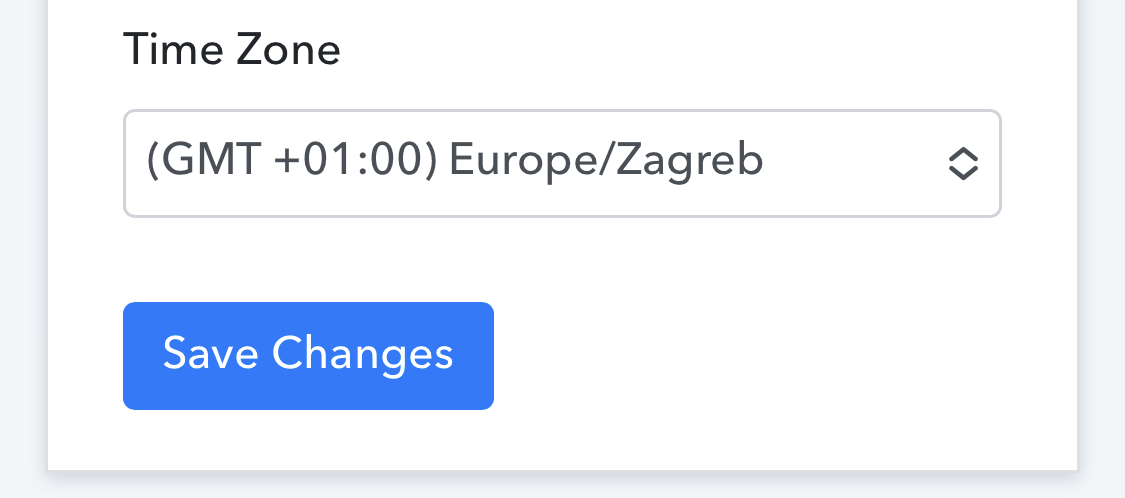
It seems that change is applied, but it is not displayed properly in my account. Still says Africa, anyhow please choose Zagreb as I showed on the attachment in my previous post because London iz one hour difference than our zone. It should be: (GMT +01:00) Europe/Zagreb
Thanks.
Hey @Goran
We have already changed the timezone according to your request, kindly clear your cache memory once or login into your incognito mode of your browser.