ChatGPT to Wordpress
Status: Open · Asked by Mike Saturday on · 0 views
So, it has happened again. I created a Google Sheet (trigger) to ChatGPT (Action) to Wordpress (Action) to Google Sheets (Action). I created this on April 9th and it worked perfectly. Today, I entered another title in the cell and it did not create complete the task. According to the error message, it had to do with taking it from Wordpress back to Google Sheets. I tried the Google sheets reconnect and it didn't work so I went up the ladder. When I opened the Wordpress Action, the article was showing there but not on my wordpress back office. I hit the Refresh Fields Button. When I did, the Post Type disappeared as well as the Author ID. Refresh, refresh, refresh... no luck.
This is the 2nd website where the exact same thing happened. I don't know what to do? The other website never did get resolved.
Mike
Hi @Saturday,
Could you please share the Workflow URL in which you have this concern?
It seems like you have deleted the WordPress action step from your workflow. Could you please state the connection you were using when you got that error? Additionally, could you please add the action step back to your workflow?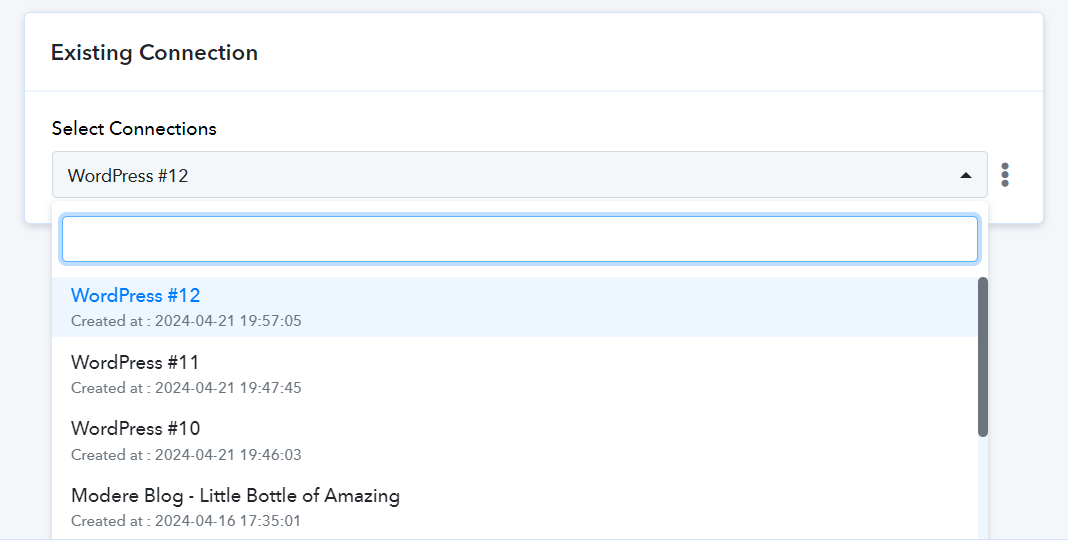
OK Will do.
I created a new connection. Below are the screen shots.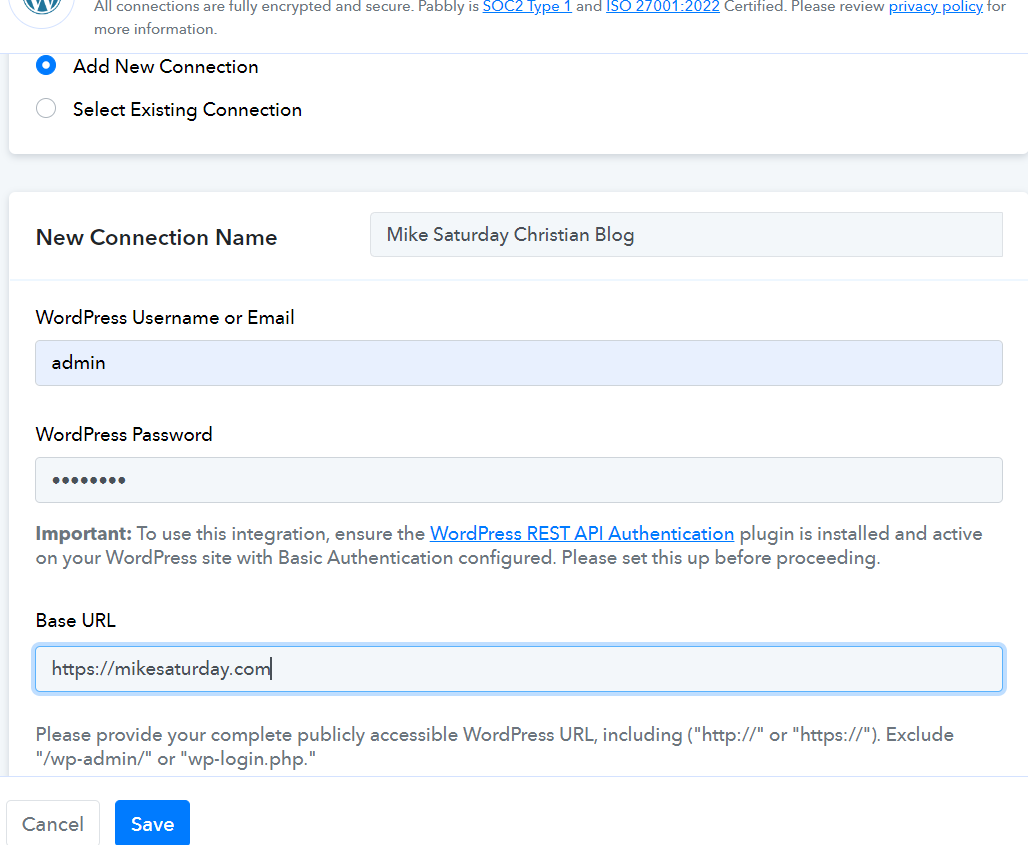
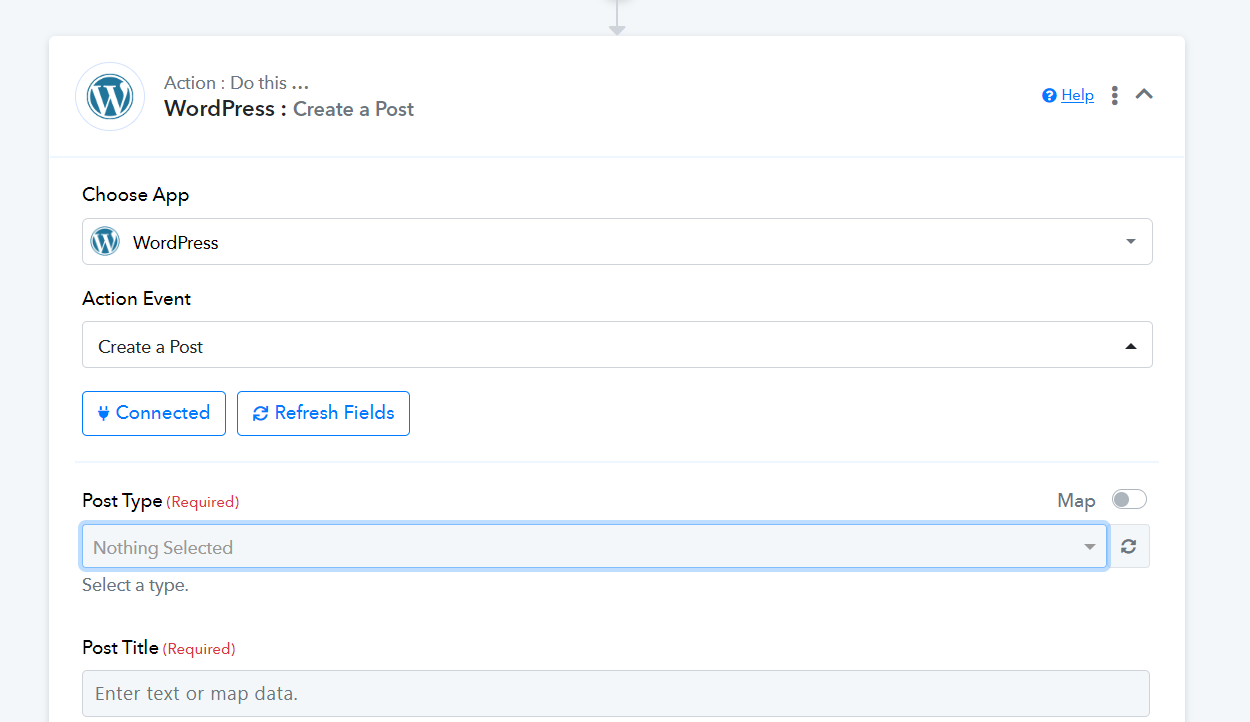
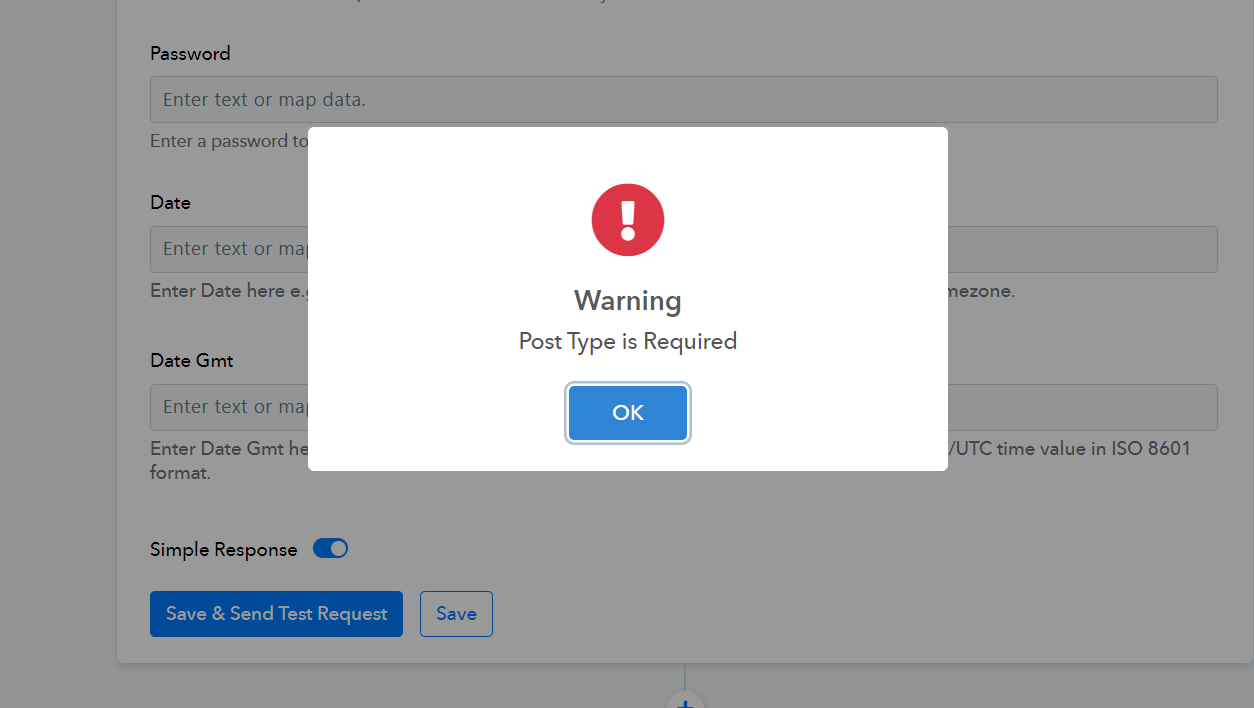
Hey @Saturday
As we discussed in a previous thread, the problem remains unchanged. I recommend checking with your WordPress hosting provider or reaching out to the WordPress support team for assistance with this issue.
https://forum.pabbly.com/threads/chatgpt-to-wordpress.21133/page-2