Click Up task name not connecting
Status: Closed · Asked by Mark Parrott on · 0 views
I have a flow where if a document is added to a google drive folder, create a task in click up, then update that task with additional information.
The Task Name field appears twice and mapping the required Task Name to the previous steps 'Task Name' isn't working when I test the connection. What am I doing wrong?
I've just migrated from Zapier. They also let me assign it to two people in that step and assign a stats, but I can only do one here and there is no status drop down?
https://connect.pabbly.com/workflow/mapping/IjU3NjEwNTY4MDYzNzA0MzE1MjZjNTUzMSI_3D_pc
Hey @pazza
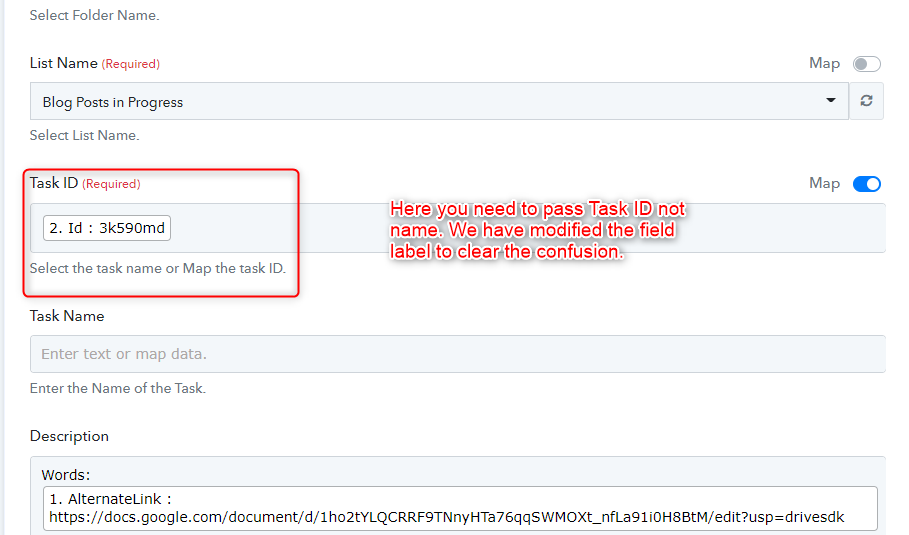
We have modified the workflow and added the task id instead of task name and run the workflow and it went successfully. Screenshot for your reference :-
Clearing up the title solves that issue, thanks.
Thanks for confirmation :)