ClickSend issue with postcode
Status: Closed · Asked by Benjamin Churchill on · 0 views
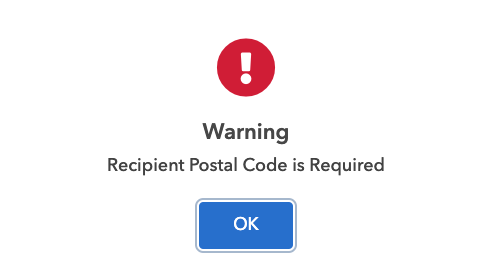
I hvae added a postcode to the click send application, to be able to automate the sending of lettings via Pabbly to click send, but keep getting an error saying that the postal code is in the incorrect format;

Click send dont seem to have an answer for me. Can anyone at Pabbly tell me what format the postcode needs to be in?
Hey @bennie2225
Kindly share the name of the workflow in which you have tried the action step.
I cant save the workflow, it wont allow me to save as it says the postal code is incorrect, and also wont let me save if its blank
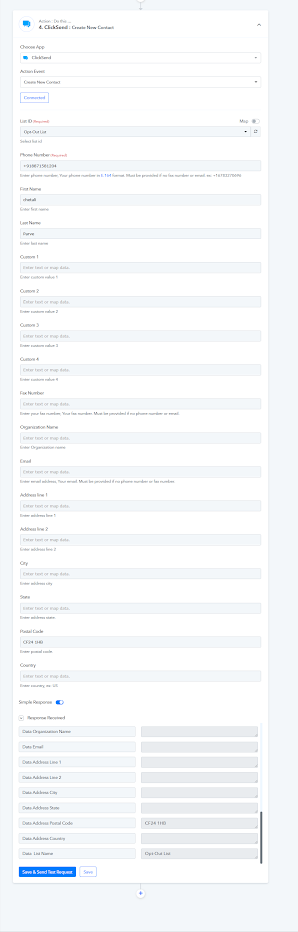
it will work, if i put a 5 digit string in - like 11111 - but not an actual UK postal code - CF24 1HB
Hey @bennie2225
We have checked the API reference at our end according to ClickSends API and it has been integrated fine.
So, we would recommend you contact the ClickSend support team for the same, perhaps they might help you consequently.
We have made a small change in the action step, kindly try the action step once and let us know.
Thank you.
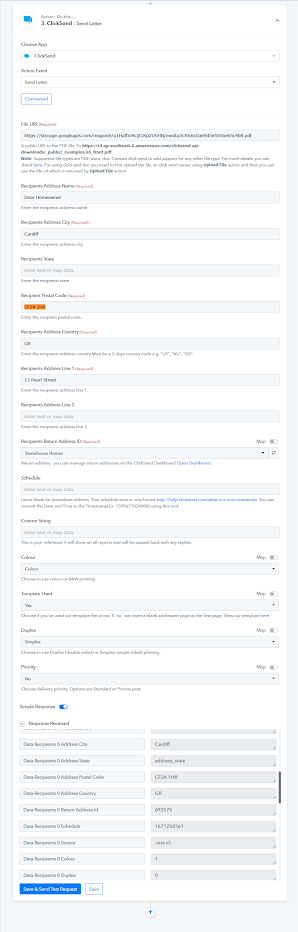
With the Country set to GB, it now accepts the GB/UK postcodes.
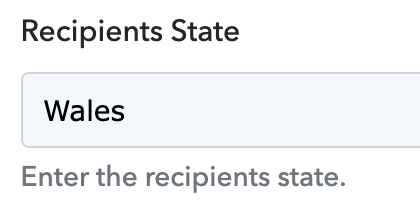
One other issue I have spotted, is that the 'Recipients State' is not a required field, if blank - it should be sending no value, it is currently sending the valye as 'address_state' - can you please update this so that if blank, it is sent empty?
This is in pabbly;

And has been added in Clicksent as below;
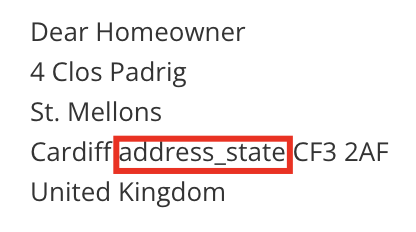
Sorry to add the the above, when I enter information into the Recipients State, it auto changes it to address_state
Input;
Results

Hey @bennie2225
Kindly reconnect the action step once and then try again.
It works! Thank you kindly!