Clickup Create Task without Folder data error
Status: Closed · Asked by manjumjn on · 0 views
Hi guys,
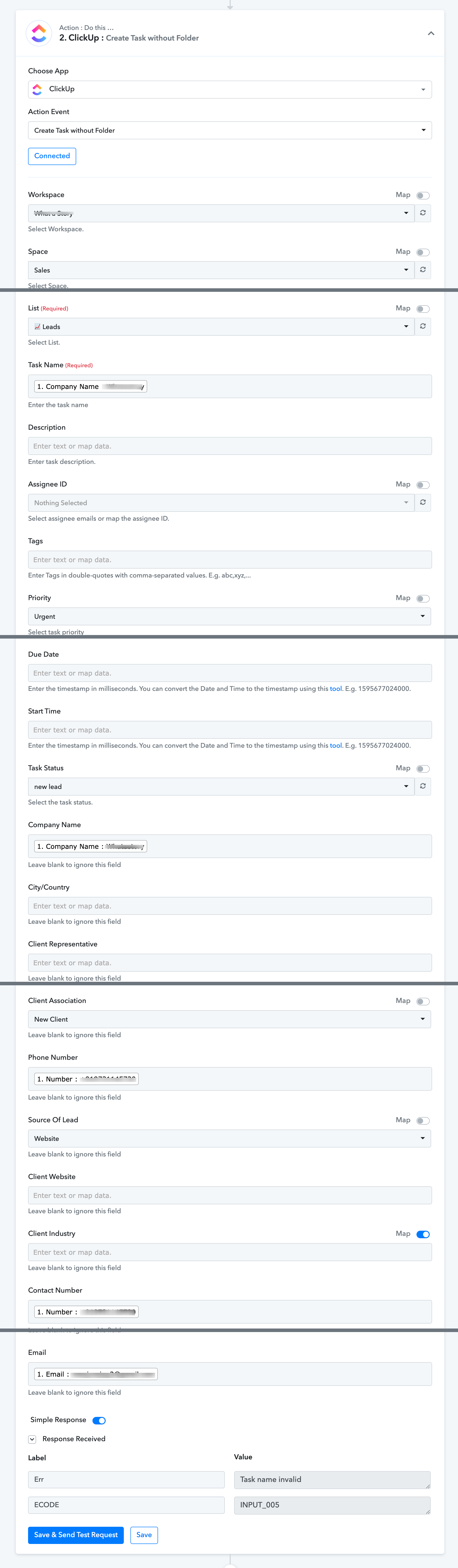
There is an issue with clickup integration where posting the data from novocall response to clickup results in Task Name Invalid
Hey @manjumjn
We have made some changes in the Clickup action step, kindly try again and let us know if that works for you.
Hi @Supreme ,
It seems to be working with response but the data is not updated on clickup.
It seems that the folder name and project name in response is named hidden which is not the selected one from webhook response on action form. Also the assignee list not being populated.
Hey @manjumjn
As we can see from your workflow and its history log the Clickup action step has worked accordingly. Kindly cross check your respective Workspace and List in whcih you have created the task.
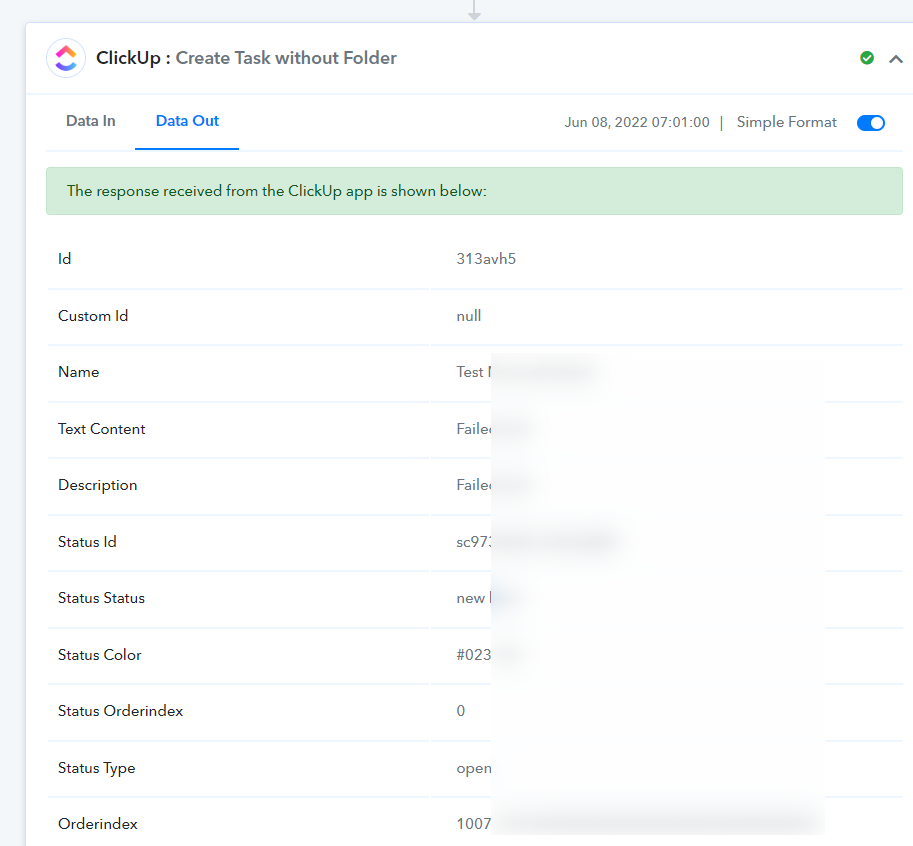
Moreover, if you want to create tasks in a folder then you could have used the "ClickUp: Create Task" action step instead of the "ClickUp: Create Task without Folder" action step whcih doesn't create tasks in any folder.
@Superme My bad, The tasks are being created, Only issue now is with assignee, there are no assignee's populated present on clickup to select from the list. I did try reconnecting it's still same
Hey @manjumjn
We are currently looking into it, so please allow us some time. We will let you know with an update soon.
Hey @Supreme Any update ?
Hey @manjumjn
We have made some changes in the action step and it is working accordingly. Kindly re-connect your ClickUp account once and then try again.
Hey @Supreme
Not sure if this is related to the recent changes, for some reason the webhook is not capturing any response from events. Just tried old workflow and also created new workflow with Novocall and Triggering new message event. The response capture shows only "Waiting for response" with loader
Hey @manjumjn
Could you please record a short video on how you are configuring the webhook URL with capturing the webhook response?