Clickup ERR Ecode Input_005
Status: Closed · Asked by DrBank on · 0 views
After all connect and request work, I am able to connect my Google sheet to Clickup.
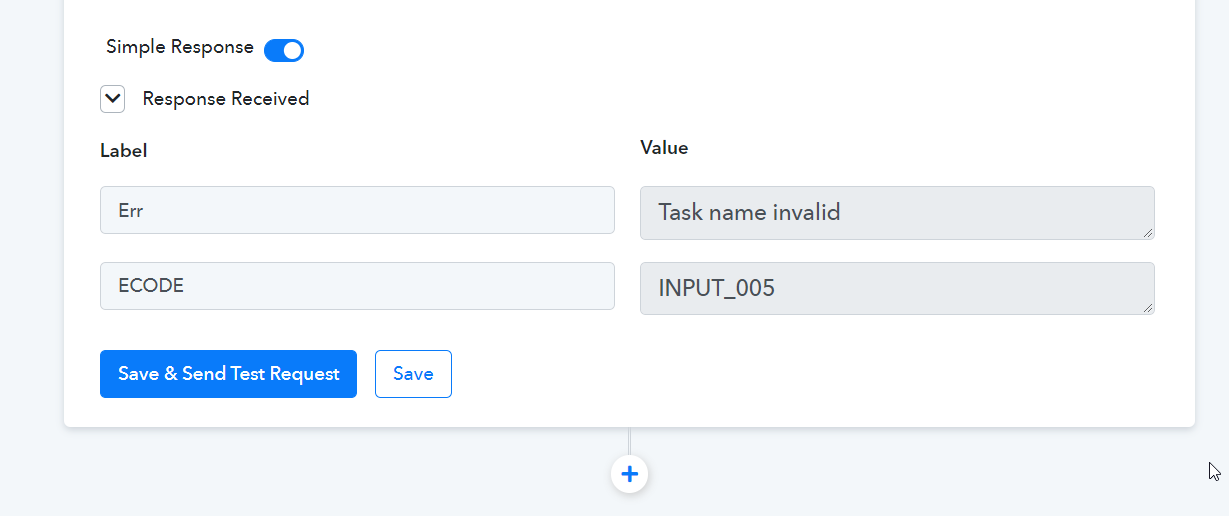
Finally, it shows ERR Ecode Input_005. How can I fix this?
Thank you.
Hey @DrBank
Could you please share the name of the workflow in which you are having such an error? So that we can look into it and guide you accordingly.
Hey @DrBankCould you please share the name of the workflow in which you are having such an error? So that we can look into it and guide you accordingly.
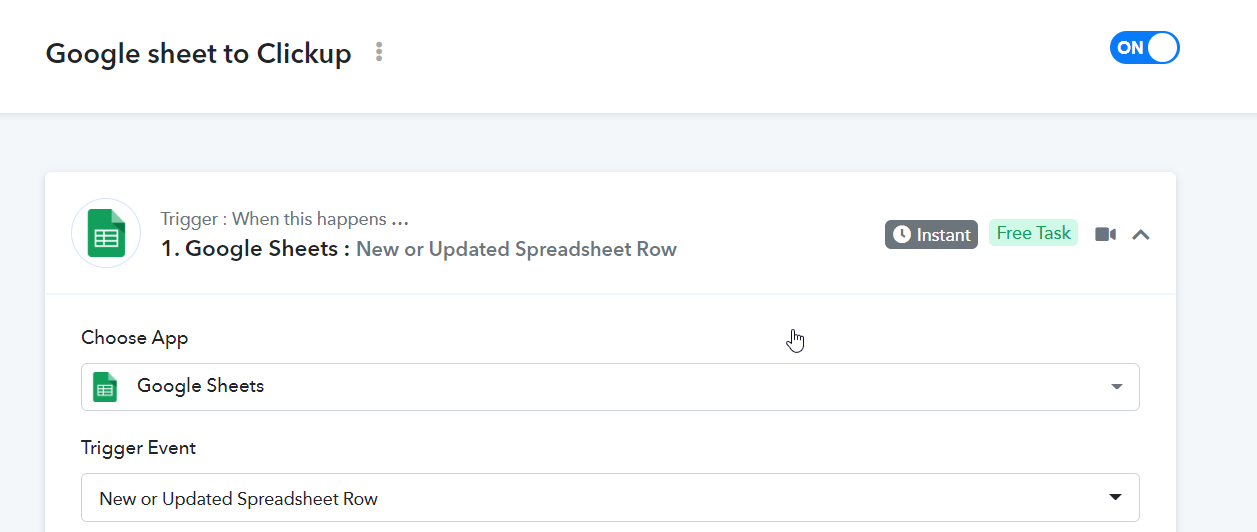
the workflow name : Google sheet to Clickup
Hey @DrBank
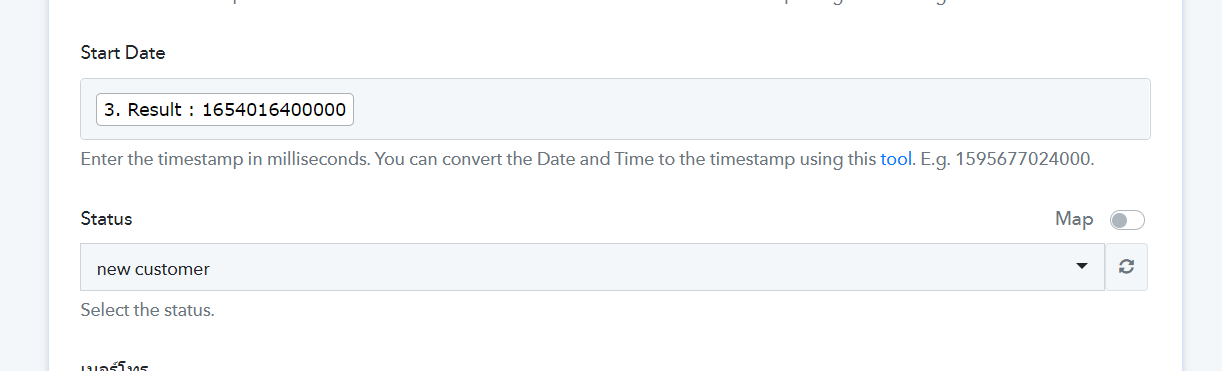
Kindly pass the DateTime in the Timestamp format as mentioned in the help text, you can use the DateTime Formatter action step to convert the time.
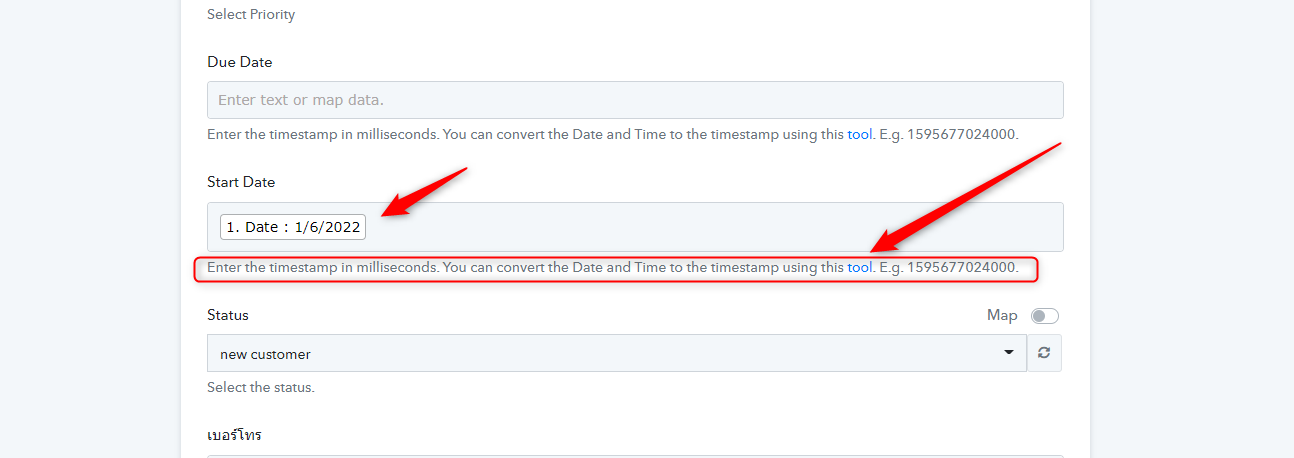
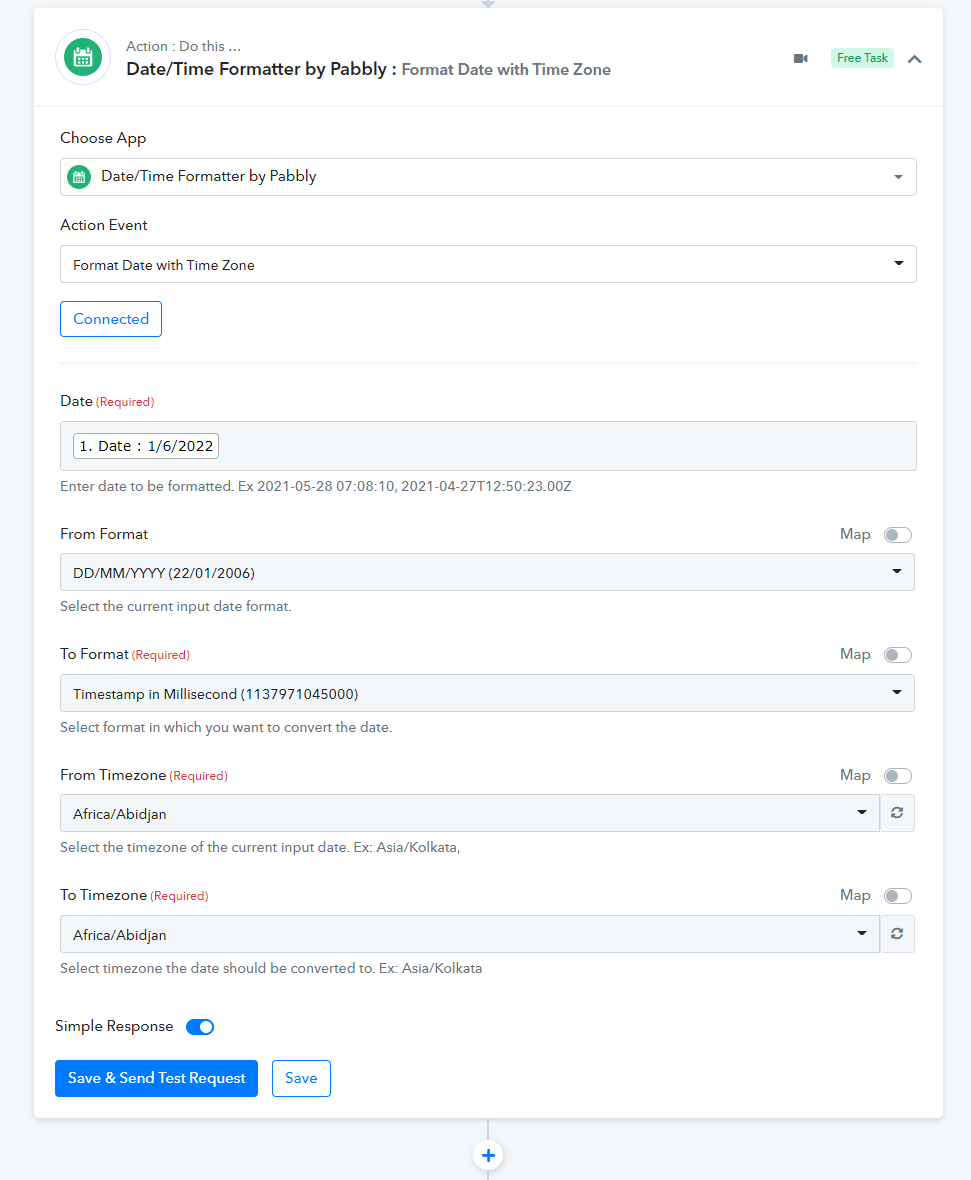
Hey @DrBankKindly pass the DateTime in the Timestamp format as mentioned in the help text, you can use the DateTime Formatter action step to convert the time.
Thank you.
I tried to change the date formatter that you recommended
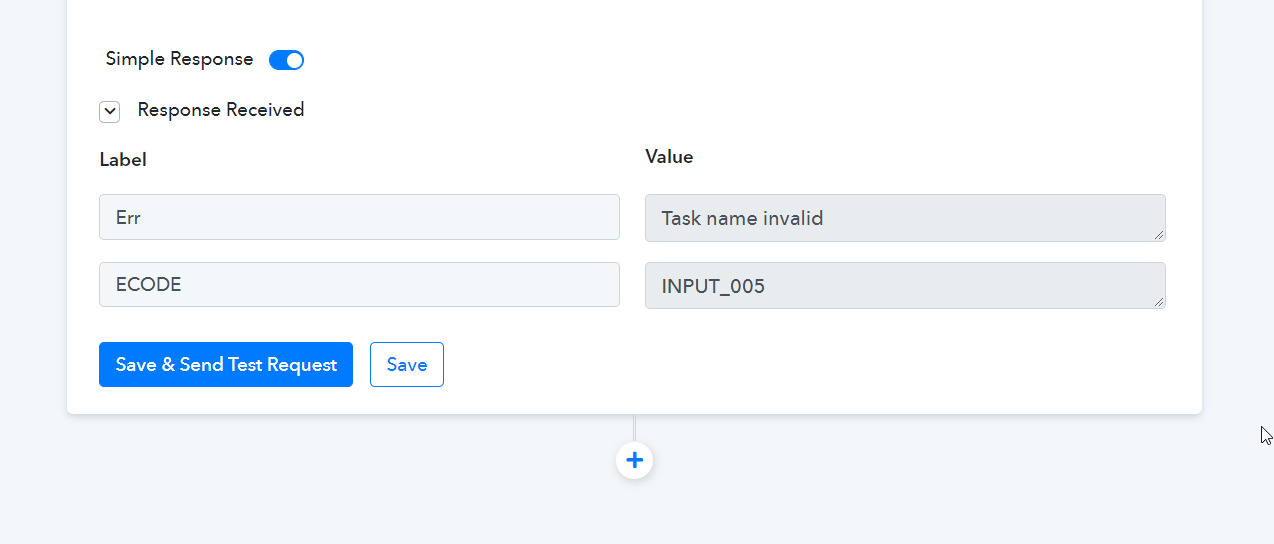
but it still shows an error about the task name being invalid.
Hey @DrBank
In the drop-down field of the Infinity action step, if you want to map certain data then you need to pass the option id of it which you can get it by opening the map button.
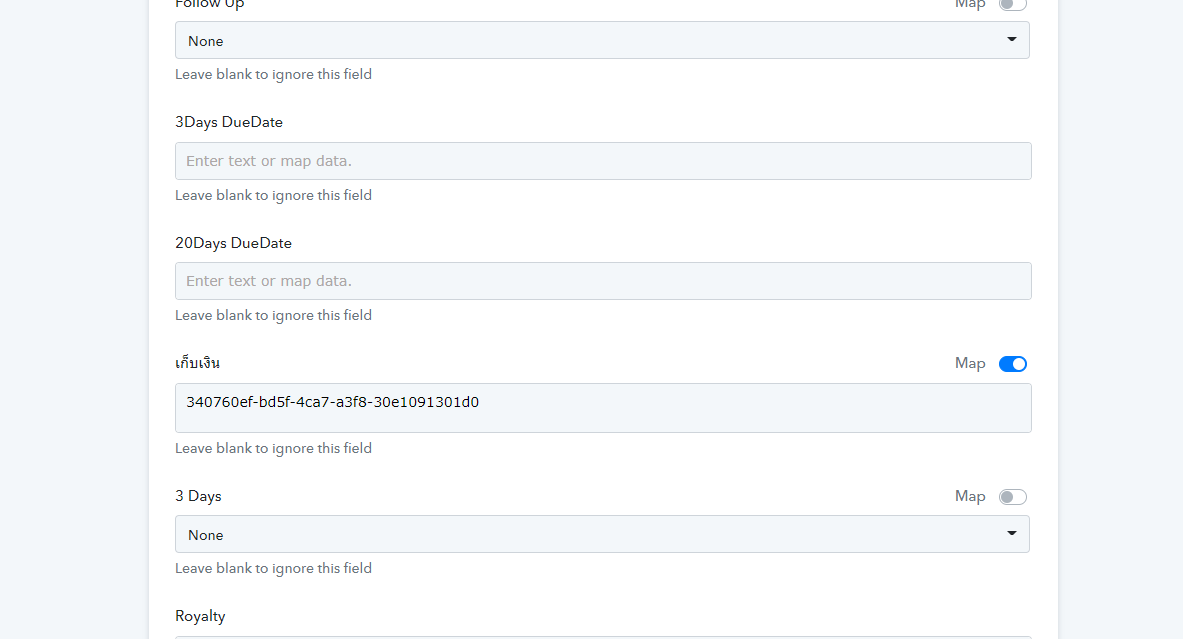
Hey @DrBankIn the drop-down field of the Infinity action step, if you want to map certain data then you need to pass the option id of it which you can get it by opening the map button.
I tried to delete all fields except for those that were required in the latest test. Unfortunately, I still get the same error : Task name invalid.
Hey @DrBank
If you do not want to pass anything in the dropdown custom field of Infinity's action step, you have to select or pass None from the dropdown/{{pc_skip_field}} by toggling the map button respectively.
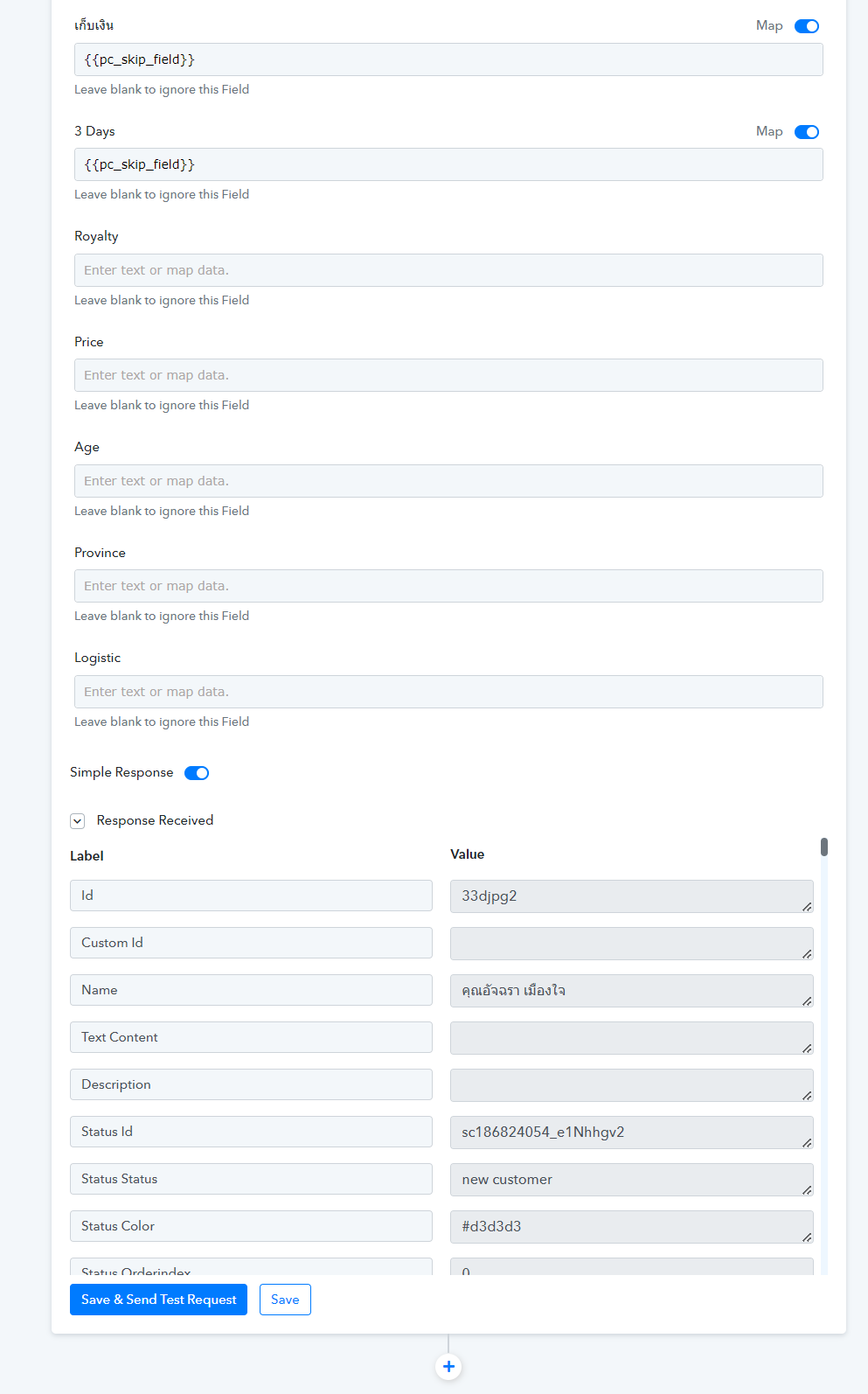
Hey @DrBankIf you do not want to pass anything in the dropdown custom field of Infinity's action step, you have to select or pass None from the dropdown/{{pc_skip_field}} by toggling the map button respectively.
Lastly, I have a solution for the ERR input_005 that requires only Administrators to be assigned to the Assignee ID field.
Everything is working now.
Thank you for your help.