Clockify not showing all projects
Status: Closed · Asked by Niels Przybilla on · 0 views
Hello Pabbly Community,
I am trying to add a task to a project.
But I do not see all projects. It seems to depend on the name: The name i Use is: A03 - Paasburg - Systemadministration
When I change to 1111 - Paasburg - Systemadministration the name project is shown immediately.
Many thanks for your help.
Best wishes
Niels
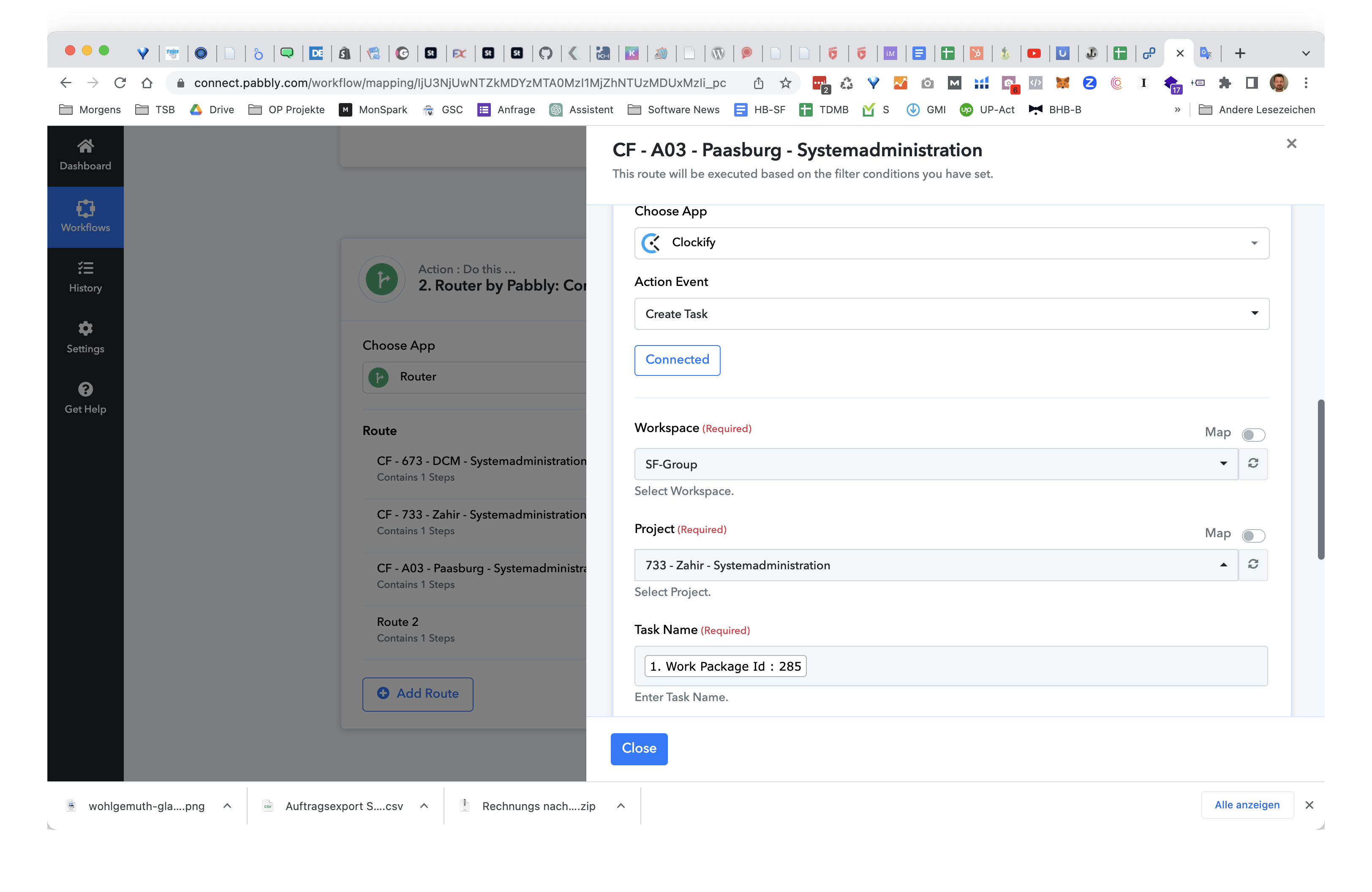
Hi @niels.przybilla,
Could you please state what name you are referring to?
It is a project name
Please click on the refresh button and see if all the projects show up.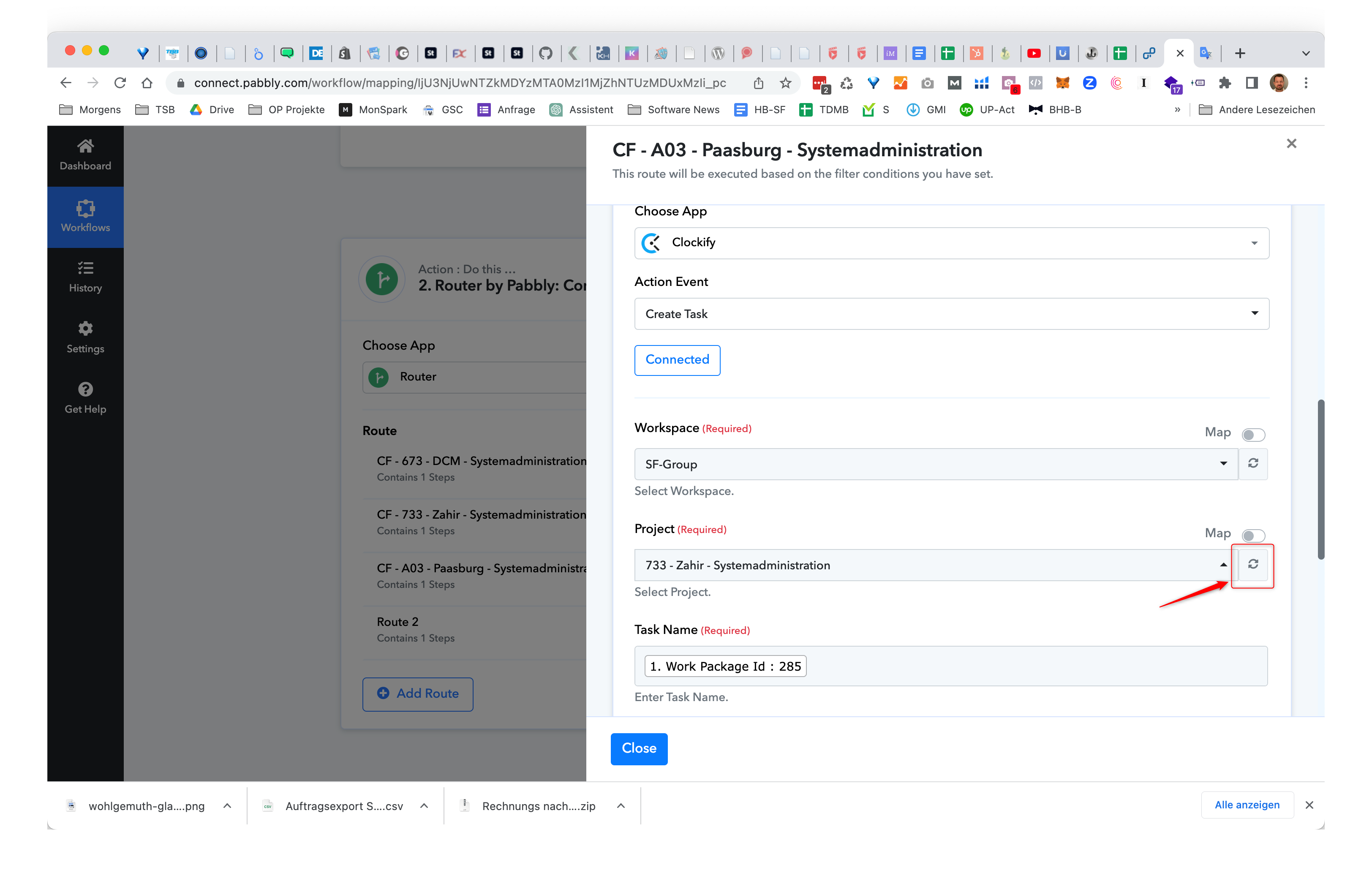
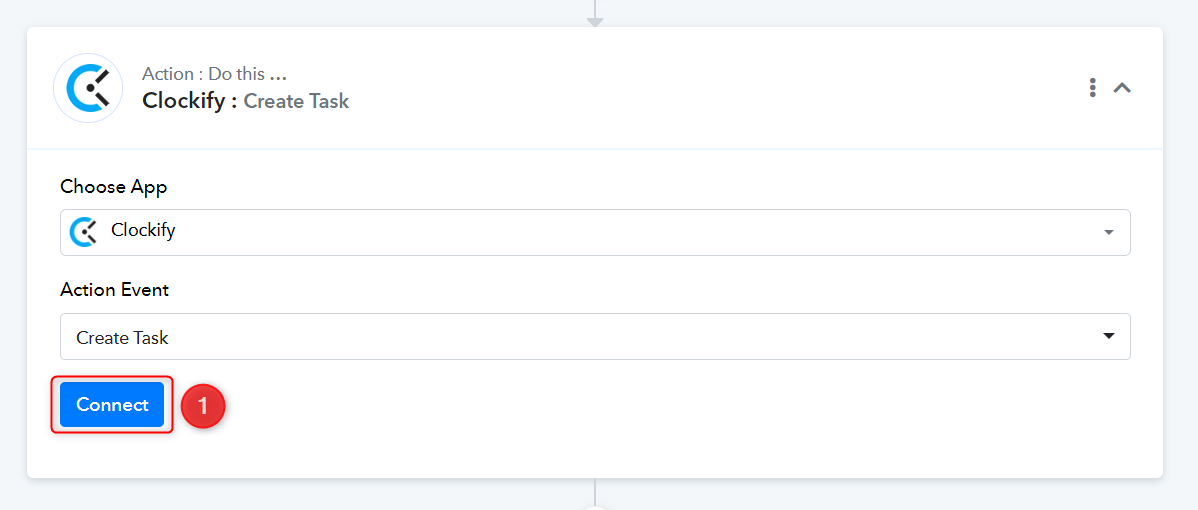
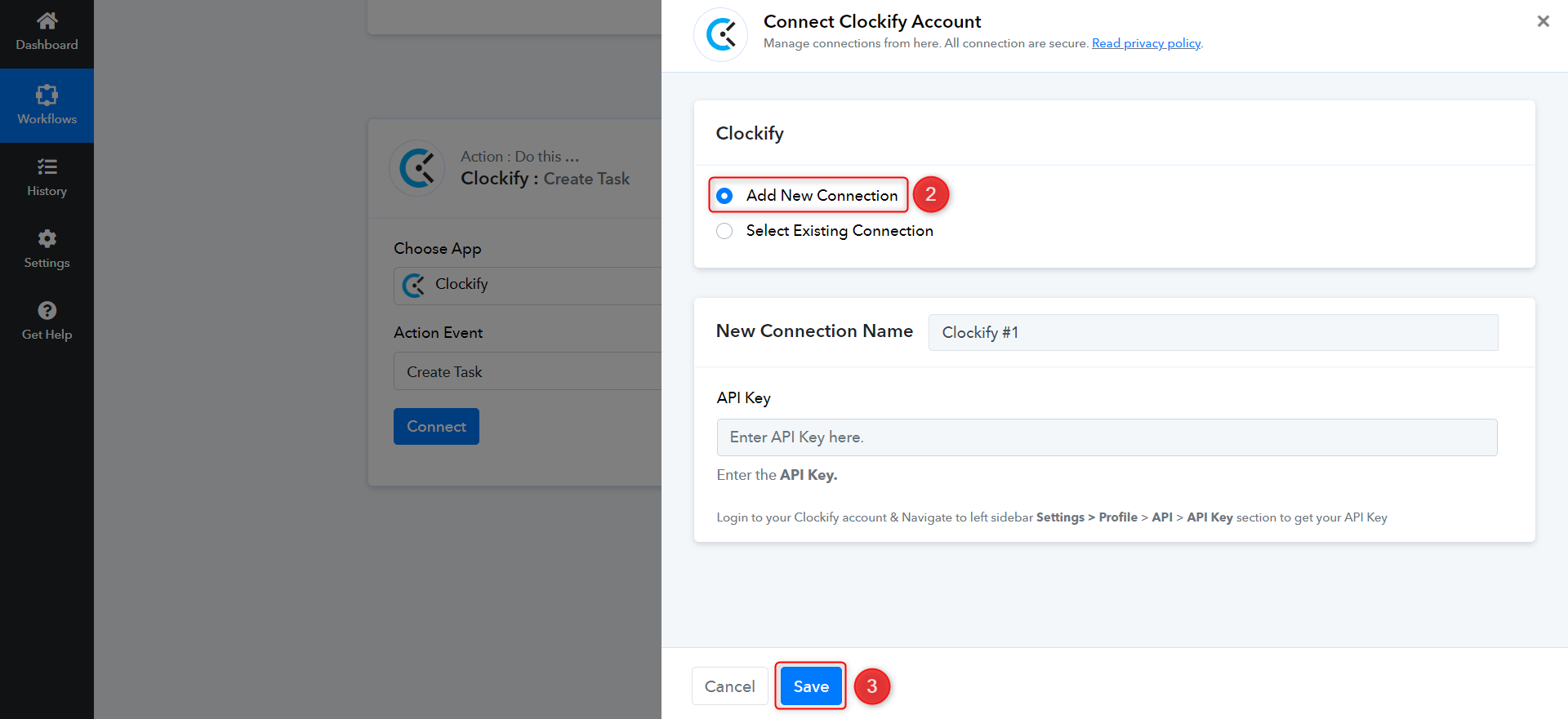
If project names still don't show up, please log in to your Pabbly Connect and Clockify accounts in an incognito tab. Then, re-establish a connection with your Clockify account and try again.
1. refresh button did not help. I try to explain you.
When the name is like: A03 - Paasburg - Systemadministration (all beginning with A as first letter) they are not showing up.
When I rename the same project to: 1111 - Paasburg - Systemadministration (removing the A in the beginning they are showing up)
Best wishes
Niels
@niels.przybilla, We have made some changes in the backend. Please refresh and check; the Projects should be listed now.
Yes. You fixed it. Now it works fine.