Cloudconvert issue
Status: Closed · Asked by dittdesign on · 0 views
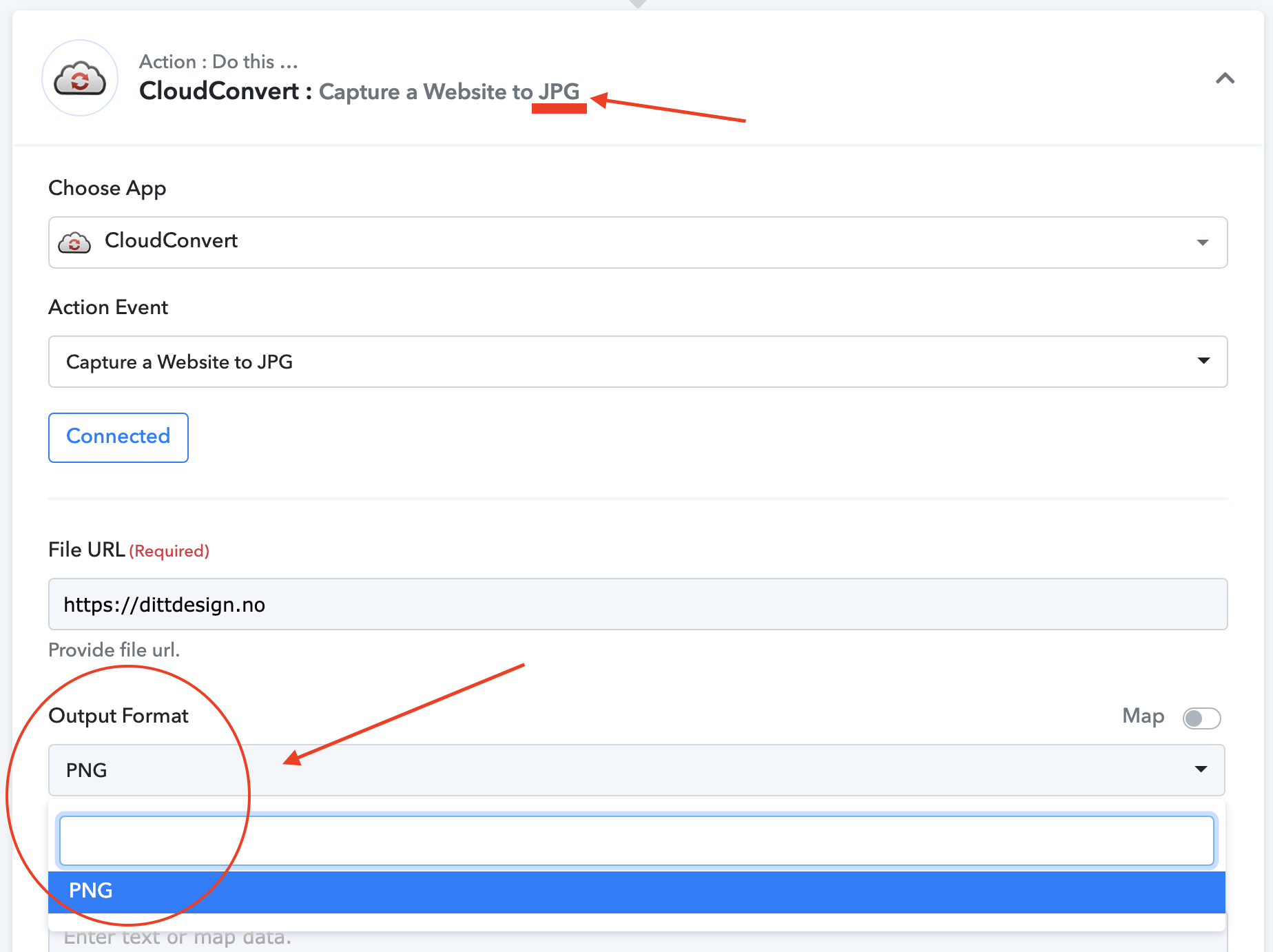
If I choose "Capture a website to JPG", my only choice for output format is PNG?!?!?
Attachments
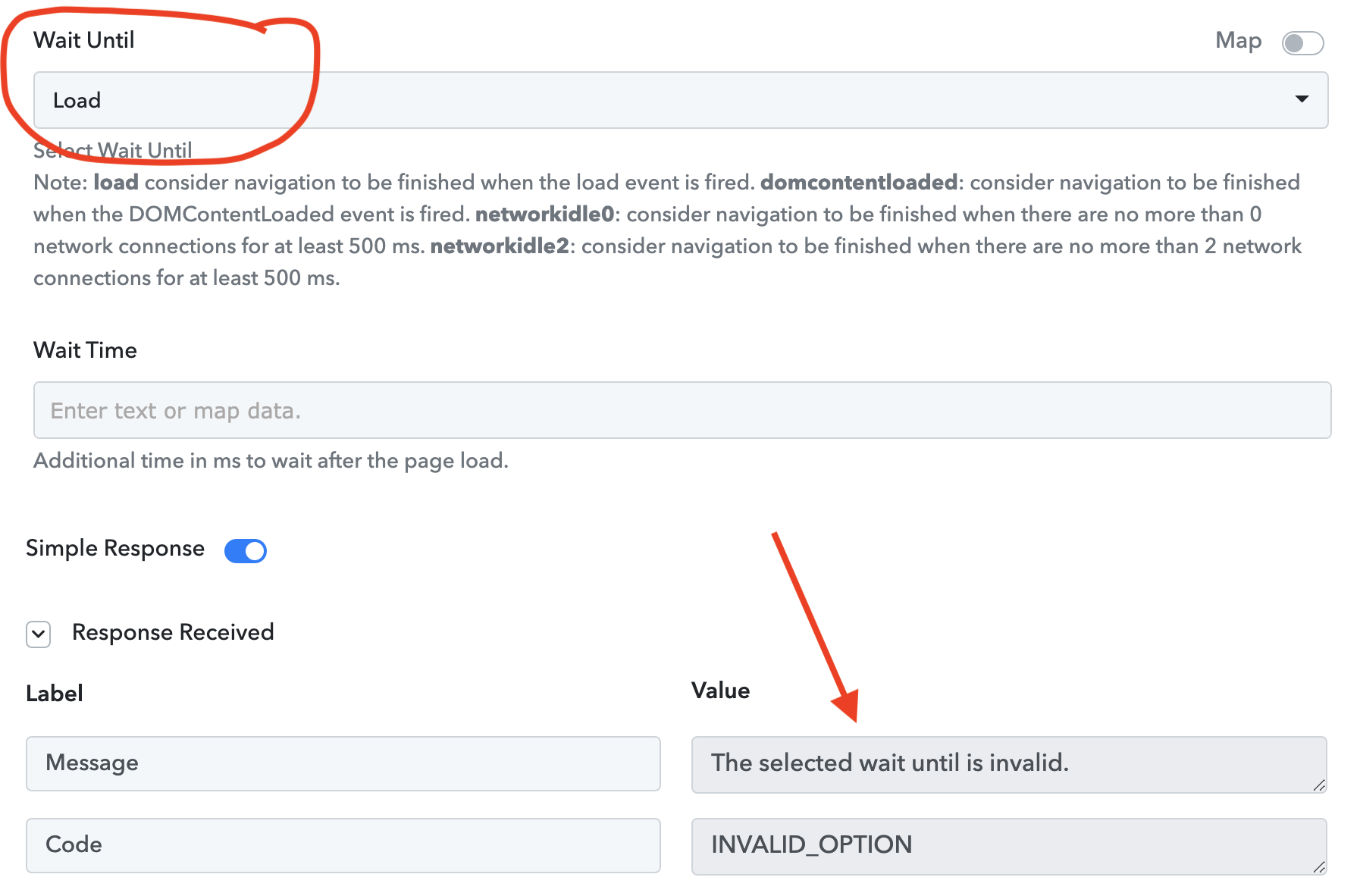
Wait until: Load, is not working.
Attachments
Hey @dittdesign
Could you please reconnect the action step once and then try again?
Hey @dittdesign
We have checked the same with the tech team and the "Load" option is currently not working from their end.
So, you can try the "Dom Content Loaded" option in Wait Until field.
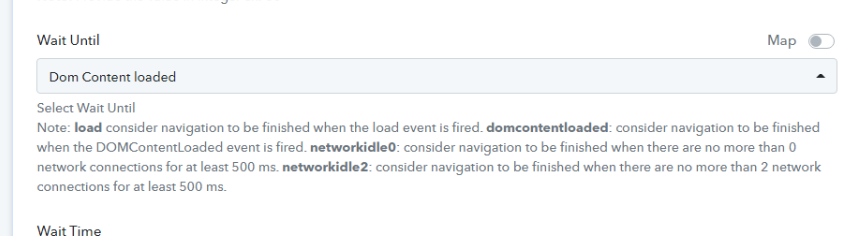
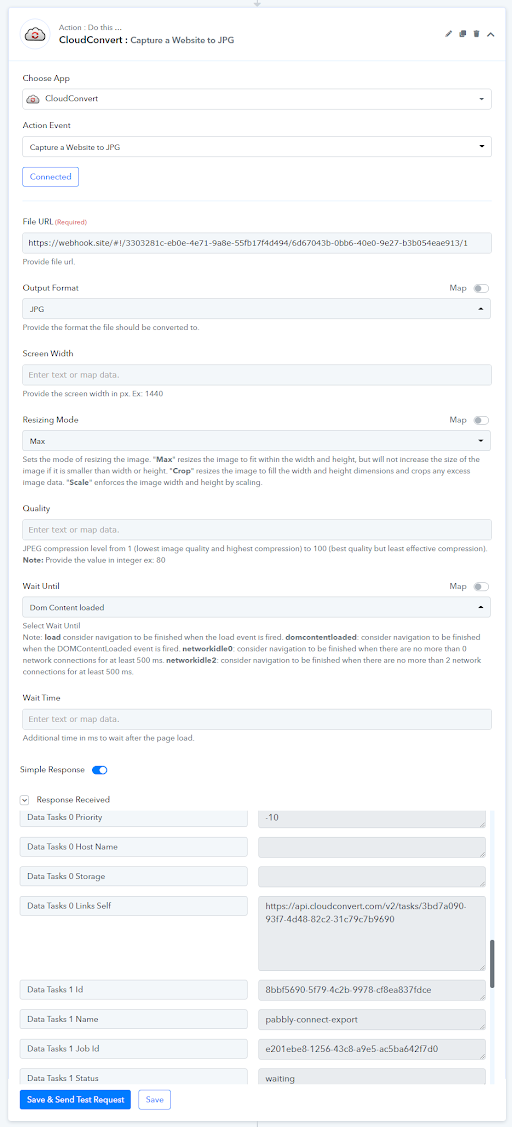
"Load" didn't work but the others did so I am ok.
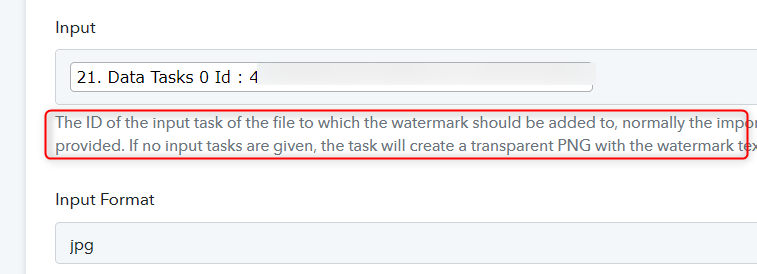
Do you have any tutorials on cloudconvert -> create new watermark? I can't understand what kind of Task ID it should be in the input??!! I have tried all ID's in previous steps. My workflow where I test this is called switcy. The watermark step is at the bottom/end.
"Load" didn't work but the others did so I am ok.
Do you have any tutorials on cloudconvert -> create new watermark? I can't understand what kind of Task ID it should be in the input??!! I have tried all ID's in previous steps. My workflow where I test this is called switcy. The watermark step is at the bottom/end.
Kindly try passing the Task Id which has the image format of PNG as mentioned in the help text.