Code 1 error when trying to post from Instagram to Pinterest
Status: Closed · Asked by papelariaunicornio on · 0 views
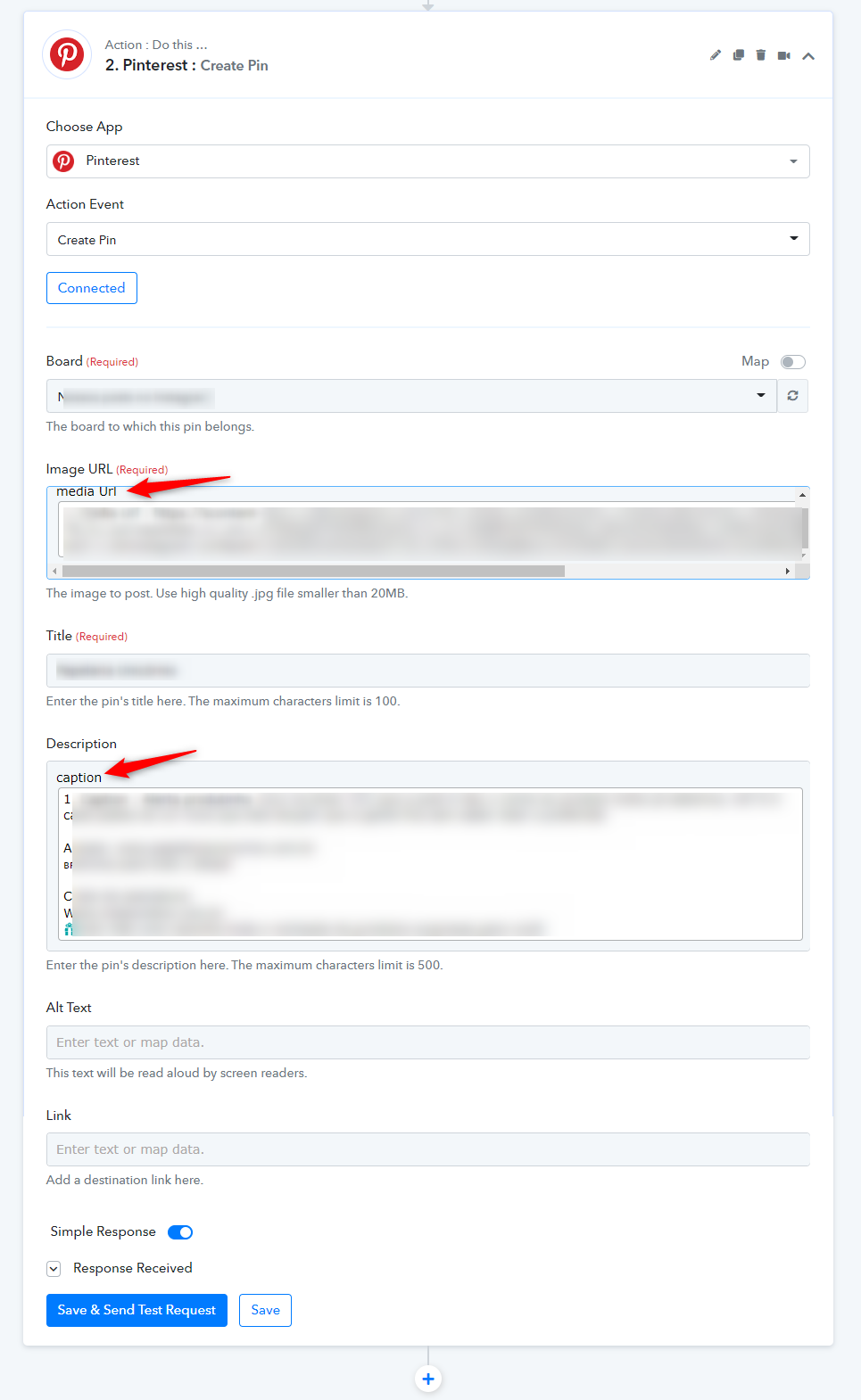
I'm trying to create a Pin on Pinterest everytime I post a picture in my Instagram account
I made all the steps show in this video
youtube.com/watch?v=JQDqEd9QFog
but when I try to Save and Send Test Request, I get Code 1 error message, saying "Image URL Media https://scontent-lax3-1.cdninstagram.com/v/t51.29350-15/285225392_1702591286740343_7940952959029344121_n.jpg?_nc_cat=110&ccb=1-7&_nc_sid=8ae9d6&_nc_ohc=L3TNRqsDTTsAX84uJg1&_nc_oc=AQlBlf7ElTf42KGybI_s8oaYQYSADeNA_mH66YqXSJG1saS7FdgpHzqJ6HMyKIt_VQU&_nc_ht=scontent-lax3-1.cdninstagram.com&edm=ANo9K5cEAAAA&oh=00_AT-SROZODpqBqG7e_e8bdBT6MYnyxdDh4Bz13BjJlM-mXQ&oe=629D7742 is not a valid URL"I wonder that's because the URL isn't ending with JPG, but I don't know how to solve it
Can anyone help me?
We have updated your workflow and it is working fine.
Do check the field how we have done - https://connect.pabbly.com/workflow/mapping/IjM5NjcxNiI_3D
Thanks a lot. It's working perfectly. Is there any way I can do it with all my previous Instagram posts? Or only from now on?
You added some text in your orignal workflow and thus it was not working. We simply removed those text and tested it. That's it.