Cognito Not Pulling Fields In workflow.
Status: Open · Asked by JasonTell7 on · 0 views
I just started a new connection from lead connector to agent CRM. Lead connector is gathering all of the data, but all of the fields for Cognito are not coming over to be able to map from lead connector. What can I do to fix this? Thanks! :-)
Troubleshooting Integration with Cognito Forms - Watch Video
The video you shared doesn't seem to show the form you're referring to. Could you please share a short screen recording that shows the fields present in your Cognito Forms but aren't appearing in 'Create Entry' action step?
show the form you're referring to. Could you please share
Here is a URL for the Cognito Form:
https://www.cognitoforms.com/HealthMarkets1/TESTCOPYHealthmarketsACAIntakeFormComplete
Please let me know if this is enough, or if you need anything else.
Thank you for sharing the form. Please allow us some time to look into this concern. We will get back to you with an update soon.
Hey @JasonTell7 !
If possible, can you once check at your end by using the normal Address fields-
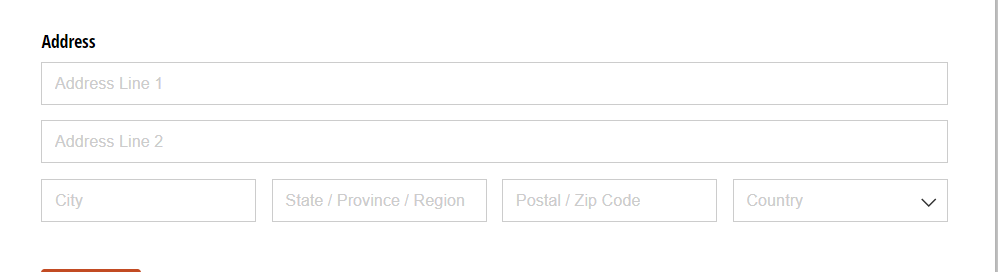
We created a form with Cognito and check on our end and its populating all the fields of it-
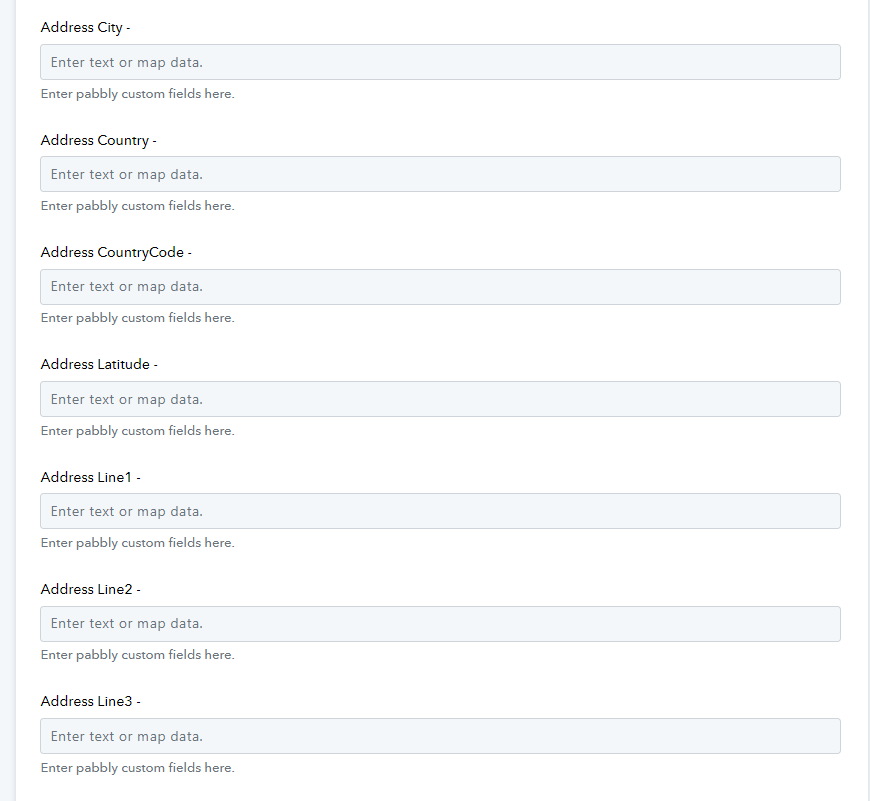
Kindly remove your address and add the normal address as shown above and check if they are visible or not.
Hey @JasonTell7 !If possible, can you once check at your end by using the normal Address fields-
We created a form with Cognito and check on our end and its populating all the fields of it-
Kindly remove your address and add the normal address as shown above and check if they are visible or not.
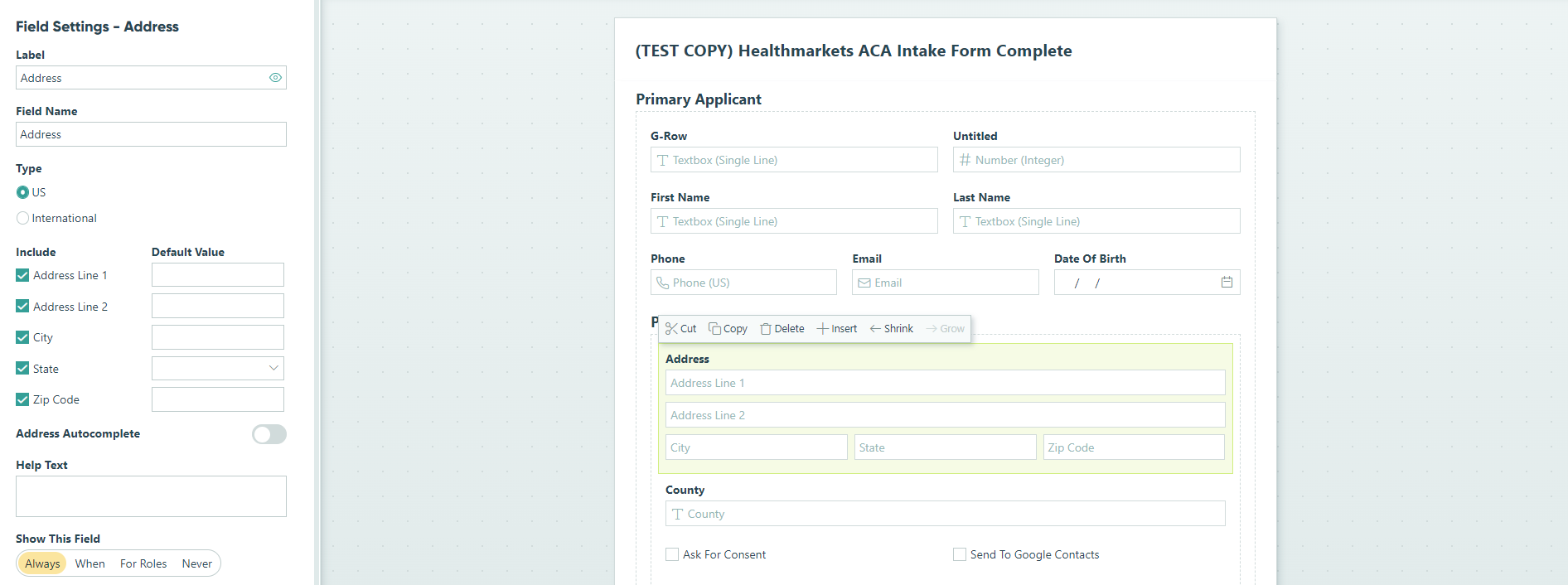
I just deleted all of the fields, and replaced it with the standard Address Fields, and it's still not working. Any other Advice? :-)
Hey @JasonTell7 !
It seems there is some issue with your form.
Can you once create a new normal form and check in the workflow if its showing all the fields or not.
Do check and let us know about it.