Confusing Map Data Options
Status: Open · Asked by calebcaleb on · 0 views
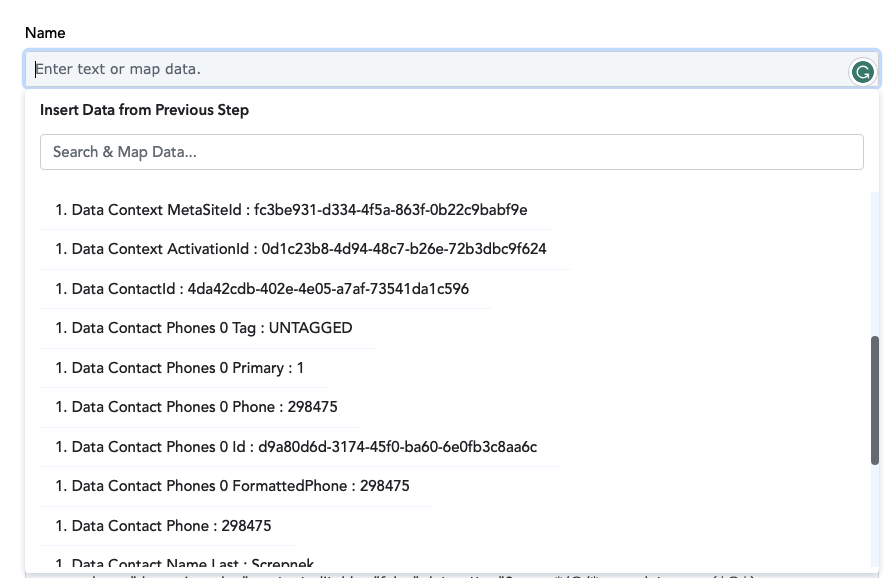
I am connecting a form on my Wix site with Airtable, however, the map data options shown in the drop-down are confusing and I don't know which ones correspond with the fields in my form. I've attached a screenshot of the form on my website and the drop-down with the available map data inputs. Could someone help me?
Attachments

Hi @calebcaleb,
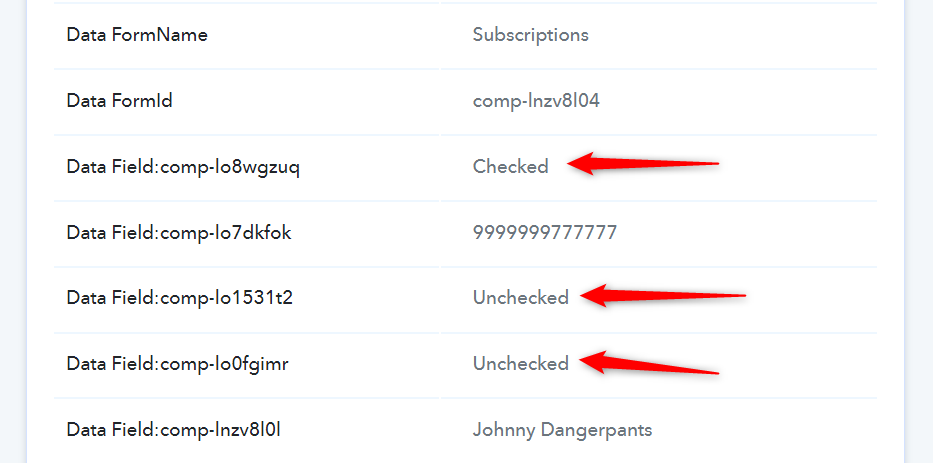
Please make three test submissions, and in each submission, enter your name, phone number, and choose only one option, then submit. You can then check your task history to see which key corresponds to the option you selected and map those details to Airtable accordingly.
Attachments
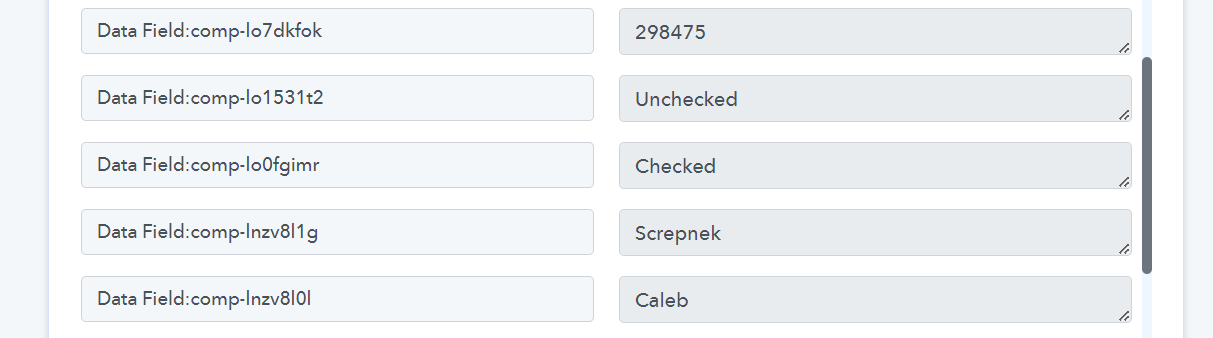
Sorry but this doesn't make any sense..I can't find anywhere the screen you sent a screenshot from. I don't see my checkboxes appearing anywhere in my results, and the map data options are completely random. I've been making tests and they're not corresponding or easy to make sense of at all.
Sorry but this doesn't make any sense..I can't find anywhere the screen you sent a screenshot from.
The screenshot I shared is from your Task History.
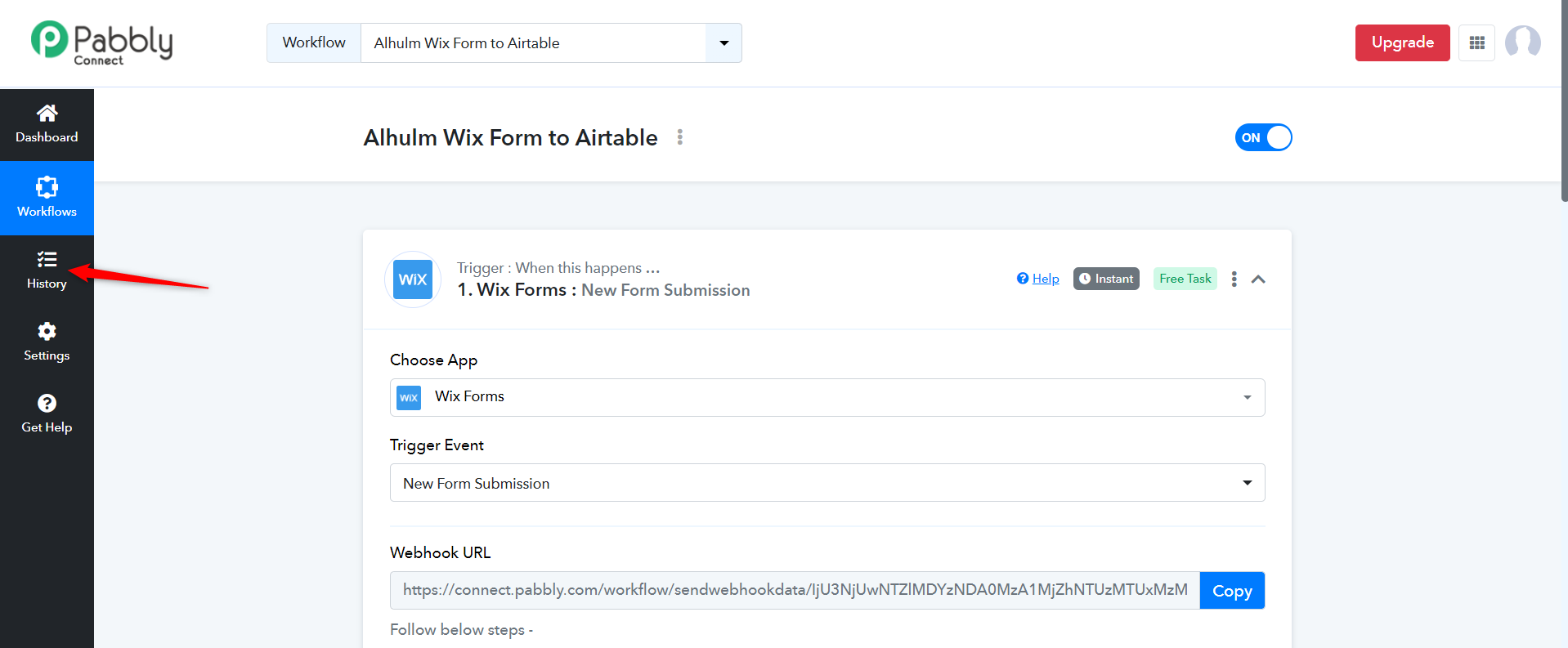
Now, make three new submissions, selecting only one option at a time as suggested in my previous answer. When making each submission, enter the name of the option you are selecting in the name field.
For example, in your first submission, if you select 'Yes,' then enter 'Yes' in the name field. In your second submission, select 'No,' and enter 'No' in the name field. In the third submission, select 'More Information,' and enter 'More Information' in the name field of the form you are submitting.
Once you have made these submissions, please let me know.